What Is a PPC Audit?
A PPC audit is a systematic review of your paid search accounts to identify wasted spend, configuration errors, and missed optimisation opportunities. Whether you call it a Google Ads audit, a paid search audit, or a broader ad account audit, the goal is the same: verify that every dollar of ad spend is working toward a business outcome.
A thorough PPC audit covers campaign structure, keyword targeting, bid strategies, conversion tracking, and budget allocation. For agencies managing multiple clients, regular audits are one of the highest-value activities you can perform. They catch problems before they compound, and they give you the evidence to have informed conversations with clients about where their money is going.
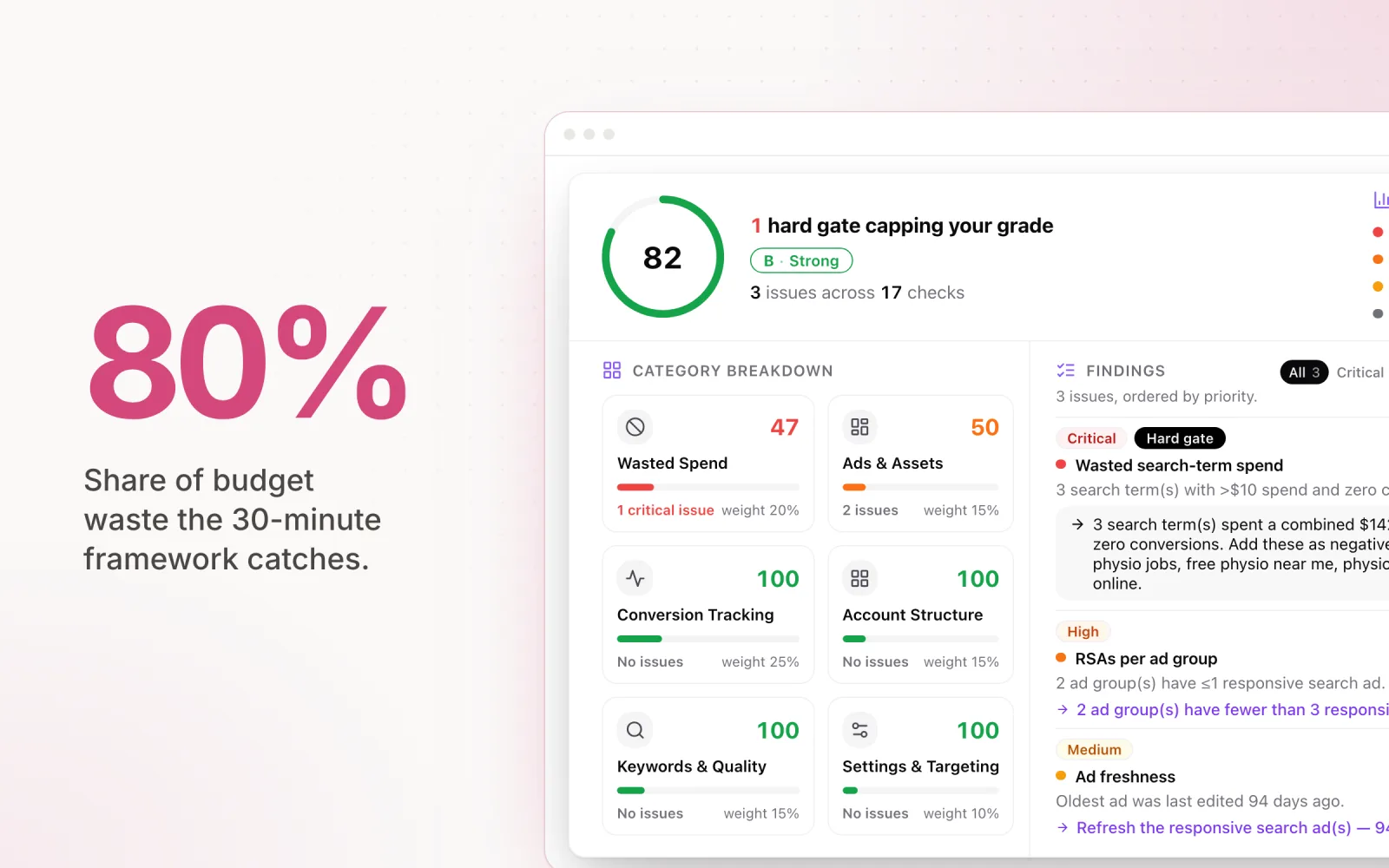
The challenge is that traditional audit checklists run 50 steps or more and take hours per account. After years of managing dozens of accounts simultaneously, I developed a focused 30-minute framework that catches the issues responsible for 80% of budget waste. This is not a comprehensive, 100-point checklist. It is a practical PPC audit guide designed for agencies that need results without burning half a day per account. If you would rather lean on dedicated software for continuous auditing, our TrueClicks review walks through one of the better tools in the category.
The 30-Minute Ad Account Audit Framework
The framework is built around four checkpoints, each allocated roughly 7 to 8 minutes. You move through them sequentially, flagging issues as you go without stopping to fix anything. The audit produces a list of findings. Fixes come later.
This separation between auditing and fixing is important. When you try to fix issues as you find them, a 30-minute audit becomes a 3-hour session. Audit first, prioritise second, fix third.
The four checkpoints are: budget pacing status, conversion tracking integrity, wasted spend identification, and ad relevance review. Each one targets a specific category of loss that compounds over time if left unchecked.
Google Ads Quick Checks (10 Minutes)
Google Ads accounts tend to accumulate waste in predictable places. These checks target the most common sources. Ignore the account-level optimisation score for now; it measures how closely you follow Google's recommendations, not how healthy the account is.
Search term waste. Pull the search terms report for the past 30 days for a thorough paid search analysis. Sort by cost (descending) and scan the top 50 terms. Flag any term that has spent more than your target CPA without converting. These are the queries bleeding budget. In most accounts, 10 to 15 irrelevant search terms account for a disproportionate share of wasted spend.
Budget pacing status. Check each campaign's monthly spend against its target. Are campaigns pacing to land on budget? A campaign that is 40% through the month but has only spent 20% of its budget will underspend significantly. Conversely, a campaign that has burned 70% of budget by mid-month needs immediate attention.
Conversion action alignment. Open the conversions settings and verify that the primary conversion actions are correct. A common issue is accounts tracking page views or button clicks as primary conversions, which inflates Smart Bidding signals and wastes budget on low-quality actions. Every campaign should be optimising toward actions that represent genuine business value. If conversion tracking is throwing warnings or showing zero data, work through our guide to fixing common Google Ads errors before flagging anything else.
Bid strategy performance. For campaigns using automated bidding, check the bid strategy report. Look for strategies that are "limited by budget" or showing a learning period that has lasted more than two weeks. Both indicate that the campaign is not operating at its intended efficiency.
Meta Ads Quick Checks (10 Minutes)
Meta's algorithm behaves differently from Google's, and the audit checks reflect that. The primary concerns on Meta are learning phase disruption, audience overlap, and CBO allocation imbalances.
Learning phase status. Check the delivery column for each ad set. Any ad set stuck in "Learning Limited" is not optimising efficiently. This typically happens when the ad set does not generate enough conversions (roughly 50 per week) to exit learning. The fix is usually consolidating ad sets or broadening targeting, but for the audit, just flag it.
Audience overlap. Use Meta's audience overlap tool to check whether ad sets within the same campaign are competing against each other. Overlapping audiences drive up CPMs because you are bidding against yourself. Flag any overlap above 20% for review.
CBO allocation patterns. If the account uses Campaign Budget Optimisation, check how Meta is distributing budget across ad sets. CBO frequently funnels the majority of budget to one ad set while starving others. If an ad set with strong creative is getting less than 10% of budget, the algorithm may be making a suboptimal allocation decision. Flag imbalanced distributions for manual review.
Frequency and fatigue. Check the frequency metric for each ad set over the past 14 days. A frequency above 3 to 4 for prospecting campaigns suggests the audience is seeing the same ads too often. Performance typically declines as frequency rises, and CPAs increase alongside it.
LinkedIn Ads Quick Checks (5 Minutes)
LinkedIn's ad platform has its own quirks, and the audit checks account for them. LinkedIn campaigns tend to underspend rather than overspend, but the waste shows up in different ways.
Audience size. Check the estimated audience size for each campaign. LinkedIn campaigns targeting audiences below 50,000 members often struggle to deliver consistently. The platform needs a large enough pool to optimise within. Flag any campaign with an audience below this threshold.
Daily budget vs. actual spend. LinkedIn can overshoot daily budgets by up to 50% on any given day. Check whether actual daily spend is consistently exceeding your set budget. If so, reduce the daily budget to account for this overshoot. Also check for chronic underspend, where campaigns are only using 60 to 70% of their daily allocation.
Lead form performance. If the account uses LinkedIn Lead Gen Forms, check the form completion rate. A low completion rate (below 10%) usually indicates that the form has too many fields or the offer is not compelling enough. Compare lead form CPAs against website conversion CPAs to determine which path is more efficient.
PPC Audit Checklist: The Complete List
Here is every check from the framework above consolidated into a single PPC audit checklist you can run through account by account. Use this as your audit report template by copying the list and marking pass, fail, or flag next to each item.
Google Ads checks: search term waste (top 50 terms by cost), budget pacing vs. monthly target, primary conversion action alignment, bid strategy health (limited by budget, extended learning).
Meta Ads checks: learning phase status per ad set, audience overlap above 20%, CBO allocation balance across ad sets, frequency above 3 to 4 on prospecting campaigns.
LinkedIn Ads checks: audience size above 50,000, daily spend vs. daily budget (accounting for 50% overshoot), lead form completion rate above 10%.
Cross-platform checks: monthly spend vs. target across all platforms, conversion tracking parity (same events tracked consistently), budget allocation vs. performance by channel.
Competitive Paid Search Audit
A complete PPC audit should also examine your competitive landscape. Google Ads provides auction insights data that reveals who you are competing against and how your visibility compares to theirs.
Impression share. Check your impression share at the campaign level. If impression share is below 60% on your highest-value campaigns, you are leaving search real estate to competitors. Compare this with your lost impression share due to budget vs. rank to determine whether the issue is spend or quality.
Overlap rate and position above rate. The overlap rate shows how often a competitor's ad appears alongside yours. The position above rate shows how often they outrank you. Together, these metrics reveal which competitors are your biggest threats and whether you are losing top positions to budget constraints or bid strategy issues.
Competitor keyword coverage. Use tools like Ahrefs or SEMrush to spot keywords your competitors are bidding on that you are not. A competitive paid search audit often reveals gaps in your keyword strategy that simple account audits miss. This is particularly valuable for agencies onboarding new clients whose accounts have not been managed proactively.
Turning Audit Findings into Action
The audit produces a list of flagged issues. The next step is prioritisation. Rank each finding by estimated financial impact: how much budget is being wasted or underutilised because of this issue?
High-impact items get fixed first. A search term wasting $500 per month takes priority over a minor audience overlap. This prioritisation ensures that the audit drives measurable improvement, not just a long list of to-dos that never gets completed.
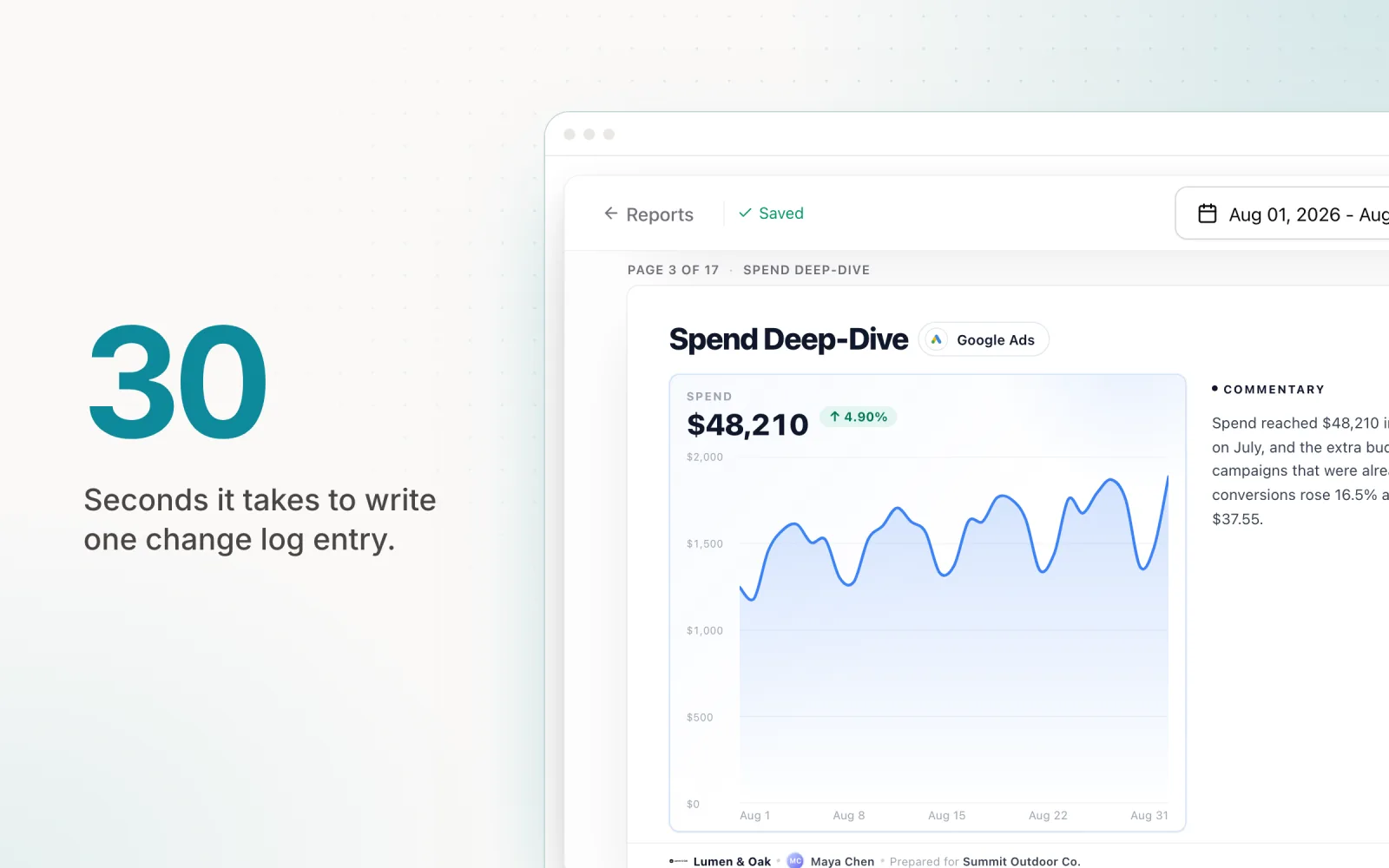
Document everything. A change log that records what you found, what you changed, and why you changed it serves two purposes. It creates accountability within your team, and it demonstrates value to clients who want to see that their agency is actively protecting their budget.
Free PPC Audit Template
If you want a ready-made PPC audit report format, use the checklist above as your starting template. For each account, create a document with three columns: the check, the finding (pass, fail, or flag), and the estimated monthly impact. Sort findings by impact and you have a prioritised action list that doubles as a client-facing audit report.
For agencies that want to skip the manual template entirely, Pace automates supported monitoring and audit workflows across connected accounts. Coverage varies by platform: automated account audits are currently available for Google, Meta, and Microsoft, while the unified dashboard, pacing, reporting, and alerts cover a broader set of platforms.
How Automated Audit Tools Reduce This to 5 Minutes
The 30-minute framework works well for manual audits, but it still requires logging into each platform, pulling reports, and reviewing data by hand. Automated PPC audit tools compress this process by connecting to your ad accounts via API and running these checks continuously.
Pace monitors budget pacing, spend anomalies, and performance deviations across supported connected platforms. Instead of relying only on a monthly audit, the system can flag supported issues as they emerge. Coverage and refresh timing vary by platform.
The shift from periodic auditing to continuous monitoring changes the value equation. You are no longer catching problems after they have cost money. You are catching them before they compound. For agencies managing ten or more accounts, this difference adds up to thousands in preserved budget each month. If you are running audits across a large roster, our guide on managing budgets for 20+ clients covers how to build systems that scale the process without burning out your team.
Run your first 30-minute audit this week using the framework above. Pace automates the budget pacing and spend anomaly checks across all eight platforms, turning a manual audit into a continuous process — start a free trial to get started. Once you see the issues it surfaces, you will understand why continuous monitoring is worth the investment.

Jordan Parrello
Founder of Pace. Ran an agency pacing sheet by hand for years before building the thing that checks it every 5 minutes. About Pace or LinkedIn