In paid media, missing a budget target is a lose-lose situation.
- Overspend: You have to have an awkward conversation with your client or your CFO about why you spent money you didn't have.
- Underspend: You left revenue on the table. If you underspend by 10% on a high-ROAS account, you have effectively cost the business significant growth.
The goal is the "Goldilocks" zone: hitting the budget exactly right. But doing this manually requires daily math and constant vigilance. Here is how Pace automates the "perfect landing."
The Daily Pacing Formula
This section is the short version. For the pacing-percentage formula, the Excel and Google Sheets version, and the four situations where the simple maths breaks, see the full budget pacing formula guide.
To hit a budget exactly, you cannot simply divide Budget / 30 days. You have to divide Remaining Budget / Remaining Days.
If you have a $10,000 budget and you spend $5,000 in the first week, your daily cap for the rest of the month needs to drop significantly to compensate. If you don't adjust immediately, you will run out of money by day 20. This challenge is amplified on campaign types with limited manual controls, such as Performance Max campaigns, and on platforms like Meta where the algorithm's own pacing logic can work against your targets.
Pace handles this Automated Pacing calculation for you.
- We check the spend multiple times a day.
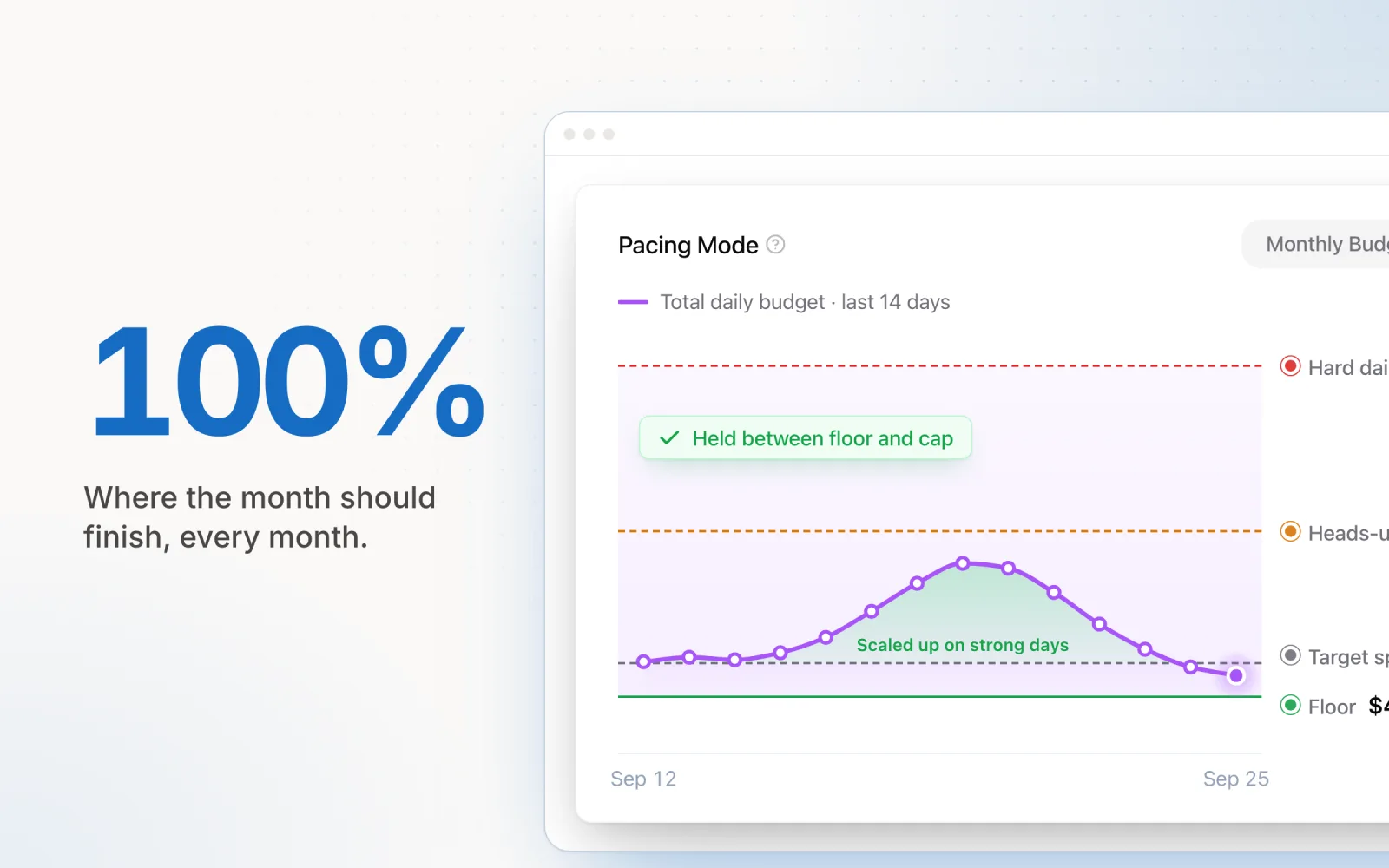
- We calculate the precise daily budget required to finish the month at 100%.
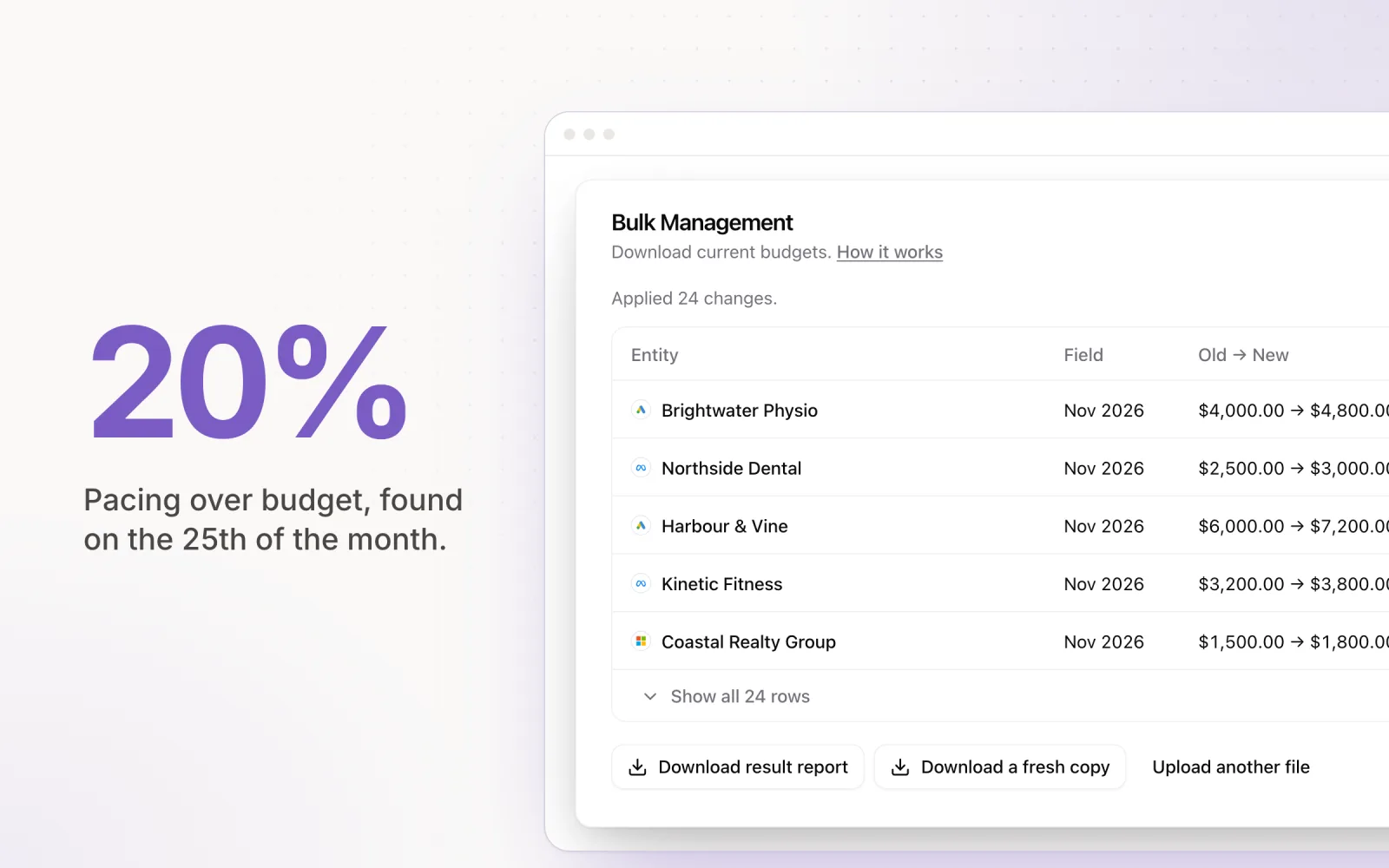
- We apply these adjustments automatically via each platform’s API.
Under the hood, the pacing engine is far more sophisticated than a simple daily-division formula. Pace runs frontier language models over three data packets — 45 days of trend data, 15 days of deep-dive diagnostics, and yesterday’s pulse — and maintains a running strategy memory (persona and hypothesis) for each account. This means every budget adjustment considers what was done before, why, and how the account responded. Budgets move gradually, with hard day-over-day limits so nothing lurches, with more room at month start/end or when pacing is critically off target.
A worked month: $10,000, 10 days in
This account has spent $3,800 after 10 days of a 30-day month. The budget pacing guide covers the method in full.
| Check | Number |
|---|---|
| Expected spend by day 10 | $3,333 |
| Pacing | 114% |
| Budget remaining | $6,200 |
| Days remaining | 20 |
| New daily target | $310 |
If the daily budget is near the account's $380 average, $310 is an 18% cut. That stays under the roughly 20% daily change that is likely to push a Meta campaign back into its learning phase. A bigger correction should be spread over several days, which is why catching it on day 10 beats catching it on day 25.
Why accounts still miss after you set the number
- Google's daily budget is an average. It can spend up to twice that amount in a day, and won't charge more than 30.4 times it in a month. A $310 daily budget can still spend $620 on Tuesday.
- Meta overdelivers too. It can go up to 75% over a daily budget, within a cap of seven times the daily budget for the week.
- Large cuts backfire. Slash a budget late in the month and delivery can drop further than you wanted, so the account overshoots and then undershoots.
- The budget moves. When a client adds money mid-month, recalculate from what is left, not from the original plan.
- One correction isn't a plan. Remaining budget and remaining days change every day, so the target has to as well.
The last five days
Recalculate every morning and keep each move small. Because Google and Meta can overdeliver on a given day, a final-day target set at exactly 100% can still land over. Treat 95–105% as on track, and if the client has a hard ceiling, protect it with a separate spending limit instead of relying on the pacing target.
Audit Logs and Accountability
When you are managing large teams, you need to know who changed what. Did the AI change the budget, or did a junior media buyer?
Pace includes comprehensive logging. Every time a budget is changed — whether by our automated system or a manual override — it is recorded in the system history. This provides total transparency for agency owners and peace of mind for clients.
Set It and Forget It (Safely)
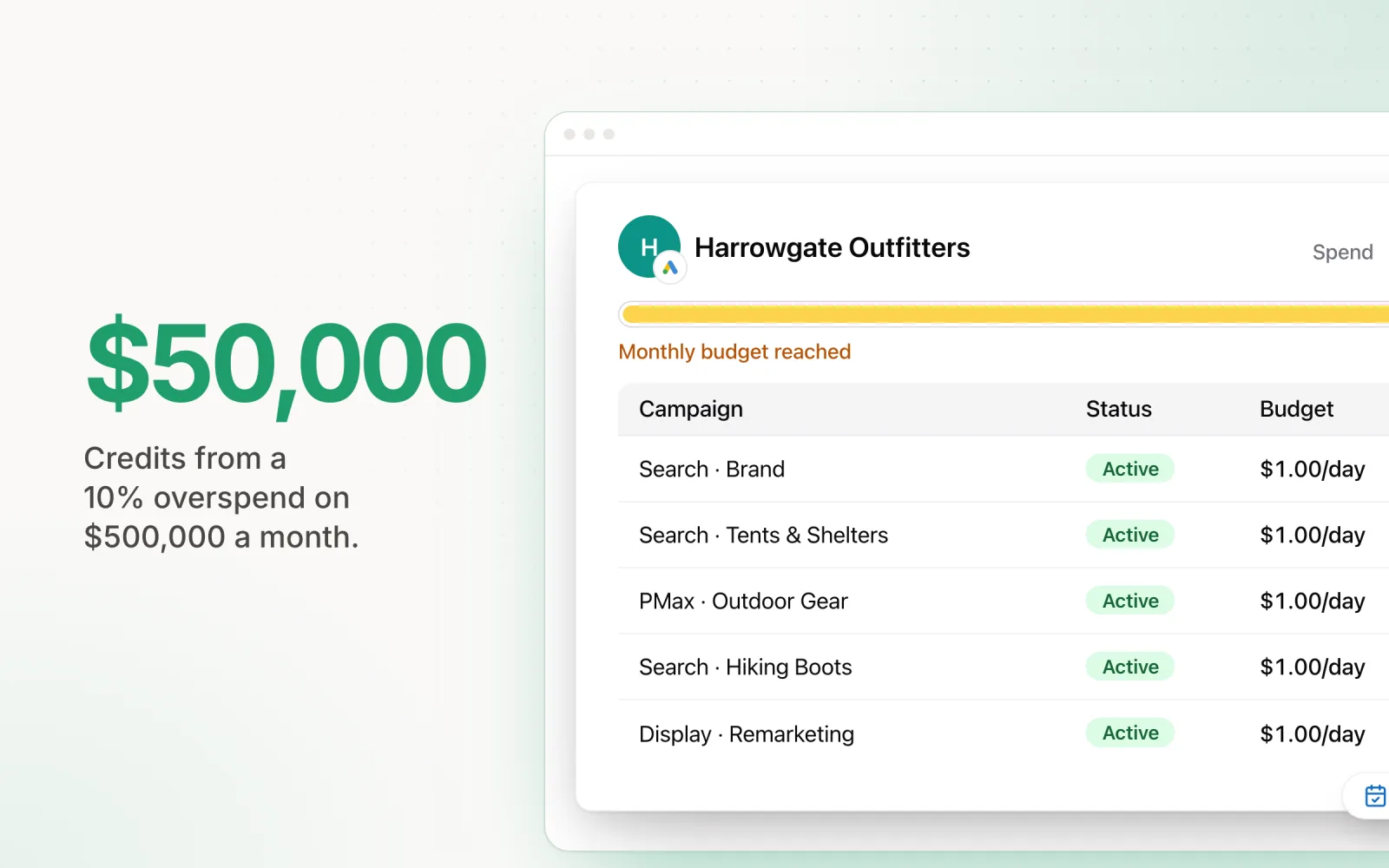
With Pace, you set the monthly target, and the system handles the micro-adjustments. This frees up your mental bandwidth to focus on what actually drives performance: creative strategy, copy, and landing page optimization. The help centre walks through the mechanics: setting your monthly budget, how Pace decides each change, and the overspend protection that holds campaigns at $1 a day (or pauses them, if you choose) once the monthly budget is reached.
Stop worrying about the cap and start focusing on the creative. Create your Pace Workspace and master your monthly budget.

Jordan Parrello
Founder of Pace. Ran an agency pacing sheet by hand for years before building the thing that checks it every 5 minutes. About Pace or LinkedIn