Every PPC management tool works at a certain scale. The spreadsheet that handled five accounts gracefully becomes a liability at twenty. The single-platform tool that served you well when all your clients ran Google Ads falls short the moment a client adds Meta or LinkedIn. Recognising when you have outgrown your PPC management tool is the first step toward fixing operational problems that are costing you time, accuracy, and margin.
Here are five indicators I have seen repeatedly across agencies, including my own, that signal it is time to move on.
Sign 1: You Are Still Copy-Pasting Data Between Platforms
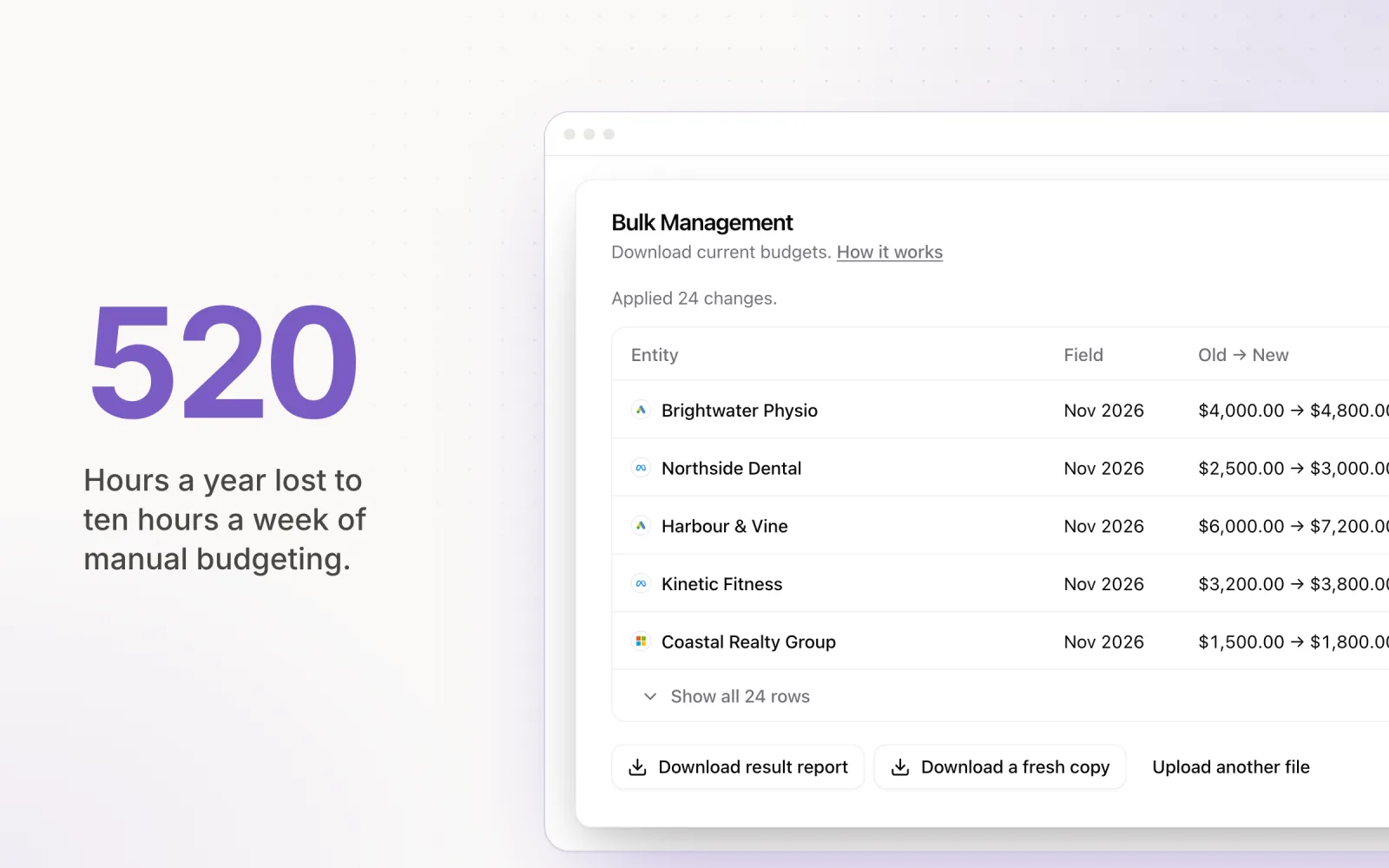
If your workflow involves logging into Google Ads, copying spend figures, pasting them into a spreadsheet, then repeating the process for Meta and LinkedIn, your tool is not doing the work it should. This copy-paste cycle is not just slow. It is a source of errors that compound over time.
A misplaced decimal in a paste operation can make an account look like it is pacing at 80% when it is actually at 108%. These errors are often caught late, sometimes not until a client reviews their monthly report and asks why spend exceeded the target. The hidden cost of manual ad budgeting is measured in both hours lost and trust eroded.
A tool that connects to each platform's API and pulls spend data automatically removes the copy-paste step entirely. This is baseline functionality in 2026, not a premium feature.
Sign 2: Budget Targets Are Missed Regularly
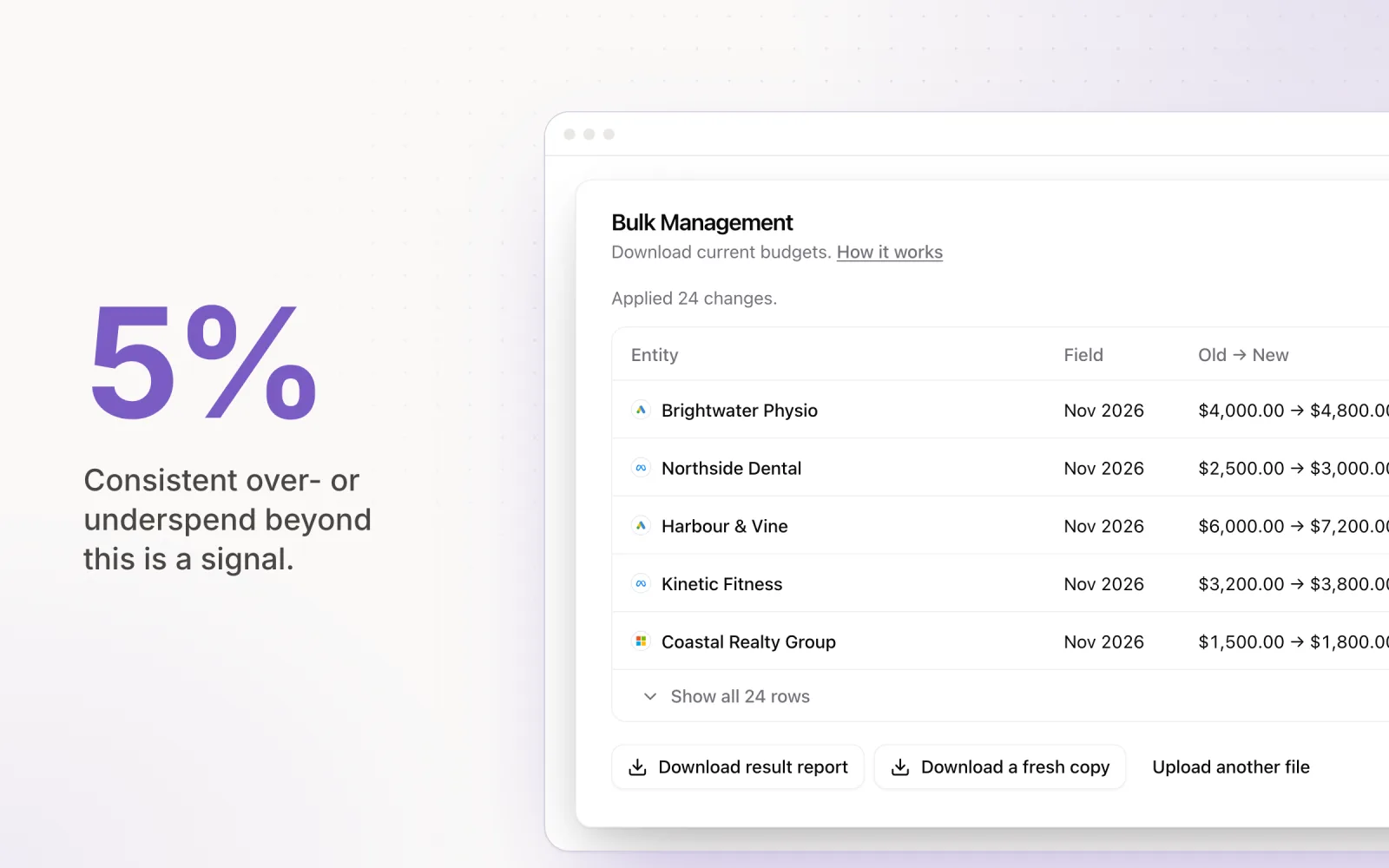
Consistent overspending or underspending by more than 5% is a signal that your pacing process (or tool) cannot keep up with the variability of live campaigns. Ad platforms do not spend evenly. A campaign that averaged $50/day for three weeks might spike to $120/day because a competitor paused, auction dynamics shifted, or a creative started performing unusually well.
If you are discovering these deviations at the end of the month rather than in real time, your tool lacks the monitoring frequency or the automated response capability to keep budgets on track. Accurate pacing requires daily recalculation and, ideally, automated adjustments. A tool that only shows you a pacing chart without the ability to act on it is a reporting tool, not a management tool.
Sign 3: Adding a New Client Takes Hours Instead of Minutes
When you sign a new client, the speed at which you can get their accounts connected and pacing accurately reflects the maturity of your tooling. If onboarding a new client means creating a new spreadsheet tab, setting up formulas, configuring manual data pulls, and building a custom report template, you are spending hours on setup that should take minutes.
A capable PPC management tool should let you connect ad accounts via OAuth, set monthly budget targets, and start monitoring pacing within a single session. If the setup process for each new client feels like a mini-project, the tool is creating overhead that scales linearly with your client count. At 30 clients, that overhead becomes a serious drag on your team's capacity. A quick 30-minute ad account audit should be all it takes to onboard an account into a well-designed platform.
Sign 4: You Cannot Answer "How Is This Account Pacing?" Without Logging Into Multiple Platforms
This is the question your team answers most frequently, and the speed of the answer reveals the quality of your tooling. If answering "how is Client X pacing this month?" requires opening Google Ads, Meta Business Manager, and LinkedIn Campaign Manager in separate tabs, pulling the numbers, and doing mental arithmetic, your tool is not providing the single-pane-of-glass view that cross-platform management demands.
The answer to "how is this account pacing?" should be available in under 10 seconds. One dashboard. One number. Green, amber, or red. If it takes longer than that, multiply the friction by the number of times your team answers that question per day, and you will see the cumulative cost.
Sign 5: Your Team Dreads Month-End Reconciliation
Month-end reconciliation should be a brief verification step, not an all-day exercise. If your team spends an entire day (or more) at the end of each billing cycle pulling final spend figures, cross-referencing them against targets, identifying discrepancies, and building client-facing reports, your tooling is failing at the most basic level.
The dread itself is the signal. When a routine operational task generates anxiety, it is because the process is fragile, error-prone, and time-consuming. Automated reconciliation, where the tool compares actual spend against targets and flags variances, reduces month-end from a day-long ordeal to a 15-minute review.
What "Growing Into" a Better Tool Looks Like
The upgrade path is not about finding a tool with more features. It is about finding one that removes the specific friction points your agency experiences daily. Based on the five signs above, the baseline requirements are:
- Cross-platform visibility: Google, Meta, LinkedIn, and Microsoft Ads data in a single view, pulled automatically via API.
- Automated pacing: Daily budget recalculation and application without manual intervention. Understanding which parts of PPC to automate and which to keep manual is critical when evaluating your next tool.
- Instant setup: OAuth connection and target configuration in under an hour per client.
- Real-time monitoring: Pacing status available at a glance, with alerts for deviations.
- Automated reconciliation: Month-end spend vs. target comparison generated automatically.
For a structured approach to evaluating options, the ad management platform buyer's guide walks through the full evaluation criteria, and our paid search management tools and strategy overview maps the broader category if you are still narrowing the shortlist.
How to Transition Without Disrupting Live Campaigns
The fear of switching tools mid-flight keeps many agencies on inadequate platforms longer than they should stay. Agencies that were left scrambling when Acquisio shut down learned the hard way that delaying a move can cost more than making one — our Acquisio replacement guide walks through the cross-platform options that filled the gap. The transition does not need to be disruptive if you plan it correctly.
Run the new tool in parallel for one billing cycle. Connect your accounts to the new platform but keep your existing tool active as the primary. Compare the new tool's pacing calculations against your current process. This overlap period builds confidence without risking live campaign performance.
Time the cutover for the start of a new billing month. Disable the old tool's automated actions (if any), enable the new tool's pacing, and monitor closely for the first week. Communicate the change to your team and, if relevant, to clients who have visibility into your management process.
The cost of staying on an outgrown tool is paid in hours, errors, and missed targets every single month. The cost of switching is paid once.

Jordan Parrello
Founder of Pace. Ran an agency pacing sheet by hand for years before building the thing that checks it every 5 minutes. About Pace or LinkedIn