Managing ad budgets for 20 or more clients is a fundamentally different challenge from managing five. The workflows that got your agency to its first dozen clients will actively hold you back once you push past that point. I have seen this pattern repeat across every agency I have worked with or spoken to: somewhere between 15 and 25 clients, the operational model breaks.
The question is not whether you will hit this wall. It is whether you build systems to push through it, or whether you let it define your ceiling.
The Scaling Wall: Why Agencies Hit Operational Limits
Most agencies start with a single media buyer managing a handful of accounts. That person logs into each platform, checks spend, adjusts budgets, and reports back to clients. It works because the volume is manageable and everything fits in one person's head.
The trouble begins when you scale past 15 accounts. The maths is straightforward: if a media buyer spends 30 minutes per client per day on budget management alone, 20 clients consume the entire working day before any strategic work begins.
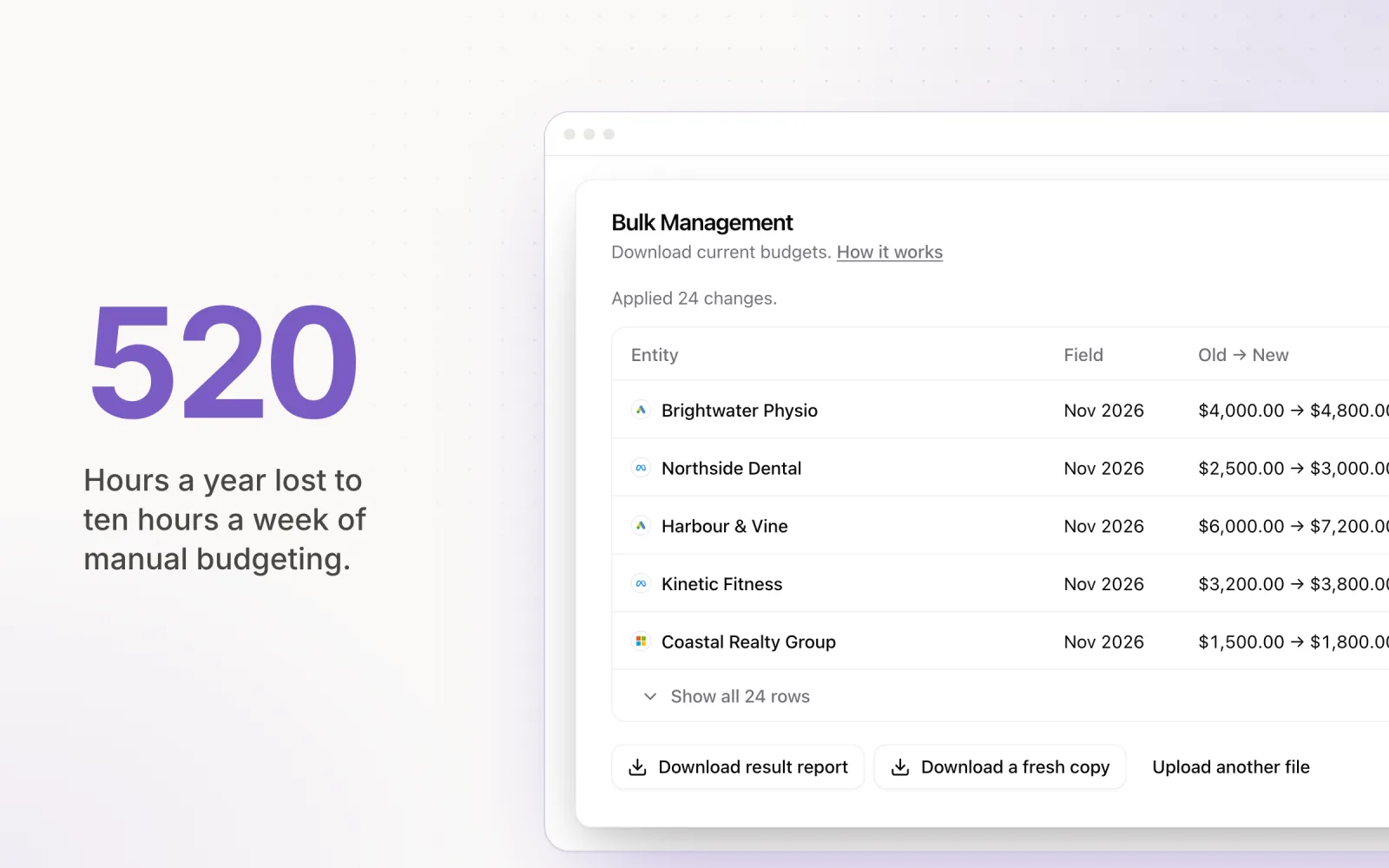
Burnout follows quickly. And burnout does not just affect morale. It leads to errors: missed budget adjustments, late-month overspends, and pacing miscalculations that erode client trust. As I have written about in how agencies waste 10+ hours a week on manual budgeting, the time drain is both real and quantifiable.
The Fragmented Tool Stack Problem
Agencies at this scale typically operate across a sprawl of disconnected tools. Google Ads has its own interface. Meta Business Suite has another. LinkedIn Campaign Manager is a third. Then there are the spreadsheets, Slack channels, project management boards, and reporting dashboards layered on top.
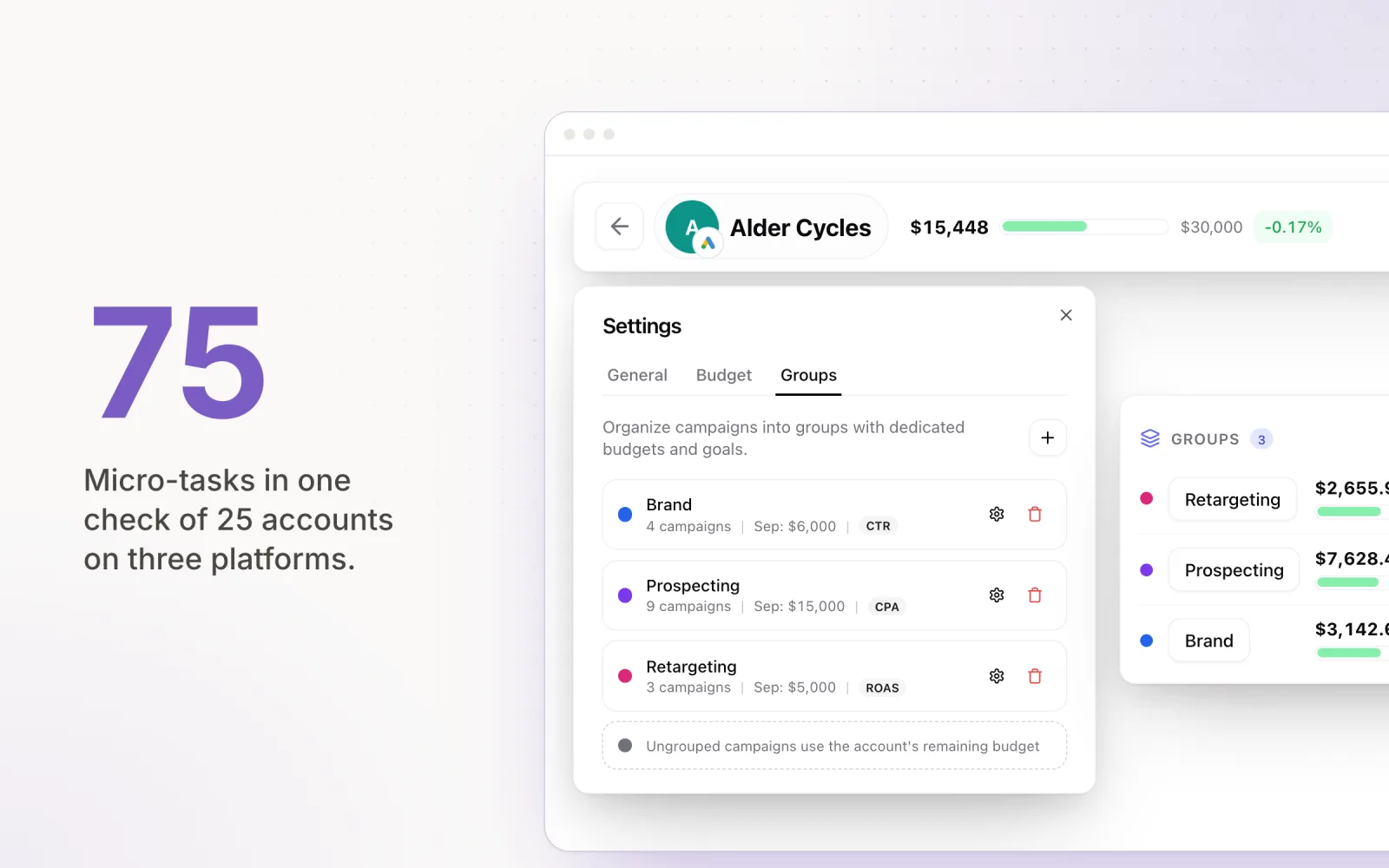
Each tool adds a login, a data source, and a potential point of failure. When a media buyer needs to check pacing across 25 accounts spread over three platforms, they are not doing one task. They are doing 75 micro-tasks, each requiring a context switch.
The real cost is not the subscription fees. It is the cognitive overhead. Every time a media buyer switches from one platform to another, they lose focus. Multiply that across a full client roster and you have a team that is busy all day but struggling to do meaningful work.
Building a Scalable Budget Management System
The agencies I have seen scale successfully past 20 clients share a few common traits. They move from reactive, account-by-account management to proactive, exception-based management. Instead of checking every account daily, they build systems that surface only the accounts that need attention.
This requires three foundational elements:
- Centralised dashboards: A single view that shows pacing status across every client and platform. No logging into individual ad accounts to check spend. The dashboard pulls data in and presents it in one place.
- Automated pacing: Daily budget calculations happen automatically, not in a spreadsheet. The system divides remaining budget by remaining days and adjusts accordingly. As covered in the hidden cost of manual pacing, automating this single step reclaims hours per week.
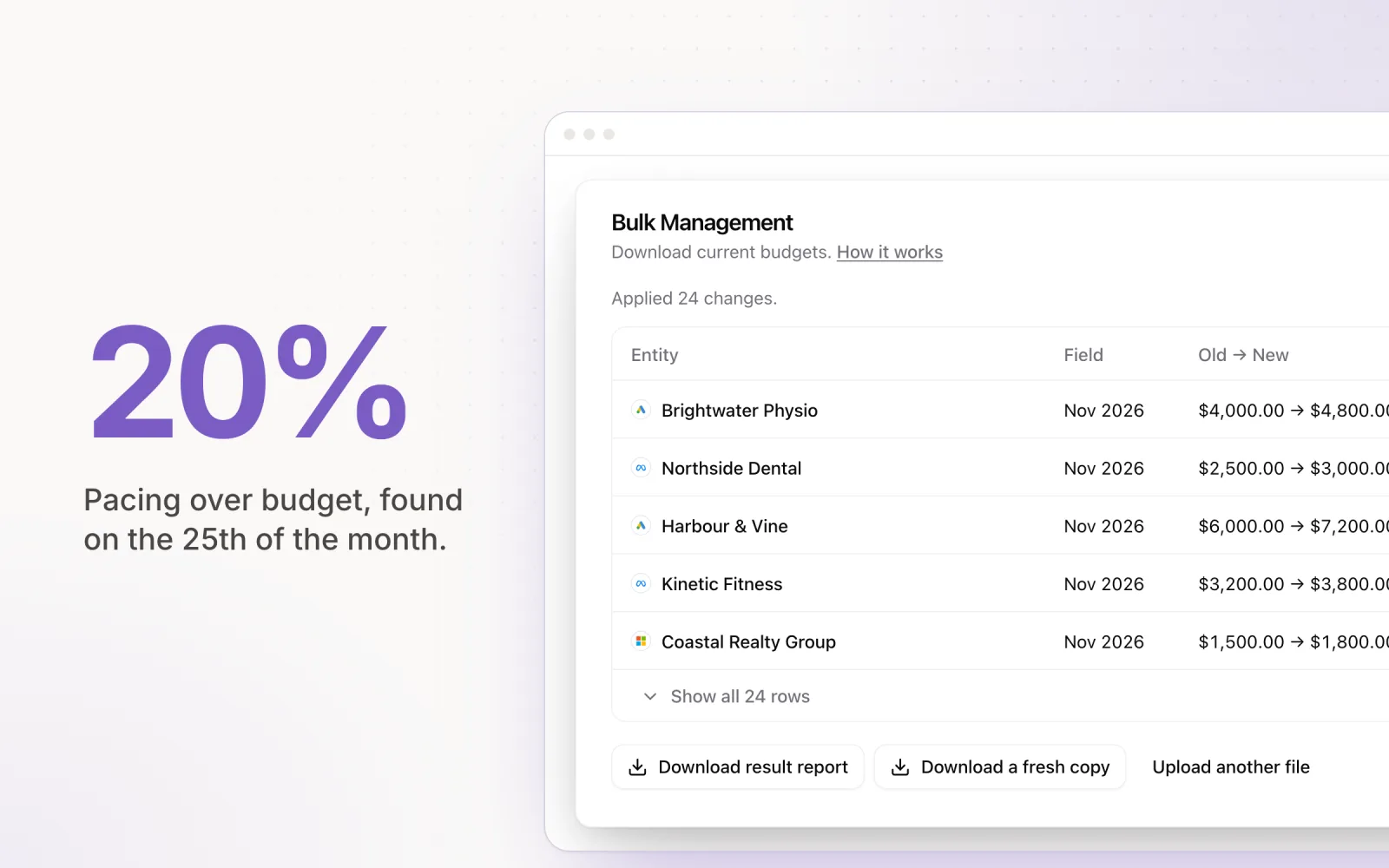
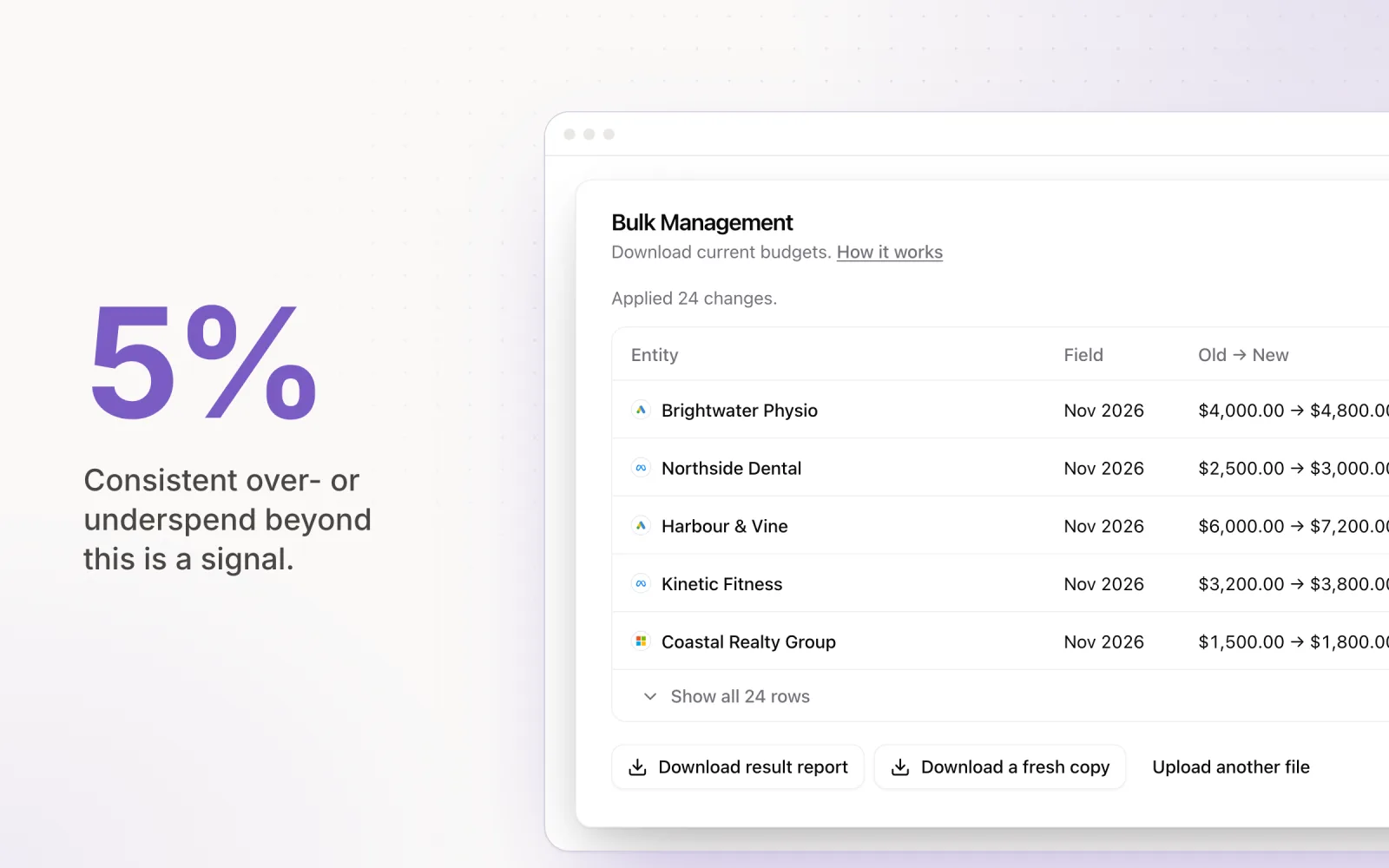
- Alert-based workflows: Instead of reviewing every account, your team gets notified only when something drifts outside acceptable thresholds. An account pacing 5% under target does not need immediate intervention. An account pacing 25% over does.
This shift from "check everything" to "fix what is broken" is the single most impactful change an agency can make.
Hiring vs. Automating: When to Add People vs. Tools
The instinct when workload increases is to hire. Another media buyer, another account manager, another analyst. Hiring solves the problem temporarily, but it is expensive and slow. Onboarding a new media buyer takes weeks before they are fully productive, and every new hire adds management overhead.
The better question is: what work requires human judgment, and what work is repetitive calculation? Budget pacing is calculation. Checking whether an account is on track is calculation. Adjusting daily caps to hit a monthly target is calculation. These tasks do not benefit from human creativity or strategic thinking. They benefit from consistency and speed.
Strategic work, on the other hand, demands human input. Deciding which audiences to test, crafting ad copy, restructuring campaigns after a performance decline, communicating nuance to clients. These tasks cannot be automated, and they are where your team's time should go.
The rule I follow: automate the maths, keep the strategy manual. If a task can be expressed as a formula, it should not require a person to execute it every day.
A Framework for Managing 30+ Accounts with a Small Team
I have seen agencies manage 30 or more accounts with just two media buyers. Not because those buyers are working 80-hour weeks, but because the operational infrastructure handles the repetitive load.
The framework looks like this:
- Morning review (15 minutes): Check the centralised dashboard for any accounts flagged as off-pace. Typically, only 3 to 5 accounts out of 30 need attention on any given day.
- Exception handling (30 to 60 minutes): Investigate and resolve the flagged accounts. This might mean adjusting a budget, pausing a campaign, or escalating a performance issue. A quick 30-minute audit of each flagged account keeps investigations focused and efficient.
- Strategic work (remainder of day): With the operational baseline handled, the rest of the day goes to campaign optimisation, client communication, creative review, and new campaign builds.
Compare this to the alternative: spending 4 to 6 hours logging into every account, pulling data into spreadsheets, running pacing formulas, and manually updating budgets. The difference is not marginal. It is structural.
The Tool Stack for a Small Agency Managing Many Clients
A small agency running ads for many clients needs one tool per job, not one tool for everything. Five jobs cover most of the work: keeping budgets on target, reporting to clients, optimising inside each platform, managing tasks, and talking to clients. Pick the budget and reporting layers first, because those are the ones that grow with every client you add.
| Job | Tools agencies use | What to look for |
|---|---|---|
| Budget pacing and cross-platform management | Pace, Optmyzr (Google and Microsoft focus), native platform rules | One client list across every platform, automatic daily budget changes, overspend protection, a change log |
| Client reporting | AgencyAnalytics, Swydo, Whatagraph, Looker Studio with Supermetrics | White-label reports, scheduled sends, per-client pricing that still works at 30+ clients |
| In-platform optimisation | Optmyzr, Opteo, Adalysis, Google Ads scripts | Recommendations you can review in bulk rather than account by account |
| Task and project management | ClickUp, Teamwork, Asana | Recurring tasks per client, launch checklists, time tracking if you bill hourly |
| Client communication | Slack Connect, email, a shared change log | A record of what changed and why, so clients do not need a meeting to find out |
Pace covers the first row across Google, Meta, LinkedIn, Microsoft, TikTok, Reddit, Amazon and X, with client reports built in, so a small team can see every client's pace on one screen and only open the accounts that are drifting. For a wider comparison of the options, see our ad management tools compared and best PPC reporting tools for agencies.
What Changes When You Remove the Bottleneck
Agencies that eliminate the manual budget management bottleneck report improvements across several areas. Client retention improves because budgets land on target consistently. Team satisfaction improves because media buyers spend their time on the work they were hired to do. And revenue capacity increases because you can onboard new clients without proportionally increasing headcount. Maintaining a detailed change log across all accounts becomes essential at this scale — it keeps your team aligned and gives clients visibility into what is happening without requiring extra meetings.
The ceiling is not the number of clients. It is the operational overhead per client. Reduce that overhead through centralisation, automation, and exception-based workflows, and the ceiling rises significantly.
If your agency is approaching that 15 to 25 client range and feeling the strain, the answer is not to work harder. It is to build the systems that make the work manageable. Pace handles the daily pacing calculations, budget adjustments, and cross-platform monitoring so your team can focus on strategy — start a free trial to see how it works. That is what separates agencies that plateau from agencies that scale.
Frequently Asked Questions
What tools do small agencies use to manage many clients' ad campaigns?
Most use one tool per job: a budget pacing and cross-platform management tool such as Pace, a client reporting tool such as AgencyAnalytics or Looker Studio, an optimisation tool such as Optmyzr or Opteo, and a project management tool such as ClickUp or Teamwork. The budget and reporting layers matter most, because their workload grows with every client.
How many ad accounts can one media buyer manage?
Without automation, most media buyers top out at around 10 to 15 active client accounts, because daily pacing checks and budget changes take roughly 30 minutes per client. With centralised dashboards, automated pacing and alerts that only flag accounts that are off target, small teams run 30 or more accounts.
How do I stop overspending across many client accounts?
Set a monthly budget per client and platform, let a tool recalculate the daily budget from remaining budget divided by remaining days, and set alerts for accounts pacing well over target. Overspend protection that caps campaigns when the monthly budget is reached stops the month-end surprises.
Should I hire another media buyer or automate?
Automate the calculation work first: pacing, daily budget changes and spend checks. Hire when the strategic work (testing, creative, client conversations) exceeds your team's capacity. If your buyers spend more time checking numbers than improving campaigns, automation will add more capacity than a hire.

Jordan Parrello
Founder of Pace. Ran an agency pacing sheet by hand for years before building the thing that checks it every 5 minutes. About Pace or LinkedIn