Every ad management platform promises to save you time and improve performance. Most of them deliver on exactly one of those promises, if that. After evaluating dozens of tools over the years (and building one myself), I have found that the difference between a platform that works and one that collects dust comes down to eight specific features.
Tool fragmentation is a real cost. A 2025 Forrester study estimated that agencies lose roughly 30% of their operational capacity to switching between disconnected platforms and reconciling data manually. The right ad management platform eliminates that waste. The wrong one just adds another tab to your browser.
Feature 1: Cross-Platform Support for Your Ad Management Platform
This is the single most important filter. If a tool only supports Google Ads, it solves half the problem at best. Most agencies run campaigns across Google, Meta, LinkedIn, and Microsoft Ads. Some are expanding into TikTok and Amazon. A platform that cannot ingest data from at least three of these channels forces you to maintain parallel workflows for the rest.
The test is straightforward: can you see all of a client's ad spend, across every platform, in a single view? If the answer is no, the tool creates as many problems as it solves. True cross-platform support means unified data ingestion, not just a dashboard that links out to native platform UIs.
Feature 2: Automated Budget Pacing
There is a meaningful difference between a tool that reports on pacing and a tool that acts on pacing. Many platforms will show you a chart indicating that an account is 15% over pace. Fewer will automatically adjust the daily budget to correct course.
Automated budget pacing should calculate remaining budget divided by remaining days, factor in day-of-week spend patterns, and apply the adjustment directly to the ad platform via API. If you still need to log into Google Ads and change the daily cap yourself, the tool is a monitoring layer, not an automation layer. The best budget pacing tools handle this end to end.
Feature 3: Transparency and Audit Trails
Automation without transparency is a liability. If a tool adjusts your client's budget at 3am and you cannot explain why, you have a client trust problem.
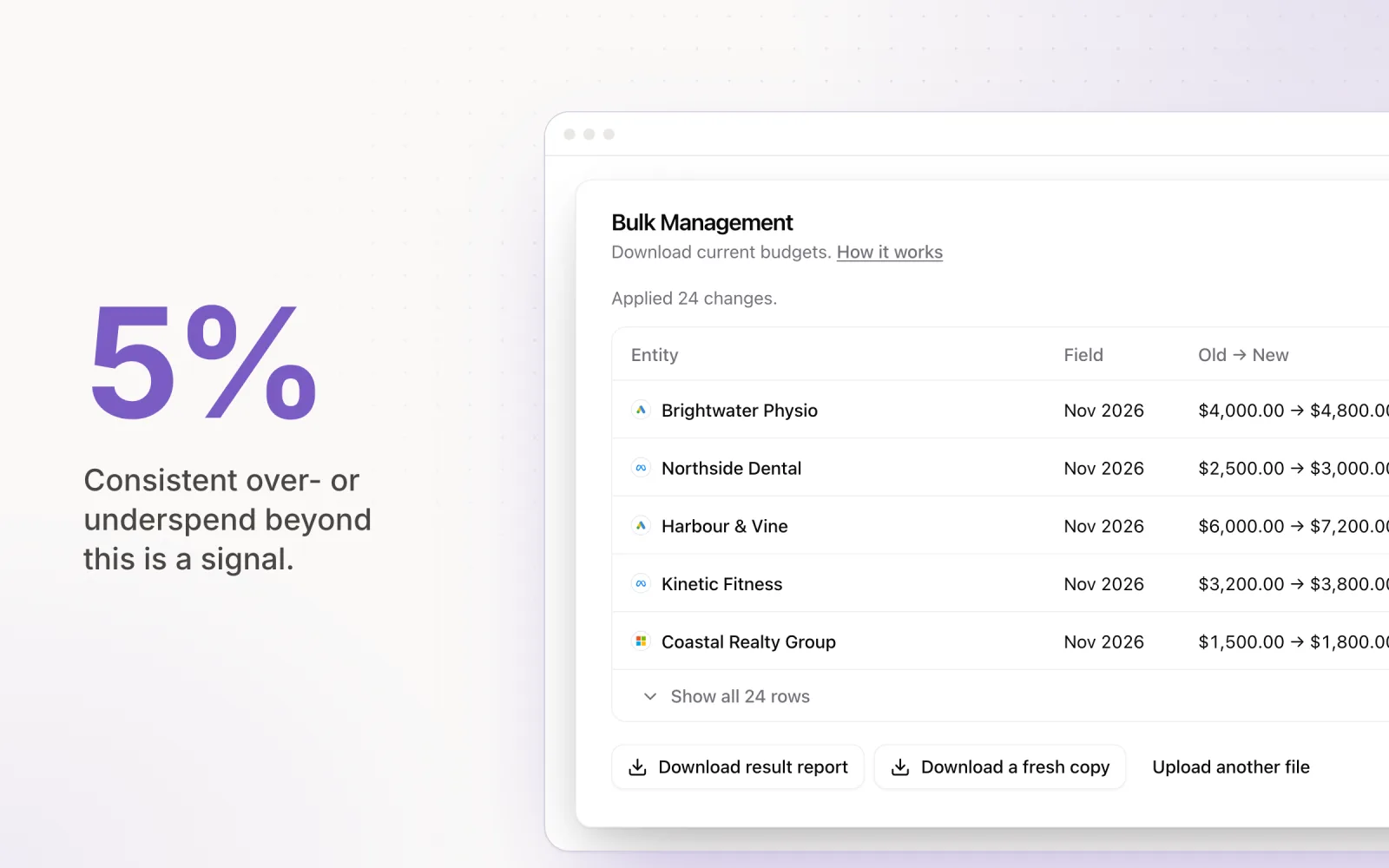
Every automated change should be logged with a timestamp, the previous value, the new value, and the reasoning behind the adjustment. This is not a nice-to-have. It is the difference between confidently telling a client "we adjusted your daily cap from $150 to $120 because spend was pacing 18% ahead of target" and shrugging when they ask why performance dipped on a Tuesday.
Black-box AI that makes opaque decisions has no place in client-facing campaign management. Insist on explainability.
Feature 4: Setup Simplicity
If a platform requires a multi-week implementation, dedicated onboarding calls, and a technical integration team, it is designed for enterprises with dedicated ad ops departments. Most agencies need something different: connect via OAuth, select accounts, set targets, and start pacing within an hour.
Quick time-to-value matters because agencies add and offboard clients regularly. A tool that takes two weeks to onboard a new client creates friction at exactly the moment you should be demonstrating value. Evaluate the setup flow before you evaluate the feature set. A powerful tool that nobody on your team actually uses is worth nothing.
Feature 5: Pricing Structure
Pricing models vary significantly across the category, and the wrong model can quietly erode your margins as you scale. The three most common structures are:
- Per account: Predictable and scales linearly. Works well for agencies with many small-to-mid-sized accounts.
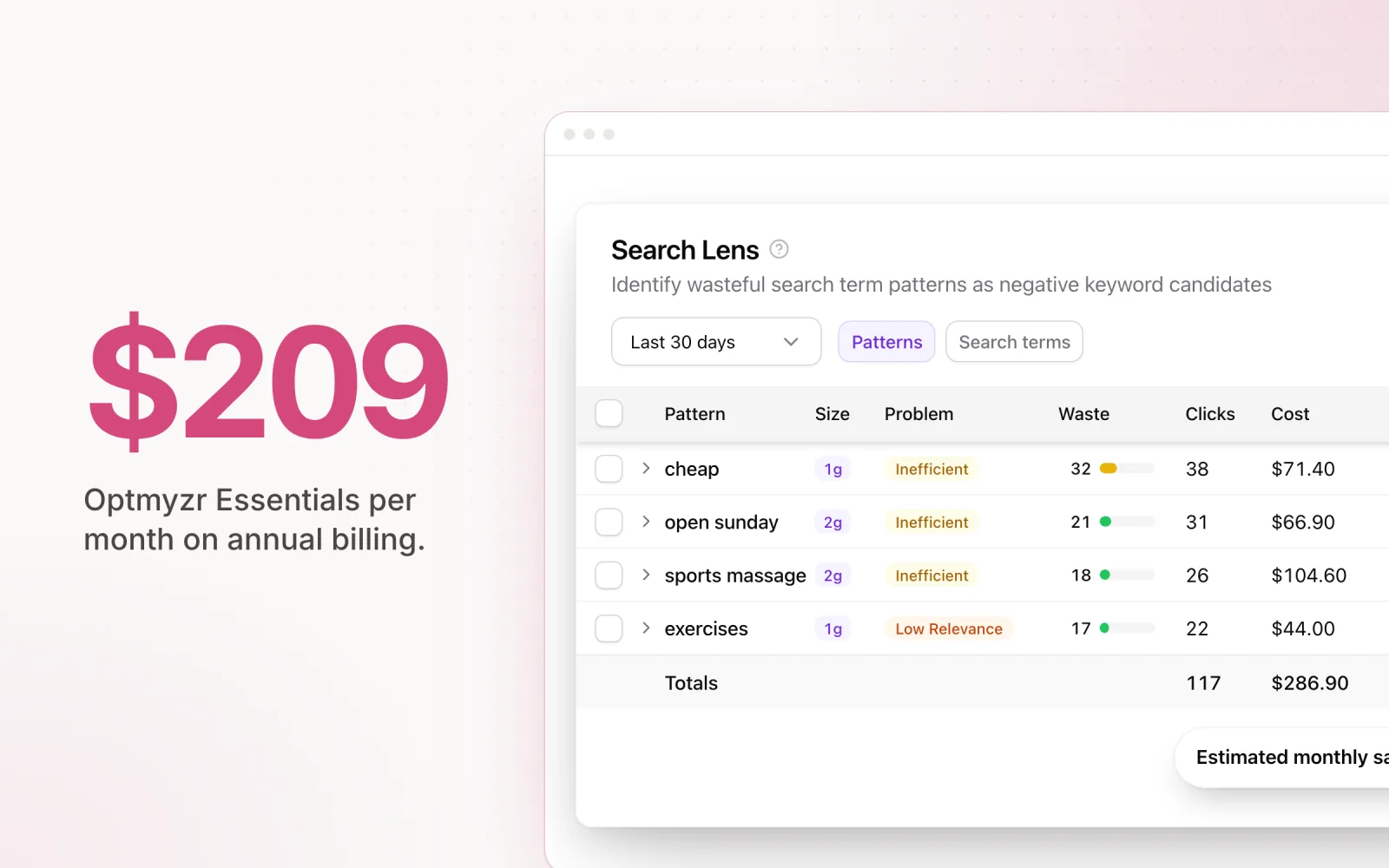
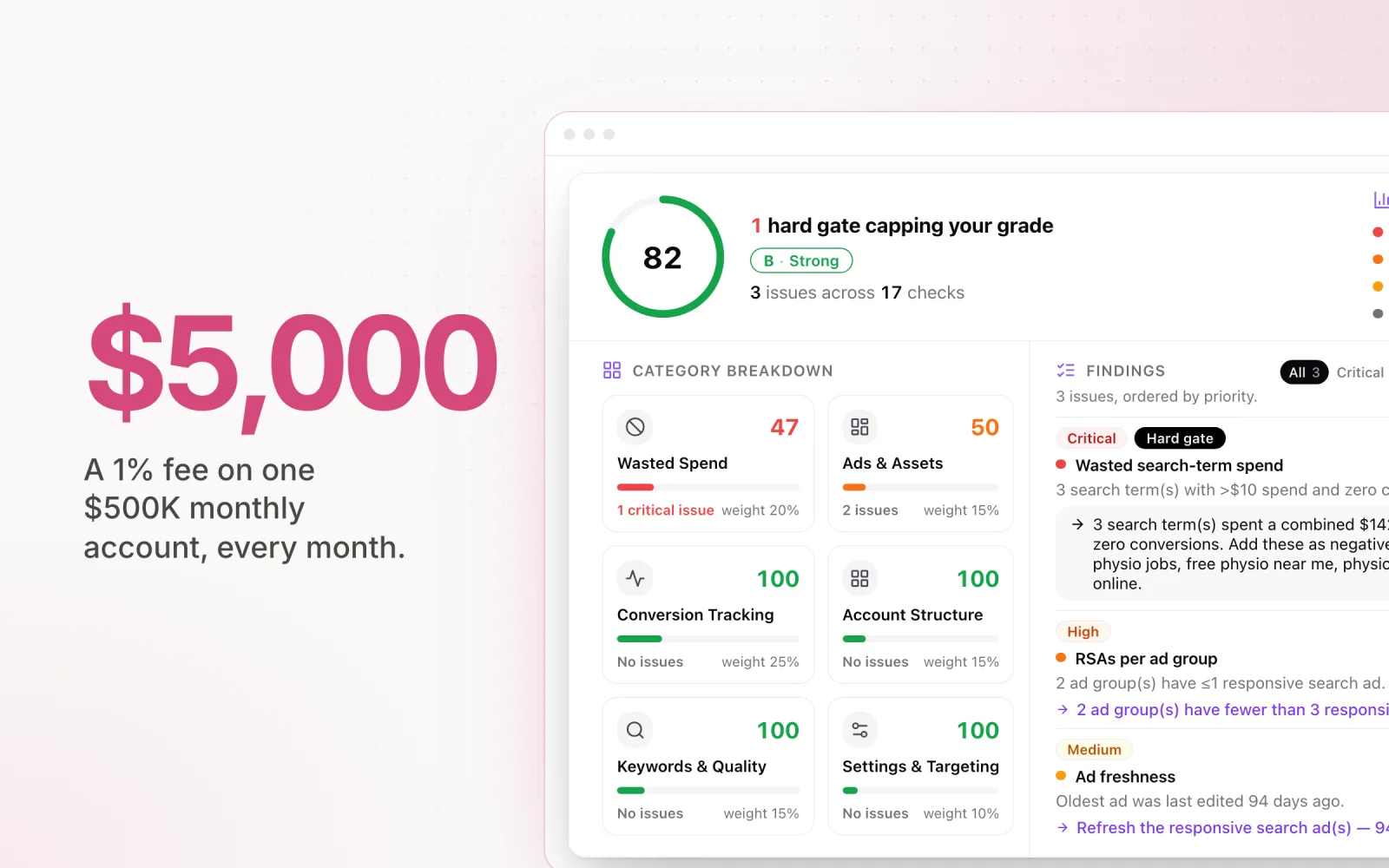
- Percentage of spend: Aligns cost with value but can become expensive quickly on high-spend accounts. A 1% fee on a $500K monthly account is $5,000/month for one client.
- Flat rate: Best for agencies with stable account counts. Less flexible if your client roster fluctuates seasonally.
Model the cost at your current scale and at double your current scale. The pricing model that works at 10 accounts may not work at 40.
Features 6-8: Collaboration, Alerts, and Reporting
Team collaboration. Can multiple team members access the platform with role-based permissions? If a junior media buyer can accidentally override a client's monthly budget with no approval gate, the tool is a risk vector. Look for user roles, approval workflows, and the ability to restrict who can apply automated changes.
Alerting and notifications. The platform should notify you before problems become crises. Spend spike alerts, pacing deviation warnings, and daily digest emails save you from the unpleasant surprise of discovering on day 28 that an account has already exhausted its monthly budget. Alerts should be configurable per account, not a single global threshold.
Reporting and exports. Client reporting is a core agency deliverable. If your ad management platform cannot export pacing reports, change logs, and performance summaries in a client-ready format, you will end up rebuilding that data in another tool. Native PDF exports, scheduled email reports, and API access for custom reporting integrations are all worth evaluating.
Comparison Matrix: How Major Platforms Stack Up
| Feature | Optmyzr | Shape.io | Marin | Pace Ads |
|---|---|---|---|---|
| Cross-platform | Google, Microsoft | Google, Meta, Microsoft | Google, Meta, Amazon+ | Google, Meta, TikTok, LinkedIn, Microsoft, Reddit, X Ads, Amazon |
| Auto-pacing | Rules-based | Yes | Yes | AI-driven |
| Audit trail | Yes | Limited | Yes | Full with reasoning |
| Setup time | 1-2 days | Demo required | Weeks | Under 1 hour |
| Pricing model | From $250/mo | Custom | Enterprise | Per account |
| Team roles | Yes | Limited | Yes | Yes |
| Alerts | Yes | Basic | Yes | Per-account configurable |
For a deeper comparison of tools in the pacing category specifically, see our breakdown of Optmyzr alternatives that cover more than just Google Ads. You can also review our Pace feature breakdown to see how these criteria apply to a purpose-built pacing platform. Shape.io buyers evaluating a replacement after the NinjaCat merger can work from the Shape.io migration guide, which maps the old feature set to its modern equivalents.
How to Run Your Evaluation
Start with your non-negotiables. If you run campaigns on four platforms, eliminate any tool that does not support all four. Then prioritise based on your biggest pain point. If missed budgets are the primary issue, weight automated pacing heavily. If client reporting is the bottleneck, focus on export capabilities.
Request a trial period, not just a demo. Demos show you the best-case scenario with pre-loaded data. A trial with your actual accounts reveals the rough edges: sync delays, UI friction, edge cases with campaign structures your agency uses.
Finally, involve the people who will use the tool daily. A platform that impresses in a leadership demo but frustrates the media buyers who live in it every day will see low adoption, and low adoption means the problems you bought the tool to solve remain unsolved.
Pace was designed with these eight criteria in mind. If you want to evaluate it against your current stack, start a free trial to get started.

Jordan Parrello
Founder of Pace. Ran an agency pacing sheet by hand for years before building the thing that checks it every 5 minutes. About Pace or LinkedIn