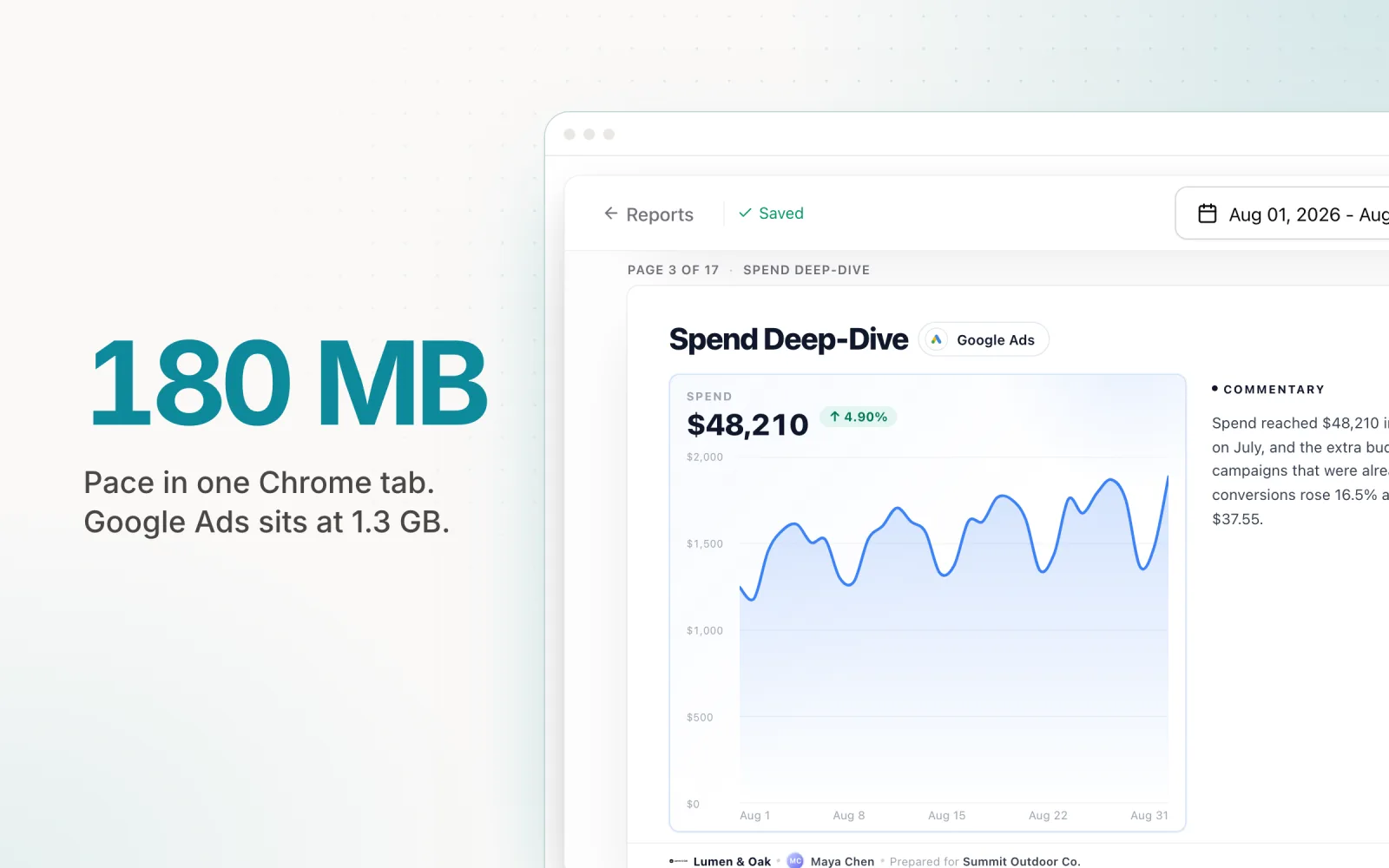
Open Chrome's task manager next to your ad accounts and you get an uncomfortable screenshot: three tabs, three memory readings. Facebook Ads Manager sits at 1.3 GB. Google Ads sits at 1.3 GB. Pace, open on the same accounts, holds at 180 MB. That's not a lab benchmark or a vendor claim. It's what showed up when I ran this myself with real client data loaded, and it's roughly what you'll see if you check your own tabs right now.
The numbers explain a feeling most media buyers already have. The fan kicks on. The laptop warms up on your lap. Switching between tabs takes a half-second longer than it should. None of that is imagined. It's RAM, and it adds up faster than most agencies realize.
What that costs when you manage 20 accounts
One heavy tab is an annoyance. Twenty heavy tabs, or even four or five if you're jumping between Google, Meta, and LinkedIn for the same client, is a different problem. A mid-range work laptop has a finite memory budget, and Slack, email, and whatever reporting tool you use are already drawing on it before you open a single ad platform. Do the arithmetic once and it stops being abstract: three or four ad-platform tabs open at the same time, each pulling over a gigabyte, and you're past 4 GB before you've opened a spreadsheet or answered a client email.
Most agency laptops were not bought with that math in mind, and most agencies are not replacing laptops on a schedule that keeps pace with how heavy these platforms have gotten. The cost shows up in places nobody logs: fan noise that makes client calls awkward, a battery that's dead by 2pm, two or three seconds of lag every time you tab back into a dashboard mid-conversation. None of it is dramatic on its own, but across a full day of managing a real client roster it becomes a steady tax on attention, and attention is the one resource an agency can't automate around. Most media buyers feel this as vague friction long before anyone checks a task manager and puts a number on it. By the time someone does, the instinct is usually to blame the laptop rather than the three tabs competing for the same 16 GB.
I've written about this from two other angles: what scaling past 20 clients does to a media buyer's workflow, and what happens when Google, Meta, and LinkedIn each live in their own tab. The memory numbers above aren't the whole story behind either problem, but they're a mechanical cause that's easy to overlook because it never shows up on an invoice.
Why the big ad platforms are so heavy
Given what those tools have to be, the added weight is close to inevitable, a byproduct of scope rather than a shortfall in Google or Meta's engineering. Google Ads and Ads Manager are both large single-page applications built to hold an entire advertising business inside one browser tab: live data grids with thousands of rows updating in real time, creative and video previews rendering inline, bidding simulators, audience builders, and a layer of embedded ad-tech and telemetry tracking activity inside the product itself. Each piece is reasonable on its own; a media buyer genuinely needs to preview a video ad or watch an auction simulation update. Stacked together in one tab, though, they're heavy by design, not by accident.
That heaviness is also the price of being a walled garden. Behind the data Google and Meta show you, they're running the marketplace itself, which means the tab you have open is also doing quiet work for their own systems in the background: real-time auction logic, ad-quality scoring, cross-account attribution modeling, none of which exists for your benefit specifically. None of that shows up in a feature list, but it shows up in the Memory column.
Pace is a narrower tool by comparison, and deliberately so. It doesn't need to run an ad auction or host a creative studio. It needs to show spend, pacing, and anomalies across every platform an agency manages, in one interface, and let someone act on what they see. Less surface area to render means less for the browser to keep alive in memory, and less for the laptop to spin its fans up over.
What "lightweight" actually buys your agency
Here, lightweight is a concrete claim, and in practice it comes down to three things.
Light on your machine. Lower memory use means fewer fan spin-ups, more battery life between charges, and a browser that stays responsive with a dozen other tabs open for email, Slack, and reporting.
Light on your tabs. One Pace tab replaces the stack: Google Ads, Meta Ads Manager, LinkedIn Campaign Manager, Microsoft Ads, TikTok Ads, Reddit Ads, X Ads, and the Amazon Ads console all live in a single workspace instead of eight separate logins and eight separate memory footprints.
Light to adopt. Connecting an account is an OAuth flow, not a six-week onboarding project. There's no training week for the team and no migration plan to write. An account gets connected and it shows up.
Check it yourself in ten seconds
None of this requires taking my word for it. In Chrome, press Shift+Esc, or go to Window → Task Manager, and read the Memory column next to each open tab. It takes about ten seconds, and it works on whatever accounts you already have open right now.
Your own numbers will move around depending on how many accounts are loaded, how much historical data is pulled in, and what else is competing for memory on the machine at that moment, so don't expect to land on exactly 1.3 GB or exactly 180 MB. That's fine. The exact figure was never the point. What matters, and what tends to hold up regardless of what else is running, is the gap between platforms. Check it first thing in the morning with a cold tab, then again mid-afternoon with a week of data loaded, and the pattern shows up either way.
Lighter, not thinner
It's worth being precise about what "lightweight" doesn't mean, because the two get confused. The memory footprint shrank while the feature set stayed whole. Pace still runs AI-driven budget pacing across every connected account, Findings anomaly detection that flags a campaign the moment it drifts off track, cross-platform management spanning Google, Meta, LinkedIn, Microsoft, and TikTok, and client reporting that pulls all of it into one document. None of that got cut to hit 180 MB.
What changed is what using it feels like. The same feature set runs without announcing itself through a hot laptop, a slow tab switch, or a fan that won't quiet down. That's the actual promise of lightweight software: it does the same job, or more, without making you pay for it in your own machine's resources.
Try it with your own accounts
The fastest way to know whether any of this matters for your setup is to open your own task manager next to your own accounts and look. If the gap is anywhere close to what I saw, it's worth testing the alternative on real client data rather than a demo. Pace connects to Google, Meta, LinkedIn, Microsoft, and TikTok in one workspace. Start a 14-day free trial and see what one light tab feels like.

Jordan Parrello
Founder of Pace. Ran an agency pacing sheet by hand for years before building the thing that checks it every 5 minutes. About Pace or LinkedIn