What Are Negative Keywords?
Negative keywords are words or phrases you add to a Google Ads campaign to prevent your ads from showing for irrelevant searches. When a user's query contains a negative keyword, Google keeps your ad out of that auction. Fewer irrelevant impressions. Fewer wasted clicks. A tighter match between what people search for and what you actually sell.
If you sell premium accounting software and someone searches "free accounting software," you don't want to pay for that click. Add "free" as a negative and your ad sits the auction out. Simple idea. The execution gets fiddly, because negative match types behave differently from standard match types.
There are three negative match types, and each controls how broadly your exclusion applies.
Broad match negative is the default when you add a term without any special formatting. It blocks your ad whenever every word in your negative keyword appears in the query, in any order. Add running shoes and you'll block "blue running shoes," "running shoes for sale," and "shoes for running." You'll still show for "running trainers" because the word "shoes" isn't there. One thing that trips people up: broad match negatives don't block synonyms or close variants, even though standard broad match keywords do.
Phrase match negative uses quotation marks (e.g., "running shoes") and blocks your ad only when the query contains your phrase in the exact order. Words can appear before or after, but the phrase itself must stay intact. "Buy running shoes online" gets blocked. "Shoes for running" does not, because the order is different.
Exact match negative uses square brackets (e.g., [running shoes]) and blocks your ad only when the query matches your term exactly, with no other words. "Running shoes" is blocked. "Best running shoes" is not. Use these sparingly, when you need to kill one specific query without touching anything around it.
As a rule of thumb, broad match negatives are where most of your work should sit. Phrase and exact match are for fine-tuning when broad match would be too heavy-handed.
Why Negative Keywords Matter for Campaign Performance
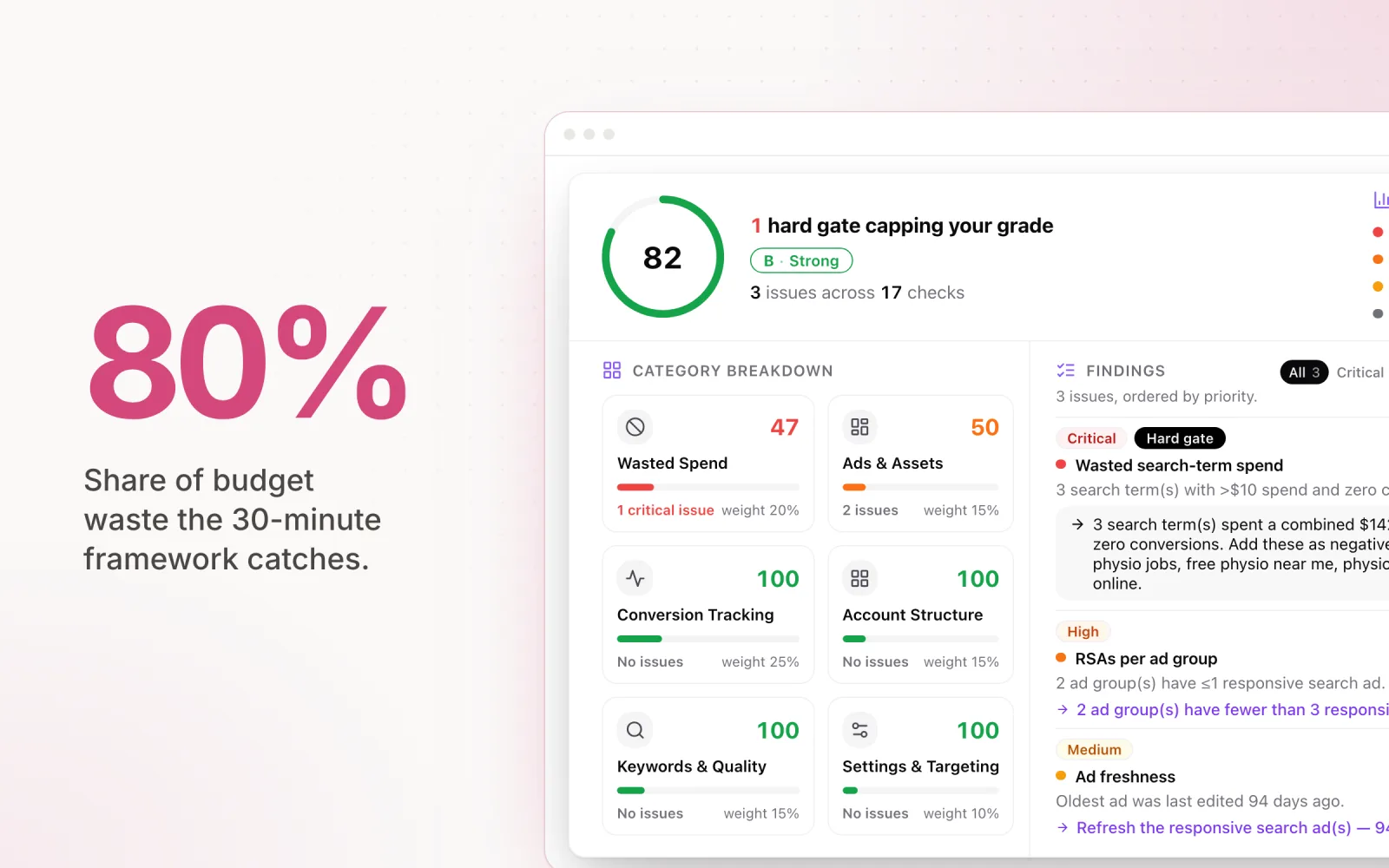
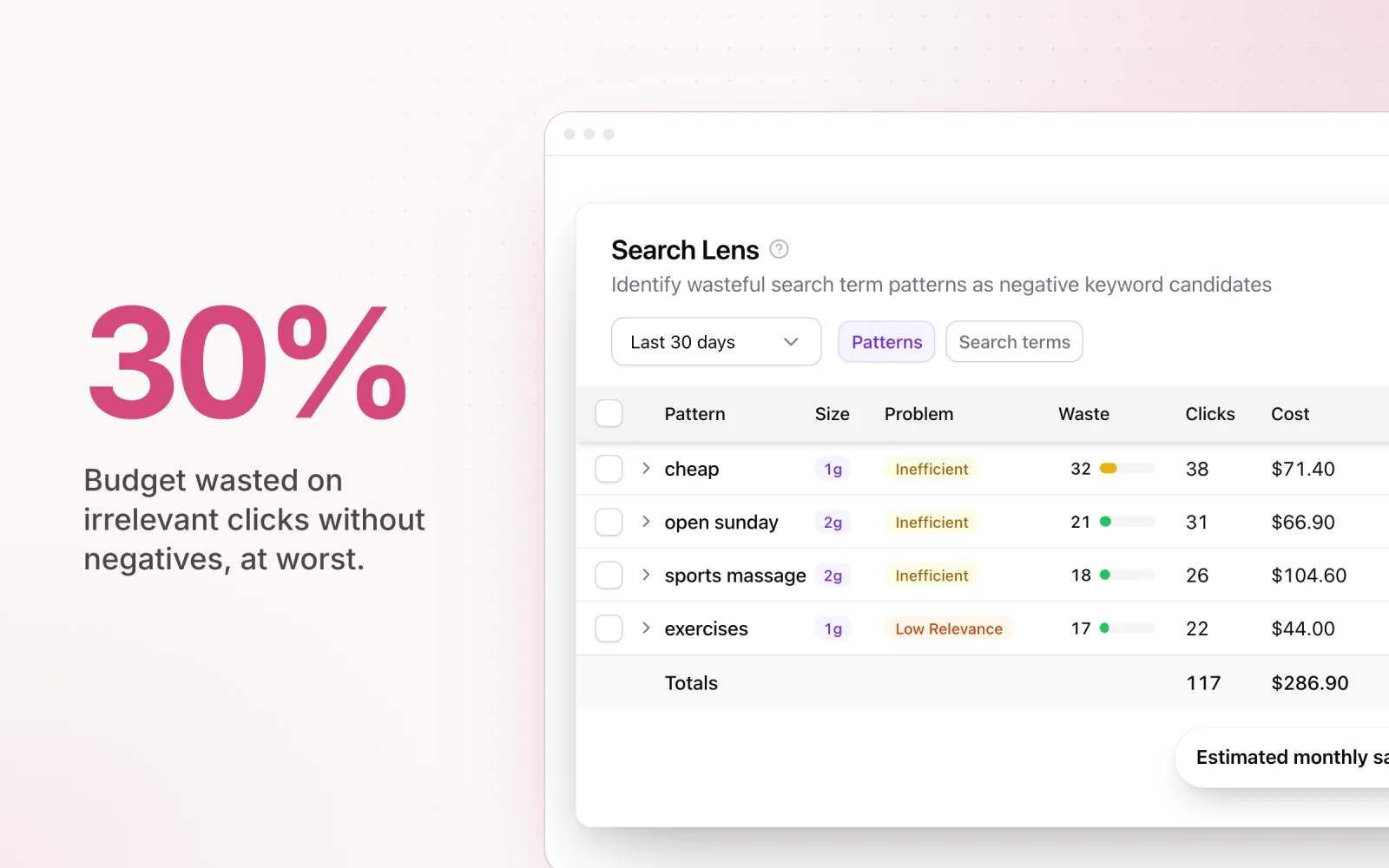
The cost of missing negatives is real and easy to measure. Across the accounts we see, a Google Ads account without a maintained negative list typically wastes 15% to 30% of its budget on irrelevant clicks. On a $10,000 monthly spend, that's $1,500 to $3,000 a month going to clicks that were never going to convert.
The damage isn't just CPC waste. Irrelevant clicks hurt your campaign in compounding ways.
CPA goes up. Some of your clicks come from people who will never convert, which dilutes your conversion rate. You then need more clicks (and more budget) to hit the same number of conversions.
CTR goes down. When your ad shows on irrelevant queries, plenty of users see it and scroll past. That drops your CTR. CTR feeds Quality Score, so irrelevant impressions quietly raise your CPC across the account.
Quality Score takes a hit. Google calculates Quality Score from expected CTR, ad relevance, and landing page experience. Showing ads for queries that don't match what you sell drags expected CTR and ad relevance down together. Lower Quality Score means higher CPCs and worse ad positions. The loop reinforces itself.
Smart Bidding learns the wrong things. Target CPA and Target ROAS train on every click. Irrelevant clicks that don't convert teach the algorithm bad patterns, and over weeks it starts chasing the wrong segments. By the time you spot the dip, you've fed it a month of noise.
Negative keyword work is not a setup task. It's ongoing maintenance, and it shows up in every performance metric you care about. Accounts with maintained lists outperform accounts without them, sometimes by significant margins on CPA and ROAS.
How to Find Negative Keywords
There are three ways to find negatives, and the strongest accounts use all of them at different stages.
Method 1: The search terms report. Your best source, and the first place to look in any account review. In Google Ads, go to Keywords, then Search terms. Sort by cost (descending) and work top-down. You're hunting for any term where (a) intent doesn't match what you sell, or (b) it has spent more than your target CPA without converting.
Watch out for queries that contain "free," "jobs," "salary," "how to," "DIY," or "template." These are buying-intent red flags. If you're running an ad account audit, search term waste is the first thing I check. It surfaces negative gaps and broader targeting issues in one report.
Method 2: Keyword research tools. SEMrush and Ahrefs let you study keyword variations before campaigns launch. Drop in a seed keyword and the tool surfaces hundreds of related queries. Skim for the wrong intent. Seed term "CRM software"? You'll find "free CRM software," "CRM certification," and "CRM interview questions" hiding in the volume. Add those modifiers to your negative list before you spend a dollar.
Method 3: A pre-launch baseline list. Before any campaign goes live, build a starting list from industry knowledge. Every vertical has terms that are almost never relevant to paid acquisition. Job seekers, educational queries, and freebie hunters show up everywhere. The 200+ list further down gives you a working foundation for the universal exclusions.
The accounts that perform best combine all three: a pre-launch baseline, search terms reviews on a regular cadence (weekly for high-spend accounts, biweekly for smaller ones), and the occasional keyword research pass to catch new query trends before they become expensive.
Negative Keywords Examples
The universal list below applies broadly, but every industry has its own high-priority exclusions. Here are the ones that matter most across four common verticals.
E-commerce. E-commerce attracts a lot of informational and non-transactional traffic. Useful negatives: free, DIY, how to make, recipe, review, comparison, vs, alternative, used, second hand, repair, instructions. If you sell physical products, also exclude rent, hire, and borrow. You want every click to be from someone with their wallet out, not someone reading a how-to.
B2B SaaS. A big chunk of software keyword space is occupied by people hunting for free tools, open-source alternatives, and educational content. Useful negatives: free, open source, tutorial, certification, salary, jobs, career, intern, course, training, GitHub, Stack Overflow. If your product is enterprise-priced, add personal, individual, and student so you stop paying for clicks from users who can't afford it.
Local services. Plumbers, electricians, lawyers and other local service providers need to be tight on both geography and intent. Useful negatives: DIY, how to, YouTube, video, tutorial, course, training. Add location-based negatives for areas you don't serve. A plumber in Sydney should block suburb and city names outside their patch ("plumber Brisbane," "plumber Melbourne"). Also exclude jobs, hiring, apprenticeship, and salary to filter out job seekers.
Legal services. Law firms see some of the highest CPCs in Google Ads, so missing negatives gets expensive fast. A single irrelevant click can cost $20 to $100 or more. Useful negatives: pro bono, free, free consultation (if you don't offer them), template, sample, DIY, form, download, how to file, do I need a lawyer. Also exclude practice areas you don't cover. A personal injury firm should block criminal lawyer, divorce lawyer, and immigration lawyer so they stop subsidising clicks for the wrong type of representation.
A Negative Keyword List (200+ Keywords)
Below is a negative keyword list organised by category. These are broad match by default, so they'll block any query containing the term. Read through the list before applying it. Some terms might be relevant to your business and should stay live. Treat this as a starting point, not a default config.
Free and cheap intent (32 keywords): free, cheap, cheapest, discount, coupon, coupons, deal, deals, bargain, bargains, affordable, budget, low cost, inexpensive, no cost, complimentary, gratis, freebie, freebies, giveaway, giveaways, promo code, promo codes, voucher, vouchers, clearance, closeout, markdown, rebate, sale, on sale, wholesale.
Job and career (28 keywords): jobs, job, hiring, career, careers, internship, internships, resume, resumes, CV, interview, interviews, salary, salaries, pay scale, wages, employment, employer, recruit, recruiting, recruitment, apprentice, apprenticeship, volunteer, volunteering, work from home, remote job, job description.
DIY and educational (36 keywords): how to, tutorial, tutorials, guide, course, courses, class, classes, certification, certifications, training, template, templates, sample, samples, example, examples, PDF, download, downloads, worksheet, worksheets, ebook, ebooks, webinar, webinars, lesson, lessons, syllabus, curriculum, textbook, assignment, homework, study, learn, learning.
Information-only intent (30 keywords): what is, what are, definition, definitions, meaning, meanings, Wikipedia, reddit, quora, forum, forums, blog, blogs, article, articles, news, history, history of, timeline, infographic, infographics, statistics, stats, data, research, study, report, white paper, case study, literature.
Competitor and brand-adjacent (18 keywords): You should customise this category for your specific industry, but these generic terms catch common misdirected traffic: login, log in, sign in, sign up, customer service, support, phone number, contact number, headquarters, stock price, stock, IPO, CEO, founder, glassdoor, indeed, linkedin, crunchbase. These block searches for other companies' operational queries that trigger your ads due to broad match keywords.
Negative sentiment (22 keywords): complaint, complaints, scam, scams, lawsuit, lawsuits, review, reviews, worst, bad, terrible, horrible, awful, fraud, fraudulent, rip off, ripoff, sucks, problem, problems, issue, issues.
Non-commercial modifiers (20 keywords): YouTube, video, videos, TikTok, Instagram, Pinterest, image, images, photo, photos, picture, pictures, meme, memes, funny, clip, clips, watch, stream, podcast.
Academic and research (18 keywords): thesis, dissertation, essay, essays, academic, scholarly, journal, journals, peer reviewed, citation, citations, bibliography, reference, references, abstract, methodology, hypothesis, literature review.
That's over 200 negatives across eight categories. Drop them into a shared negative list in your account and tune from there. Remove anything that's actually relevant to your business before you switch the list on.
How to Add Negative Keywords in Google Ads
Google Ads lets you add negatives at three levels: campaign, ad group, and shared list. Each does a slightly different job.
Campaign-level negatives. Open the campaign, click Keywords in the left menu, then Negative keywords. Hit the blue plus, add your terms. Campaign-level negatives apply to every ad group inside the campaign. Use this for broad exclusions that should apply across everything ("free," "jobs").
Ad group-level negatives. Same path, but select a specific ad group first. These only apply to that ad group. Use them for precision work, like keeping ad groups from cannibalising each other. If one ad group targets "running shoes" and another targets "hiking boots," add "hiking" as a negative in the running shoes group to prevent overlap.
Shared negative keyword lists. This is where agencies should do most of their work. Tools and settings, then Shared library, then Negative keyword lists. Create a list, add keywords, attach it to whichever campaigns you want. Update the list once and the change pushes to every campaign attached to it.
Shared lists are non-negotiable for agencies managing multiple clients. Instead of touching the same negatives across 20 campaigns by hand, you maintain one list and attach it everywhere. Faster, less error-prone, consistent across the book.
Organise shared lists by theme, not by campaign or client. One list for free and discount terms, one for job-related terms, one for educational queries, and so on. Maintenance is easier because you can update one themed list without touching the others. You can also pick and choose which lists apply where. A recruitment agency wouldn't attach the jobs list, but they'd still want the free-intent and academic ones.
One limit to know: each list maxes out at 5,000 keywords, and each account can have 20 lists. That's a ceiling of 100,000 negatives per account. More than enough for any account I've seen. If you're getting close, your keyword targeting is probably too broad and needs tightening at the source.
Negative Keyword Best Practices
After managing negative lists across dozens of agency accounts, here's what actually works.
Use broad match negatives as your default. Unless you have a specific reason to go phrase or exact, add negatives as broad match. They block the widest range of irrelevant queries with the fewest entries. Add "free" as a broad match negative and you've blocked "free trial," "free download," "get it free," and every other variation. With phrase or exact, you'd have to anticipate every permutation and add it manually.
Review search terms weekly for high-spend accounts. Anything spending more than $5,000 a month gets a weekly search terms review. Non-negotiable. New irrelevant queries appear constantly as search behaviour shifts and broad match keeps loosening. Monthly is acceptable for small accounts, but weekly catches waste before it compounds.
Build shared lists by theme. Organise lists by category, not by campaign or client. A Free and Discount Intent list, a Job Seekers list, an Educational Queries list. The same lists work across every account you manage. That's how you scale negative strategy without scaling the maintenance burden.
Don't over-exclude. The most common mistake I see is going too hard on negatives. Block too aggressively and you start filtering out qualified traffic. Before you add a negative, ask: is there any scenario where someone searching this could be a real prospect? If the answer is yes, use phrase or exact match, or skip the exclusion. Paying for a few marginal clicks is better than blocking out a real segment of buyers.
Document every change. Keep a log of which negatives you added, when, and why. Especially important when multiple people share an account. The log prevents conflicting edits, makes reversing a bad call easy, and gives you an audit trail when something performs differently than expected. If volume suddenly drops, the change log is the first place I check.
Negative keyword management is one part of a broader systematic optimisation approach. It pairs with regular search term audits, bid strategy reviews, and budget pacing analysis. The accounts that perform at the highest level treat negatives as an ongoing process, not a set-and-forget config.
If you're running multiple accounts, spend anomalies often trace straight back to missing negatives. A spike in CPA, a drop in conversion rate, a budget burning down faster than usual. These are the symptoms, and the cause is usually new irrelevant search terms slipping into the auctions. Pace monitors these anomalies across Google, Meta, TikTok, LinkedIn, Microsoft, Reddit, X Ads, and Amazon Ads and surfaces the signals that say your negative list needs attention before the waste piles up. Start a free trial to see how continuous monitoring catches what weekly reviews miss.
Frequently Asked Questions About Negative Keywords
What are negative keywords?
Negative keywords are words or phrases you add to your Google Ads campaigns to stop your ads from appearing for irrelevant searches. For example, if you sell premium software and add "free" as a negative keyword, your ads will not show when someone searches "free software." This prevents wasted ad spend on clicks that are unlikely to convert.
How do negative keywords work?
When you add a negative keyword to a campaign or ad group, Google checks every search query against your negative keyword list before entering your ad into the auction. If the search query matches your negative keyword (based on the match type you have chosen — broad, phrase, or exact), Google excludes your ad from that auction entirely. You are not charged, and your ad does not appear.
How can negative keywords help advertisers?
Negative keywords help advertisers refine their targeting by filtering out irrelevant traffic. This leads to lower cost per acquisition (CPA), higher click-through rates (CTR), improved Quality Scores, and better return on ad spend (ROAS). Accounts with well-maintained negative keyword lists typically save 15% to 30% of their ad budget by eliminating clicks from users who were never going to convert.
How do you identify negative keywords?
The best way to identify negative keywords is through the Search Terms report in Google Ads, which shows the actual queries triggering your ads. Sort by cost to find the most expensive irrelevant terms first. You can also use keyword research tools like SEMrush or Ahrefs to discover non-commercial variations of your target keywords before launching campaigns, and apply a universal baseline list of common exclusions (such as "free," "jobs," and "how to") from day one.
How do you use negative keywords?
You can add negative keywords at the campaign level, ad group level, or through shared negative keyword lists. Shared lists are the most efficient approach for agencies: create themed lists (e.g., "Job Seekers," "Free Intent," "Educational Queries"), add your terms, and attach each list to the relevant campaigns. When you update the list, changes apply everywhere it is attached. Google allows up to 5,000 keywords per list and 20 lists per account.

Jordan Parrello
Founder of Pace. Ran an agency pacing sheet by hand for years before building the thing that checks it every 5 minutes. About Pace or LinkedIn