The question every agency lead eventually gets from a client: "Should we be running Microsoft Ads too?" The honest answer is: sometimes. Microsoft is not a free extension of your Google strategy. It is a separate platform with its own setup, its own reporting, and its own monthly time cost. The decision to add it should be made the same way you would decide to add any new channel, by weighing the realistic upside against the operational overhead.
After running Microsoft Ads alongside Google and Meta for years across agency clients, here is the framework I use.
The actual math on Microsoft volume
Microsoft Advertising (the network that covers Bing, Yahoo, DuckDuckGo, and AOL search) sits somewhere between 6% and 9% of Google's search volume in the US and Australia, depending on the source and the quarter. Globally Microsoft claims a larger reach figure, but for English-speaking western markets the rough rule is: for every 100 searches on Google, you get 6 to 9 on Microsoft.
That is the ceiling. Your share of those impressions depends on your keywords, geography, and bid competitiveness. A useful sanity check before you set anything up is to pull Microsoft's Keyword Planner for your top 20 Google keywords. If the total monthly impressions look like a rounding error against your Google spend, you have your answer before you build a single campaign.
The math matters because the operational cost is fixed. Running a $200/month Microsoft account takes nearly the same time as a $5,000/month one. The break-even point for the channel is rarely about Microsoft's CPC efficiency. It is about whether the channel is big enough to justify the recurring time.
Four scenarios where Microsoft pays off
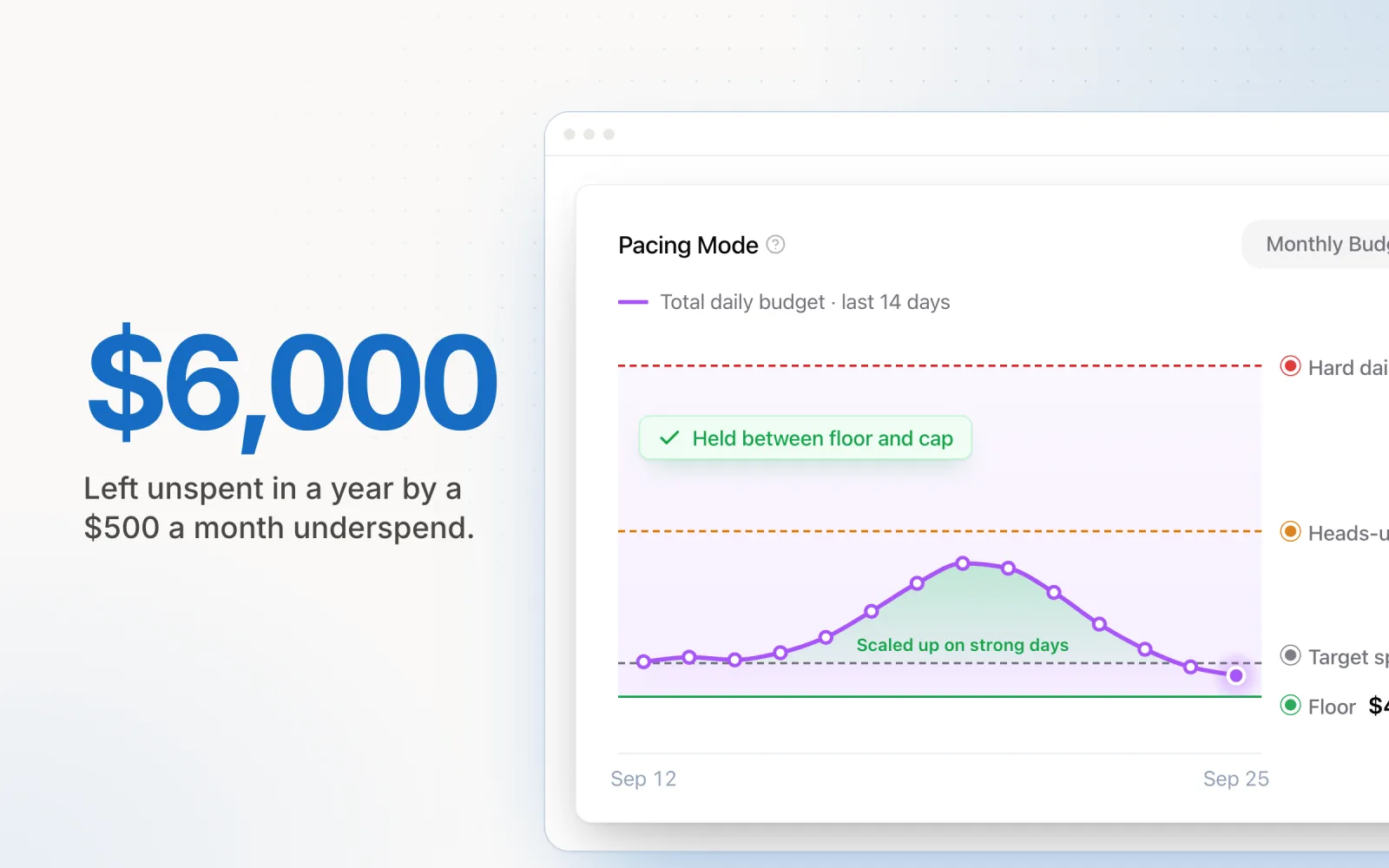
1. B2B with senior decision-maker audiences. Because Microsoft owns LinkedIn, you can overlay LinkedIn profile data (job function, industry, seniority, company size) onto Microsoft Search campaigns. This is the single feature that no other search platform offers. If you are buying B2B leads on LinkedIn at $8 to $10 per click, a Microsoft Search campaign with the same LinkedIn audience overlay at $2 to $4 per click is usually worth testing. If you are already running Microsoft, our notes on Microsoft Ads budget tips most agencies overlook covers the pacing and audience configuration in more detail.
2. Older or higher-income demographics. Microsoft's user base skews older and more affluent than Google's, partly because Edge ships as the default browser on Windows and partly because corporate IT environments often standardise on Microsoft. If your client sells financial services, premium B2C products, healthcare, or anything where the buyer is over 45 and not a heavy mobile user, Microsoft tends to overperform its market share.
3. High-CPC Google verticals. In categories where Google CPCs have climbed past $20 (legal, insurance, B2B SaaS, certain home services), Microsoft typically runs 20% to 40% cheaper for the same keywords. The volume is smaller, but the cost-per-conversion can be meaningfully better. For categories where every conversion matters and Google is bid up by aggregators, Microsoft becomes a margin protection play.
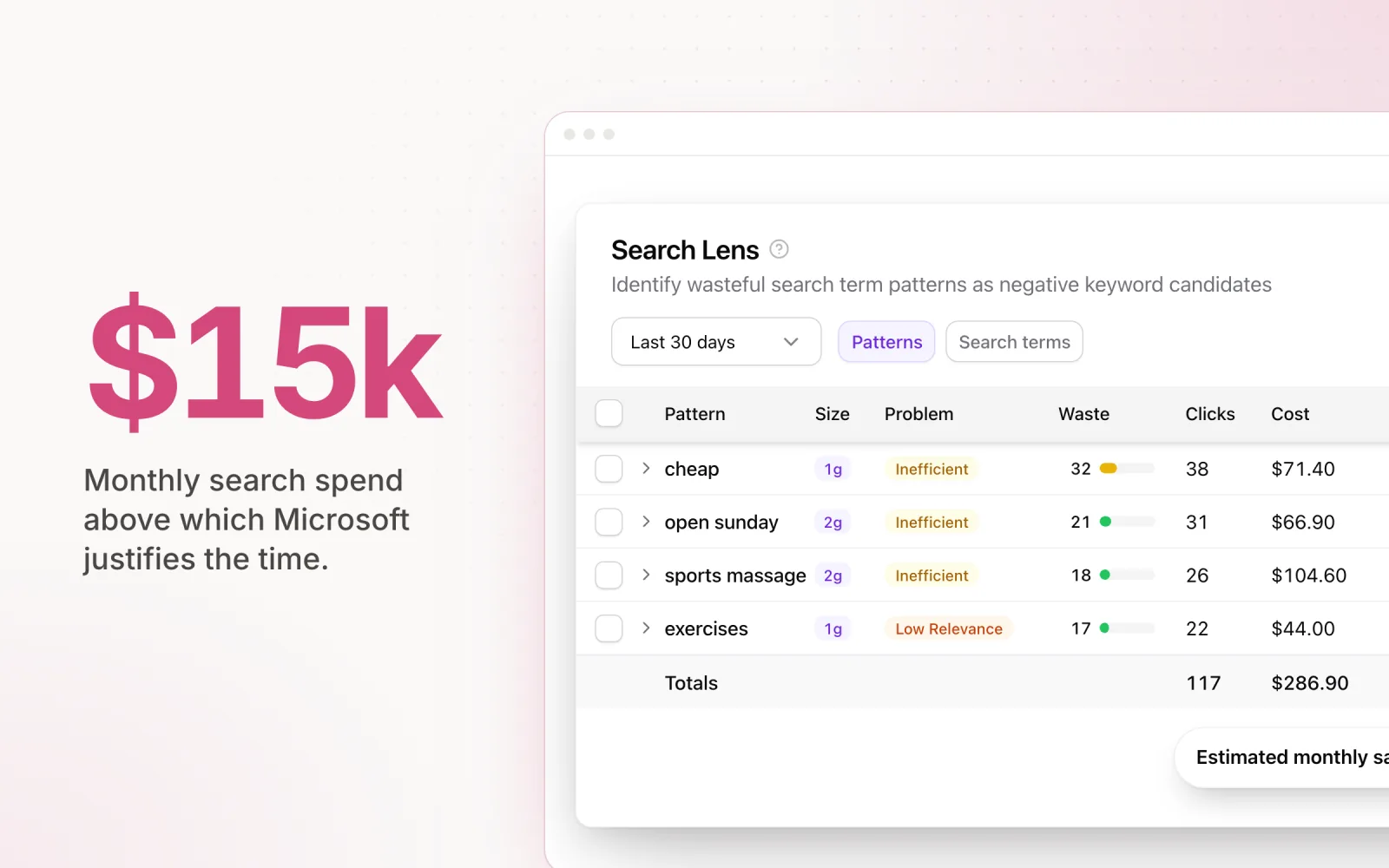
4. Total monthly spend above $15k on search. Above this threshold, the operational cost of running Microsoft (account setup, monthly reporting, ongoing optimisation) becomes a small share of total managed spend. The incremental conversions Microsoft delivers, even at 6 to 9% of Google's volume, justify the time. Below this threshold, the math gets harder.
Three scenarios where it doesn't pay off
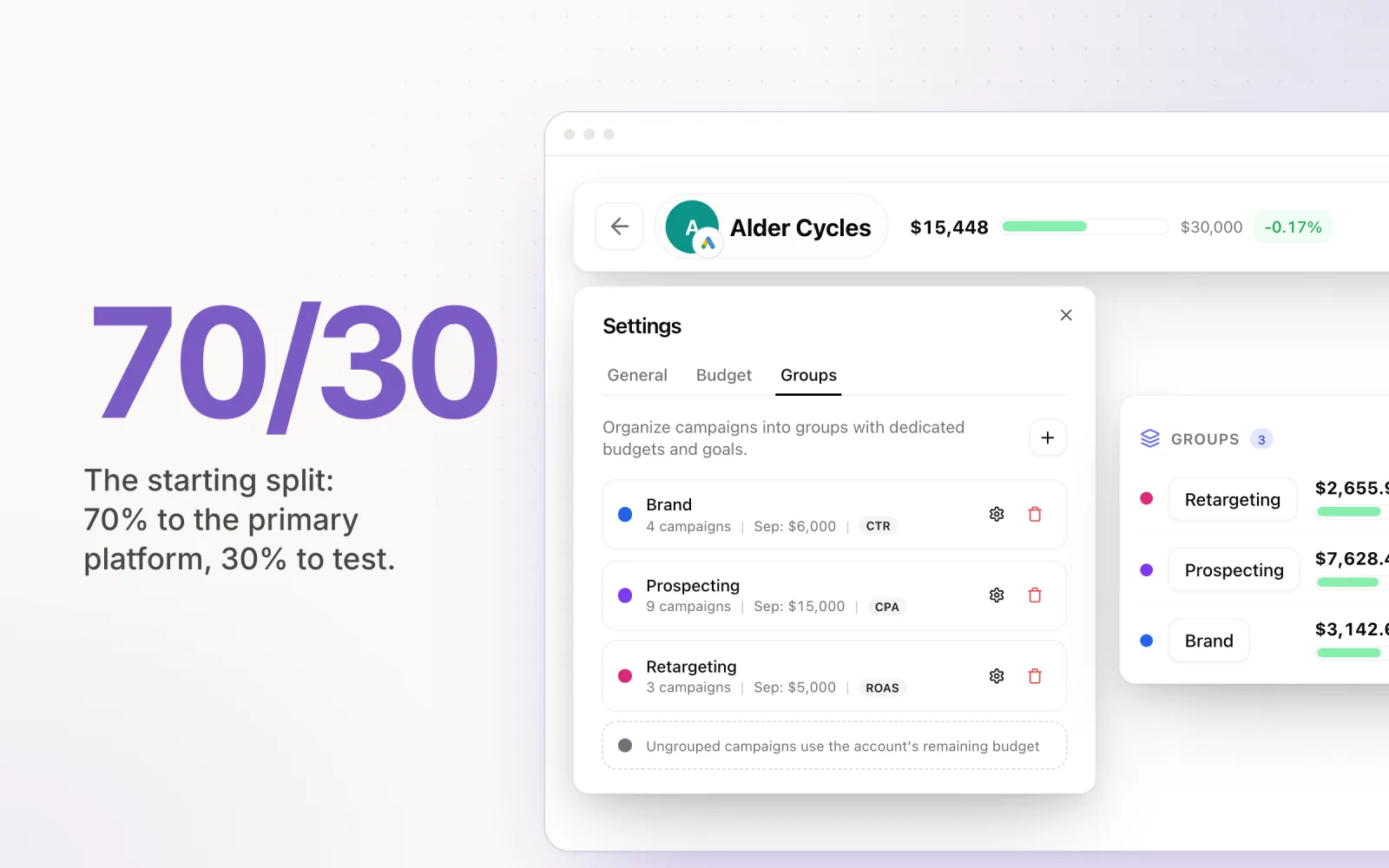
1. Total monthly ad spend under $5k. If your total cross-platform budget is small, Microsoft's slice will be tiny. A 7% volume share of a $3,000/month Google account means a Microsoft account that will spend maybe $200 a month, generate three or four conversions if you are lucky, and consume a couple of hours a month in setup and reporting. The opportunity cost of those hours is almost always better spent optimising the larger Google or Meta accounts.
2. Niche e-commerce with no demographic skew. If your product is a Gen Z fashion brand, a mobile gaming app, or anything else where your audience is young, mobile-first, and not on Edge or Bing, Microsoft's audience is the wrong one. The traffic you get will be small and poorly matched. Stick with Google and Meta, where the audience overlaps your buyer.
3. Local service businesses in low-population areas. Microsoft's search volume is concentrated in major metros and corporate markets. For a plumber in a regional town or a local trades business outside a capital city, the Microsoft impression volume for "geo + service" queries is often genuinely zero. Build the Google Local Services and Search presence first, then revisit Microsoft only if the business expands.
The operational cost agencies underestimate
Adding Microsoft to your stack is not just a campaign import. The recurring cost includes:
- Initial setup: account creation, billing, conversion tracking via UET tag, audience imports, and the first Google-to-Microsoft campaign import. Realistically four to six hours done properly.
- Monthly reporting: pulling Microsoft data into client reports, normalising the metrics so they sit cleanly alongside Google and Meta, and explaining the smaller numbers to clients who expect Google-level volume.
- Ongoing optimisation: negative keywords, audience refinement, ad copy testing, and budget pacing. The platform has a lighter optimisation surface than Google, but it still needs regular attention.
- Reconciliation: Microsoft's reporting interface, attribution model, and budget pacing behave slightly differently from Google's. Every agency learns this the first time a client asks why the Microsoft number doesn't line up with what they expected.
None of this is hard. It is just real. If you are pricing your retainer on a per-platform basis, Microsoft needs to earn its line item the same way Google and Meta do.
A decision framework for agencies
When a client asks whether to add Microsoft, walk through these questions in order:
- Is total monthly search spend above $5k? If no, defer. Revisit when the budget grows.
- Does the buyer profile skew older, B2B, or higher income? If yes, Microsoft is likely to overperform its market share. Add it.
- Are Google CPCs in the vertical above $15? If yes, Microsoft is worth testing as a margin protection channel.
- Is the client running LinkedIn for B2B lead gen? If yes, a Microsoft Search campaign with LinkedIn audience overlays is one of the highest-leverage tests available. Run it.
- Can the agency genuinely give the account monthly attention? If the answer is "we will set it up and check on it quarterly," do not add it. A neglected Microsoft account quietly wastes money and gives the client a reason to question your management.
If three or more of those answers point yes, add Microsoft. If most point no, the honest recommendation is to keep the stack lean. A well-run two-platform stack will almost always outperform a poorly-run three-platform one.
The agencies that get this right treat Microsoft as a deliberate addition with its own thesis and its own success criteria, not as a default check-box on the onboarding form. If you do add it, bring it into the same pacing and reporting workflow as your other platforms from day one. Our guide on managing Google, Meta, and LinkedIn ads in one place walks through what a unified workflow looks like, and the principles in how to allocate budget between Google Ads and Meta Ads apply directly when you start splitting spend across a third channel. Pace tracks Microsoft alongside Google, Meta, TikTok, LinkedIn, Reddit, X Ads, and Amazon Ads in a single pacing view, so adding the platform doesn't mean adding another spreadsheet to your Monday morning routine. Start a free trial if you want to see how it handles a multi-platform account.

Jordan Parrello
Founder of Pace. Ran an agency pacing sheet by hand for years before building the thing that checks it every 5 minutes. About Pace or LinkedIn