A digital ad management tool is software that helps you plan, execute, monitor, and optimise paid advertising campaigns across one or more platforms. That definition sounds simple. In practice, the category spans everything from free browser extensions to enterprise platforms that cost six figures a year. Understanding what falls under this umbrella, and where the meaningful differences lie, is the first step toward choosing the right solution for your agency or brand.
This guide breaks down the category from the ground up: what these tools do, who actually needs one, how to distinguish between tool types, and where the industry is heading in 2026.
The Problem These Tools Solve
Digital advertising in 2026 is fragmented by design. Google Ads, Meta, LinkedIn, and Microsoft Ads each have their own dashboards, their own budget logic, their own reporting formats, and their own APIs. If you manage campaigns across even two of these platforms, you are already dealing with duplicated workflows: logging into separate systems, pulling data into spreadsheets, reconciling metrics that use different definitions, and making budget decisions based on information that is hours or days old.
For a freelancer running three Google Ads accounts, this fragmentation is manageable. For an agency managing 20 clients across four platforms, it becomes the dominant operational cost. The time spent on data aggregation, manual pacing calculations, and cross-platform reporting does not scale linearly. It compounds. Every new client and every new platform multiplies the overhead.
Digital ad management tools exist to collapse that complexity. They connect to platform APIs, normalise the data, and provide a single environment for the tasks that consume the most time: budget monitoring, spend pacing, performance analysis, and reporting. The best ones go further, automating the routine adjustments that media buyers make daily so those buyers can focus on strategy instead of arithmetic.
Who Needs a Digital Ad Management Tool
Not everyone does. If you manage a single Google Ads account with a steady budget, the native platform interface is sufficient. The decision to adopt a dedicated tool is driven by three factors: the number of accounts, the number of platforms, and the total spend under management.
Agencies managing five or more accounts. This is the threshold where manual workflows start breaking. Five accounts means five sets of daily budget checks, five pacing calculations, five reporting cadences. At this scale, a spreadsheet-based approach introduces meaningful error risk and consumes hours that should go toward optimisation.
Brands running cross-platform campaigns. If you spend on Google and Meta (at minimum), you need a way to see unified performance data. The alternative is switching between tabs, exporting CSVs, and building manual dashboards that are outdated the moment you finish them. Cross-platform visibility is not a luxury at this point. It is a requirement for making informed allocation decisions.
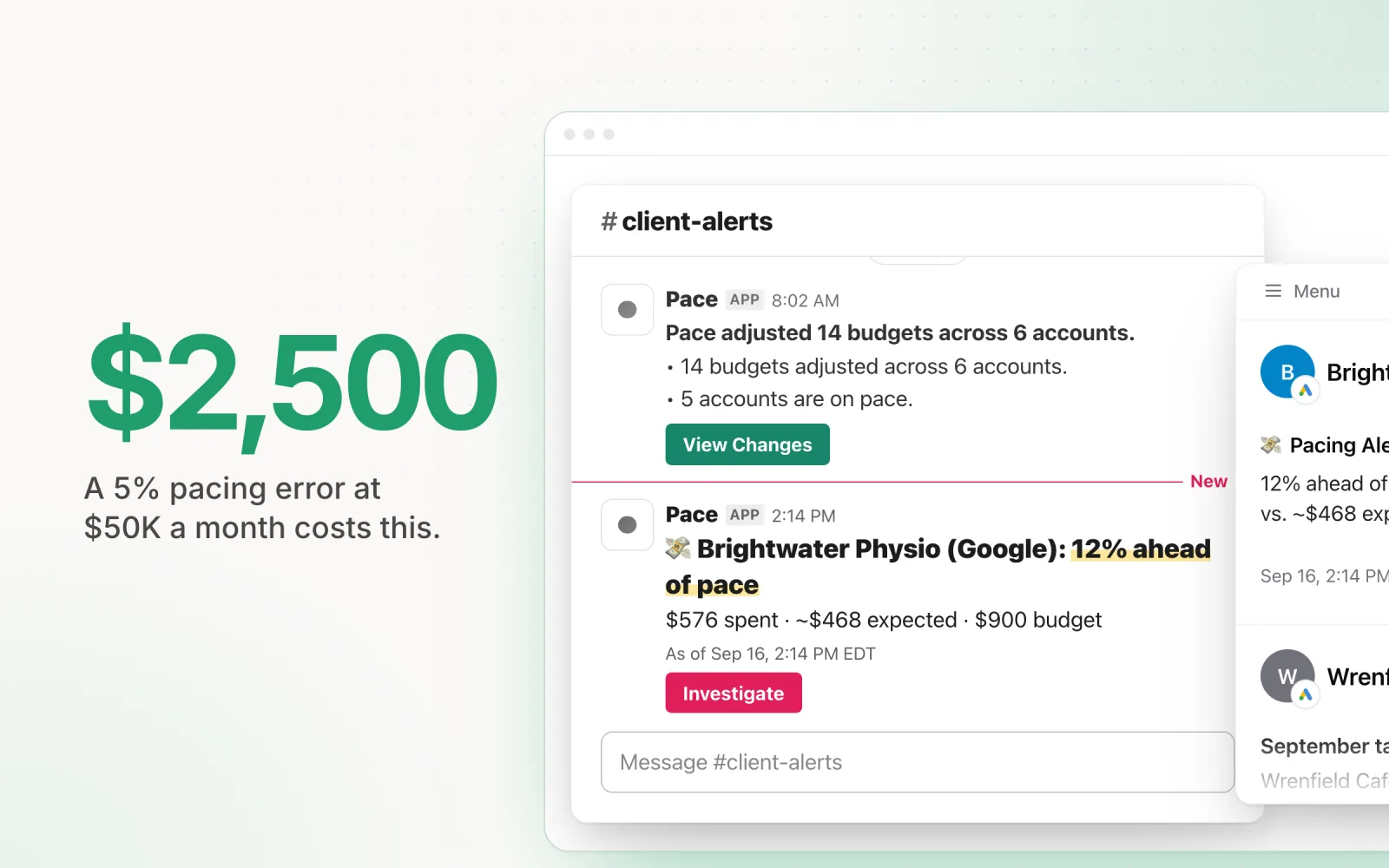
Anyone spending $50K or more per month. At this spend level, a 5% pacing error costs $2,500 per month. A 10% overspend on one platform while another platform underspends by the same amount means you are misallocating $5,000 or more every billing cycle. The cost of the tool pays for itself in prevented waste within the first month.
Core Capabilities of Ad Management Tools
The features vary significantly across tools, but five capabilities define the category:
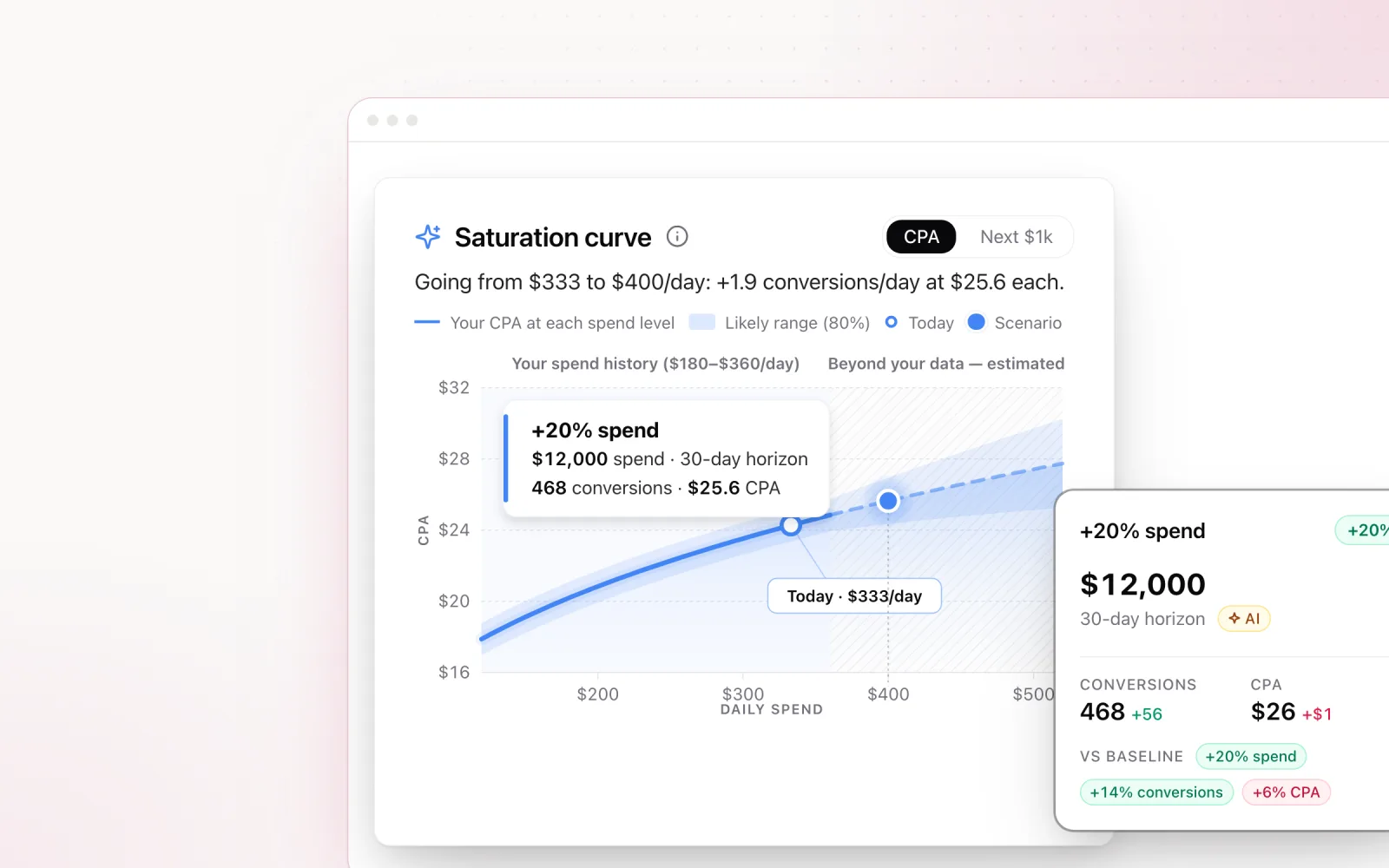
Budget pacing. This is the foundation. A pacing tool tracks actual spend against planned spend and calculates whether you are on track to hit your monthly target. Basic tools show you the gap and leave you to fix it. Advanced tools calculate the exact daily budget adjustment needed and, in some cases, apply it automatically. Pacing is where the difference between a monitoring tool and a management tool becomes clear.
Cross-platform dashboards. Unifying data from Google, Meta, LinkedIn, and Microsoft into a single view is harder than it sounds. Each platform reports metrics differently: attribution windows vary, conversion definitions differ, and even "impressions" can mean different things depending on context. Good dashboard tools normalise these differences so you can compare performance across platforms without mental gymnastics. The ability to manage Google, Meta, and LinkedIn in one place is what separates a management tool from a reporting tool.
Bid management. Some tools layer bid optimisation on top of budget management. This can range from rules-based bid adjustments (increase bids by 10% when CPA drops below target) to ML-driven bidding that adjusts in real time based on auction signals. The value depends on whether you are using the native platforms' smart bidding or prefer manual control.
Automated reporting. Client reporting is one of the highest-time-cost activities for agencies. Tools that generate scheduled reports with cross-platform data, pacing status, and performance summaries can save hours per client per month. The best reporting features include change logs that show what was adjusted and why, which builds client trust far more effectively than a static performance table.
Audit trails. When a client asks why their CPC spiked last Tuesday, you need an answer. Audit trails log every change made to a campaign, whether by a person, a platform algorithm, or the management tool itself. This capability is often overlooked during tool evaluation, but it becomes critical the first time a client questions a result.
Types of Tools: Point Solutions, Platforms, and Suites
The "digital ad management tool" category is broad enough to include products with very different scopes. Understanding the distinctions helps you avoid choosing a tool that solves the wrong problem.
Point solutions focus on one platform or one function. Google Ads Editor is the classic example: it is powerful for bulk editing Google campaigns, but it does not touch Meta or LinkedIn. Optmyzr is another strong point solution. It excels at Google Ads and Microsoft Ads optimisation with deep scripting capabilities, rules-based automation, and budget monitoring. The limitation is scope. If your agency runs significant Meta or LinkedIn spend, Optmyzr handles part of the picture and you need additional tools for the rest.
Cross-platform management tools connect to multiple ad platforms and provide unified workflows across them. Marin Software is the enterprise example, supporting Google, Meta, Amazon, and others with cross-channel budget allocation and bidding. Pace takes a similar cross-platform approach but with a focus on budget pacing, change reporting, and audit trails rather than bid management. The value proposition of a platform is consolidation: fewer logins, fewer spreadsheets, fewer gaps between what happened on Google and what happened on Meta.
Analytics and marketing suites include ad management as one component of a broader stack. HubSpot's ad tools, for instance, let you manage ads within the context of a CRM and marketing automation platform. AdRoll focuses on retargeting across display and social. These tools optimise for integration with other marketing functions rather than depth of ad management capability. They are best suited for brands that want a unified marketing stack, not agencies that need granular campaign control.
Tool vs. Platform: The Distinction That Matters
The most important distinction in this category is between single-channel optimisers and cross-platform management layers. This is not just a feature difference. It reflects a fundamentally different approach to how you manage ad spend.
A single-channel optimiser makes you better at Google Ads (or Meta, or LinkedIn). It gives you deeper controls, faster workflows, and smarter automation within that platform. But it does not help you answer the cross-platform question: "Given my total budget, am I allocating optimally across channels?"
A cross-platform management layer sits above the individual platforms. It pulls data from all of them, provides unified pacing and reporting, and lets you make allocation decisions with full visibility. It may not offer the same depth of per-platform control as a dedicated optimiser, but it solves the coordination problem that no single-platform tool can address.
Most agencies need both, but the management layer is the one that prevents the most expensive mistakes. Overspending on Google by 15% while Meta underspends by 20% is a cross-platform problem that no amount of Google Ads optimisation can fix. You need visibility across all your platforms to catch it.
The AI Shift in 2026
The ad management tool market is in the middle of a technology transition. Tools that ran on static rules and manual thresholds through 2024 are now incorporating machine learning models for pacing prediction, anomaly detection, and budget allocation. This shift is real, but it comes with caveats.
The genuine advances are in predictive pacing and pattern recognition. ML models trained on historical spend data can forecast where a campaign's budget will land at month-end, accounting for day-of-week patterns, seasonal trends, and platform-specific delivery behaviour. This allows proactive adjustment rather than reactive correction. Instead of discovering on the 25th that you have overspent by 12%, a predictive model flags the trajectory on the 8th and makes a small daily correction.
Anomaly detection is another area where ML adds clear value. A static threshold alert triggers when spend exceeds a fixed number. An ML-based anomaly detector learns what "normal" looks like for each campaign and flags deviations that are unusual relative to that campaign's history. A $500 daily spend spike might be normal for a seasonal e-commerce account but alarming for a steady-state B2B account. Context-aware detection catches issues that static rules miss.
The caveat is transparency. Many tools adopting AI treat the model as a black box: it makes changes, you see the result, but you cannot inspect the reasoning. For agencies that answer to clients for every dollar spent, this is not acceptable. The model needs to explain what it changed and why, in terms the agency can relay to the client. Any tool that hides its logic behind "proprietary AI" should be evaluated with scepticism.
How Pace Fits the Category
Pace is a cross-platform ad management tool built specifically for agencies and brands managing spend across Google Ads, Meta, TikTok, LinkedIn, Microsoft Ads, Reddit Ads, X Ads, and Amazon Ads. The core capabilities are AI-driven budget pacing, automated change reports, and a unified dashboard that normalises data across platforms.
What differentiates Pace from other tools in the category is the combination of automation and transparency. The pacing engine uses frontier language models to calculate daily budget adjustments, but every adjustment is logged with the data that triggered it and the reasoning behind the decision. Change reports are shareable with clients, which means the tool strengthens the agency-client relationship rather than creating a black box between them.
Pace also takes security seriously. Platform connections use OAuth, so Pace never sees or stores your ad-platform passwords; the refresh tokens it holds are encrypted at rest (AES-256) and you can revoke them at any time. All ad platform API calls are proxied through Pace’s backend, so tokens are never exposed to the browser. This matters because ad accounts represent significant financial access, and the security model of your management tool is the security model of every account connected to it.
The platform supports cross-platform portfolio views, letting you group accounts across Google, Meta, TikTok, LinkedIn, Microsoft, Reddit, X Ads, and Amazon into a single workspace with blended metrics and portfolio-wide budget optimisation. A “Pace All” button triggers optimisation across every account in a portfolio with one click. This solves the coordination problem directly rather than requiring you to manage each platform’s pacing independently.
Decision Signals: When You Need a Tool
If you are unsure whether your agency needs a dedicated ad management tool, these are the signals that indicate you have outgrown your current workflow:
Your spreadsheets take longer to maintain than the campaigns they track. When the time spent updating pacing spreadsheets, reconciling data across platforms, and building client reports exceeds the time spent on actual optimisation, you are subsidising a broken process with labour. A tool should invert that ratio.
You need audit trails and cannot produce them. Clients are increasingly asking for documentation of what changed, when, and why. If your answer involves searching through email threads, Slack messages, and platform change histories across four different dashboards, you need a centralised audit system. This is not just about efficiency. It is about liability.
Cross-platform visibility requires a weekly data pull. If the only way to see your total spend across Google, Meta, and LinkedIn is to export CSVs and combine them manually, you are making allocation decisions based on stale data. Real-time cross-platform visibility is the baseline capability of any management tool worth evaluating.
Budget errors are costing more than a tool subscription. Calculate your average monthly pacing error across all accounts. If the cost of overspend, underspend, or misallocation exceeds $500 per month, a management tool pays for itself on day one. Most agencies find the number is significantly higher than they expect once they actually measure it.
You are hiring to solve a systems problem. If your growth plan involves adding coordinators or junior buyers to manage the operational load of budget tracking and reporting, you are scaling labour when you should be scaling infrastructure. A tool handles the operational work. People should handle the strategic work.
Choosing the Right Tool
The right tool depends on where you sit in the market. Start with three questions:
- How many platforms do you manage? If it is Google-only, a point solution like Optmyzr or Google Ads Editor may be sufficient. If it is two or more platforms, you need cross-platform capability.
- What is your primary pain point? If it is budget pacing, look for tools with automated pacing and predictive forecasting. If it is reporting, prioritise tools with client-facing report generation. If it is both, you need a platform that covers the full workflow.
- What level of transparency do you require? If your clients expect detailed change logs and audit trails, this becomes a non-negotiable filter. Many tools automate changes without documenting them, which creates a trust problem the moment something goes wrong.
For a detailed comparison of the leading tools, see our breakdown of the 7 best budget pacing tools for agencies in 2026. If you are ready to see how Pace handles cross-platform management with full audit trails and AI-driven pacing, start a free trial to get started.

Jordan Parrello
Founder of Pace. Ran an agency pacing sheet by hand for years before building the thing that checks it every 5 minutes. About Pace or LinkedIn