Most advertisers set bids when they launch a campaign and then forget about them. They pick a strategy Google recommends, enter a target that feels reasonable, and move on. Weeks later, when performance drifts or spend runs hot, they change the target, reset the learning period, and wonder why the algorithm never seems to settle.
Bid optimisation is a job you keep doing for the life of the account. Pick the right strategy per campaign, ground the targets in real data, give the algorithm time to learn, and adjust deliberately. Get this right and you can move performance further than any creative or audience tweak.
What is bid optimisation?
Bid optimisation is the process of adjusting how much you pay per click, impression, or conversion to maximise campaign performance within your budget. Every auction, the bid you set (or the bid your algorithm calculates) decides whether you win the impression and what you pay. Static bids leave money on the table.
Two questions sit underneath the work. Are you paying the right amount per click or conversion? And is your budget flowing into the auctions most likely to convert?
The answer depends on the platform, the campaign type, your conversion volume, and the data the algorithm has. A campaign generating 200 conversions a month is a different problem from one generating 12. A LinkedIn brand awareness campaign needs a different bidding approach than a direct-response Google search campaign. Same word, different jobs.
The goal is not paying less per click. It's paying the right amount for each click relative to its expected value. Sometimes that means bidding higher for a user with strong purchase intent. Sometimes it means bidding lower (or not at all) for auctions unlikely to convert. Effective bid optimisation finds that balance continuously, across every auction, for every campaign.
Bid optimisation strategies by platform
Each platform names its strategies differently, runs different mechanics, and needs different amounts of data. Knowing what each one offers is where bid optimisation starts.
Google Ads has the most sophisticated bidding options of the four. Smart Bidding uses machine learning to optimise for conversions or conversion value at auction time. The four core strategies are Target CPA (bids to a specific cost per acquisition), Target ROAS (bids to a target return on ad spend), Maximise Conversions (most conversions within your budget), and Maximise Conversion Value (highest total conversion value within your budget). Google also offers manual CPC for full control and enhanced CPC as a middle ground. Our complete guide to Smart Bidding covers when to use each one and how to set them up.
Meta Ads works differently. The primary strategies are Lowest Cost (Meta spends your budget for the most results at the lowest possible cost), Cost Cap (a maximum average cost per result), Bid Cap (a hard maximum bid per auction), and Minimum ROAS (a floor for return on ad spend). Meta's algorithm is highly automated. Lowest Cost works best when you have a healthy budget; Cost Cap or Bid Cap when you need efficiency control. Unlike Google, Meta has no true manual CPC. The algorithm is always in the loop.
LinkedIn Ads gives you three options: Manual CPC (you set the bid), Enhanced CPC (LinkedIn nudges your bid up or down based on conversion likelihood), and Maximum Delivery (LinkedIn sets bids automatically). LinkedIn's auctions are different from search because the audience is smaller and CPCs are higher. Manual CPC often wins here because volume is low and precision matters more.
Microsoft Ads mirrors Google closely: Target CPA, Target ROAS, Maximise Conversions, Maximise Clicks, Manual CPC, and Enhanced CPC. Same mechanics. The catch is Microsoft's smaller auction pool, which makes the data requirements proportionally tighter. A campaign that hits Smart Bidding's threshold on Google may not hit it on Microsoft.
Manual vs. automated bid optimisation
Manual vs. automated bidding isn't a preference question. It's a data question, decided by the maturity of your campaign and how many conversions it generates.
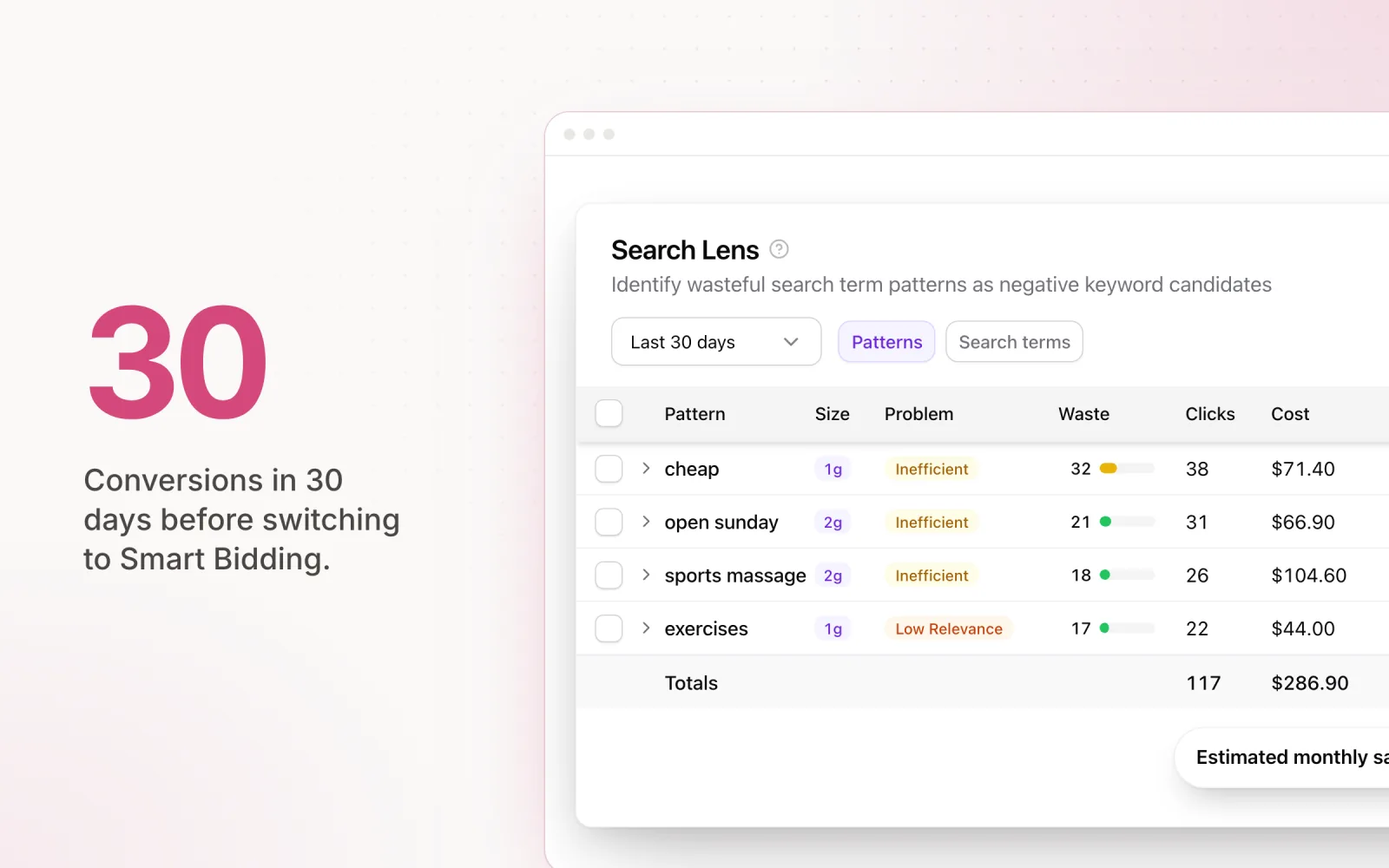
When manual bidding still wins. Manual CPC gives you full control over what you pay per click, and there are situations where that precision earns its keep. Brand-new campaigns with zero conversion history have no data for an algorithm to learn from. Brand campaigns where you want to defend your brand name at a consistent CPC are usually better off manual. Very low-volume accounts (fewer than about 30 conversions per month) lack the data for automated strategies to behave reliably. And on accounts where one misplaced bid adjustment could chew through a small monthly budget, the predictability of manual CPC beats the upside.
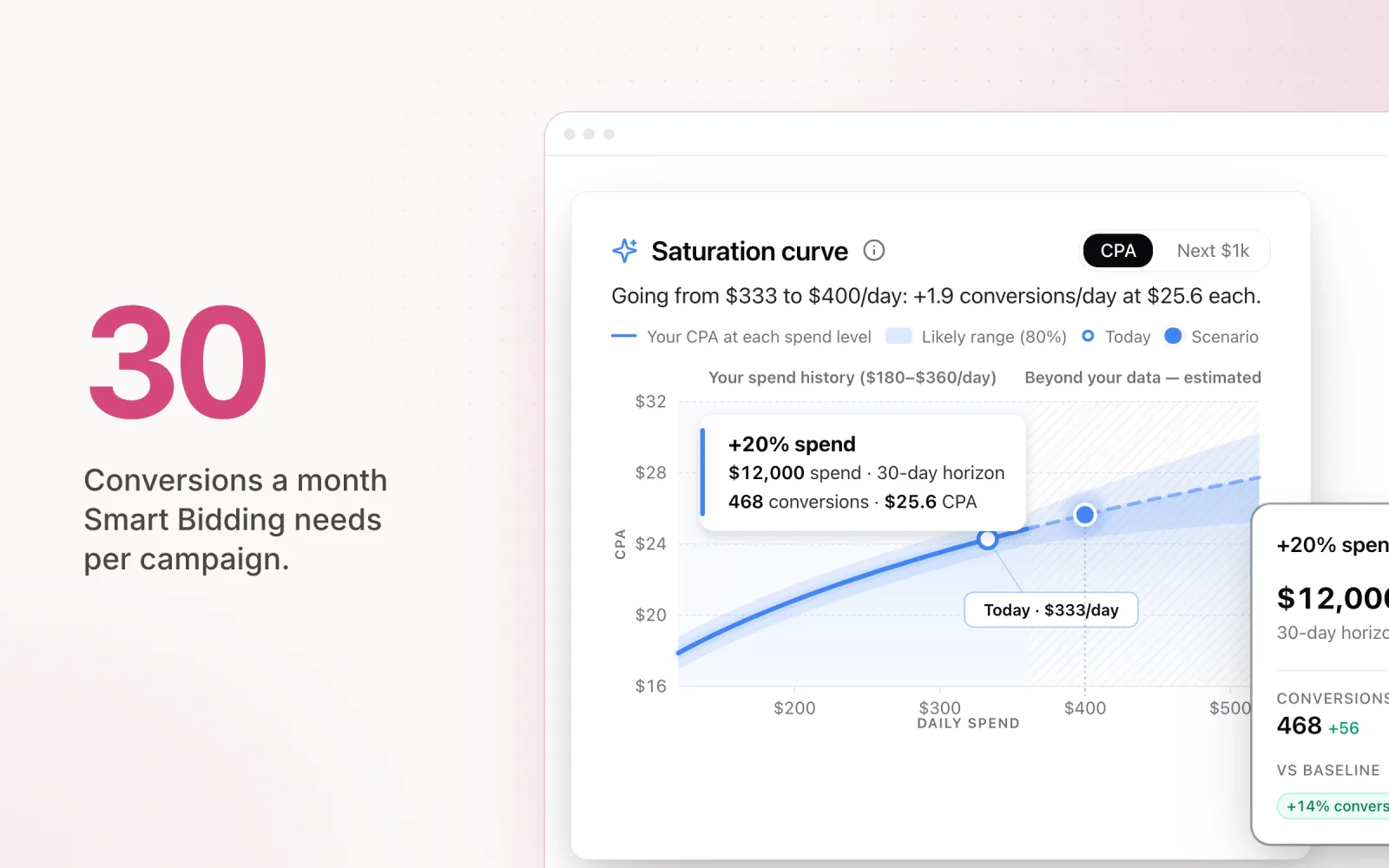
When automatic bidding is better. Once a campaign has the data, automated strategies beat manual in almost every case. The reason is signal processing. When a user searches, Smart Bidding looks at device, location, time of day, audience membership, browser, query context, and dozens of other signals at once. No human adjusting bids in a spreadsheet can match that. The rough threshold is 30 conversions in a 30-day window per campaign. Below it, the algorithm guesses. Above it, it learns. The more conversions you feed it, the sharper the predictions get.
The transition path. Start campaigns on manual CPC, build up conversion data, and switch to an automated strategy once you cross 30 conversions in 30 days. Use your historical CPA or ROAS as the starting target. Not an aspirational number. The algorithm needs a real baseline to optimise from. Set the target, commit to it for three weeks, and only adjust once the learning period ends and you have stable data to read.
For accounts running multiple campaigns across platforms, the transition is rarely all-or-nothing. Some campaigns on manual CPC while others run Smart Bidding is exactly right. The strategy should fit the campaign, not the other way around.
How to choose a bid strategy
Google presents the bid strategy as a dropdown during campaign setup, and most advertisers treat it that way: pick one in thirty seconds, defend it for six months. The choice deserves more than that. Four questions decide it: how much conversion data does the campaign have, how much do conversion values vary, how badly would one expensive day hurt, and does the campaign type give you a choice at all?
Here is the decision table. Find the row your campaign is in, not the row you wish it was in.
| Campaign situation | Bid strategy | Why |
|---|---|---|
| New campaign, zero conversion history | Manual CPC | There is no data for an algorithm to learn from. Bank conversions first. |
| Under 30 conversions in 30 days | Manual CPC or Maximise Conversions | Below the data threshold, target-based Smart Bidding guesses with your budget. |
| 30+ conversions a month, lead gen | Target CPA | Enough signal to bid to a cost per lead. Start the target at your historical CPA. |
| 30+ conversions a month, ecommerce with varied order values | Target ROAS | Transaction values differ, so the model should bid harder for the high-value buyers. |
| Brand defence on your own name | Manual CPC | You want a consistent CPC on branded terms, not an algorithm exploring bid levels. |
| Small budget where one hot day hurts | Manual CPC | Predictability beats upside when a misplaced adjustment can chew through the month. |
| Performance Max or Demand Gen | Maximise Conversions or Maximise Conversion Value, target layered on once data builds | Manual is not offered. The target is the only control you get. |
The middle ground is also disappearing in 2026. Google has been steering advertisers away from Enhanced CPC, its half-manual, half-automated compromise, and the newer campaign types skip the choice entirely: Performance Max only runs Maximise Conversions or Maximise Conversion Value, and Demand Gen (which replaced Discovery) works the same way. In a growing share of accounts, the only decision left is which automated target to set, and at what number.
Whichever row you land in, put the choice on a review cadence. A bid strategy is a weekly check, not a set-and-forget setting: confirm the target still matches the last 30 days of data, compare impression share against Lost IS (Budget), watch for campaigns stuck in learning, and re-run the table whenever a campaign crosses the 30-conversion line in either direction. Our guide to paid search analysis covers how to measure whether those reviews are paying off.
Bid optimisation tools
Every platform includes native bid tools. Third-party tools are worth adding in specific scenarios, mostly for agencies running many accounts or advertisers spanning multiple platforms.
Native platform tools. Google Ads has bid simulators that estimate the impact of bid changes, the Recommendations tab with bid strategy suggestions, and portfolio bid strategies that share a target across campaigns. Meta's Automated Rules let you adjust bids against performance thresholds. Microsoft has similar tooling to Google. For most single-platform advertisers with moderate complexity, the native options are free and good enough.
Third-party bid optimisation tools. Optmyzr offers rule-based bid automation and optimisation scripts that go beyond the native platforms, especially for agencies running many accounts with standardised processes. Marin Software focuses on cross-platform bid management with portfolio-level optimisation across Google, Meta, and Microsoft. For a deeper comparison, see our guide to PPC bid management tools.
When a tool adds value. Single platform with Smart Bidding enabled? The native tools are usually fine. The algorithm handles the auctions and the built-in simulators help you understand target trade-offs. Third-party tools start earning their licence fee when you need a unified view across platforms, when you want to layer custom rules on top of automated strategies (pause campaigns when CPA exceeds a threshold, shift budget between campaigns based on pacing), or when you're managing dozens of accounts and need standardised processes the native UIs can't support at scale.
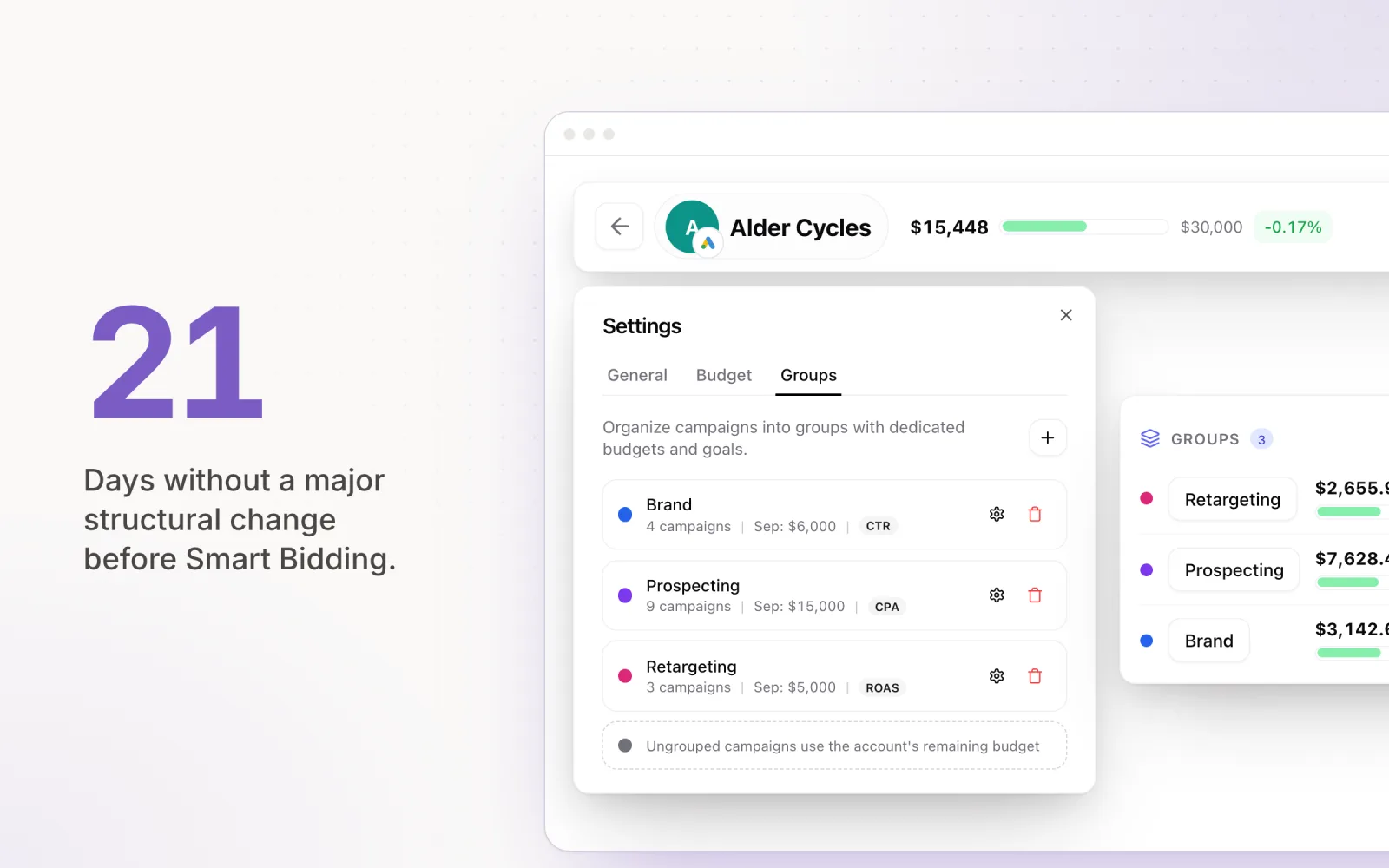
Where bid optimisation and budget pacing meet. Bid strategies decide what you pay per auction. Budget pacing decides how your total budget gets distributed across the month. Different problems, but they interact. Aggressive bidding plus poor pacing means 70% of monthly spend in the first two weeks and the rest of the month on a leash. Pace's AI engine works at the budget layer, adjusting daily budgets across platforms so your campaigns spend evenly and finish the month on target. The platform's bid strategy handles each auction.
Common bid optimisation mistakes
The same mistakes show up across hundreds of accounts. Most are avoidable once you understand how automated bidding actually learns.
Changing targets too frequently. Every CPA or ROAS target change triggers a learning period of two to three weeks. During learning the algorithm experiments with bid levels, and performance bounces around. Change the target again during that window and learning resets. Agencies that adjust targets weekly in response to short-term swings keep their campaigns permanently in learning mode, which is the algorithm's least useful state. Set a target. Wait three weeks. Evaluate. Make one incremental adjustment of 10 to 15 percent. Repeat.
Not giving algorithms enough learning time. CPA spikes in week one of a new bid strategy. The instinct is to intervene. But that spike is usually the algorithm testing bid levels and audience segments to calibrate its models. Reverting after a few days of elevated CPA means you paid the learning cost and skipped the payoff. Give it two full weeks before you evaluate. If CPA is genuinely unsustainable (three to four times target), intervene. A 20 to 30 percent CPA increase during learning? Normal.
Ignoring impression share data. Bid optimisation doesn't happen in a vacuum. If your Search Impression Share is 40% and your Search Lost IS (Budget) is 35%, you're missing a third of available impressions because of budget, not bids. Optimising bids in that situation barely moves the needle. The constraint is budget, and the fix is more budget or narrower targeting. Flip side: 95% impression share and a high CPA. Reduce bids (or tighten your CPA target) and you'll improve efficiency without losing meaningful volume. Pair this with share-of-voice analysis to see whether competitor pressure (not your bids) is what is moving impression share.
Over-optimising for CPA at the expense of volume. Set a tight CPA target and the algorithm gets selective about which auctions it enters. CPA drops. So does volume, sometimes dramatically. Your business needs 100 leads a month. Your strategy delivers 30 at a beautiful CPA. The efficiency metric looks great. The business outcome does not. The right CPA target is the one that delivers enough conversions to hit business objectives, not the lowest number you can squeeze out.
Not accounting for conversion lag. Many conversions take days or weeks to land. Someone clicks today, converts five days later. Yesterday's CPA on today's data looks worse than it is because the attribution hasn't caught up. This bites hardest on B2B campaigns with long sales cycles and on accounts importing offline conversions. Build a conversion lag window into reporting. Evaluate on a 7 to 14 day lag before you make bid moves.
Frequently asked questions
What is bid optimisation?
Bid optimisation is the process of adjusting how much you pay per click, impression, or conversion across ad platforms to maximise campaign performance within your budget. It involves choosing the right bid strategy, setting appropriate targets, and continuously refining bids based on performance data. Effective bid optimisation balances cost efficiency with volume to hit business goals.
Is Smart Bidding better than manual bidding?
Smart Bidding outperforms manual bidding in most scenarios because it processes hundreds of auction-time signals that a human cannot evaluate manually. However, manual bidding is still preferable for brand-new campaigns with no conversion history, very low-volume accounts with fewer than 30 conversions per month, and brand campaigns where you want full control over exact CPCs. Once a campaign accumulates enough conversion data, switching to Smart Bidding typically produces better results.
How long should you wait before changing bid strategies?
You should wait at least two to three weeks after changing a bid strategy before evaluating results. Every strategy change triggers a learning period where the algorithm recalibrates its models. Changing targets or strategies during this period resets the learning process and produces erratic performance. Evaluate results only after the learning period ends, then make incremental adjustments of 10 to 15 percent at a time.
What is the minimum conversion volume for automated bidding?
Google recommends at least 30 conversions in a 30-day window for Smart Bidding strategies like Target CPA and Target ROAS to function effectively. Below that threshold, the algorithm lacks enough data to make reliable bid predictions, resulting in erratic CPAs and inconsistent performance. If your campaign falls below this threshold, consider consolidating campaigns, using higher-funnel conversion actions, or staying on manual CPC until volume increases.
Bid optimisation handles auctions. Budget pacing handles the month. If you want to see what on-target pacing looks like for a specific budget, the ad budget pacing calculator does the arithmetic in a few seconds, and a free Pace trial runs it daily across Google, Meta, TikTok, LinkedIn, Microsoft, Reddit, X Ads, and Amazon Ads while the platform's bid strategy handles the bids.

Jordan Parrello
Founder of Pace. Ran an agency pacing sheet by hand for years before building the thing that checks it every 5 minutes. About Pace or LinkedIn