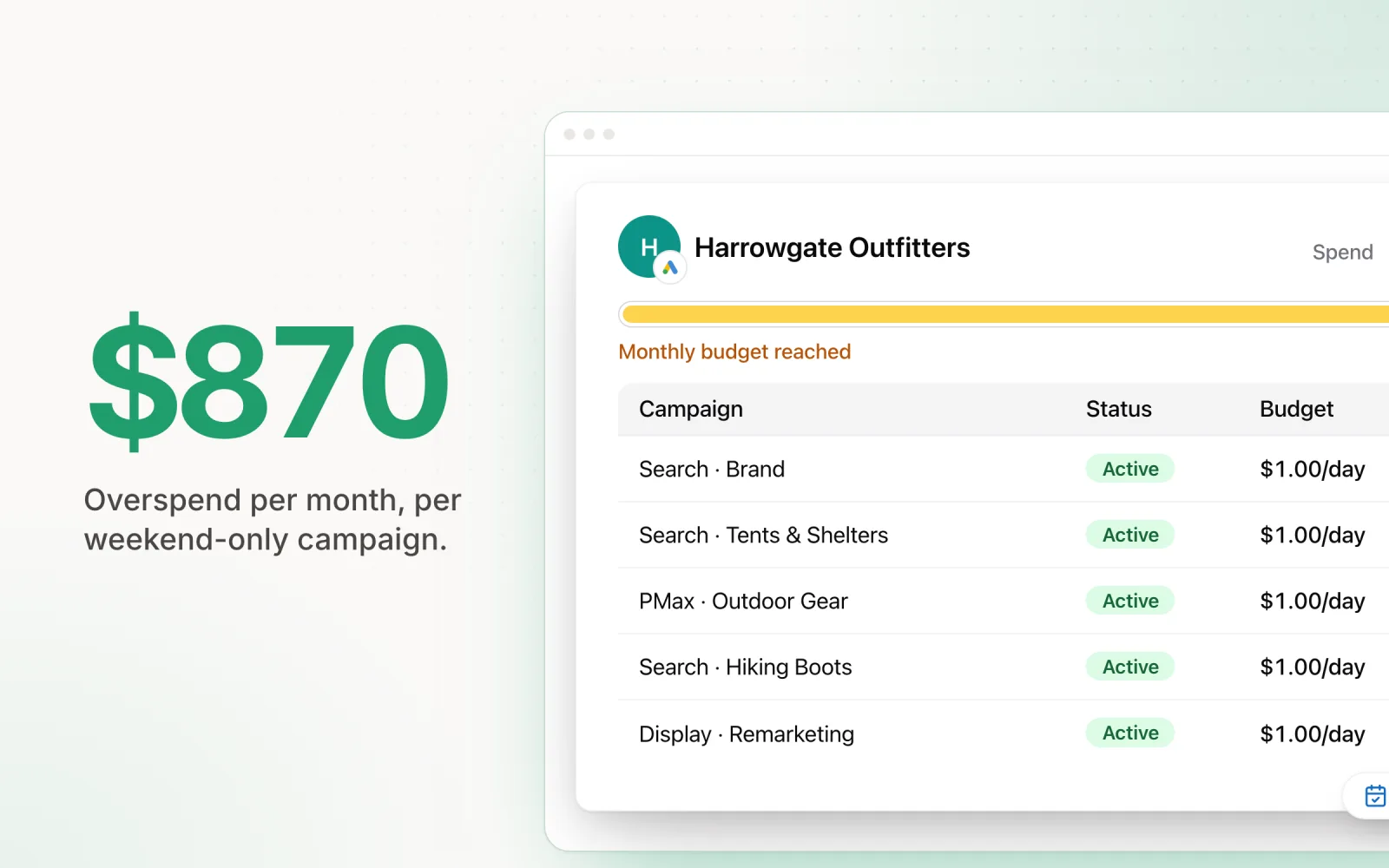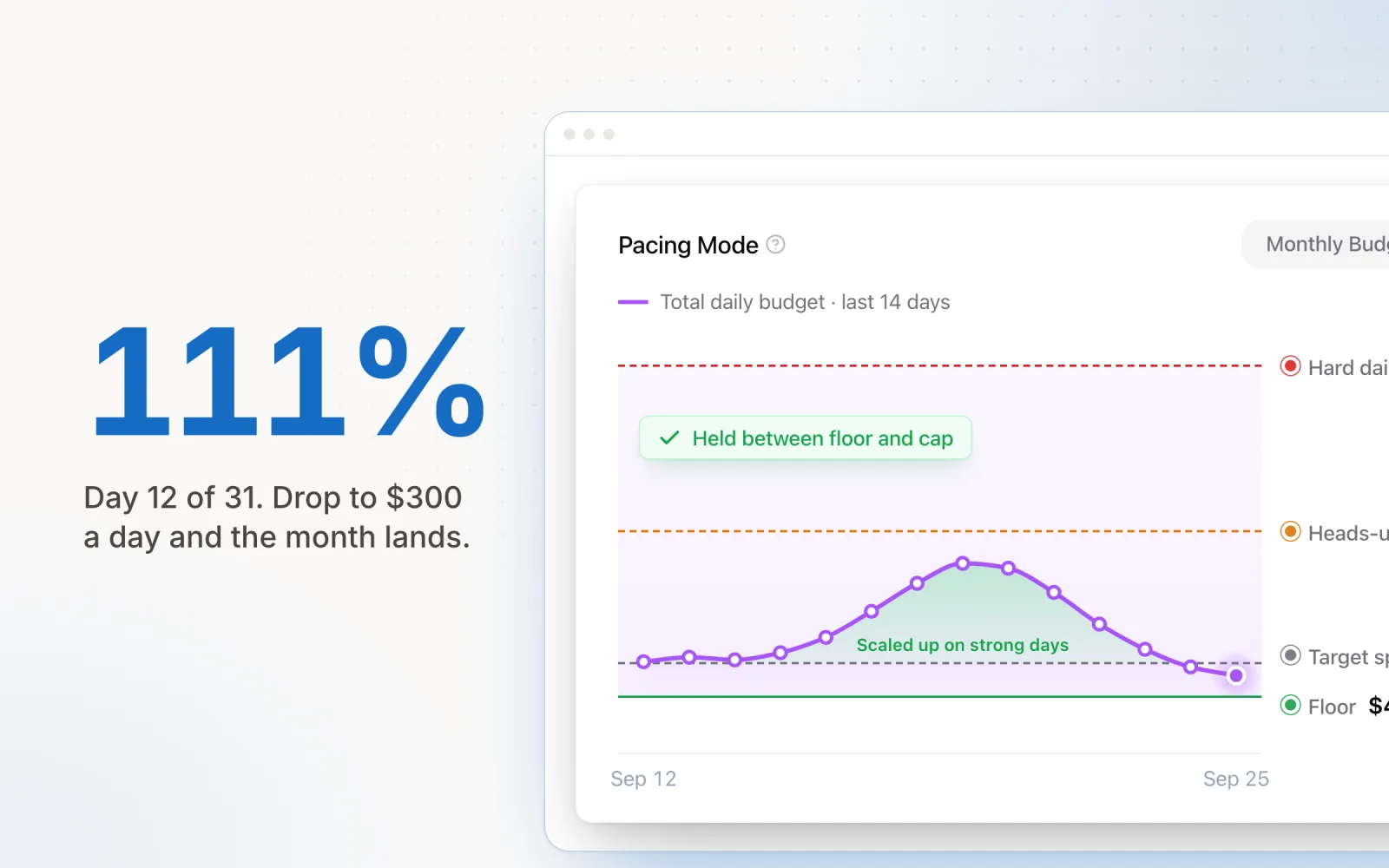
The client approves $6,000 for November. You open the campaign settings and Google Ads asks for an average daily budget. You type $200, because 200 times 30 is 6,000, and move on. By the 12th the account has spent $2,760 and is running 15% hot, with every setting exactly as you left it.
Nothing broke. Google paced the daily budget the way its documentation says it will. Landing on the monthly number means knowing those rules and recalculating as the month goes.
What pacing means in Google Ads
Pacing is the rate a budget is spent at. Google Ads, still AdWords to anyone who started before 2018, paces each campaign's average daily budget across the day and the month.
Budget pacing, as agencies use the term, is a different job: keeping the account's actual spend in line with a planned monthly figure. Google does the first automatically. It does not do the second, because a campaign has no idea what the client signed off across the account.
A daily budget comes with two spending limits
Google's spending limits turn one daily number into a daily ceiling and a monthly one.
| Limit | Rule | On a $200 daily budget |
|---|---|---|
| Daily spending limit | 2× the average daily budget, for most campaigns | $400 in one day |
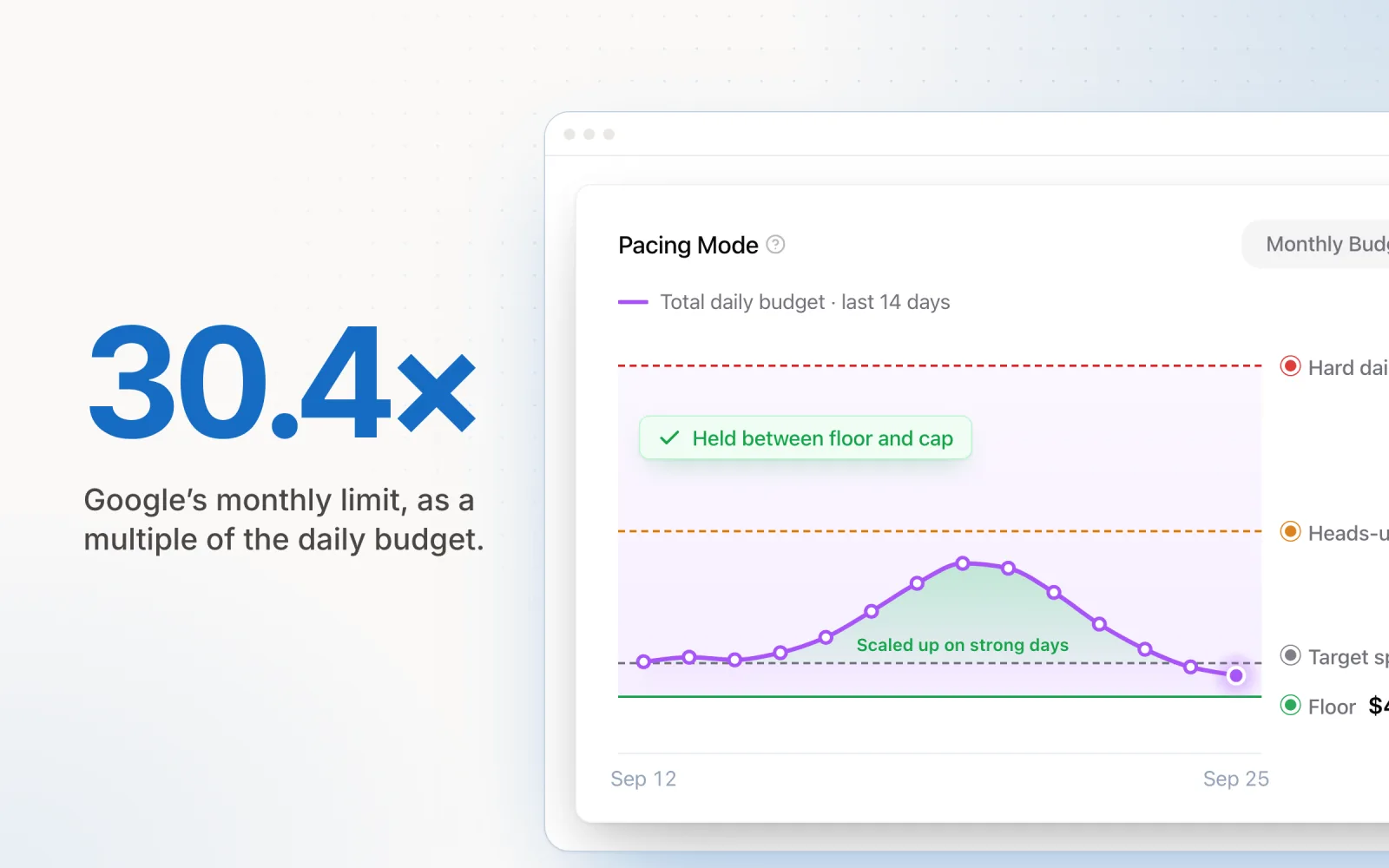
| Monthly spending limit | 30.4× the average daily budget (365 days ÷ 12) | $6,080 in one month |
So a $200 daily budget is not $6,000 a month. It is up to $6,080, and up to $400 on a busy day. If the clicks served cost more than either limit, you are billed the limit and Google covers the difference.
Ad schedules do not shrink the month. A campaign that runs weekdays only keeps a monthly limit of 30.4 times its daily budget, and Google paces toward that full amount. Only campaigns scheduled for 15 or fewer days a month get a lower limit: twice the daily budget times the active days. We covered the fallout in what changed in Google's pacing rules, and the ad scheduling guide covers budgeting around a schedule.
A budget change redraws the limit. After a mid-month edit, spend for the rest of the month cannot exceed the new daily budget multiplied by the calendar days remaining. The day of the edit keeps a daily limit of twice the highest budget set that day.
Where total budgets and shared budgets fit
Campaign total budgets
A campaign total budget is a fixed amount for a fixed flight. Google adjusts spend each day based on what has already gone, there is no daily spending limit, and you are never charged more than the total. Flights run from 3 to 90 days on Search, Shopping and Performance Max, and up to a year on Demand Gen and YouTube.
It suits a sale or a launch with hard dates. It does not suit an always-on retainer, and it comes with one catch: the budget type is chosen when the campaign is created and cannot be switched afterwards.
Shared budgets
A shared budget is one average daily budget drawn on by several campaigns, with unused money moving to whichever campaign is capped. It works on Search, Shopping, Display and Video campaigns. Performance Max and total-budget campaigns cannot join one.
For pacing, treat the shared budget as the unit. Per-campaign spend inside it will move around from day to day, and that is the feature working. Performance Max has its own quirks, covered in the Performance Max pacing guide.
How to check pace inside Google Ads
The budget report. On the Campaigns page, hover over a campaign's budget or click the pencil icon, then choose View budget report. The report charts cost to date, a month-end forecast and the monthly spending limit, with daily bars underneath. It covers campaigns on average daily budgets, not Performance Max, and its forecast may not reflect ad schedules.
Budget pacing insights. On the account's Insights page, budget pacing insights label each campaign, including those on shared budgets, as Limited by budget, Budget remaining or On track for the current month.
Both measure a campaign against its own daily budget. Neither knows the client approved $6,000 across four campaigns, so the comparison with the real target is still yours to run. It takes two lines:
Pacing % = spend to date ÷ expected spend to date × 100
Daily spend target = remaining budget ÷ remaining days
On the November account: 12 of 30 days gone means $2,400 expected, $2,760 spent, 115%. The budget pacing formula post works through both, and the pacing calculator runs them for you.
How to correct over-pacing and under-pacing
Use the second formula, and act on the account-wide number before you touch individual campaigns.
| Read | Likely cause | What to change |
|---|---|---|
| Over pace | Daily budgets set at monthly ÷ 30, or several days near the 2× limit | Reset daily budgets so they add up to remaining budget ÷ remaining days |
| Under pace, Limited by budget | The campaign could spend more than its budget allows | Raise its daily budget, funded from campaigns showing Budget remaining |
| Under pace, Budget remaining | Demand, bids or targets are holding spend back, not the budget | Loosen the bid target or widen targeting. A bigger budget will not be spent |
The November account has $3,240 left and 18 days to spend it in, so the daily budgets drop from $200 to $180 on the morning of the 13th. Google's own limit for the rest of the month becomes $180 times 18 calendar days, which is the same $3,240. The month now cannot bill past $6,000.
Don't hold back on the edit for fear of the bidding. Google's Smart Bidding documentation says adjusting daily budgets takes effect immediately without triggering Learning status. Recalculate weekly at least, and more often in the last ten days, when there is less month left to absorb a miss.
Pacing at account and manager-account level
Everything so far is a campaign budget. Accounts on monthly invoicing also carry an account budget, which is a hard stop: when it is spent, the account stops serving ads.
In a manager account, the Account budgets page lists those budgets with % spent and remaining account budget for every managed account. The Performance page shows cost per client account for any date range, with totals at the bottom once currencies are converted.
What an MCC does not show is each client's spend against the monthly figure they approved. For accounts paying by card, that number lives outside Google Ads, in a spreadsheet or a pacing tool.
Pace is the tool we built for it. You give each account a monthly budget. Pace works out the daily run-rate needed to land on it and writes the campaign daily budgets to Google Ads, one to three times a day depending on plan. It measures how far Google has been spending past the budgets it was given and allows for that, and it sizes what is left against the whole account's month-to-date spend, including campaigns it does not manage.
A person with a spreadsheet can do the same job on a handful of accounts. Google's limits apply either way.
Frequently asked questions
What is pacing in Google Ads?
Pacing is the rate a budget is spent at. Google Ads paces each campaign’s average daily budget across the day and the month. Budget pacing, as agencies use the term, means keeping the account’s actual spend in line with a planned monthly figure. Google does the first automatically. The second is the advertiser’s job.
Can Google Ads spend more than my daily budget?
Yes. For most campaigns Google can spend up to 2 times the average daily budget in a single day. Over a month it will not bill more than 30.4 times the average daily budget. If the cost of the clicks served goes past either limit, Google covers the difference.
How do I set a monthly budget in Google Ads?
Divide the monthly figure by 30.4 and enter the result as the campaign’s average daily budget. A $6,000 month is $197.37 a day. Then check spend during the month and reset the daily budget to remaining budget divided by remaining days when it drifts. For a campaign with fixed start and end dates, a campaign total budget does this for you, but it can only be chosen when the campaign is created.
Does changing a budget restart the learning period in Google Ads?
No. Google’s Smart Bidding documentation says adjusting daily budgets takes effect immediately and does not trigger Learning status. After a change, Google paces the rest of the month to the new daily budget multiplied by the calendar days remaining.

Jordan Parrello
Founder of Pace. Ran an agency pacing sheet by hand for years before building the thing that checks it every 5 minutes. About Pace or LinkedIn