If you have ever tried to evaluate digital ad management tools, you already know the problem. There are dozens of platforms, each claiming to be the best at everything. Feature pages blur together. Demos are carefully choreographed. Pricing is hidden behind "contact us" buttons. And by the time you have sat through five sales calls, you are no closer to understanding which tool will actually solve your agency's specific problems.
I have been on both sides of this. As someone who managed multi-platform ad spend for years before building Pace, I evaluated every major tool on the market. Most of them do some things well and other things poorly, but their marketing treats every feature as a headline. The result is that agencies either pick the wrong tool and spend months trying to make it work, or they avoid the decision entirely and keep managing everything in spreadsheets.
This guide gives you a structured way to cut through the noise. Six factors, weighted to your agency's priorities, with honest assessments of where tools tend to overpromise. Whether you manage five accounts or five hundred, the framework scales.
Why Choosing the Right Tool Is Harder Than It Should Be
The ad management tool market has a transparency problem. Vendors know that most agencies evaluate tools by scanning feature lists and comparing checkmarks. So every platform inflates its feature grid. A tool that offers basic Google Ads reporting will list "multi-platform analytics" because it also pulls data from one other source. A tool with simple threshold-based alerts will claim "AI-powered optimisation."
The overlapping terminology makes it nearly impossible to compare tools at face value. "Budget pacing," "spend management," "budget optimisation," and "financial controls" often describe the same underlying functionality, packaged differently across vendors. Without standardised definitions, you are comparing marketing copy against marketing copy.
There is also a structural issue: most agencies only switch tools every two to four years. You simply do not build up enough evaluation experience to develop strong instincts about what matters. Enterprise software buyers evaluate CRMs or project management tools regularly. But ad management tools occupy a niche category where even experienced agency leaders are making the decision for only the second or third time.
That is why a structured framework matters. It forces you to evaluate what you actually need rather than what a vendor wants to show you.
Factor 1: Platform Coverage
The single most important question is whether the tool connects to every ad platform your agency uses. This sounds obvious, but it eliminates a surprising number of options immediately.
Most ad management tools were originally built for Google Ads. Many added Meta support over time. Fewer cover LinkedIn. Even fewer include Microsoft Ads. If your agency runs campaigns across all four platforms, which is increasingly common for B2B-focused agencies, your shortlist narrows fast.
Platform coverage is not just about whether a logo appears on the integrations page. You need to verify the depth of each integration. Some tools connect to Meta but only pull spend data, without the ability to adjust budgets or access campaign-level breakdowns. Others support LinkedIn in "read-only" mode, which means you can see data but cannot take action from within the platform.
Ask specifically: Can the tool read and write to each platform? Does it support the campaign types you use (Performance Max, Advantage+, LinkedIn Sponsored Content)? Are all integrations maintained with parity, or does the Google integration get updates months before the others?
For a detailed comparison of how the leading tools handle multi-platform support, see our breakdown of the best budget pacing tools for agencies in 2026.
Factor 2: ROI Tracking
Every tool reports on delivery metrics: impressions, clicks, spend, CPC, CPM. These are table stakes. The differentiator is whether a tool can connect spend to business outcomes.
True ROI tracking means tying your ad spend to revenue or pipeline, not just ROAS within a platform. The distinction matters because ROAS as reported by Google or Meta includes attribution that inflates the numbers. A tool that only surfaces platform-reported ROAS is giving you a number the platform already shows you for free.
The tools that provide genuine value in this area integrate with your CRM or revenue tracking system and apply consistent attribution logic across platforms. They let you answer the question: "For every dollar we spent across all channels last month, how much measurable revenue did we generate?" Not "What did Google say the ROAS was?"
Be realistic about what most tools can do here. Very few ad management platforms offer end-to-end ROI tracking that accounts for cross-channel attribution, offline conversions, and revenue lag. If a vendor claims their tool provides "true ROI tracking," ask them to walk you through the data pipeline. Where does revenue data come from? How are conversions deduplicated across platforms? What attribution model is applied? If the answer is "we pull ROAS from each platform's API," that is delivery reporting, not ROI tracking.
For agencies where ROI tracking is the primary need, you may be better served by a dedicated attribution platform (like Triple Whale or Northbeam) alongside a separate management tool. Do not expect a single tool to do both exceptionally well.
Factor 3: Multi-Client Scalability
An ad management tool that works well for five accounts can completely fall apart at fifty. Scalability is not just about whether the software can technically handle more accounts. It is about whether your team can operate efficiently as the account count grows.
The key questions are about workflow, not capacity. Can you create standardised templates that apply across new client onboarding? Can you view aggregate performance across all clients without clicking into each one individually? Can different team members have different access levels for different client groups?
Watch out for per-account pricing traps. Some tools price per connected ad account, which seems reasonable at five accounts but becomes punishing at scale. An agency connecting 50 Google Ads accounts, 50 Meta accounts, and 20 LinkedIn accounts is looking at 120 connected accounts. At $10 to $25 per account per month, that is $1,200 to $3,000 monthly before you factor in the base platform fee.
Flat-rate or tiered pricing that caps at a reasonable level is significantly more predictable for agencies in growth mode. If you are currently at 20 accounts and plan to reach 50 within a year, model the pricing at 50 accounts before signing a contract at 20.
The other scalability concern is operational. A tool might technically support 100 accounts, but if the dashboard loads slowly, search is unreliable, or bulk actions require clicking through each account individually, the software becomes a bottleneck rather than a time saver. Ask for a demo with a realistic number of accounts loaded, not a clean instance with three sample accounts.
Factor 4: Dashboard Customisation
Your agency serves clients with different priorities, different KPIs, and different levels of sophistication. A one-size-fits-all dashboard forces you to export data and rebuild reports in another tool, which eliminates much of the value of having an ad management platform in the first place.
The baseline expectation is that you can create client-facing views that show the metrics each client cares about, without exposing internal data or other clients' information. Beyond that, look for the ability to add your agency's branding, customise date ranges and comparison periods, and control the level of granularity visible to the client.
Some tools offer "white-label" dashboards that let you present the tool as your own proprietary platform. This is valuable for agencies that position their reporting as part of the service, but it comes with a responsibility: if the tool's dashboard is slow or confusing, your clients associate that experience with your agency, not the tool vendor.
The deeper question is whether the tool's dashboard serves your internal workflow as well as client reporting. Some platforms build beautiful client-facing reports but force your media buyers to use a separate, less polished interface for day-to-day management. The ideal tool serves both audiences from the same data layer, with different views for different needs.
Factor 5: Automation Depth
Automation in ad management exists on a spectrum. At one end, you have basic rules: if spend exceeds X, send an email. At the other end, you have AI-driven systems that analyse historical patterns, predict future spend trajectories, and make proactive adjustments with guardrails.
Most tools sit somewhere in the middle, and most are closer to the rules-based end than their marketing suggests. There is nothing wrong with rules-based automation. It is predictable, auditable, and easy to understand. But it is important to know what you are actually getting.
When evaluating automation, ask three questions. First, can the tool take action automatically, or does it only generate alerts that require you to act manually? A system that sends 47 daily alerts is not saving you time. It is creating a new task: triaging alerts. Second, what guardrails exist? Any tool that adjusts live campaign budgets without configurable limits is a liability. You need maximum adjustment caps, approval thresholds, and the ability to exclude specific campaigns or accounts from automation. Third, is every automated action logged with a clear explanation? If a tool changes a budget at 2 AM, you need to know what triggered the change, what data informed the decision, and what the expected outcome was. This audit trail is not optional. It is what allows you to trust the automation and explain it to clients.
For a deeper look at where automation helps and where it creates risk, see the buyer's guide to ad management platforms.
Factor 6: Total Cost of Ownership
Licensing fees are the most visible cost and usually the least important. The true cost of an ad management tool includes setup time, training, ongoing maintenance, and the productivity impact during the transition period.
Setup time varies dramatically between tools. Some platforms connect to your ad accounts via OAuth and start pulling data within minutes. Others require weeks of onboarding calls, custom configuration, and data mapping exercises. If a tool requires a dedicated implementation specialist and a four-week timeline, add the cost of that time (yours and theirs) to the total.
Training is the hidden multiplier. A tool that is intuitive enough for your team to use after a one-hour walkthrough has a fundamentally different cost profile than one requiring each team member to complete a certification course. Consider not just the initial training but the ongoing cost: when you hire a new media buyer, how long until they are proficient in the tool?
Maintenance means keeping the tool configured correctly as your agency evolves. When you onboard a new client, how long does it take to set up their accounts in the tool? When a platform like Google changes its API (which happens regularly), does the tool update automatically, or do you need to reconfigure your setup? When something breaks, what is the support response time?
Finally, account for the switching cost itself. Migrating away from a tool you have used for two years means rebuilding dashboards, retraining team members, re-establishing client reporting, and potentially running two tools in parallel during the transition. This cost is real and should inform both your initial choice and your contract terms. Avoid multi-year commitments until you have confirmed the tool delivers in practice, not just in the demo.
A Scoring Framework You Can Use Today
Take the six factors above and assign each a weight from 1 to 5 based on your agency's priorities. A five-person agency managing mostly Google Ads accounts might weight platform coverage lower and dashboard customisation higher. A 50-person agency running cross-channel campaigns for enterprise clients will weight platform coverage and multi-client scalability at 5.
| Factor | Weight (1-5) | Tool A Score (1-5) | Tool B Score (1-5) |
|---|---|---|---|
| Platform coverage | Your weight | Score | Score |
| ROI tracking | Your weight | Score | Score |
| Multi-client scalability | Your weight | Score | Score |
| Dashboard customisation | Your weight | Score | Score |
| Automation depth | Your weight | Score | Score |
| Total cost of ownership | Your weight | Score | Score |
| Weighted total | Sum | Sum |
For each tool you are evaluating, score it 1 to 5 on each factor based on your hands-on experience during the trial or demo. Multiply each score by the weight, then sum the totals. The tool with the highest weighted score is your best fit, assuming you have been honest in both the weighting and the scoring.
The value of this approach is not the final number. It is the discipline of separating what matters to your agency from what a vendor wants you to care about. A tool might score a 5 on automation depth but a 2 on total cost of ownership. If cost is weighted at 5 and automation at 2 for your agency, the math tells a different story than the feature list does.
When NOT to Switch Tools
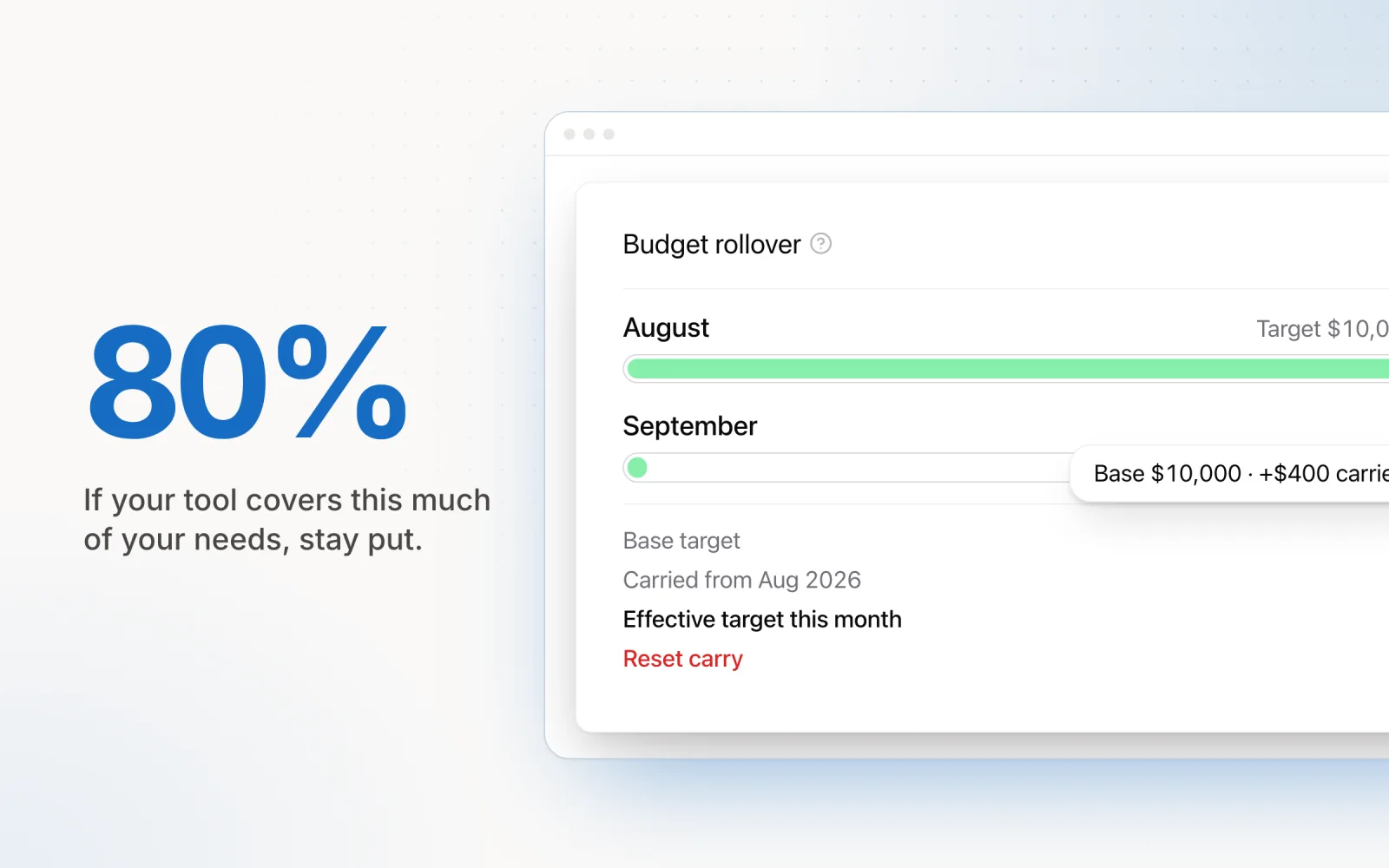
Not every evaluation should end with a migration. If your current tool covers 80% or more of your needs, the switching cost almost certainly exceeds the incremental value of the remaining 20%.
Calculate the switching cost honestly. Include the hours your team will spend learning a new tool, the weeks of reduced productivity during transition, the risk of reporting gaps during migration, the cost of running parallel tools, and the effort of re-establishing client dashboards and automations. For a 20-person agency, a tool migration can easily cost $15,000 to $30,000 in lost productivity alone, even if the new tool's licensing is cheaper.
The right time to switch is when your current tool is actively blocking growth. If you are losing clients because your reporting is inadequate, if your team is spending hours on manual workarounds for missing features, or if the vendor has stalled development and competitors have leapt ahead, those are signals that the switching cost is justified. A marginal improvement in one or two features is not.
The exception is if you are scaling rapidly. An agency that expects to double its account count within a year should evaluate tools based on where they are going, not where they are. Paying the switching cost now to land on a platform that scales with you is cheaper than switching twice.
How Pace Stacks Up
I built Pace to address the gaps I kept finding in existing tools. Here is how it scores against the six factors, with the same honesty I would expect from any vendor.
Platform coverage: Pace connects to Google Ads, Meta, TikTok, LinkedIn, Microsoft Ads, Reddit Ads, X Ads, and Amazon Ads from day one. All eight integrations support both read and write operations, with full campaign-level granularity. Cross-platform budget groups let you set a single spend target that spans campaigns across multiple platforms.
ROI tracking: Pace focuses on spend management and delivery performance rather than end-to-end revenue attribution. You can track ROAS within each platform, but if you need CRM-integrated ROI tracking, you will pair Pace with a dedicated attribution tool. We chose this focus deliberately rather than building a mediocre version of something that attribution platforms do better.
Multi-client scalability: Flat pricing that does not penalise you for connecting more accounts. The dashboard is built for agencies managing 20 to 200+ accounts, with aggregate views, bulk actions, and team-level access controls.
Dashboard customisation: Client-facing performance views are available with the ability to control which metrics and campaigns are visible. Full white-labelling is on the roadmap but not yet available.
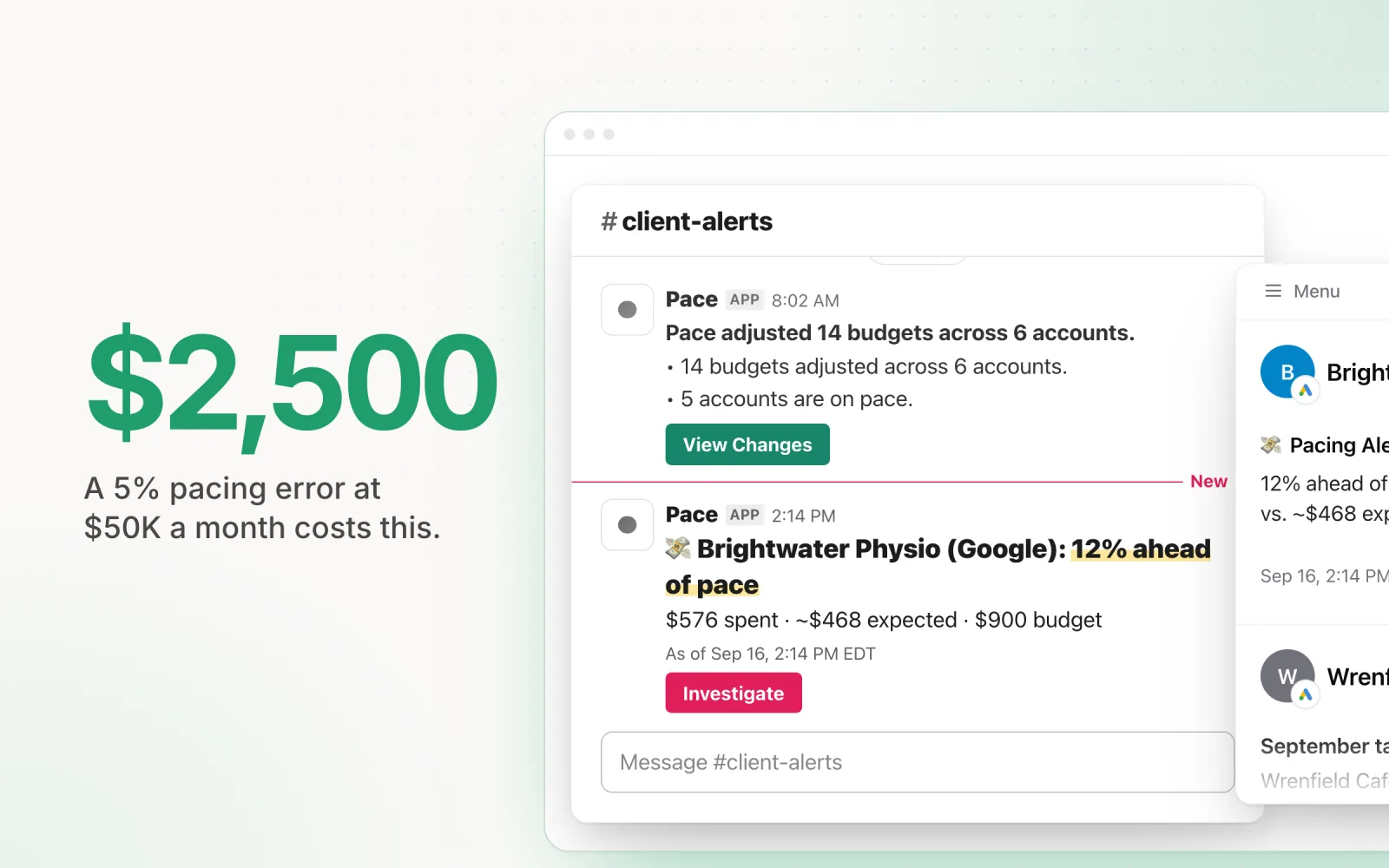
Automation depth: AI-driven budget pacing that predicts spend trajectories and adjusts daily budgets proactively. Every automated change is logged with a full audit trail, including the data that triggered the change and the expected outcome. Guardrails include hard day-over-day limits on budget changes and overspend protection that treats the monthly budget as the cap, checked every 5 minutes. For a closer look at how these capabilities work in practice, see the Pace feature breakdown.
Total cost of ownership: Account connection takes minutes via OAuth. No onboarding specialist required. The interface is designed to be self-explanatory for experienced media buyers. Flat, predictable pricing with no per-account fees.
Pace is not the right choice for every agency. If you need deep creative analytics, bid management at the keyword level, or end-to-end revenue attribution, there are better-suited tools. If your primary pain point is keeping multi-platform ad spend on target without burning hours on manual budget management, start a free trial and see if it fits.

Jordan Parrello
Founder of Pace. Ran an agency pacing sheet by hand for years before building the thing that checks it every 5 minutes. About Pace or LinkedIn