If you run an ad agency, you already know what your "ad management platform" actually looks like. A spreadsheet for pacing. A handful of Python or Google Ads scripts for automation. Looker Studio or Sheets for reporting. A Slack channel or email thread that doubles as the change log. Maybe Shape.io or Optmyzr bolted on for a slice of the workflow. No single tool covers the management layer.
That is the gap Pace was built for. Not analytics. Not creative. Not attribution. The operational work of keeping budgets on target, catching problems before clients do, and keeping a clean audit trail of every change.
This post walks through what Pace includes, how each feature actually works, and where the boundaries sit. If you are evaluating digital ad management tools for your agency, this should tell you whether Pace fits your workflow.
Budget pacing: the core feature
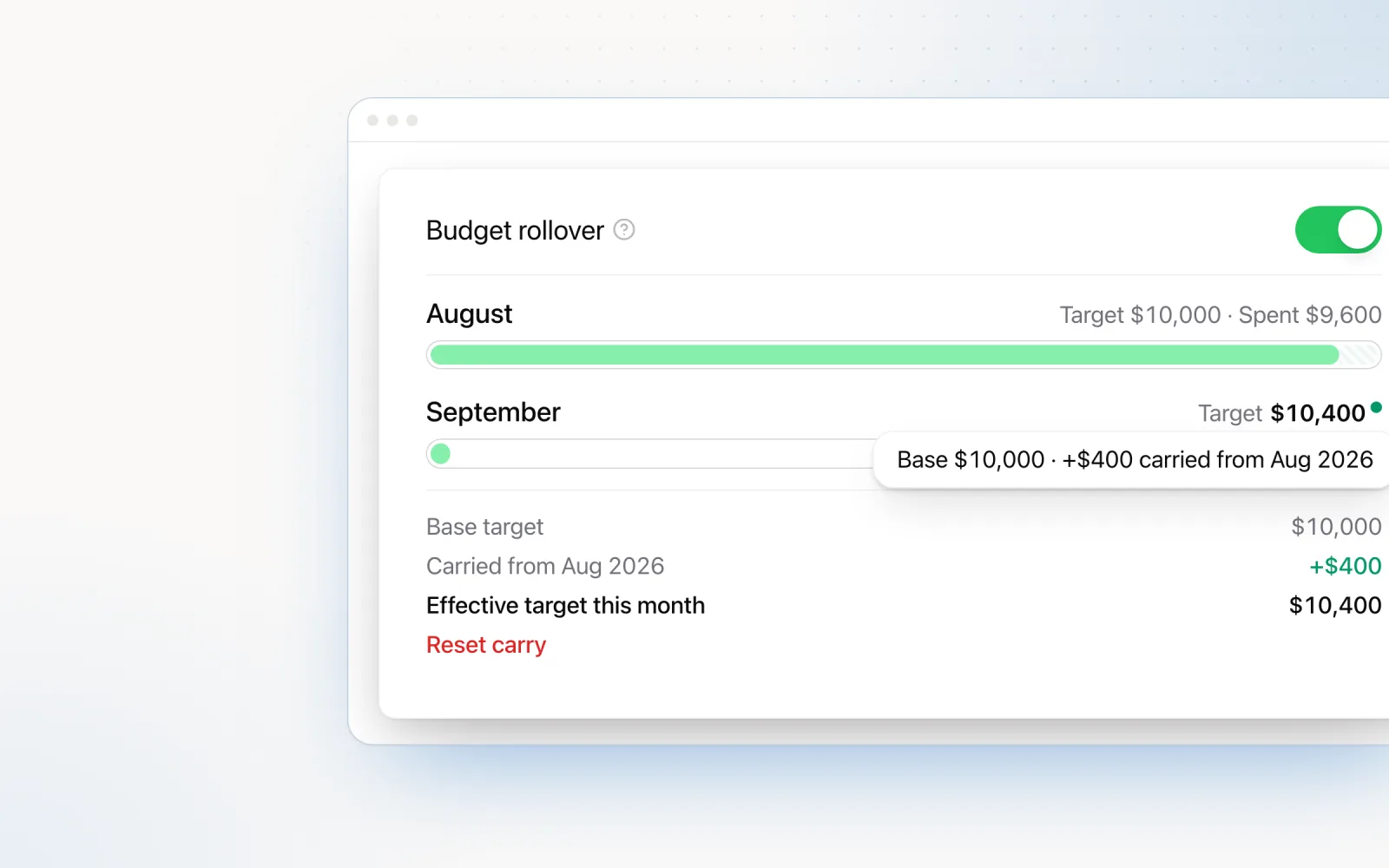
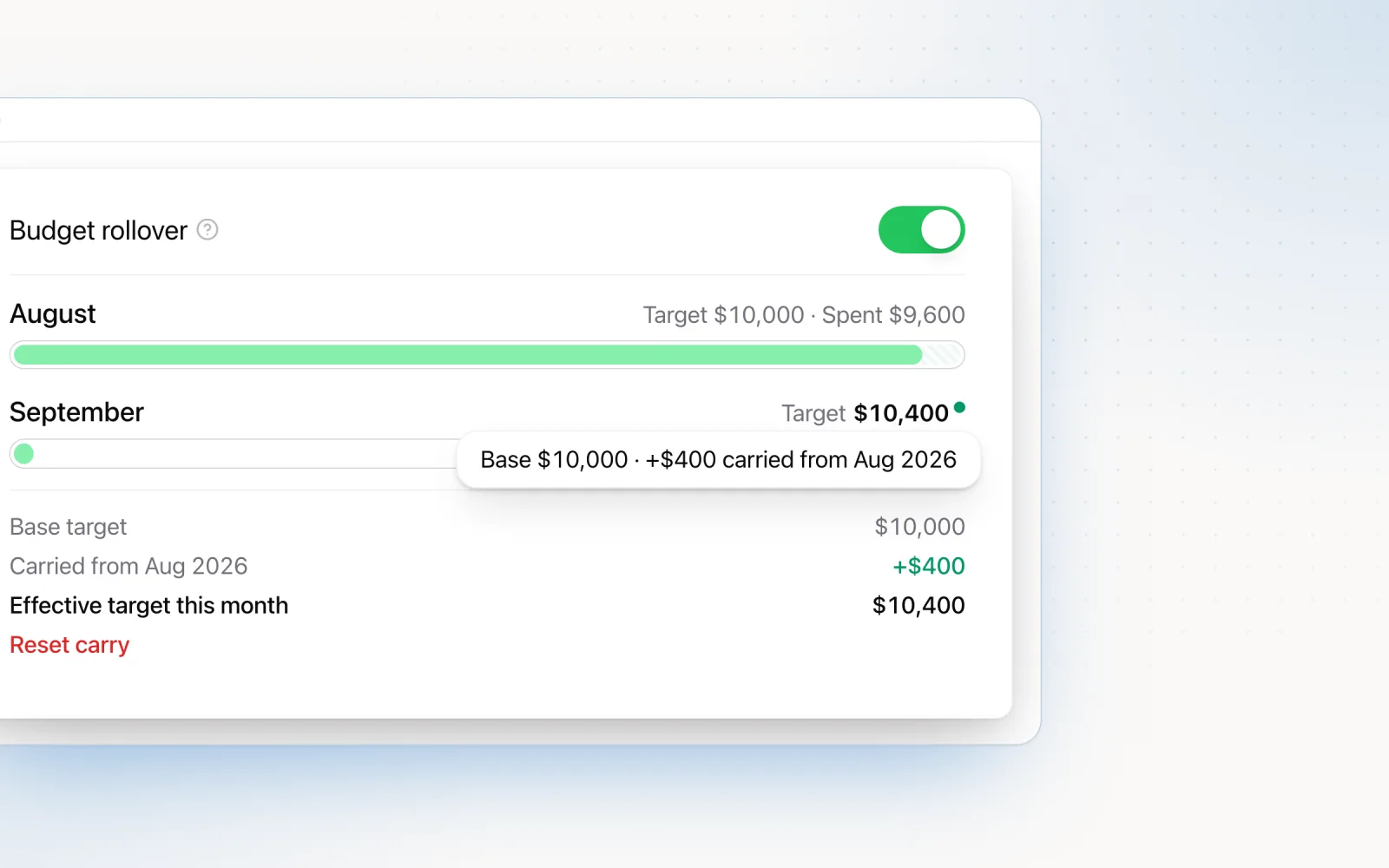
Budget pacing is the foundation of everything Pace does. The idea is simple. Set a monthly budget target for each campaign or account, and Pace adjusts daily budgets to land on that target by the end of the billing period.
The pacing algorithm does more than divide remaining budget by remaining days. It factors in variables that manual pacing usually misses:
- Day-of-week spend patterns. Most accounts spend more on weekdays than weekends. Pace learns each account’s historical pattern and weights daily targets accordingly. If an account consistently spends 40% less on Saturdays, the algorithm bakes that in rather than setting a flat daily cap that produces chronic weekend underspend.
- Historical spend velocity. How fast does this account react to budget increases? Some accounts hit a 20% daily cap lift within hours. Others take two or three days to ramp. Pace tracks velocity per account and times changes around it.
- Platform-specific overspend behaviour. This is where manual pacing falls over. Google Ads can spend up to 2x your daily budget on any given day (it balances over the month). LinkedIn routinely overshoots daily caps by 50% or more. Meta burns aggressively in learning phases and then settles. Pace’s algorithm models each platform’s delivery behaviour, so the daily cap it sets reflects what the platform will actually spend, not what you politely asked it to spend.
- Remaining days in the billing period. The algorithm recalculates continuously. On day one, it distributes budget evenly (weighted by day-of-week patterns). By day 20, it is making finer adjustments because the margin for error is smaller. In the final five days, adjustments fire more frequently to nail the landing.
Pace connects to Google Ads, Meta Ads, TikTok Ads, LinkedIn Ads, Microsoft Ads, Reddit Ads, X Ads, and Amazon Ads via OAuth APIs. It pulls real-time spend data, runs the pacing calculation, and applies budget changes directly through the API. The agency sets the monthly target. Pace handles the daily math.
For agencies managing 20 or more accounts, this alone removes hours of weekly spreadsheet work. We wrote a deeper dive on why choosing the right management tool matters for the pacing workflow specifically.
AI-powered budget optimisation
Pace’s optimisation engine runs on frontier language models and uses a three-packet analysis: 45 days of trend data, a 15-day deep dive on recent diagnostics, and yesterday’s pulse data. Together they give the AI a complete picture of the account before it touches a budget.
What makes this different from generic automation is strategy memory. Pace keeps a running "persona" and "hypothesis" for each account, so every optimisation decision builds on prior context. The AI remembers what it tried last week, what worked, what did not, and adjusts from there. Budget changes are applied through the platform APIs, and every change is logged with full reasoning. You always have an audit trail.
Here is how that intelligence shows up in practice:
- Saturation detection. Pace will not increase budgets on campaigns already capturing 95% or more of available impressions. More budget will not produce more results, so the AI redirects spend elsewhere.
- Gradual budget moves. Budgets move gradually, with hard day-over-day limits so nothing lurches. Exceptions apply at month start, month end, or when pacing is critically off target and a larger adjustment is needed to land on budget.
- Platform-specific rules. The engine enforces each platform’s constraints automatically: Meta’s $1.56 minimum daily budget, LinkedIn’s $10 minimum, and the rest. Budget changes that would violate these floors are clipped before they go out.
- Tier-based pacing schedule. Basic plans run one optimisation per day. Pro runs two. One runs three. Run times are configurable with weekday and weekend scheduling controls.
- On-demand and portfolio-wide optimisation. The "Pace Now" button triggers an immediate run for a single account. "Pace All" runs optimisation across every account in a portfolio with one click, which is useful for rebalancing after a client call or a strategy shift.
Every optimisation run is recorded (prompts, data packets, AI outputs), building a proprietary dataset that feeds back into model improvement. For a broader look at how AI-driven budget adjustments compare to manual management, see our piece on ad optimisation strategies that scale.
Pacing status and performance indicators
Instead of a single abstract score, Pace gives you concrete visual indicators that show exactly where each account stands and which ones need attention right now.
- Spend progress bar with pacing colour coding. Every account shows a progress bar against its monthly budget with colour-coded variance: green (0–4%), yellow (4–10%), orange (10–15%), red (over 15%). Problem accounts surface at a glance, no clicks required.
- Goal performance badge. Each account displays a dynamic badge for its chosen success metric (Conversions, CTR, CPC, CPM, ROAS, or CPA), with the current value and a week-over-week trend indicator. You can tell whether performance is improving or declining without opening a single report.
- Grid and table view toggle. The account overview supports a responsive card grid and a sortable, filterable table. Switch between them depending on whether you want a visual scan or a data-dense breakdown.
- Smart trend indicators on campaign tables. Campaign-level metrics use colour-coded badges with intelligent inversion. CPA going down is green because that is good. Spend going up is green because delivery is healthy. The colours reflect whether a change is good or bad for your goals, not just whether a number went up or down.
- Manual mode indicator. Campaigns excluded from automated pacing show a subtle icon with a tooltip, so you always know which campaigns Pace manages and which ones you handle manually.
Findings: automated anomaly detection
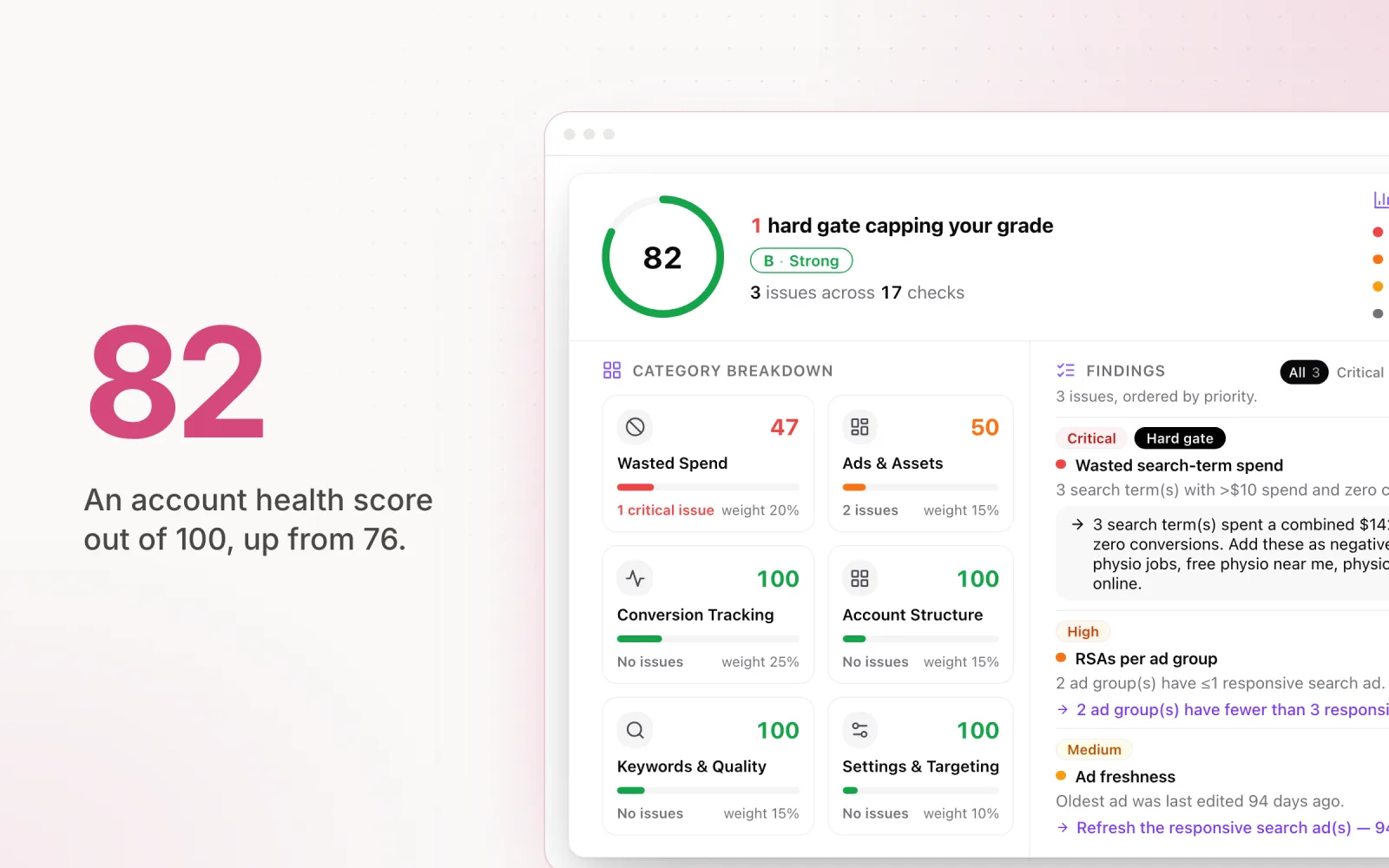
Findings is Pace’s cross-platform AI analysis layer. Dot runs it every morning in each account’s own timezone, and it only surfaces high-signal anomalies, the kind of issues that actually need attention. Roughly 90% of the time it returns nothing. Findings only fire when something genuinely significant is detected, so when you see one, it matters.
The severity thresholds are strict by design:
- Critical and warning signals. CPA up more than 30% or ROAS down more than 25% week-over-week with material spend. Conversion campaigns spending over $50 with zero conversions. Funnel drop-off above 40% on Add to Carts or Checkouts while Landing Page Views hold steady.
- Google-specific alerts. Single keywords or ads eating a disproportionate share of budget with zero conversions. Irrelevant search terms burning more than 5% of budget with no conversions.
- Meta-specific alerts. Creative fatigue when frequency exceeds 3.0 and CTR drops below 1.0%. Learning-limited ad sets stalled for more than three days. Audience saturation when frequency exceeds 5.
- LinkedIn-specific alerts. Campaigns spending over $100 per week with zero conversions. Lead gen forms with completion rates under 30%.
- Positive signals. Conversion volume up over 20% while CPA and ROAS hold or improve. CPA down over 20% or ROAS up over 20% with stable volume. These surface wins that would otherwise get lost across a large portfolio.
Findings appear as severity-coded cards (critical, warning, success, info) in a dedicated tab on each account, and aggregated at the portfolio level. Slack and email notifications are configurable per alert type, so the right people get pinged through the right channel without flooding everyone.
Automated adjustments with guardrails
Pace can apply certain optimisations without manual approval. Automation without guardrails is how agencies lose client trust overnight, though, so every automated action in Pace runs inside a boundary.
Here is how the guardrail system works:
- Day-over-day change limits. Budgets move gradually, with hard day-over-day limits that prevent sudden swings that disrupt delivery. Exceptions apply at month start, month end, or when pacing is critically off target and needs a larger move to land.
- Overspend protection. The monthly budget is the cap. When an account reaches it, Pace drops each campaign to $1 a day by default (a trickle that keeps campaigns live and learning), or pauses them if you choose. Spend is checked every five minutes, independently of the optimisation engine.
- Smart resumption. On the 1st of the month (in the account’s timezone), Pace restores only what it changed or paused itself. Campaigns you paused manually stay paused.
- Per-account automation settings. Different accounts can run different configurations. Campaign inclusion and exclusion lets you choose which campaigns Pace manages and which ones you keep manual. Per-account pacing schedules with weekday and weekend toggles give you fine-grained control over when optimisation runs.
The philosophy: automation handles the daily budget math (pacing, overspend protection, anomaly detection), humans handle strategy. The guardrails keep automation inside boundaries the agency defines, not the other way around.
Cross-platform dashboard
Pace gives you a single view across all connected accounts on Google, Meta, TikTok, LinkedIn, Microsoft, Reddit, X Ads, and Amazon. The dashboard is not a replacement for each platform’s native reporting. It is a management-layer view built for operational decisions, not deep analysis.
Three dashboard layers serve different use cases:
- Account Overview Dashboard. A responsive grid or table view of all connected accounts. Per-account metrics at a glance: total spend with progress bar, yesterday’s spend, daily pacing, remaining budget, pace status (on-track, over, or under), and campaign goal. A period toggle lets you flip between the current month and last month for historical comparison.
- Account Detail Pages. A full analytics workspace per account with collapsible sidebar navigation. Tabs cover Overview (KPIs, insights, activity feed), Performance (campaign table with inline budget editing, multi-metric chart, date range picker with period comparison), Improvements (Search Lens for keyword analysis, Demographic Exclusion Analyser), Findings (AI insights), Records (all-time performance bests), Changes (audit log), Reports, and Notes.
- Portfolio Dashboard. Group multiple accounts together for blended analysis. A sidebar-navigated workspace with blended metric cards, aggregated Findings, unified change history, and a "Pace All" button for portfolio-wide optimisation in one click.
All views support filtering by platform, date range, and performance metrics. The dashboard updates as Pace pulls fresh data from each platform’s API throughout the day.
For context on how this differs from trying to build cross-platform views inside analytics tools, see our breakdown on cross-platform ad reporting without GA4.
Change reports and audit trails
Every change Pace makes (or that an agency team member makes through Pace) is logged. The change log captures:
- Timestamp. When the change was made, down to the minute.
- Before and after values. The previous setting and the new one. For budget changes, the daily cap and the monthly target. For status changes, Active/Paused badges with before/after states. For keyword changes, match type badges and keyword names. For demographic changes, the segment details.
- Who or what made the change. The pacing algorithm? An AI recommendation that was approved? A manual adjustment by a specific team member? The log distinguishes between all three.
- Reasoning. Automated changes include the reason inline. "Daily budget adjusted from $150 to $135 to maintain monthly pacing at 100%. Account was trending 8% over target with 12 days remaining."
- Expected impact. Recommendation-driven changes include the projected impact at the time the change was approved.
Change reports can be exported as PDFs or shared via link. This is built for client transparency. Instead of waiting for a client to ask "what happened to my budget on the 15th?", you proactively share a change report that shows every adjustment, why it was made, and what came out the other side.
If you are not already including change logs in your client reports, you probably should be. We wrote about why PPC reports should include a change log and how it shifts the client relationship.
Security
Ad accounts contain sensitive business data and direct access to ad spend. Security is not something to mention in passing. It is foundational.
Here is how Pace handles it:
- OAuth-only connections. Pace connects to ad platforms exclusively through OAuth. We never see, store, or transmit ad platform passwords. When you connect a Google Ads account, you authenticate directly with Google, and Google issues a scoped access token. Same model for Meta, TikTok, LinkedIn, and Microsoft.
- Encrypted, revocable tokens. The OAuth refresh tokens Pace holds are encrypted at rest (AES-256), and you can revoke Pace’s access from your ad platform at any time.
- Data encryption. All data is encrypted at rest and in transit. API communications use TLS 1.3. Stored data (performance metrics, budget settings, change logs) is encrypted using AES-256.
- Role-based access controls. Pace supports three roles: Owner (full control including billing, team management, and platform connections), Admin (platform connections, account management, settings), and Member (view access to accounts and analytics). Every resource is scoped to a workspace, so data is fully isolated between clients.
- Per-workspace credential isolation. All ad platform API calls are proxied through Pace’s backend. Tokens are never exposed to the browser.
Every API request is authenticated and authorised against the workspace it belongs to, so one client’s data is never reachable from another’s.
What Pace does not do (and why)
This section is as important as the feature list above. Pace is deliberately scoped to the management layer. Here is what it does not include, and why.
- No GA4 integration. Pace does not pull data from Google Analytics. This is intentional. GA4 is an analytics and attribution tool. Pace is a management tool. Mixing the two creates conflicting data sources (GA4 attribution vs. platform-reported conversions) that confuse more than they clarify. Use GA4 for attribution. Use Pace for budget and campaign management.
- No Looker Studio or BI integration. Pace’s dashboards are built for operational decisions, not for assembling custom client reports with 47 widgets. If you need deep visualisation and custom reporting, keep using Looker Studio or Tableau. Pace provides the management data; your BI tool provides the presentation layer.
- No Shopify, CRM, or e-commerce integration. Pace does not track revenue, LTV, or sales pipeline data. Connecting to back-end business systems introduces data quality issues and scope creep that would compromise the core product. Your CRM handles revenue attribution. Pace handles ad budget management.
- No creative asset management. Pace does not store, organise, or manage ad creative. It does not build landing pages or write ad copy. Plenty of tools do that well. Pace focuses on the operational layer those tools ignore.
- No SEO. Pace is a paid media management tool. SEO is a different discipline with different tools. We are not trying to be everything to everyone.
The reasoning is simple: tools that try to do everything end up doing nothing well. Pace is built to pair with your existing analytics and creative stack, not replace it. Your GA4, Looker Studio, and CRM keep doing what they do. Pace fills the gap between those tools and the ad platforms themselves.
For a broader look at how different tools handle the breadth-versus-depth tradeoff, see our comparison of digital ad management tools.
Who Pace is built for
Pace is built for ad agencies and in-house teams managing multiple accounts across multiple platforms. The sweet spot is teams running 10 to 200 accounts who have outgrown spreadsheets but do not want an enterprise platform that takes three months to roll out.
If you are a solo freelancer managing two Google Ads accounts, Pace is probably more tool than you need. If you are an enterprise with 1,000 accounts and a dedicated engineering team building custom automation, you may want something more customisable.
For everyone in between, the agencies losing real time to pacing spreadsheets, logging into four platforms every morning, and fielding client questions about budget changes without an audit trail to point at, Pace is built for exactly that workflow.
Getting started
Pace connects to your existing ad accounts through OAuth. Setup takes minutes, not days. Connect your accounts, set your monthly budget targets, configure your guardrails, and the platform starts working straight away.
No data migration. No CSV imports. No "onboarding specialist" required. Your historical data stays in your ad platforms where it belongs. Pace reads from those platforms in real time and starts managing from day one.
If the feature set in this post matches what your agency needs, start your 14-day free trial, with every Enterprise feature included, and we will get you set up. (See how the Pace Ads free trial works.)