LinkedIn Ads budget pacing is one of the most misunderstood aspects of B2B paid media. Unlike Google or Meta, LinkedIn uses a maximum delivery bidding model that routinely overspends daily budgets by up to 50%. I have seen it happen across dozens of client accounts. You set a $100/day budget, and LinkedIn happily spends $150 because it found "high-value opportunities" it did not want to miss.
For agencies managing multiple B2B accounts, this behaviour creates a compounding problem. One or two campaigns overshooting by 50% is manageable. Ten campaigns doing it simultaneously can blow a client's monthly budget by the third week of the month.
LinkedIn's Unique Budget Pacing Challenge
LinkedIn's Campaign Manager uses maximum delivery as the default bid strategy for most objective types. This means the platform will try to spend your entire daily budget as quickly as possible, prioritising delivery volume over cost efficiency. According to LinkedIn's own campaign-delivery documentation, campaigns can exceed their daily budget by up to 50% on any given day.
The platform's rationale is straightforward. LinkedIn's auction inventory is smaller than Google's or Meta's, so the algorithm takes an aggressive approach when it finds users matching your targeting criteria. If your ideal audience is active on a Tuesday, LinkedIn will overspend that day rather than risk missing those impressions.
This creates a fundamental tension for agency media buyers. Your client approved a $3,000 monthly LinkedIn budget. LinkedIn's pacing engine has no concept of that monthly figure. It only sees the daily cap, and it treats that cap as a suggestion rather than a hard limit.
The Daily Budget Workaround
The most common workaround among experienced LinkedIn advertisers is to set your daily budget at roughly 50% to 66% of your actual daily target. If you need to spend $100 per day to hit your monthly number, set the daily budget to $50 or $65.
This approach works, but it requires constant monitoring. Some days LinkedIn will spend close to the cap. Other days it will overshoot. The variance depends on auction density, your targeting parameters, and how many competitors are bidding on the same audience segments.
I typically recommend starting at 60% of your target daily budget for the first week, then adjusting based on actual delivery. If the campaign consistently underspends at that level, raise it to 70%. If it overshoots, drop it to 50%. The goal is to find the setting that lands you at your true daily target after LinkedIn applies its overspend multiplier.
Lifetime vs. Daily Budgets on LinkedIn
LinkedIn offers both daily and lifetime budget options, and the choice matters more here than on other platforms. Lifetime budgets give LinkedIn's algorithm more flexibility to distribute spend across the campaign's duration, which often produces more stable pacing.
For campaigns running a full calendar month, a lifetime budget removes the daily overspend problem entirely. LinkedIn will aim to spend the total amount by the end date, smoothing out the day-to-day fluctuations. The trade-off is less granular daily control, which can be uncomfortable for agencies accustomed to monitoring daily spend.
The best use case for daily budgets is short-duration campaigns (under two weeks) or campaigns where you need to adjust spend frequently based on performance data. For always-on B2B lead generation, lifetime budgets are generally the safer choice for pacing accuracy.
Dynamic Group Budgets: LinkedIn's Newest Tool
LinkedIn introduced Dynamic Group Budgets to address a long-standing problem: internal bidding conflicts between campaigns targeting overlapping audiences. When you run multiple campaigns under the same account, they can compete against each other in the auction, driving up your own costs.
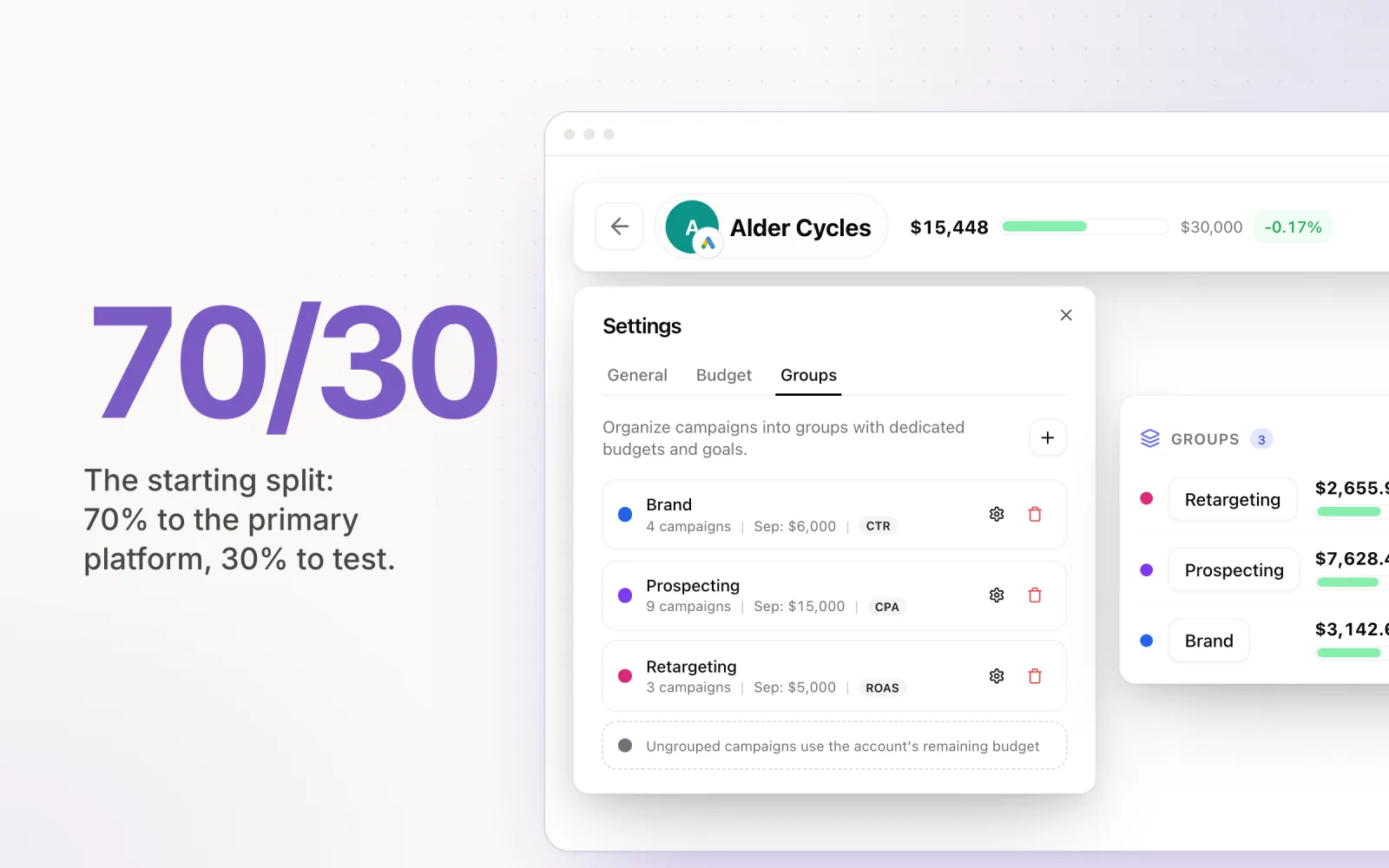
Dynamic Group Budgets let you set a single budget across a group of campaigns. LinkedIn's algorithm then allocates spend to whichever campaign within the group is delivering the best results at any given moment. This prevents the common scenario where Campaign A cannibalises Campaign B's audience while both overspend independently.
For agencies, this feature is particularly useful when running multiple ad formats (Sponsored Content, Message Ads, and Document Ads) targeting the same decision-maker audience. Instead of manually balancing budgets across formats, you let the group budget handle allocation based on real-time performance.
LinkedIn CPCs and Their Effect on Pacing Strategy
LinkedIn's cost-per-click typically runs 3 to 5 times higher than Google Search, and 5 to 10 times higher than Meta. Average CPCs on LinkedIn sit between $5 and $12 for most B2B verticals, with some niche audiences (enterprise SaaS, financial services) pushing above $15.
These higher unit costs mean that small pacing errors have outsized financial impact. On Google, overshooting by 20 clicks might cost an extra $40. On LinkedIn, those same 20 clicks could represent $100 to $200 in unplanned spend. This is why landing your ad spend on target matters even more on LinkedIn than on other platforms.
Higher CPCs also mean fewer data points per day. A $100 daily budget on LinkedIn might generate 10 to 15 clicks. With that volume, the algorithm has limited signal to optimise against, which contributes to the erratic daily spend patterns agencies frequently observe.
Automated Pacing Across Your Full Portfolio
Manual LinkedIn budget management is feasible when you are running two or three accounts. Once you scale beyond that, the daily adjustment cycle becomes unsustainable. You are logging into Campaign Manager, checking yesterday's spend, comparing it against your monthly target, calculating the new daily cap, and updating the budget. Repeat for every campaign, every account, every day.
Automated pacing tools solve this by connecting directly to LinkedIn's API and performing the remaining-budget-divided-by-remaining-days calculation continuously. When a tool like Pace manages your LinkedIn budgets alongside your Google and Meta campaigns, it can also factor in cross-platform allocation. If LinkedIn is overpacing while Google is underpacing, the system identifies the imbalance before it becomes a problem. This is especially relevant if you are also running Microsoft Ads, since LinkedIn and Microsoft share an audience network and budget shifts on one platform directly affect the other.
The key advantage is consistency. Automated tools do not forget to check on a Friday afternoon. They do not miscalculate the remaining days in a month. They apply the same formula, at the same cadence, across every campaign in your portfolio.
LinkedIn Ads will remain one of the most effective B2B advertising channels, but its budget pacing behaviour demands a different approach than what works on Google or Meta. Whether you adopt the daily budget workaround, switch to lifetime budgets, or implement automated pacing, the important thing is to stop treating LinkedIn budgets the same way you treat every other platform. The 50% overspend problem is well-documented and entirely preventable with the right systems in place.
Pace handles LinkedIn budget pacing alongside Google, Meta, TikTok, Microsoft, Reddit, X Ads, and Amazon Ads in a single dashboard. Start a free trial to get started.