The request is almost always phrased the same way: "I want a spreadsheet that updates itself every morning with yesterday's ad spend and clicks from Google Ads, Meta and LinkedIn. One row per channel per day. How hard can that be?"
It is a completely reasonable thing to want. Anyone running paid media across three platforms starts the day with the same ritual: log into Google Ads, note the spend, log into Meta Ads Manager, note the spend, log into LinkedIn Campaign Manager, note the spend, then paste three numbers into a sheet or a Slack message. Ten minutes per client, every morning, forever. Automating it feels like it should be a weekend project.
The honest answer is that you can build it, and this post walks through exactly how — because the details matter, and because knowing them is the only way to make a sensible build-vs-buy decision. But the build is bigger than it looks, the maintenance never ends, and the finished sheet answers a narrower question than the one you actually have. Let's take the DIY route first.
Building it yourself in Google Sheets
The target schema is simple: date | channel | spend | clicks, one row per channel per day, appended each morning. The complexity is that each of the three platforms requires a completely different mechanism to get its numbers into that sheet.
Google Ads: the easy third
Google is the friendly one. Google Ads has a built-in scripts environment — JavaScript that runs inside your account on a schedule you set — and it can write directly to a Google Sheet with a few lines of code. A script that queries yesterday's metrics.cost_micros and metrics.clicks, divides cost by a million, and appends a row to your sheet is maybe thirty lines. Schedule it for 6am, authorise the sheet, done. If you manage accounts under an MCC, an MCC-level script can loop through every child account in one run.
This third of the project genuinely is a weekend job, which is exactly what makes the full project deceptive. Google's generosity sets your expectations for the other two platforms, and neither of them cooperates.
Meta: an API project or a paid connector
Meta has no equivalent of Google Ads scripts. To get spend out programmatically you are talking to the Marketing API: create a developer app, generate an access token, and call the Insights endpoint for each ad account with a date range of yesterday. From Google Apps Script attached to your sheet, that is an authenticated UrlFetchApp call and some JSON parsing — achievable, but now you are managing Meta access tokens in a spreadsheet script. Standard long-lived user tokens expire after about sixty days; a system-user token from a Business Manager avoids the expiry but adds Business Manager configuration most marketers have never touched.
The common escape hatch is a paid connector — Supermetrics, Adveronix, Coefficient and a dozen similar tools will pipe Meta data into Sheets on a schedule. They work, but they are a subscription whose price scales with data sources and refresh frequency, and you have now introduced a third-party dependency to dodge writing OAuth code. Many teams do the maths and find the connector bill approaching the cost of a proper reporting platform, while still only delivering rows in a spreadsheet.
LinkedIn: the hard third
LinkedIn is where the weekend project goes to die. There is no native Sheets support, no scripts environment, and fewer connector options than Meta. The direct route is the LinkedIn Marketing API: apply for API access for your developer application, implement the OAuth flow, then call the analytics endpoint pivoted by account or campaign for yesterday's date range. Access tokens last sixty days, refresh tokens a year, and when a refresh lapses — a holiday, a password change, an admin leaving — the LinkedIn rows silently stop while Google and Meta keep appending, which is exactly the failure mode a daily spend report exists to prevent. A detail that bites in practice: LinkedIn's own documentation recommends querying account-level analytics rather than summing per-campaign rows if you want spend that matches the invoice.
So the finished build is three different integrations in three different styles — a native script, an API-or-connector, and a full OAuth application — all appending to one sheet, each with its own failure modes and its own credentials to keep alive.
What the sheet costs you
Call the initial build one to three days of a technical marketer's time, more if the LinkedIn OAuth flow is new territory. That is the visible cost. The ongoing costs are the ones that compound:
- Auth babysitting. Three credential systems, three expiry schedules, none of which announce themselves before they lapse. The sheet doesn't error — it just quietly stops being complete.
- Schema drift. Platform APIs version and deprecate. Meta retires API versions on a rolling schedule; a call that worked for a year returns an error one morning because the version sunset. Someone has to notice, read the changelog, and update the script.
- Timezone mismatches. "Yesterday" is not one thing. Each ad account reports its day in its own account timezone, and your Apps Script trigger runs in the sheet's timezone. If your Google account is on New York time and your LinkedIn account on UTC, the three rows for "yesterday" cover different 24-hour windows — close enough to look right, wrong enough to never quite reconcile.
- Restatement. Platforms revise recent numbers. Spend gets adjusted for invalid activity; Meta conversions restate for days as attribution windows close. A sheet that pulls each day once and never re-pulls will disagree with the platform UI — and with the invoice — by a little, forever. Fixing it properly means re-pulling a trailing window every morning, which is more logic to write and maintain.
- Key-person risk. The person who built the sheet is the only one who can fix it. When they are on leave, the sheet's failures wait for their return.
None of these is dramatic on its own. Together they turn "a sheet that updates itself" into a small internal software product with an SLA nobody agreed to.
The question the sheet can't answer
Suppose the build works flawlessly. Every morning: three fresh rows, spend and clicks per channel. What do you actually do with them?
You check whether spend is on track. That is the real question hiding inside the reporting request — not "what did we spend yesterday" but "are we going to land this month's budget on target." And that question needs arithmetic the sheet doesn't do: month-to-date spend against the monthly budget, divided by days elapsed and days remaining, per account, recalculated daily. You can bolt those formulas on (our budget pacing calculator shows the exact maths for a single account), but now every account needs its budget maintained in the sheet, every month-end needs a rollover, and every variance still needs a human to notice it, log into the right platform, and change a budget. The sheet reports; it never acts. This is the general shape of the problem with running Google, Meta and LinkedIn from three separate tabs — the data merge was never the hard part. The hard part is the daily decision layer on top.
The platform route: one login, spend already unified
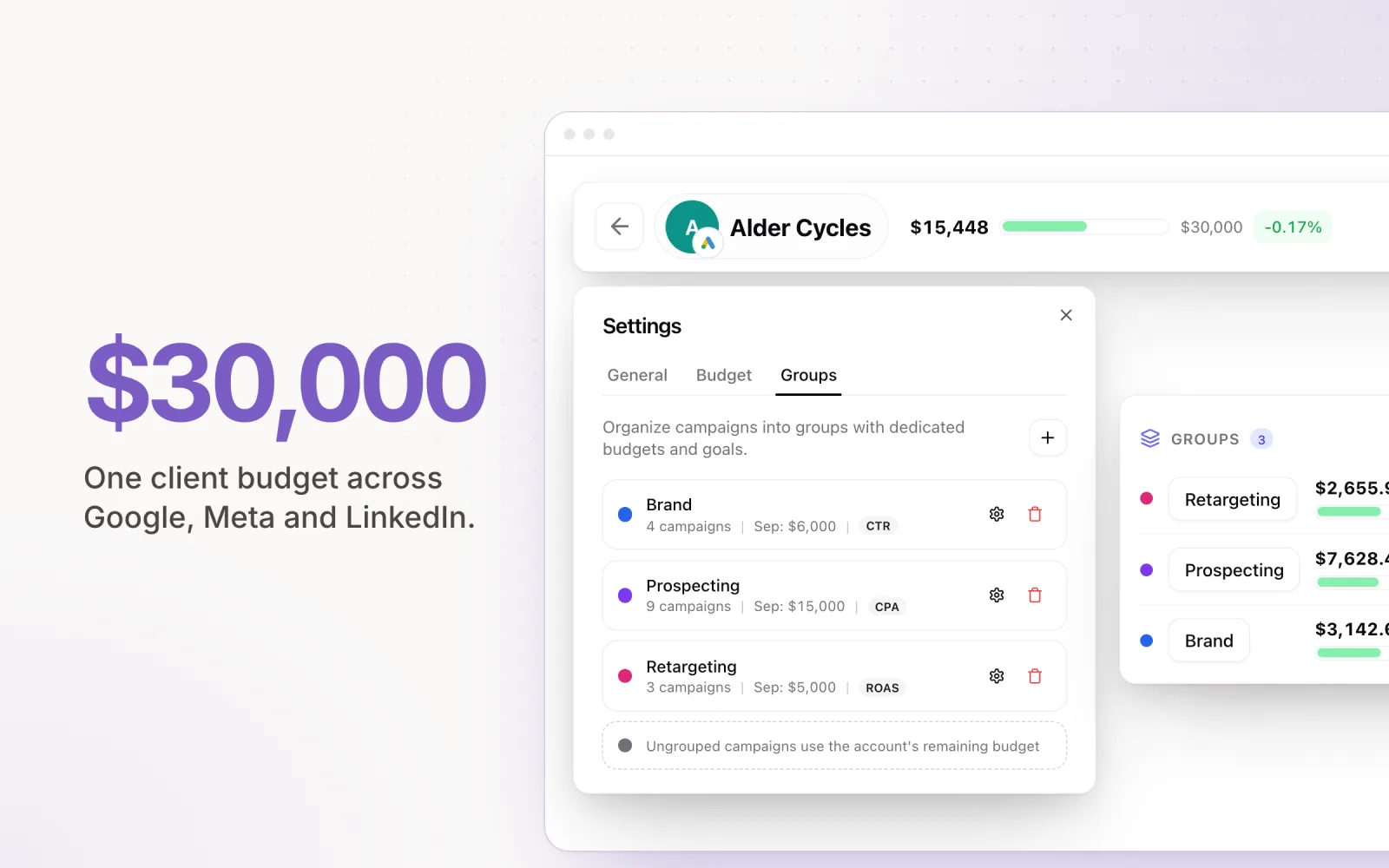
This is the job a cross-platform ad management platform exists to do. Pace connects to Google Ads, Meta, TikTok, LinkedIn, Microsoft, Reddit, X Ads and Amazon Ads through OAuth and pulls spend and performance into one dashboard, one login. The morning ritual becomes: open Pace, see every account's month-to-date spend, yesterday's spend, and pacing status side by side. The "one row per channel per day" view you were going to build is just what the dashboard shows by default.
The failure modes you would otherwise own are handled. Token refresh is automatic, and when a connection does need reauthorising, Pace tells you before the data gap does. Spend is read from each platform's authoritative account-level source — the same figures the invoices reconcile against, account timezones respected — rather than a homemade sum of campaign rows. And the decision layer the sheet was missing is the core of the product: Pace's engine recalculates pacing daily against each account's monthly budget and adjusts campaign budgets automatically to land the month on target, with every change logged and explained. Overspend guardrails pause campaigns if an account blows past its cap; alerts land in Slack or email when something needs a human.
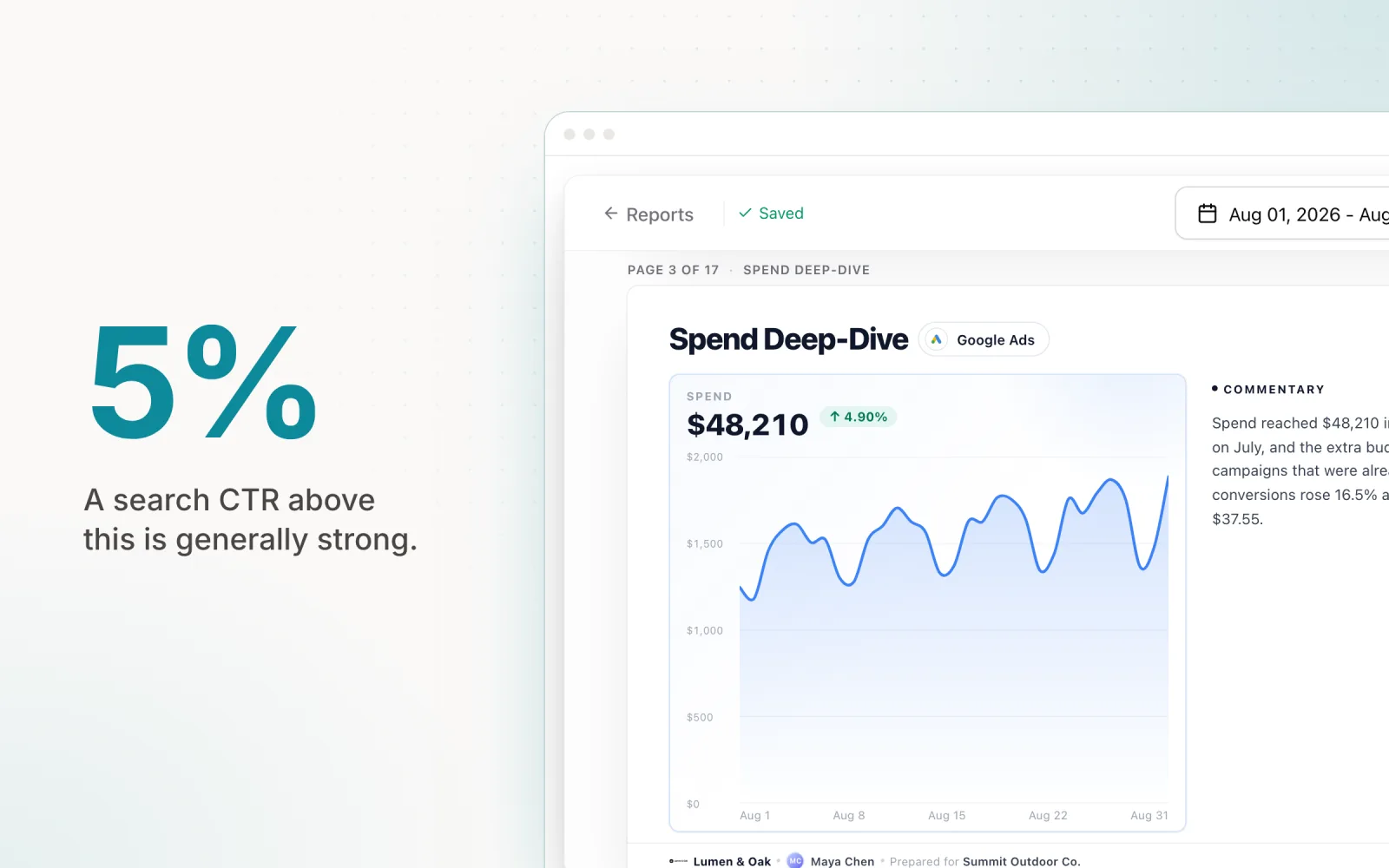
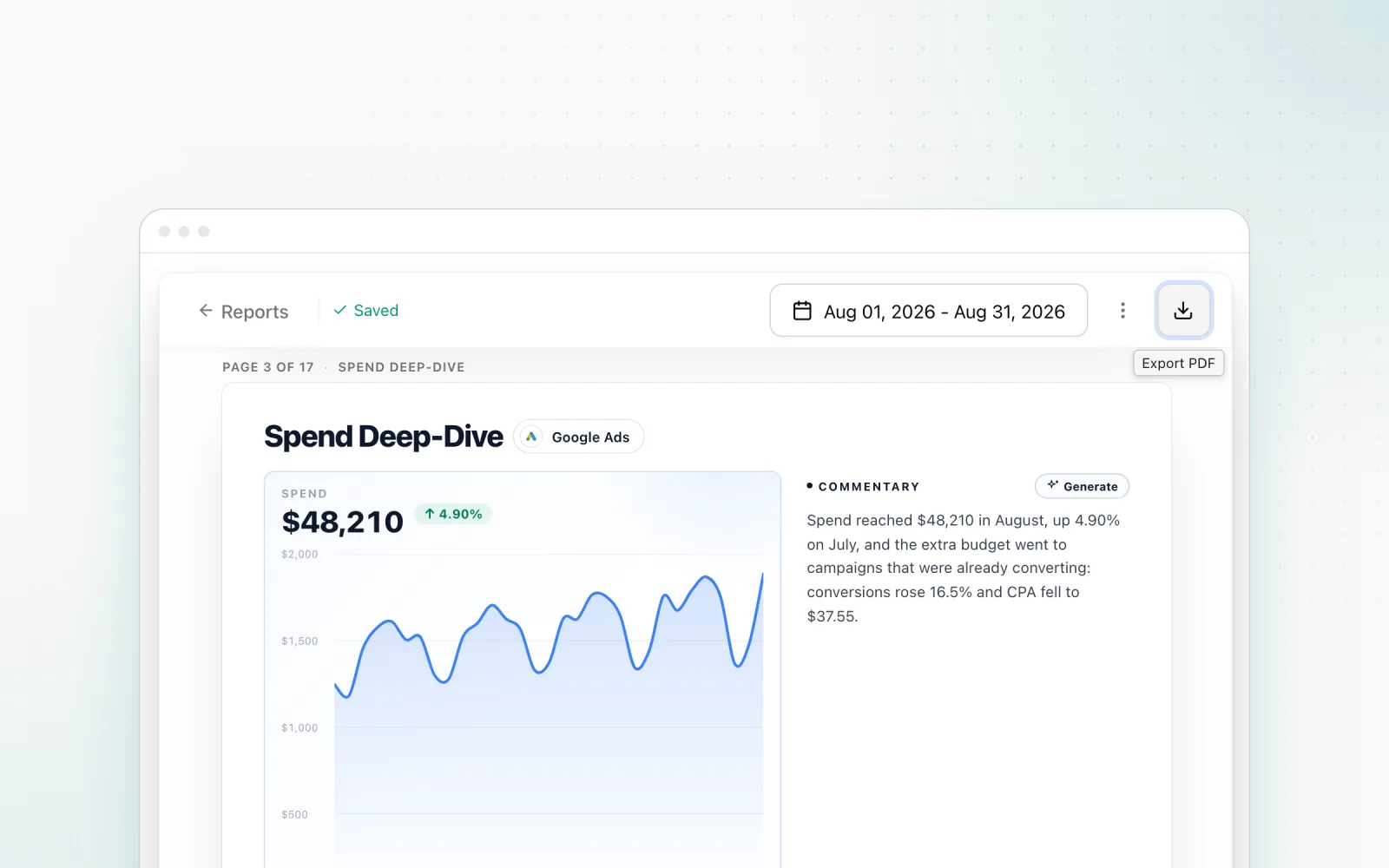
For the client-facing layer, spend and performance across all connected channels roll up into shared reports, so the numbers your team paces against are the numbers clients see — no export step, no reformatting. Our guide to paid search reporting metrics and best practices covers what belongs in that report; the point here is that with the data unified at the platform level, producing it stops being a chore.
The honest framing of the trade: the Google Sheet costs days to build, a permanent maintenance tax, and it still only reports. A platform costs a subscription and does the reporting, the monitoring, and the budget corrections. If your channel mix is one platform and your time is free, build the sheet — the Google Ads third really is easy. If you are an agency running Google, Meta and LinkedIn across a book of clients, the sheet is the expensive option. Pace's plans — One and Enterprise — both include every platform integration and the pacing engine. Start a free trial and see all three channels in one place tomorrow morning, without writing a line of Apps Script.
Frequently asked questions
Can I get Google, Meta and LinkedIn ad spend into one Google Sheet automatically?
Yes, but each platform needs a different mechanism. Google Ads has a native scripts environment that can write directly to a Sheet on a schedule. Meta requires the Marketing API called from Apps Script or a paid connector. LinkedIn has no native Sheets support at all, so you are writing against its Marketing API with a developer application and OAuth tokens that expire. The build is a genuine engineering project with ongoing maintenance, not a one-off setup.
Why do the spend numbers in my sheet not match the platform UIs?
The usual causes are timezone mismatches (each ad account reports its day in its own timezone, so "yesterday" means different hours on different accounts), restatement (platforms revise recent spend and conversion figures for days after the fact, so a number pulled at 6am can differ from the same day queried a week later), and attribution differences on conversion columns. A sheet that pulls each day once and never re-pulls will drift from the platform UIs over time.
What is the alternative to building a spend report myself?
A cross-platform ad management platform. Pace connects to Google Ads, Meta, TikTok, LinkedIn, Microsoft, Reddit, X Ads and Amazon Ads through OAuth, pulls spend and performance daily into one dashboard, and layers budget pacing on top — so you see not just what each channel spent yesterday, but whether every account is on track for its monthly budget. There is no sheet to maintain and token refresh is handled for you.

Jordan Parrello
Founder of Pace. Ran an agency pacing sheet by hand for years before building the thing that checks it every 5 minutes. About Pace or LinkedIn