Point Smart Bidding at a lead-gen account where every conversion action carries the same value, or none, and it does something perfectly logical: it buys the cheapest conversions it can find. Ebook downloads cost a fraction of demo requests, so ebook downloads are what you get. A newsletter signup counts the same as a qualified phone call, and the algorithm cannot tell them apart.
Three months later the dashboard looks great and the client is unhappy. Lead volume is up 40% and cost per lead is down, but the sales team swears the leads are junk. Nothing is technically broken. Google did exactly what it was told: get conversions, any conversions, at the lowest possible cost.
Conversion values fix this, and they are simpler to set up than most guides make them sound. The rest of this guide covers how they work and how to set them on a lead-gen account where nobody hands you a transaction value at checkout.
What a conversion value tells the algorithm
A conversion value is a dollar figure attached to a conversion action. For ecommerce it is usually dynamic: each purchase passes its own revenue to Google through the conversion tag, so a $40 order and a $900 order are recorded as exactly what they were worth. For lead gen it is usually static: the action fires, and a fixed figure you chose is recorded every time. Plenty of accounts mix the two, with dynamic values on purchase actions and static values on lead actions.
Values matter because they are the input that value-based bid strategies (Target ROAS and Maximize Conversion Value) optimise against. Without values, Smart Bidding counts conversions, and a $10 outcome weighs the same as a $10,000 one. With values, the algorithm prices each auction on expected value instead: a user with a 5% chance of producing a $500 lead earns a bigger bid than a user with a 30% chance of producing a $25 one.
Should you use conversion values at all?
Not on every account. Conversion values pay off when four things are true:
- Your conversion actions differ in worth. If a demo request feeds pipeline and a newsletter signup feeds a nurture sequence, they are not the same conversion and should not be scored the same.
- You can estimate what each action is worth. Rough is fine. Close rate multiplied by average deal value gets you most of the way there.
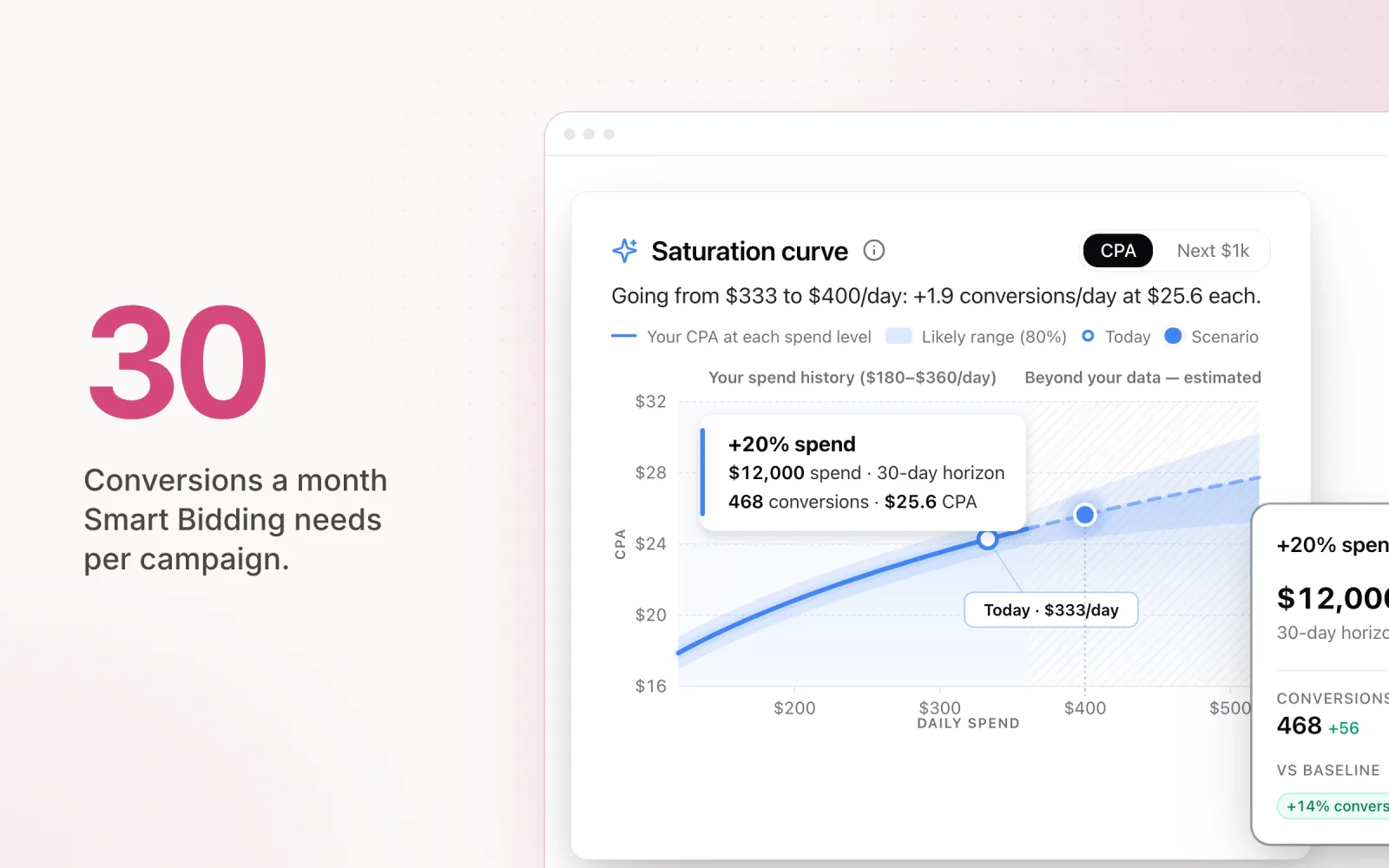
- You have the volume for the model to learn from. The working threshold for Smart Bidding is 30 or more conversions in a 30-day window. Below that, value-based strategies are guessing.
- Someone will maintain the numbers. Values set once in 2024 and never touched again quietly steer bids toward last year's economics.
If every lead on the account is worth roughly the same, skip it. You would be adding complexity for nothing, and plain Target CPA will do the job. Same answer if conversion tracking itself is unreliable: values multiply whatever signal you feed them, including a broken one.
How to set conversion values for leads
The formula is close rate multiplied by average deal value. Take a hypothetical B2B account with four conversion actions, and assume a $5,000 average first-year deal across all of them:
| Conversion action | Assumed close rate | Conversion value |
|---|---|---|
| Demo request | 10% | $500 |
| Inbound phone call | 8% | $400 |
| Pricing enquiry | 5% | $250 |
| Ebook download | 0.5% | $25 |
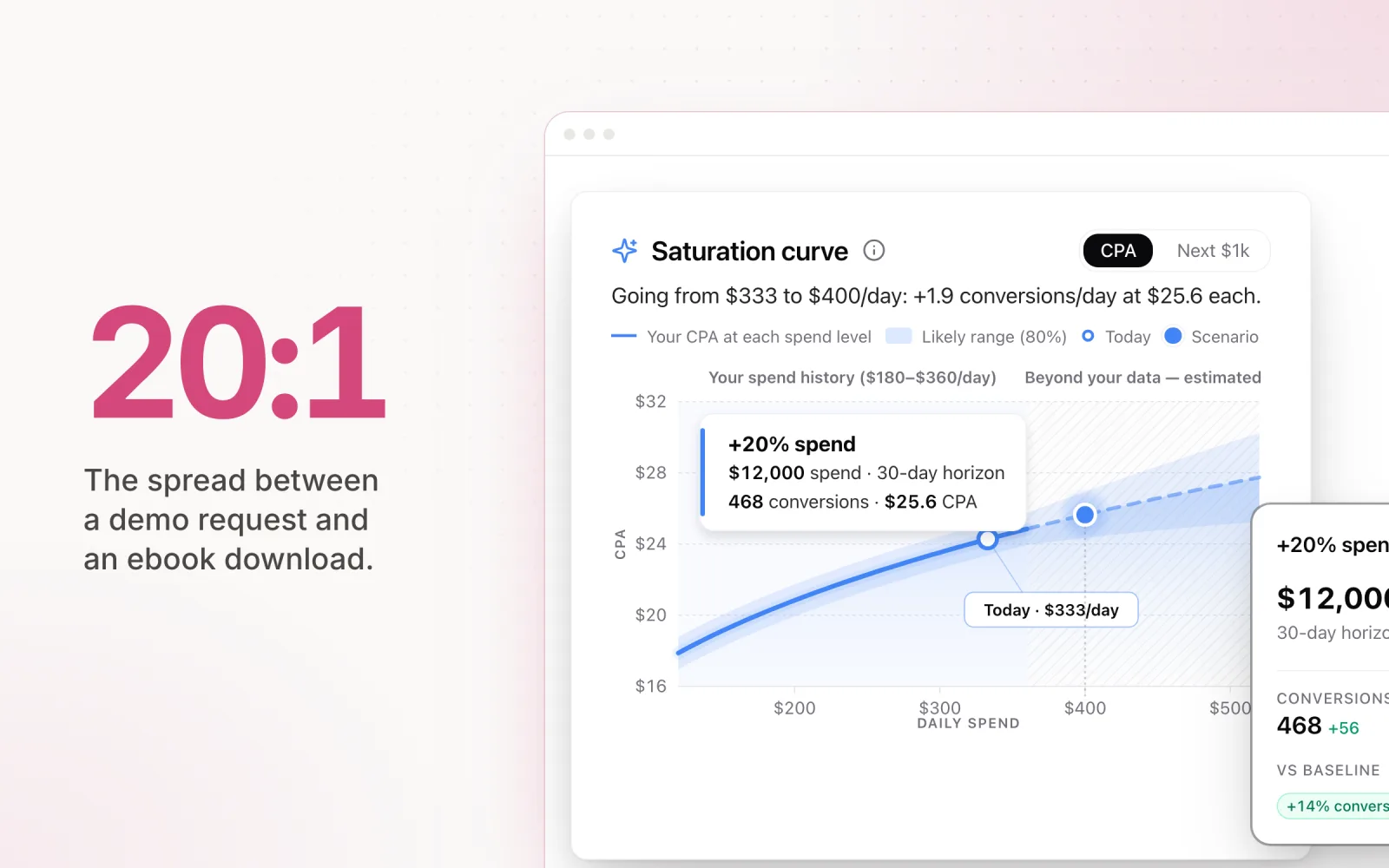
Every number above is illustrative. Swap in your own close rates and deal size, because the point is the ratio, not the absolutes. A 20:1 spread between the demo request and the ebook download tells the algorithm exactly which auctions are worth fighting for. Whether the demo is worth $500 or $480 barely matters.
Two refinements once the basics are in. First, if your clients have meaningful repeat revenue, score leads on lifetime value rather than first-deal revenue; the LTV calculator does that maths from order value, purchase frequency, customer lifespan and margin. Second, sanity-check the close rates with whoever owns the sales pipeline. The close rate marketing assumes and the close rate sales measures are rarely the same number, and the gap goes straight into your bidding.
Each conversion action in Google Ads has a value setting where the static figure goes. Set it, then give the model a few weeks of data before you read anything into the results.
What conversion value rules add
Value rules sit on top of your base values and adjust them when a condition is met. Google supports conditions on location, device and audience, with the value multiplied or increased by an amount you set. If leads from Sydney close at twice the rate of leads from everywhere else, a value rule can double the recorded value for that location without touching the underlying conversion action.
Rules are worth adding when a dimension consistently shifts lead quality and you have the data to back the adjustment. An agency running a national campaign for a client who can only service three cities is the textbook case.
Rules go wrong when they become a patch for base values you never set properly. If your demo requests and ebook downloads still carry the same value, no amount of location rules will fix the underlying signal. Get the base values right first; add rules when a specific, measured difference justifies one.
What changes when you bid on value
Once real values flow, you can move from Target CPA to Target ROAS, and the question shifts from "what does a lead cost" to "what does a dollar of spend return". The starting target should come from your own history: run the account with values recording for a month or two, look at the ROAS it naturally achieved, and set the initial target there rather than where you wish it were. Aspirational targets on day one starve the campaign of volume before the model has learned anything.
As an illustrative sanity check: if your blended value per lead works out around $300 under the assumptions above and you are comfortable paying $60 per lead, that is a 500% ROAS target. The number sounds aggressive until you remember the "revenue" side is expected pipeline value, not cash in the bank.
Four failure modes to watch once you switch:
- Values that do not reflect reality. The algorithm will faithfully chase whatever you told it was valuable, wrong numbers included.
- Switching below the volume threshold. Under roughly 30 conversions a month, hold off. Bank data on a conversion-counting strategy first.
- Set-and-forget values. A price rise or a new lead form makes the old numbers wrong, and nobody remembers the values exist.
- Judging the switch too early. The first two or three weeks after a strategy change are noisy. Hold your nerve before rolling back.
The Smart Bidding guide covers strategy selection in depth, and the wider bid optimisation strategies post covers everything that sits around the bid layer.
Start with one account this week: the lead-gen client where the volume-versus-quality complaint keeps coming up. Score each conversion action with close rate times deal value, let it run for a month, then check whether the leads Google chases start looking like the leads sales wants.
Pace tracks conversion value and ROAS alongside spend and CPA across Google, Meta, TikTok, LinkedIn, Microsoft, Reddit, X Ads and Amazon accounts. On Google and Meta you can also set a specific conversion action as an account's goal, so budget decisions run against the conversions that carry the value rather than a generic count. Start a free trial to see it against your own accounts.

Jordan Parrello
Founder of Pace. Ran an agency pacing sheet by hand for years before building the thing that checks it every 5 minutes. About Pace or LinkedIn