A client asks why their LinkedIn ads are running at 2am on a Sunday. You go looking for the ad schedule setting, the way you would in Google Ads, and half the guides you find say it does not exist. Some of ours said the same.
It does exist. LinkedIn's help centre documents a custom schedule and calls it dayparting. It is narrower than Google's version, and five conditions decide whether you can use it. Everything below was checked against LinkedIn's own documentation on 15 November 2026.
Does LinkedIn Campaign Manager have native dayparting?
Yes, at ad set level. LinkedIn's campaign and ad set schedules page describes three schedule types. Continuous runs from the start date until you pause it. Set runs between a start date and an end date. Custom adds days of the week and hours of the day on top of a set schedule, and the ads only deliver inside those windows. The schedule repeats every week.
Campaigns only get the first two. The custom schedule belongs to the ad set, and LinkedIn lists five conditions for it.
| Setting | What a custom schedule needs |
|---|---|
| Ad format | Sponsored Content formats only |
| Budget type | Lifetime budget, set on the ad set |
| Schedule | A set schedule with a start date and an end date |
| Placement | LinkedIn Audience Network disabled |
| Campaign budget | Budget optimisation (Dynamic Group Budget) not enabled on the campaign |
Read that table before you promise a client anything. An always-on ad set with a daily budget and no end date does not qualify. Neither does anything outside Sponsored Content, or an ad set inside a campaign where LinkedIn manages the budget across ad sets.
On names: LinkedIn's help pages now call the two levels campaign and ad set. If your account still shows campaign group and campaign, the ad set is what you know as a campaign.
How to set a custom schedule on an ad set
These are the steps from LinkedIn's budget, schedule and bid instructions, which cover new and existing ad sets.
Open the ad set and go to Budget & schedule.
In the Budget dropdown, choose a lifetime budget and enter the amount. Choosing a daily budget, or both, removes the option.
Under Schedule, set a start date and an end date.
Tick Set a custom schedule. If the box is not there, go back to the five conditions above.
Pick the time zone in the Timezone dropdown.
On the week calendar, select the days and the time ranges when the ads can run.
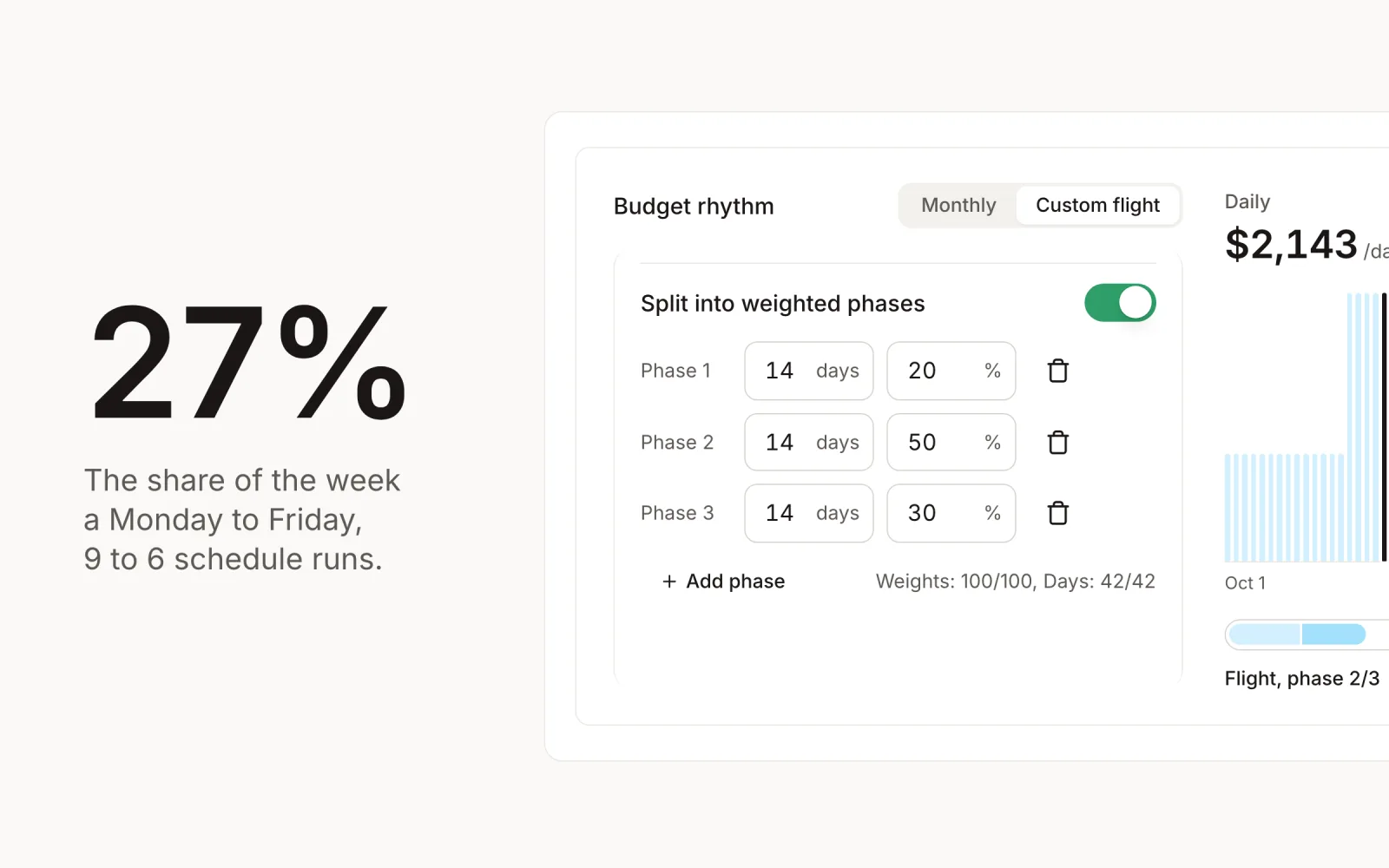
LinkedIn's own example is Monday to Friday, 9am to 6pm Eastern. That is 45 of the week's 168 hours, or 27%.
What to do when the ad set does not qualify
The cleanest fix is to build the ad set so it does qualify: a lifetime budget, fixed dates, Audience Network off. When the format or the budget set-up rules that out, the options below all work by pausing and enabling the ad set. None of them sets a schedule in LinkedIn.
- Pause and enable by hand. Fine for one account that goes dark over a weekend or a public holiday. It breaks the first Friday somebody forgets.
- Script it through the API. LinkedIn's Marketing API exposes a status field with ACTIVE and PAUSED values, so a scheduled job can flip it on a timetable. You need a developer app with API access, and someone to own the job when a token expires.
- Use a third-party tool that does the same thing. The tool is pausing on your behalf, so ask the vendor exactly what it changes and at which level.
- Leave it running. This is often the right call, for the reasons in the next section.
When dayparting is worth it on LinkedIn, and when it is not
The usual argument is that B2B buyers work office hours, so the ads should too. That is an assumption until your own numbers back it. We won't quote a best hour for LinkedIn ads, because we haven't found a source for one that we would put in front of a client.
A schedule makes sense in these cases:
- Someone has to answer. Lead forms that route to a sales team, or ads that drive calls and demo bookings, where a lead that lands on Saturday night waits until Monday.
- One region, one clock. The audience sits in a single time zone, so the hours you pick mean the same thing for everyone who sees the ad.
- A short, fixed flight. An event or webinar push already has an end date and a lifetime budget, so it meets the conditions without restructuring anything.
- Your own data shows dead days. Several weeks of weekend spend with nothing to show for it is a reason to act. A hunch needs checking first.
And it is the wrong tool in these:
- Always-on lead generation. The schedule needs an end date and a lifetime budget, so you would be rebuilding ad sets every flight to get it.
- Audiences across time zones. The schedule runs on the one time zone you choose. Covering three regions properly means three ad sets, each with a smaller audience.
- Narrow audiences. Fewer open hours means fewer chances to reach the same small group of people.
- Small budgets. A schedule does not add budget. The same money gets spent in fewer hours, so the case for it has to come from better results.
For what LinkedIn impressions, clicks and leads cost this year, see our LinkedIn Ads benchmarks.
Check your own data before switching hours off
LinkedIn will not hand you an hour-by-hour report. Its reporting API groups results by day, month or year, and day is the finest setting. So the evidence has to come from elsewhere:
- Pull LinkedIn performance by day for the last eight weeks or more and group it by day of the week. This tells you whether weekends pull their weight.
- In GA4, filter sessions to LinkedIn paid traffic and break them down by the hour dimension. This shows when clicks arrive, in your property's time zone.
- Export leads from your CRM with their created time, filtered to LinkedIn as the source, and count them by hour and by day.
- Compare cost per lead for the weak windows against the rest. If there are only a handful of leads in a window, you do not have enough to decide.
How a schedule changes daily pacing
A dayparted ad set spends on fewer days, so a pacing check that counts calendar days will read it wrong. Take a $6,000 lifetime budget running 1 to 30 November 2026 on a Monday to Friday schedule. The month has 30 days and 21 weekdays.
Expected spend to date = budget × serving days elapsed ÷ total serving days
| End of day | Weekdays elapsed | Expected, calendar days | Expected, serving days |
|---|---|---|---|
| Fri 6 Nov | 5 of 21 | $1,200 | $1,429 |
| Fri 13 Nov | 10 of 21 | $2,600 | $2,857 |
| Fri 20 Nov | 15 of 21 | $4,000 | $4,286 |
| Fri 27 Nov | 20 of 21 | $5,400 | $5,714 |
An ad set that has spent $1,429 by the first Friday is exactly on plan. Measured against calendar days it shows 119% and looks like an overspend. The gap narrows as the month goes on, so the false alarms come in the first fortnight.
Treat the serving-day line as a planning line. LinkedIn says spend on a lifetime budget follows impression opportunities and gives the example of 10% of the budget on one day and 30% on another. It will not exceed the lifetime total. Our LinkedIn budget pacing guide covers daily and lifetime budgets in full, and the Google Ads dayparting guide covers the same pacing problem where bid adjustments are involved.
Pace does not set or change LinkedIn's custom schedule. It tracks each LinkedIn account's spend against the monthly budget you give it. Its Active Schedule setting takes the days of the week an account runs, divides the monthly budget across those days only, and holds pacing alerts on the days the account is not meant to spend. The setting works in whole days, so it has no hours to choose.
LinkedIn dayparting FAQs
How do you do dayparting on LinkedIn ads?
Open the ad set's Budget and schedule section in Campaign Manager, choose a lifetime budget, set a start and end date, then tick Set a custom schedule. Pick a time zone and select the days and hours on the week calendar. The schedule repeats every week. It is only offered on Sponsored Content ad sets with LinkedIn Audience Network switched off, in campaigns that do not use budget optimisation.
Does LinkedIn Ads have ad scheduling?
Yes. LinkedIn's help centre documents custom schedules, which it also calls dayparting, at ad set level. Ads run only in the days and hours you select. Campaign-level schedules are still continuous or set start and end dates only.
Can you daypart a LinkedIn ad set that uses a daily budget?
No. LinkedIn requires a lifetime budget at ad set level before it offers a custom schedule. An ad set on a daily budget can only be dayparted by pausing and enabling it, by hand or with a script that changes its status through the Marketing API.
What time zone does a LinkedIn ad schedule use?
The one you choose. Each custom schedule has its own time zone setting. If one ad set targets several regions, the schedule still runs on that single clock, so split the audience into one ad set per region when the hours matter.

Jordan Parrello
Founder of Pace. Ran an agency pacing sheet by hand for years before building the thing that checks it every 5 minutes. About Pace or LinkedIn