It's the 18th of the month and you ask Claude a simple question: which clients are going to miss budget? It has the Meta connector open, the Google one you set up on a Cloud project last month, and nothing at all for LinkedIn. It pulls Meta spend in one currency and Google spend in another, then tells you, politely, that it doesn't know what the budgets are.
It's right. None of the ad platforms know your monthly budget. They know daily budgets and lifetime budgets. The number your client signed off on lives in a spreadsheet or your head, and that's the number the question is about.
Six official servers, six silos
The platforms moved fast this year. Since April, most of the big ones have published their own MCP server, the connector that lets Claude, ChatGPT or Gemini read an ad account. They're free and built by the people who own the APIs. If you only run one platform, use its server.
| Platform | Official server | What it can change |
|---|---|---|
| Google Ads | Yes, you host it on your own Cloud project | Assets and labels. Not budgets, bids or campaigns |
| Meta Ads | Yes, hosted, open beta | Campaigns, ad sets and ads. New ones start paused |
| X Ads | Yes, hosted | Campaigns and line items. New ones start paused |
| Amazon Ads | Yes, open beta, needs Amazon Ads API access | Campaigns and budgets |
| TikTok Ads | Announced May 2026 | Read and write; tool list not published |
| Microsoft Ads | Open pilot | Nothing. Read-only |
| LinkedIn Ads | None we could find | – |
| Reddit Ads | None we could find | – |
Checked on 18 November 2026 against Google's developer guide and PPC Land's coverage of Meta, X and Google's write tools. These change monthly, so check the platform's own docs before you rely on a row.
Each server is good at its own platform. The trouble starts when you run several. Every one is a separate connection with its own sign-in, its own idea of what "spend" means, its own write rules and its own log of what changed. Your assistant has to stitch them together, and it has nothing to stitch them against.
What one connection gives you that six can't
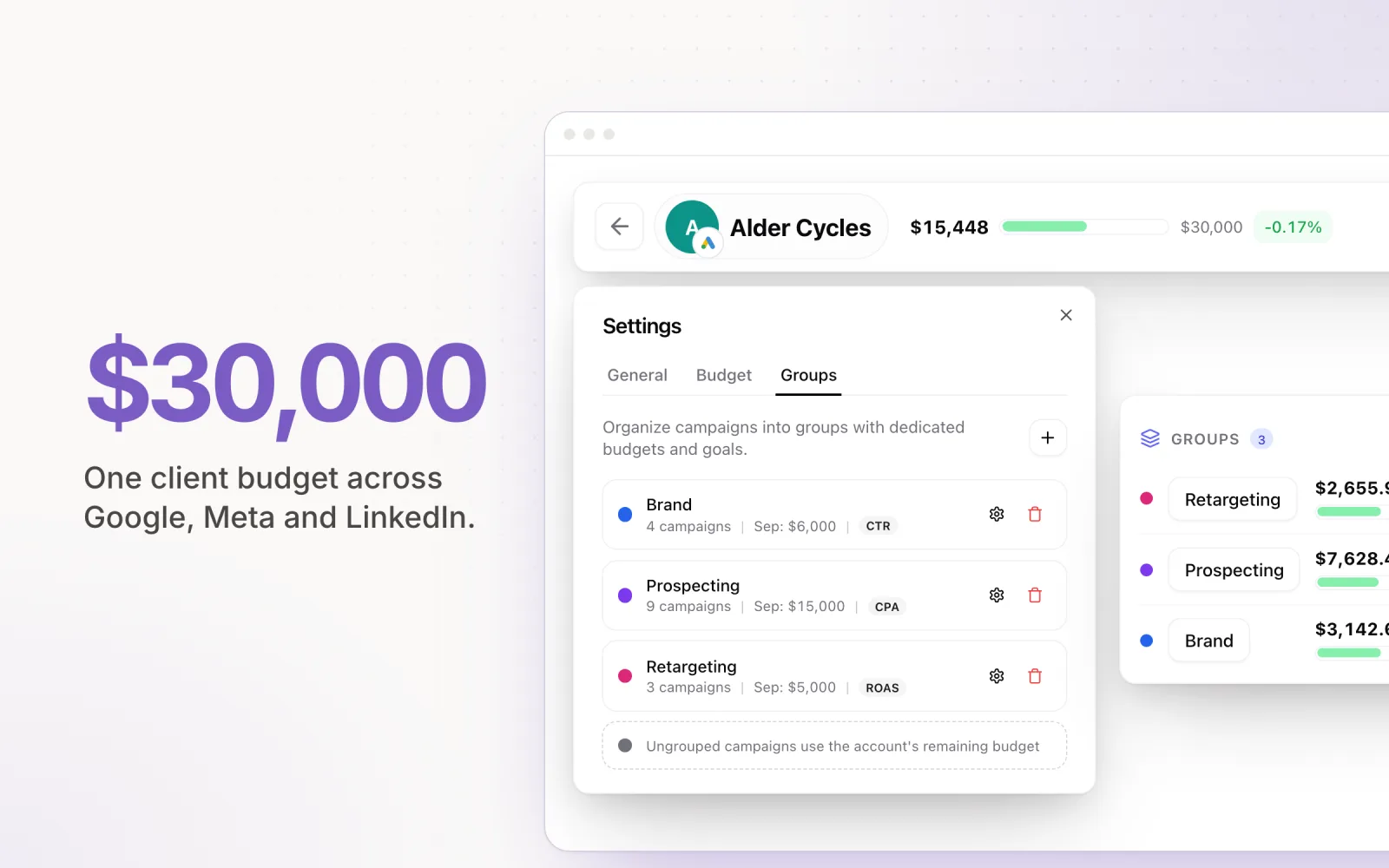
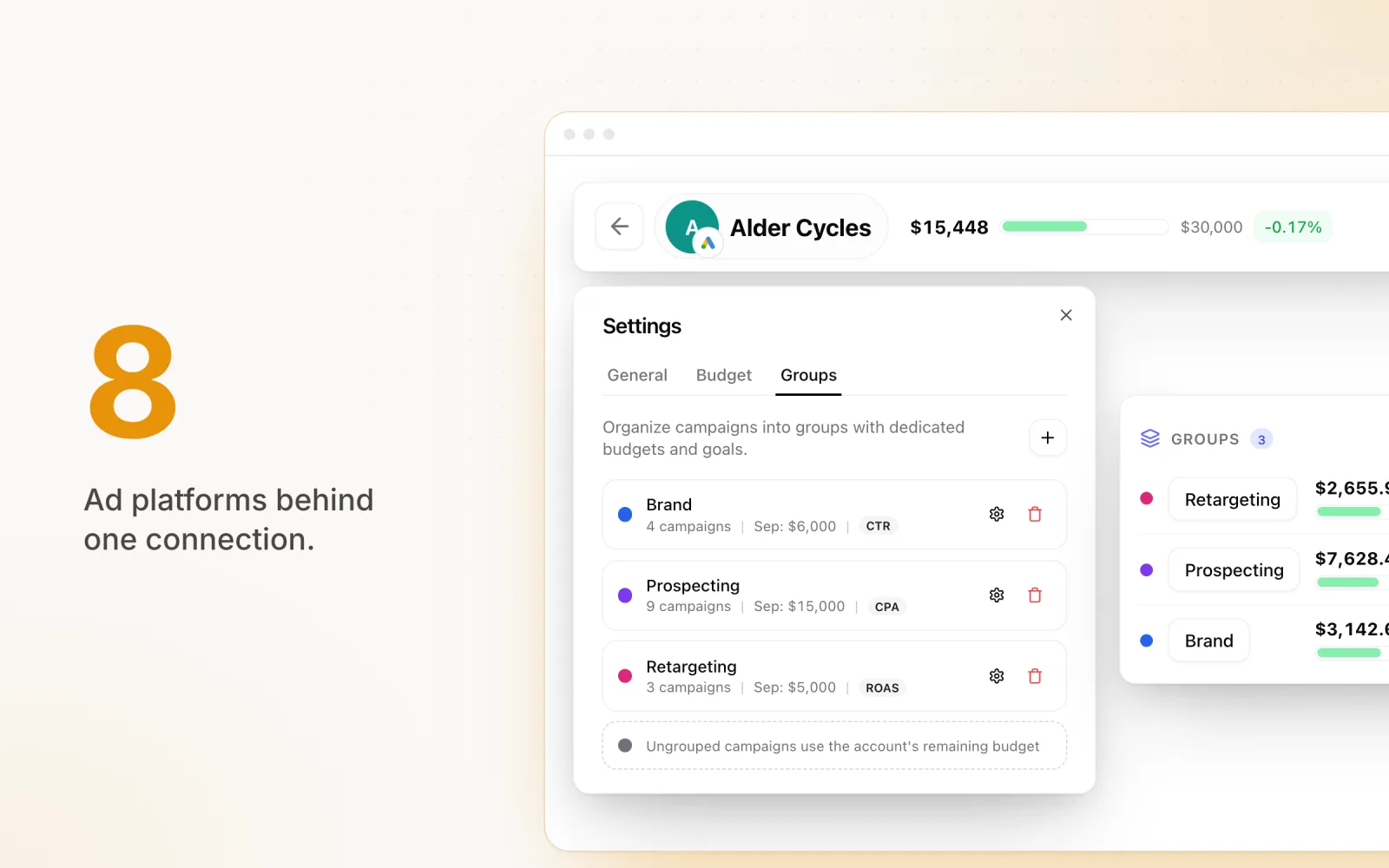
Pace connects to Claude, ChatGPT and Gemini through a single MCP endpoint. Behind it sit Google, Meta, LinkedIn, Microsoft, TikTok, Reddit, Amazon and X, eight platforms in all, already normalised into the same accounts, budgets and pacing numbers you see in the app.
Answers that span every platform
"How's pacing looking this month?" comes back as one table: every account, every platform, spend to date against target, and where each one is heading at month end. Your assistant isn't adding up three APIs. It's reading Pace's own pacing verdict, the same one on the Accounts table.
The context the platforms don't have
Monthly targets, budgets that rolled over from last month, campaign groups, Findings, the Needs attention list, forecasts, notebook notes and a full change history. None of that exists inside Google or Meta. Your assistant can only get it from a tool that sits above the platforms.
One set of rules for changes
Every connection starts read-only. Changes need two switches: the workspace owner allows AI changes, then each person with edit rights grants write access on their own connection. Budget, status and pacing-target changes come back in Claude and ChatGPT as a card with the before and after, and nothing moves until you press Apply. Changes are capped at 10 per connection every 5 minutes. Pace respects each platform's budget minimums and refuses to touch a shared or lifetime budget rather than guess. The approval rules are the same on all eight platforms.
Who changed what
Every change your assistant makes lands in Pace's Changes history, exactly like a change made in the app. Pacing targets set by AI carry a Pace AI badge and name the person who approved them. When a client asks who moved their budget on Tuesday, there's one place to look, not six.
Built for a book of clients
Each connection belongs to one workspace, and your assistant shows which is which. You see every connected app in Settings, with when it was last used, and can cut one off in minutes. Remove a teammate and their connections pause automatically.
| Official servers | One Pace connection | |
|---|---|---|
| Connections to set up | One per platform | One |
| LinkedIn and Reddit | No official server | Included |
| Monthly budget targets | Not in the platform | Every account |
| Approval rules | Different on each platform | Same on all eight |
| Change log | One per platform | One for everything |
| Build campaigns and ads | Meta, X and Amazon | No |
Pace doesn't build campaigns or write ads. If you want Claude drafting a Meta campaign from scratch, Meta's own server does that. Pace is for keeping what's already running on budget.
Questions worth asking once it's connected
- "Which accounts will miss their monthly budget, on any platform?"
- "What's on my Needs attention list, and which logins need reconnecting?"
- "What changed on [client] since 1 November, and who changed it?"
- "Did Pace's budget changes on [account] last week actually help?"
- "Compare the last 14 days with the 14 before for [account]."
- "Which search terms wasted the most money on [account] this month?"
- "Set [client]'s monthly target to $12,000."
The first one is the question from the top of this post. With one connection it's a single call. With six servers, your assistant still has no targets to check against.
Connect Pace to Claude or ChatGPT
Copy your endpoint
In Pace, go to Settings, then Connected AI apps, and copy your endpoint URL.
Add it to your assistant
In Claude, open Settings, then Connectors, and choose Add custom connector. In ChatGPT, turn on Developer Mode first under Settings, Apps & Connectors, Advanced. It needs a paid ChatGPT plan, and it's the step people skip.
Sign in and approve
Sign in to Pace when asked and approve the connection. Leave write access unticked until you've seen what it reads.
Check it worked
Ask it to list your Pace accounts. Back in Pace, the connection shows in Connected AI apps with a last-used time.
Using Gemini or Claude Code? The setup guide covers both.
If you only run Meta, use Meta's server. If you run budgets across Google, Meta, LinkedIn and whatever the client added last quarter, one connection that already knows the targets will answer the questions clients ask.
Frequently asked questions
Does one ads MCP replace the official platform servers?
It doesn't have to. The official servers go deeper on their own platform. Meta's can build campaigns and ads, which Pace can't. A single connector is for the questions and budget changes that span platforms. You can run both: Meta's server for building, Pace for pacing and oversight across everything.
Can Claude change my ad budgets through Pace?
Only after two switches. The workspace owner turns on AI changes in Settings, then you grant write access on your own connection. With both on, your assistant can set a monthly pacing target, change campaign and ad set budgets, pause or resume campaigns, ad groups and ads, and add negative keywords on Google and Microsoft. In Claude and ChatGPT, budget, status and target changes come back as a card, and nothing moves until you press Apply. Changes are capped at 10 per connection every 5 minutes and every one is logged in Changes history.
Which AI assistants work with the Pace MCP?
Claude on the web, Claude Desktop and Claude Code, ChatGPT on a paid plan with Developer Mode turned on, and Gemini, including Gemini CLI. The approval card shows in Claude on the web, Claude Desktop and ChatGPT. Gemini and Claude Code describe the change in text.
What does the Pace MCP cost?
It's included with API Access on the One and Enterprise plans, with nothing extra to pay. The 14-day free trial runs on Enterprise, so you can connect it during the trial.

Jordan Parrello
Founder of Pace. Ran an agency pacing sheet by hand for years before building the thing that checks it every 5 minutes. About Pace or LinkedIn