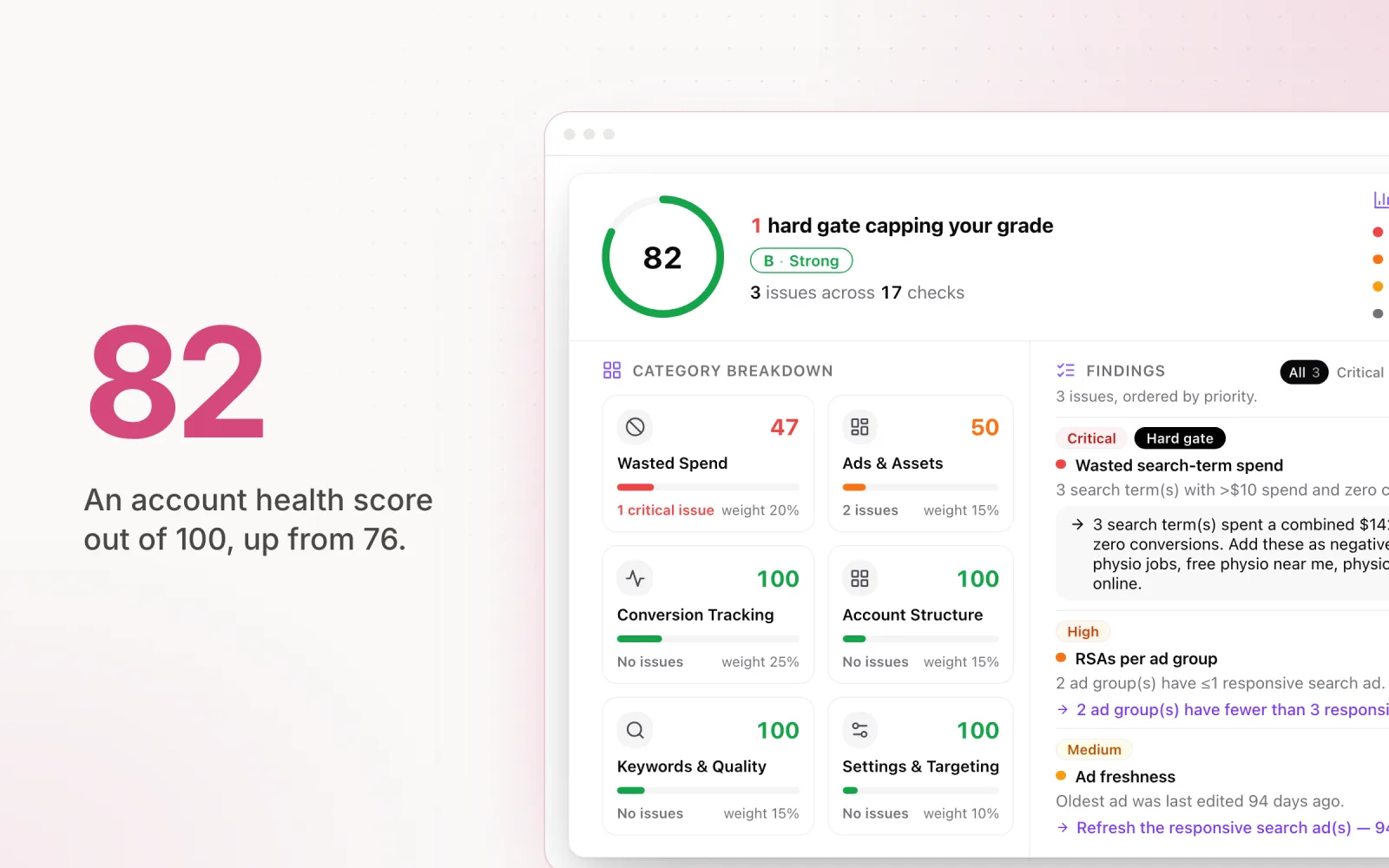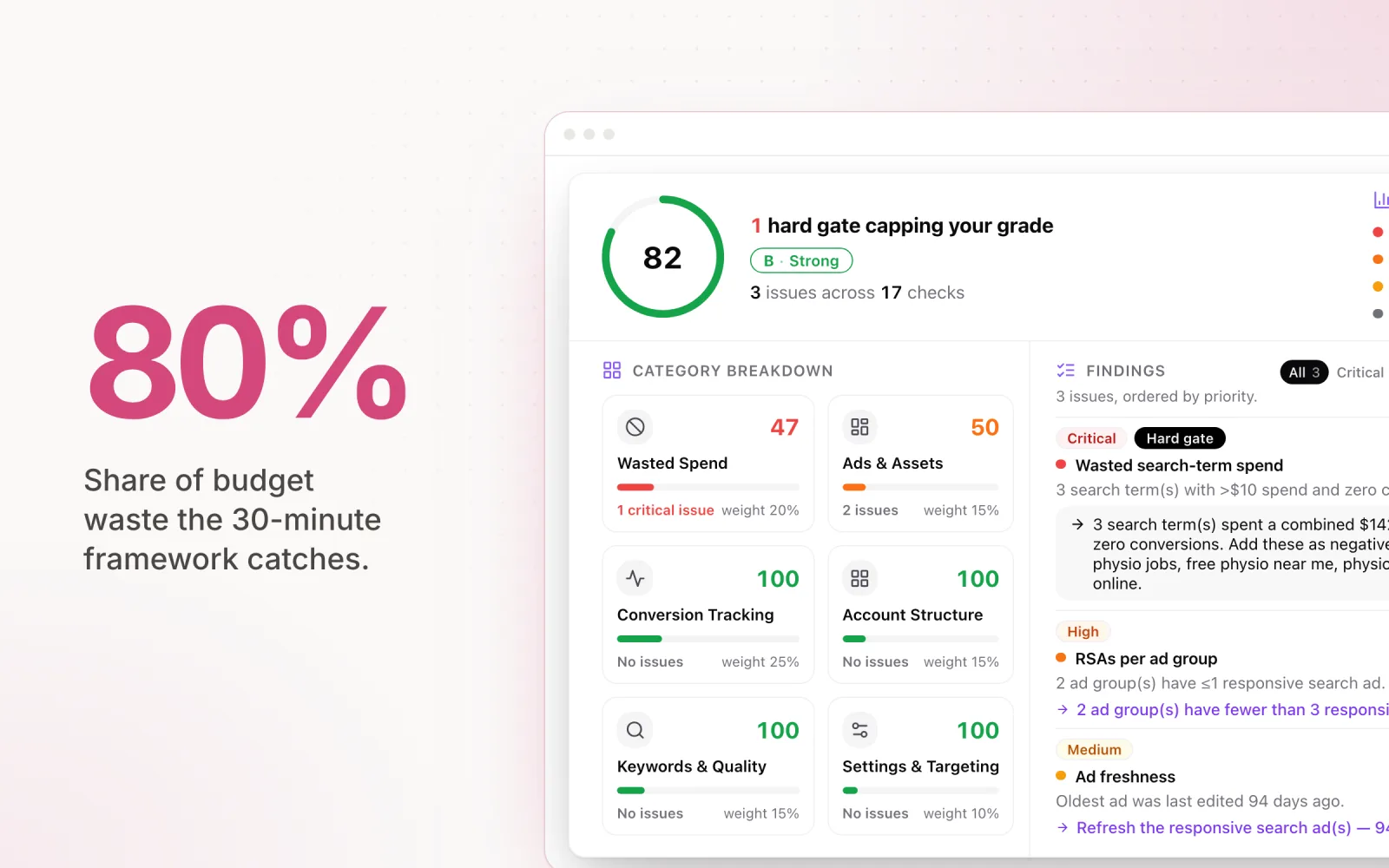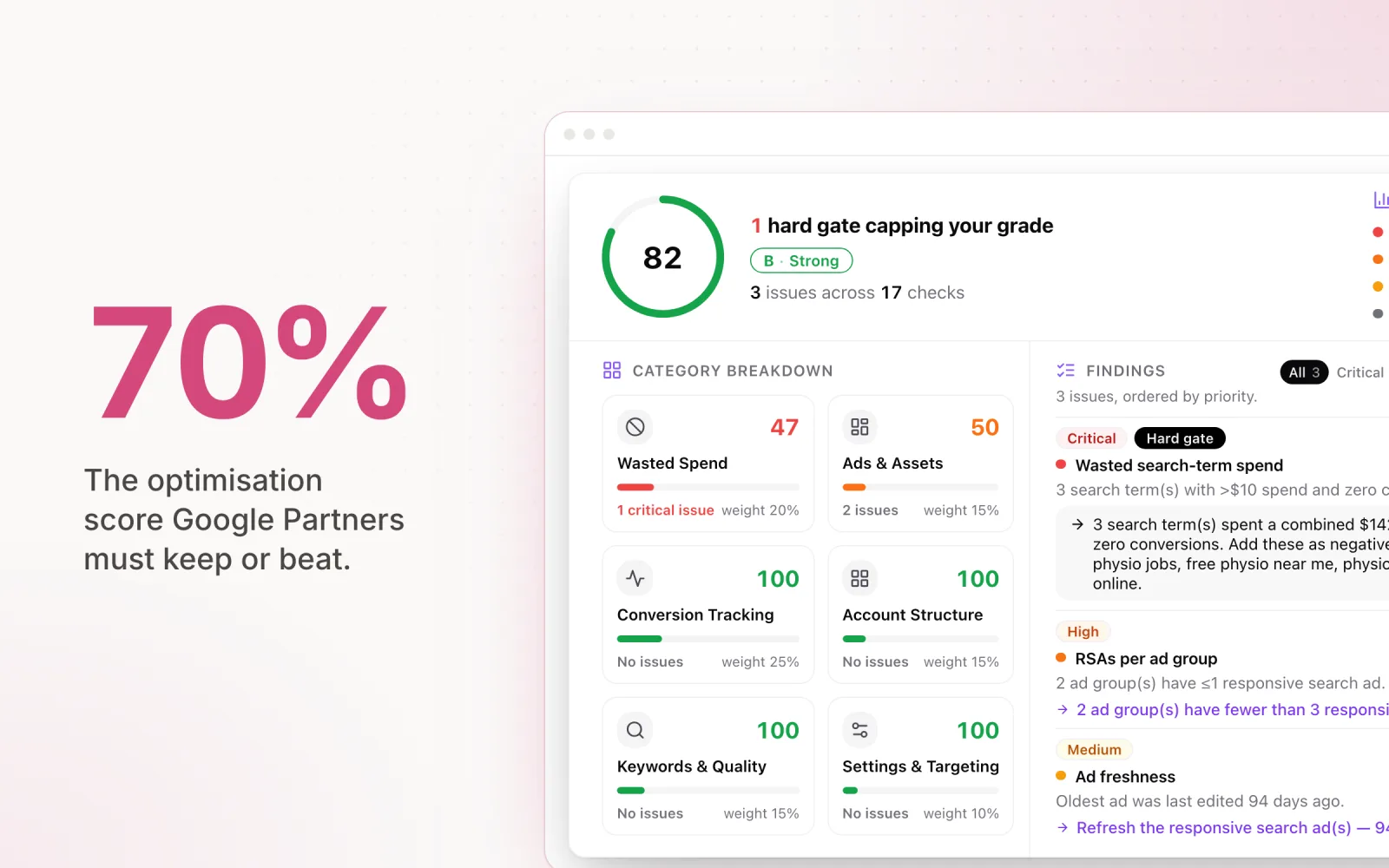
The Google Ads optimization score is a 0–100% rating of how closely your account follows Google's recommendations, shown in the Recommendations tab and calculated per campaign, then rolled up to account level. A good optimisation score is 70–80%: high enough to show you have fixed the genuine problems, low enough to show you are declining suggestions that do not fit the brief. Should you chase 100%? No. A perfect score means accepting every recommendation Google surfaces, including budget increases and match-type changes that serve Google's revenue more than your results. The score measures compliance, not performance.
There is one hard threshold worth knowing: agencies that hold a Google Partner badge must keep their manager account's optimisation score at 70% or above, alongside the spend and certification requirements. Dismissed recommendations count toward that threshold, so you can stay compliant without accepting suggestions you disagree with.
Beyond that, the score is a useful signal but not a performance metric. Knowing what it actually measures, and which recommendations are worth accepting versus which mainly serve Google's revenue, is one of the more practical skills a media buyer picks up. Here is how I think about it.
What the Optimisation Score Actually Measures
The optimisation score is a real-time estimate of how closely your account follows Google's recommended best practices. It is calculated per campaign and aggregated to an account-level percentage. Each recommendation in the list carries a weight (a potential score uplift) that reflects how much Google thinks the change would move performance.
Google generates recommendations from your current settings, historical performance, auction dynamics, and machine-learning models that predict the likely outcome of each change. The score also accounts for whether you have already dismissed a recommendation. Dismissing one removes it from the calculation, which bumps your displayed score even though nothing in the account actually changed.
That last bit is worth sitting with. The optimisation score is not a fixed assessment of account health. It is a dynamic measure of how many pending suggestions you have either applied or dismissed. Two accounts with identical performance can have wildly different scores simply because one has more outstanding recommendations. An account hitting target CPA at 65% is outperforming an account at 95% that accepted every budget bump and blew past its monthly cap.
The score also updates in real time. New recommendations appear when Google's models detect opportunities (or what Google calls opportunities), and existing ones expire when they are no longer relevant. Your score can drop overnight without you touching the account. Google just generated new suggestions you have not acted on yet.
How the Score Is Calculated
Google does not publish the exact formula, but the mechanics are observable. Each recommendation in the Recommendations tab shows a percentage uplift, for example, "Apply this recommendation to improve your optimisation score by up to 3.2%." Add up the pending uplifts, subtract from 100%, and you have your current score.
Recommendations fall into several categories:
- Bidding and budgets. Suggestions to switch bid strategies, raise budgets, or adjust target CPA and ROAS values. These tend to carry the heaviest weights.
- Keywords and targeting. Adding new keywords, removing redundant ones, broadening match types, or expanding audience targeting.
- Ads and assets. Creating new responsive search ad variations, adding sitelinks, callouts, or structured snippets, and improving ad strength.
- Repairs. Fixing disapproved ads, resolving conversion tracking issues, or addressing policy violations. These are almost always worth acting on.
The weighting is not equal across categories. Budget and bidding recommendations carry disproportionate weight because Google's models estimate they will move conversion volume the most. This is technically true. Spending more money does produce more conversions. It also conflates volume with efficiency. An agency working to a fixed monthly budget gets nothing from a recommendation to raise that budget by 40%, no matter how good it would make the score look.
You can also dismiss recommendations you disagree with. Dismissing pulls the recommendation out of the calculation for a window (usually 30 days), which increases your score. This is a legitimate way to manage the metric without making changes you think will hurt the account. Some agencies run a weekly review specifically to dismiss irrelevant suggestions and keep the visible score in a range that does not panic clients.
Inside a 74% Optimisation Score: A Worked Example
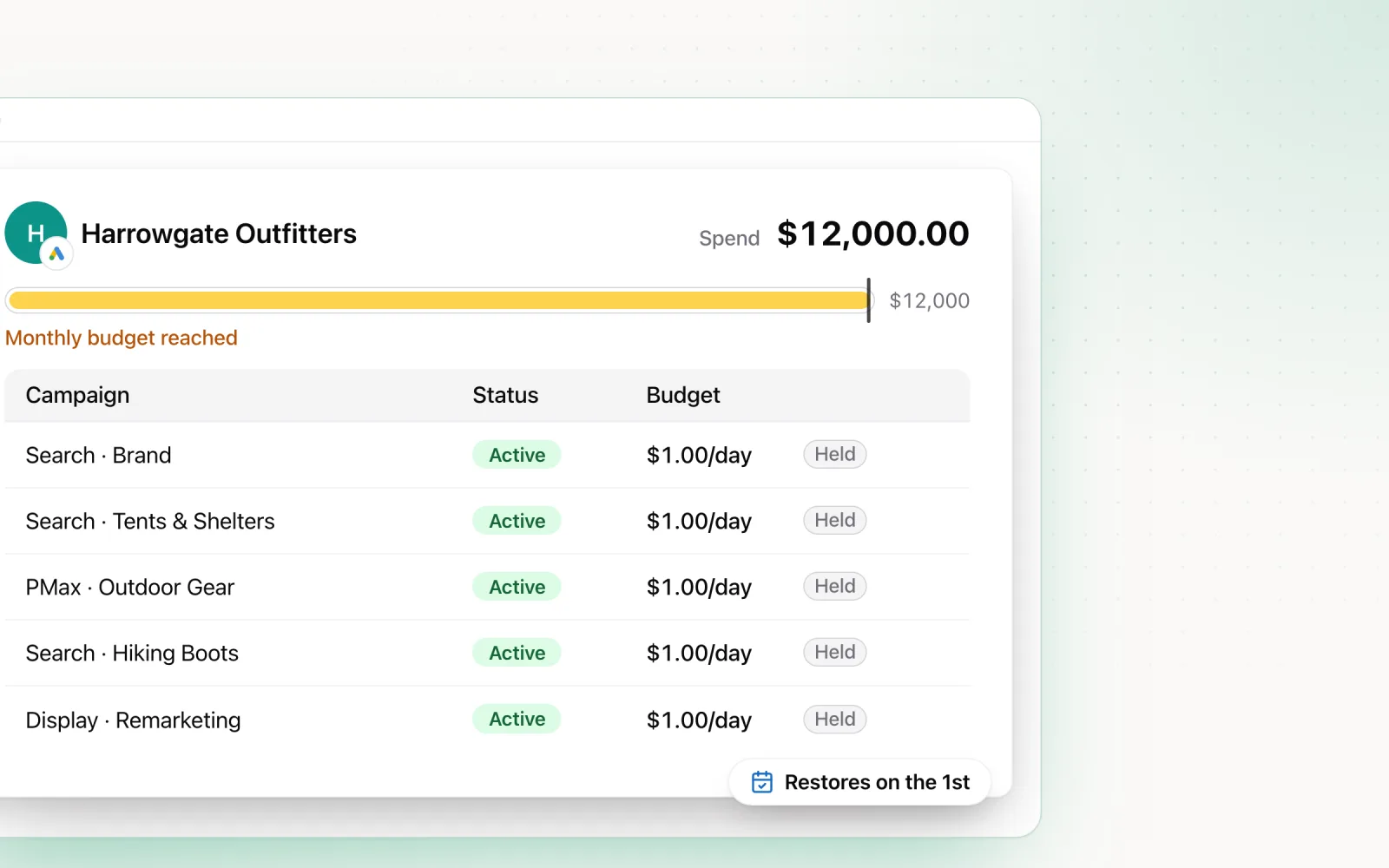
Take a hypothetical Search account sitting at 74%. The client's budget is fixed at $12,000 a month, the campaigns are hitting target CPA, and the Recommendations tab shows six pending suggestions. The uplift weights below are invented for the example (yours will differ), but the mix is typical of a mid-sized account:
- Raise your budget: +9.1%
- Switch exact match keywords to broad: +6.3%
- Add responsive search ad variations: +4.8%
- Add sitelinks and callouts: +3.1%
- Remove redundant keywords: +1.7%
- Turn on enhanced conversions: +1.0%
The pending uplifts total 26 points, which is why the account reads 74%. Now run the review. The last four are worth applying: better ad variations, more SERP real estate, a cleaner keyword list, stronger conversion data. Applying them lifts the score to roughly 85%. The first two would push spend past a budget the client fixed, so they get dismissed with a note in the change log, and dismissing pulls their weight out of the calculation too. The score lands near 100% without a dollar of unapproved spend.
A different account manager could reach the same score by clicking accept on all six: budget up mid-month, exact match campaigns wandering through a broad match learning period. Same number, very different account. The score records how you processed Google's suggestions. Whether the account is better off lives in the performance data, and our guide to paid search analysis covers the metrics that answer that question.
What Is a Good Optimisation Score?
Every client asks this. The honest answer is: it depends on what you accepted and what you dismissed.
Somewhere between 70% and 80% is typically healthy for a well-managed account. It tells you that you have applied the recommendations that make sense and dismissed the ones that do not. Accounts in that range have usually handled the high-value stuff (broken tracking, missing ad variations, the right bid strategy for the goal) and declined the spend-increasing suggestions that did not match the brief.
Chasing 100% is almost always counterproductive. To get a perfect score, you would need to accept every single recommendation Google surfaces, including ones that broaden targeting beyond your audience, raise budgets the client never approved, and switch bid strategies on campaigns that were doing fine. Chasing the perfect score can actively hurt the account.
A score below 50% usually means there are real problems. At that level you are probably ignoring recommendations that would genuinely help: disapproved ads sitting unfixed, missing extensions, conversion tracking that has been broken for weeks. The repair-style recommendations at the bottom of the list are almost always worth doing.
Treat the score as a to-do list, not a report card. Review it regularly, act on what makes sense, dismiss what does not, and do not let the number drive strategy. A 75% score with strong performance metrics beats a 95% score with blown budgets and a deteriorating CPA every time.
Recommendations That Are Usually Safe to Accept
Not every recommendation is a trap. A lot of them are genuinely useful, especially on accounts that have been left alone for a while. These are the categories I almost always apply.
Repair recommendations. These flag broken stuff: disapproved ads, conversion tracking errors, policy violations, broken sitelinks, missing final URLs. There is no strategic reason to leave any of it unfixed. Free wins for both the score and the actual account. If you keep running into the same errors and want a deeper checklist, our Google Ads troubleshooting guide walks through the most common failure modes and how to clear them.
Ad extensions and assets. Adding sitelinks, callouts, structured snippets, and image extensions costs nothing and gives your ads more real estate on the SERP. The CTR lift from a complete extension set is well documented. If Google flags missing extensions, add them.
Responsive search ad improvements. If you have ad groups running a single RSA, or ads stuck on "Poor" ad strength, the recommendation to add headlines and descriptions is fair. More variations give Google more combinations to test, and "Good" or "Excellent" strength ads tend to enter more auctions. The trick is to write genuinely distinct variants that cover different angles (feature, benefit, social proof) instead of rewording the same line five times.
Negative keyword additions. When Google flags search terms that have been triggering your ads and converting badly, the recommendation to add them as negatives is nearly always right. Cleaning up irrelevant queries is one of the highest-impact optimisation strategies at any account size.
Conversion tracking upgrades. Recommendations to turn on enhanced conversions, move to Google Tag Manager, or migrate from older tracking are worth doing first. Better conversion data feeds better automated bidding, which lifts performance across the account.
Recommendations You Should Think Twice About
These are the suggestions that tend to serve Google's revenue more than your client's results. They are not always bad, but they need a real look, not a one-click accept.
"Raise your budget" recommendations. This is the most common source of tension between the score and how agencies actually run accounts. Google's models notice a campaign is hitting its daily cap and missing impressions, so they suggest a higher budget. If the campaign is performing and there is approved budget sitting unused, fine, take it. In most agencies the budget is fixed by the client. Raising one campaign means pulling from another, and the score does not see that constraint. Dismiss these unless you have explicit approval to spend more.
"Broaden your match types" recommendations. Google often suggests moving exact match keywords to broad, on the theory that Smart Bidding will handle relevance at the auction. In theory, that is true. Google's matching has gotten genuinely better. In practice, broadening match types on campaigns with tight CPA targets usually triggers a painful exploration period where CPA inflates while the algorithm wanders. If you broaden, do it gradually, campaign by campaign, with close monitoring, not as a bulk change.
"Enable auto-apply" recommendations. Google offers to apply certain recommendation types automatically, no human review. For low-risk things (removing redundant keywords, say) this can save time. For higher-impact ones like bid adjustments, budget changes, or targeting changes, auto-apply removes the review step that prevents costly mistakes. An auto-applied targeting change on a Friday afternoon can burn through a weekend's budget before anyone notices on Monday. Keep auto-apply tightly scoped to categories you have specifically vetted as safe.
"Use Maximize Conversions" or "Switch to broad match" on low-volume campaigns. These show up on campaigns with fewer than 30 conversions a month. Smart Bidding needs conversion data to learn from, and these campaigns do not have enough of it. Move a low-volume campaign to Maximize Conversions and you often get erratic spending while the algorithm tries to find a signal that is not really there. Keep low-volume campaigns under tighter manual or semi-automated control until conversion volume justifies full automation.
"Add audience segments" expansion recommendations. Google sometimes suggests adding in-market or affinity audiences to search campaigns. Audience layering can give useful bid modifiers, but adding audiences for observation is very different from adding them for targeting. Check whether the recommendation is observe (harmless) or target (can dilute your keyword targeting) before accepting.
Which Google Ads Optimization Score Recommendations to Ignore
The two sections above condense into a table you can hand to anyone touching the account. "Ignore" here means dismiss with documented reasoning, not leave pending. Pending recommendations drag the score down; dismissed ones do not.
| Recommendation | Default call | The exception |
|---|---|---|
| Fix disapproved ads, tracking errors, policy issues | Accept | None. Repairs are always worth doing. |
| Add sitelinks, callouts, structured snippets | Accept | Almost none. Extra SERP real estate costs nothing. |
| Add negative keywords from poor search terms | Accept | Scan the list first in case a converting query slipped in. |
| Improve responsive search ads | Accept | Write distinct angles, not five rewordings of one line. |
| Upgrade conversion tracking | Accept | None. Better data feeds everything else. |
| Raise your budget | Dismiss | The client has approved extra spend and the campaign converts profitably. |
| Switch to broad match | Dismiss | You broaden deliberately, one campaign at a time, with monitoring. |
| Switch bid strategies | Review | Accept when the goal matches the strategy and there is enough conversion data to feed it. |
| Enable auto-apply | Dismiss | Low-risk categories you have specifically vetted as safe. |
| Maximize Conversions on low-volume campaigns | Dismiss | Conversion volume grows past the point where the algorithm has a signal to learn from. |
| Add audience segments | Review | Observation mode is harmless. Targeting mode dilutes your keywords. |
Bid strategy switches are the row that deserves the most homework. Our guide to bid optimisation strategies for Google Ads covers how to make that call on the strategy's merits rather than the score uplift.
Why Your Google Optimisation Score Dropped Overnight
A score drop with no account changes generates more worried client emails than any other behaviour of this metric. The cause is almost always one of four things:
- Google generated new recommendations. The models run continuously, and fresh suggestions appeared overnight with uplift weights that now count against you.
- A dismissal expired. Dismissals hold for a window, usually 30 days. When one lapses, the recommendation re-enters the calculation.
- A new campaign launched. The score is calculated per campaign, and a fresh campaign usually arrives with its own stack of pending suggestions that drags the account aggregate down.
- The mix shifted. Recommendations expire when they are no longer relevant, and the ones that replace them can carry heavier weights.
None of the four says anything about performance. The response is the same weekly routine: scan the new arrivals, apply what fits the brief, dismiss what does not, note why. And if you want a second opinion that is not scored by the company selling you the clicks, third-party audit tools exist for exactly that job. We compared the main Google Ads grader tools separately.
How to Discuss the Score with Clients
The score creates a communication problem for agencies. Clients see it in their Google Ads UI and reasonably want to know why it is not 100%. Google presents the number like a performance indicator, so 72% looks like a failing grade to anyone without PPC context.
The simplest fix is to bring it up before the client does. Add a short optimisation score section to your regular reporting with the current score, the recommendations you accepted (and why), and the ones you dismissed (and why). That reframes the metric from "how good is my account" to "here is how we are handling Google's suggestions on your behalf."
Be specific about dismissals. "We dismissed the recommendation to raise your Search campaign budget by 35% because your monthly budget is fixed at $15,000 and the campaign is already pacing correctly" lands a lot better than "we do not accept all of Google's suggestions." Clients respect specificity. What worries them is a low number with no explanation.
It also helps to be honest about the conflict of interest. Google makes money when you spend more. Some recommendations (raising budgets, broadening targeting, enabling extra ad formats) increase the cheque you write to Google. That does not automatically make them wrong, but it does mean they need to be weighed against the client's actual goals rather than accepted on autopilot. Most clients get this once you say it out loud.
If a client really insists on a higher score, the dismiss workflow is the tool. Review pending recommendations weekly, accept the useful ones, dismiss the rest with documented reasoning. The visible score stays in a healthy range and the account does not absorb changes that hurt performance. Over time, once the client sees that a 75% score lines up with strong results, the fixation on the number tends to fade.
Optimisation Score FAQs
What is a good optimization score for Google Ads?
Somewhere between 70% and 80% is healthy for a well-managed account. It shows you have applied the recommendations that genuinely help (repairs, missing assets, tracking upgrades) and dismissed the ones that do not fit the brief, such as unapproved budget increases. If your agency holds a Google Partner badge, keep the manager account at 70% or above, because that is the Partner program’s performance threshold.
Should I accept all Google Ads recommendations?
No. Repair recommendations, missing assets, negative keywords, and conversion tracking upgrades are usually safe to accept. Budget increases, bulk match-type broadening, and auto-apply enrolment need a human review, because they tend to increase spend rather than efficiency. Dismiss the ones you decline with documented reasoning, which removes them from the score calculation.
Does optimization score affect Quality Score or Ad Rank?
No. Optimization score has no direct effect on Quality Score, Ad Rank, auction eligibility, or CPCs. It is a UI-level metric that measures how you have processed Google’s recommendations, not an input to ad serving. A lower score does not make your ads perform worse; it only affects Google Partner badge eligibility for agency manager accounts.
Why did my optimization score drop when I changed nothing?
Google’s models generate new recommendations continuously, so fresh suggestions can appear overnight and count against your score. A dismissal can also expire (dismissals typically hold for around 30 days), a newly launched campaign can arrive with its own stack of pending suggestions, or the recommendation mix can shift toward heavier-weighted items. None of these reflects a change in performance.
For a broader framework on evaluating account health beyond Google's built-in score, our 30-minute audit guide covers the dimensions that actually predict performance and gives you a second opinion on your account that is not scored by the company selling you the clicks. And if you want automated, cross-platform monitoring that goes beyond what the optimisation score can tell you, try Pace free and see how continuous analysis replaces poking at the score every Monday.

Jordan Parrello
Founder of Pace. Ran an agency pacing sheet by hand for years before building the thing that checks it every 5 minutes. About Pace or LinkedIn