Most of the AgencyAnalytics review content on Google is written by competing reporting tools, which makes every verdict read like a setup for the pitch at the end. So I'll declare my angle up front: I built Pace, a budget pacing platform, after years running a performance media agency. Pace isn't a reporting suite and doesn't compete with AgencyAnalytics for the reporting job, which is exactly why I can write this one straight.
The short version: AgencyAnalytics is good agency reporting software. The integration library is wide and the white label options are real, not a logo swap. Per-client pricing also happens to match how agencies bill. If your agency leads with SEO, it might be all the software you need. If you run paid media, there's a gap no amount of dashboard polish fixes. AgencyAnalytics can describe your ad accounts in beautiful detail, but it can't touch them.
What AgencyAnalytics gets right
Quite a lot, actually. AgencyAnalytics connects to 85+ marketing platforms: Google Ads, Meta, Microsoft Ads, GA4, Search Console, the major SEO rank trackers, call tracking, email platforms. For a full-service agency that breadth matters more than any single integration being deep. One client report can show paid, organic, email, and phone calls on the same page, which is hard to assemble any other way without Supermetrics-style plumbing and a data analyst on retainer.
The white label execution is better than most of the category. Custom dashboard domain, your logo, your colours, branded PDF covers, and a client portal where clients log into something that looks like your agency built it. When I ran my agency we sent reports that looked like ours. Clients never knew or cared what generated them, and that's the point.
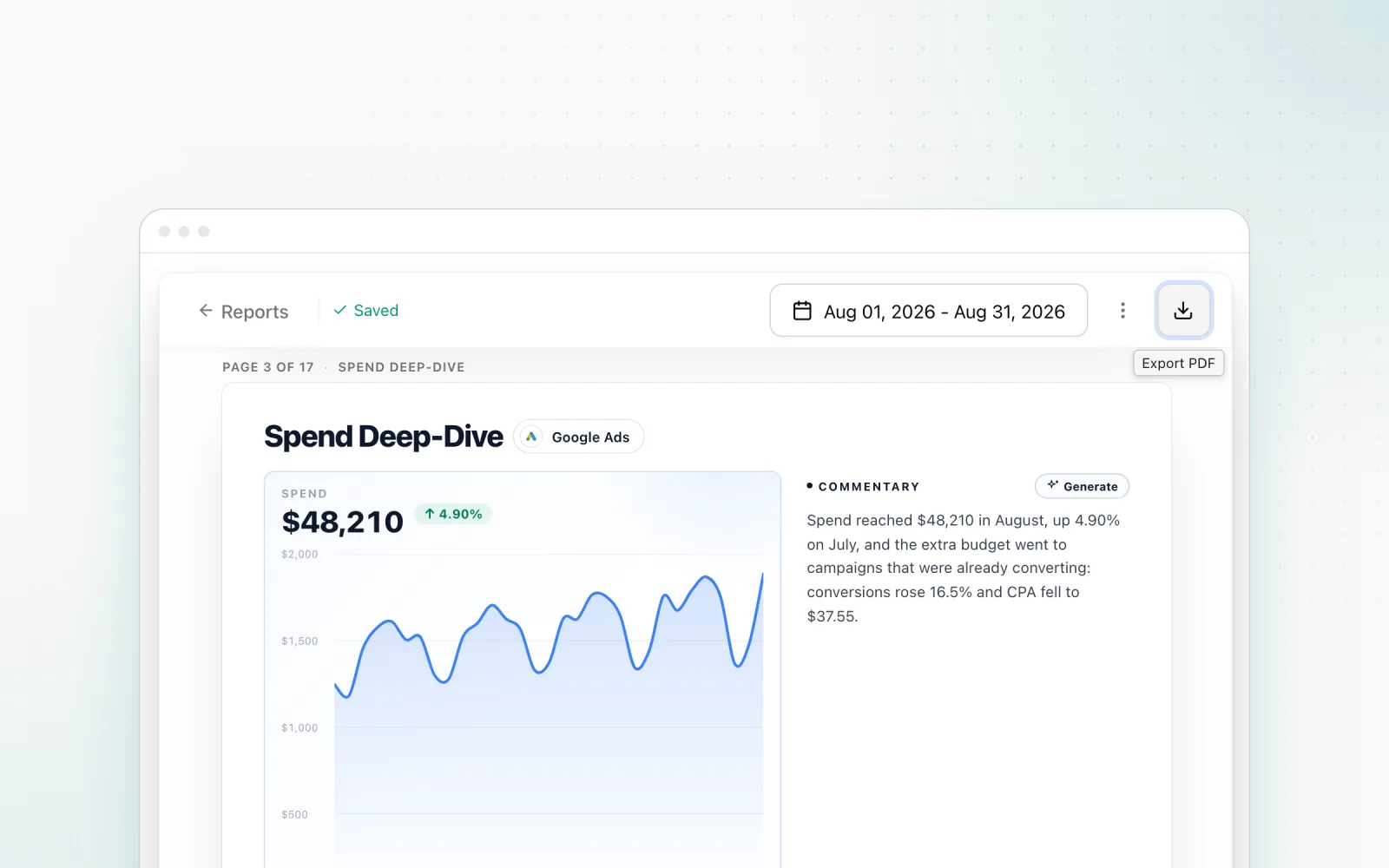
Reports send themselves on a schedule, and the platform now layers AI summaries, anomaly detection, and forecasting on top. The summaries are fine. You'll rewrite a third of the sentences before a client sees them, but starting from a draft beats starting from a blank page at 4pm on reporting day.
AgencyAnalytics pricing in 2026
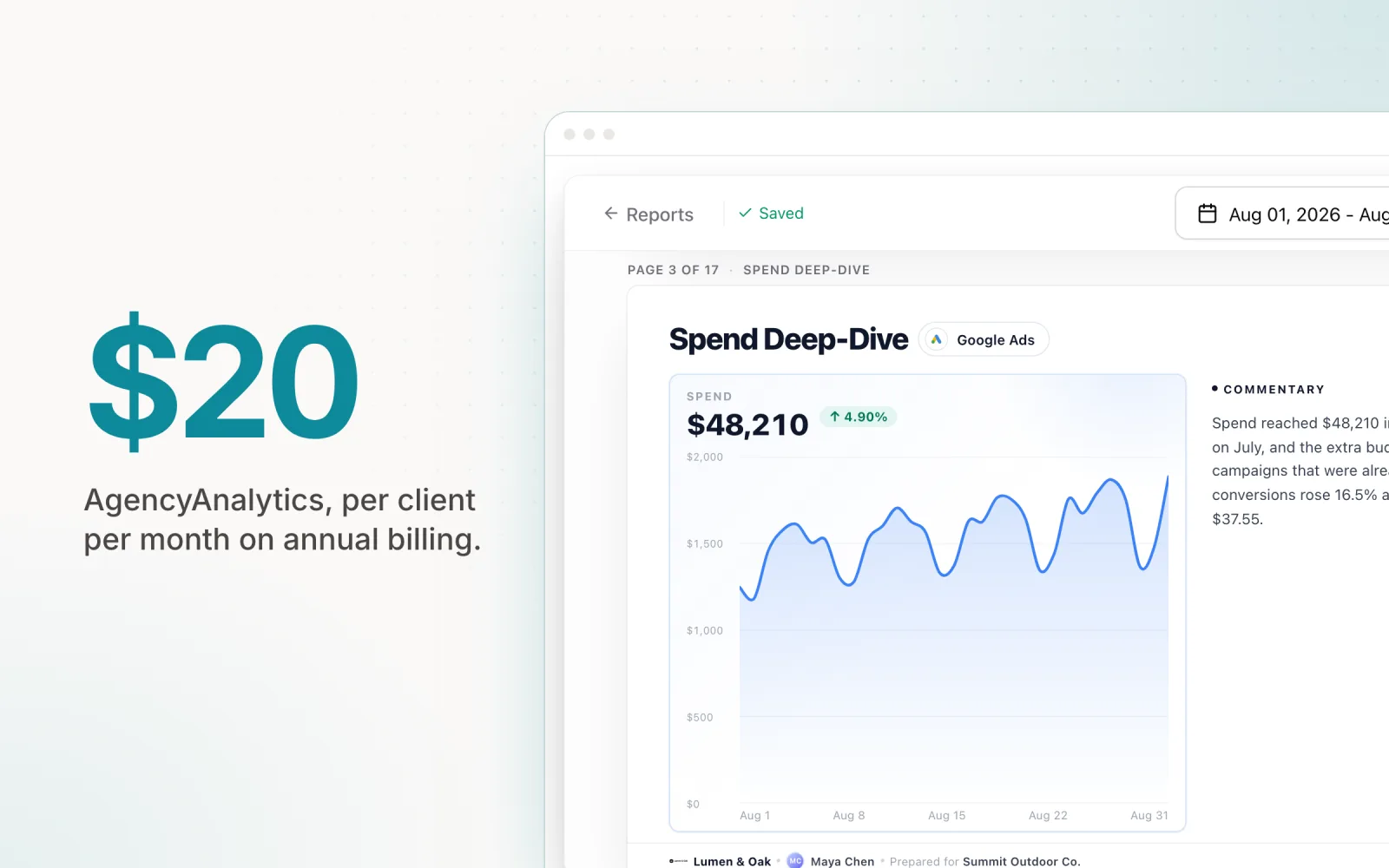
The pricing structure changed, and a lot of older reviews haven't caught up. As of mid-2026 the published model is per client: $20 USD per client per month on annual billing, with monthly billing costing roughly 20 to 25 percent more. Enterprise pricing starts around 25 clients and is negotiated. Rank tracking is an add-on at about $42 a month per 500 keywords. Staff users, client logins, dashboards, and reports are all unlimited on the core plan, which removes the seat-counting games some competitors play. There's a free 14-day trial with no credit card required and a 30-day money-back guarantee, so trying it costs nothing but setup time.
You'll still find the older tier structure floating around third-party blogs, with plans named Freelancer, Agency, and Agency Pro at $59 to $349 per month. Those reflect the previous model. The live pricing page is per client now, so check it before you budget from a blog post, including this one.
The math for a typical PPC shop: 20 clients runs $400 a month on annual billing. That's the affordable end of agency reporting software, and the per-client model scales with your revenue. Every new client carries its own $20, and you never pay for capacity you haven't sold yet.
AgencyAnalytics vs Swydo on price
The comparison I get asked about most is AgencyAnalytics vs Swydo, because they sit in the same price band and pitch the same buyer. The difference is the billing unit. AgencyAnalytics charges per client. Swydo charges per data source: $69 per month including 10 sources, then roughly $4.50 per additional source. One client connected to Google Ads and Meta counts as two Swydo sources.
Run your own numbers, because the answer flips on channels per client. A 20-client agency where every client runs four platforms needs 80 Swydo sources, which lands around $384 a month against $400 at AgencyAnalytics. Effectively a wash. The same 20 clients on Google Ads only need 20 sources, around $114 at Swydo, against the same $400. Swydo wins light setups; AgencyAnalytics gets relatively cheaper as the channel mix grows, and its integration library is more than twice the size. On the question this post turns on, though, neither moves an inch. Both are read-only.
Where this AgencyAnalytics review turns: it can't change anything
Everything above is why agencies buy it. Now the part the feature pages won't say out loud: AgencyAnalytics has no write access to your ad accounts. It reports what happened and flags what looks wrong. Then it stops, because nothing in the product can act on what it found.
In practice that means it can't change a campaign budget or pause anything, and there's no pacing automation. If a client account is burning through its monthly budget on the 18th, the dashboard will show you a clear red chart. The fix still happens inside Google Ads, by a human, after someone notices, and "after someone notices" is doing a lot of work in that sentence.
At my agency this gap had a name: the morning pacing check. Someone opened every account, compared month-to-date spend against the monthly budget, and adjusted daily budgets by hand. Reporting tools never removed that job. They made the numbers prettier while we kept doing the arithmetic ourselves, and month end was still a scramble of last-week budget pushes and the occasional apology email when an account overspent.
Whether this matters depends on what your agency sells. If you lead with SEO and content, read-only is fine. Rankings move over weeks. There's no budget to pace and nothing that needs pausing at 2am. For that agency, AgencyAnalytics might be the only reporting software you ever need, and you can honestly stop reading here. But if you manage paid media, reporting is half the job. The other half is changing things: the daily budget that needs nudging, the campaign that should've been paused yesterday. AgencyAnalytics does the first half well and the second half not at all.
Pairing it with a management layer
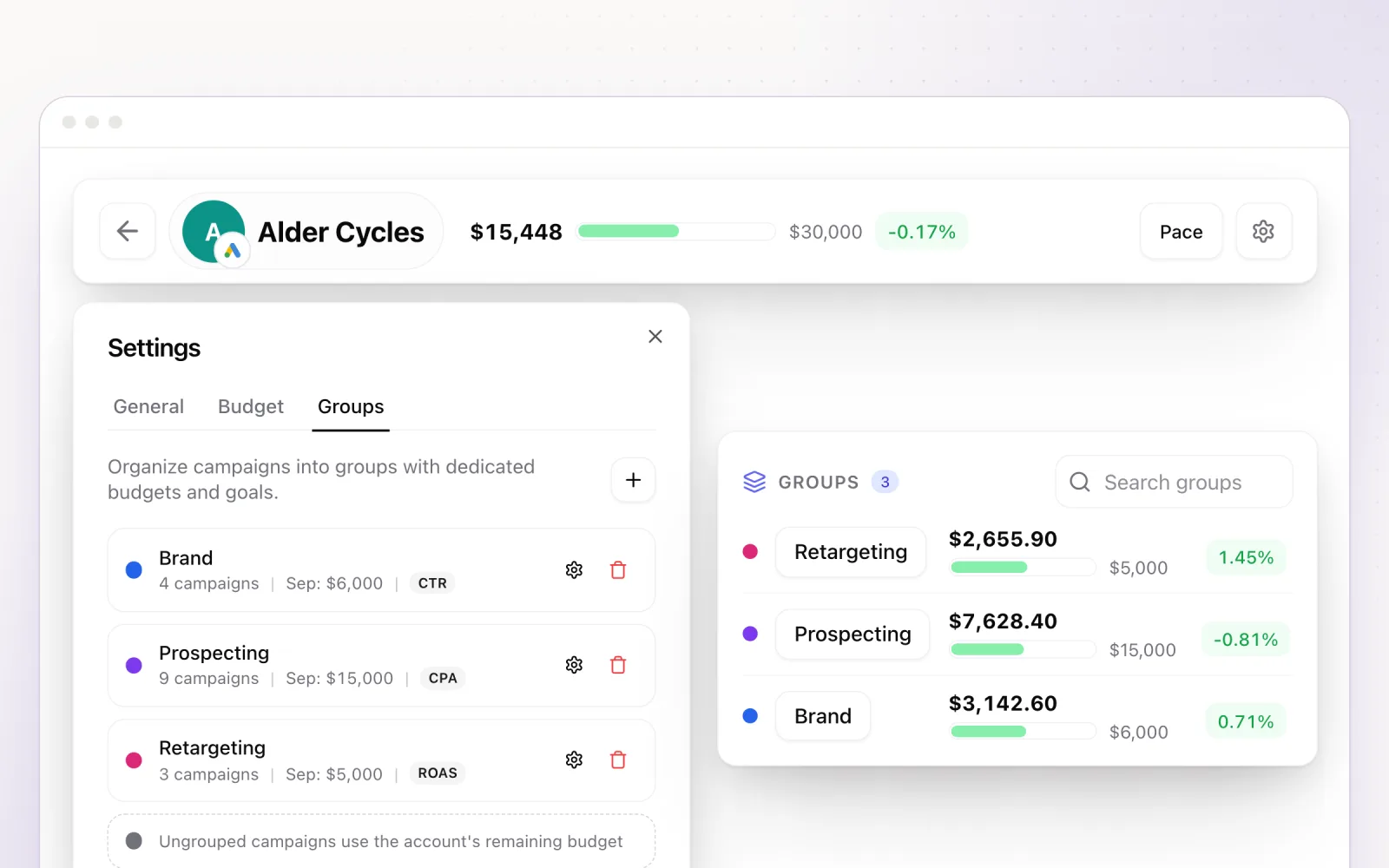
This is where Pace sits, and where my obvious bias lives, so weigh what follows accordingly. Pace is the layer that acts. It connects to Google Ads, Meta, TikTok, LinkedIn, Microsoft, Reddit, X Ads, and Amazon Ads, watches month-to-date spend, and adjusts daily budgets automatically to land each account on its monthly target. Overspend protection runs as a separate guardrail that checks spend every five minutes and, once an account reaches its monthly budget, drops each campaign to $1 a day (or pauses them, if you choose). Pace logs every change with the reasoning behind it, so when a client asks for the audit trail, it already exists. The agencies use case page covers how multi-client teams run this day to day, and if you want to compare the pacing layer options themselves, the budget pacing tools roundup puts seven of them side by side.
The two products barely overlap. AgencyAnalytics owns the full-stack client report: SEO rankings, email, call tracking, all the channels Pace doesn't touch. Pace owns budget control on the ad platforms. Pace does include branded client reports for paid media accounts, so a pure PPC shop could run reporting from Pace alone, but if your reports need Search Console data and rank tracking sitting next to ad spend, keep AgencyAnalytics for the reporting and let Pace do the management underneath.
Who should buy AgencyAnalytics
Buy it if you're a full-service or SEO-led agency that needs one branded report across many channels. At $20 per client it's priced fairly for what it does, and what it does, it does well. If you want to shop the wider field first, including the free Looker Studio route, the PPC reporting tools comparison covers eight options. And before you buy any reporting tool at all, get clear on what clients actually read; the PPC client reporting guide goes deep on structure and cadence, and our paid search reporting guide covers which metrics belong in the report in the first place. Most of it costs nothing to implement.
Think harder if paid media is the core of your business. A reporting subscription doesn't shrink the morning pacing check, and it won't catch the 2am overspend. Pair AgencyAnalytics with a management layer, or look at the ad management tools comparison for platforms that combine reporting with control. Just don't mistake a very good rear-view mirror for a steering wheel.
If the read-only gap is the part of this review that hit home, try Pace free and run it against your live accounts. Keep AgencyAnalytics for the reports and let Pace make the changes.

Jordan Parrello
Founder of Pace. Ran an agency pacing sheet by hand for years before building the thing that checks it every 5 minutes. About Pace or LinkedIn