Opteo has a loyal following among freelancers and small agencies who want Google Ads optimisation without the dashboard sprawl. Most PPC tools compete on feature density. Opteo competes on the opposite: surface a recommendation, let you apply it in one click, get out of the way.
I ran Opteo alongside other tools for several months across a portfolio of Google Ads accounts. The Google-only experience was good. The limitations showed up the moment a client added Meta or LinkedIn to the mix. This review covers what Opteo does well, where it stops short, and when an agency should look elsewhere.
What Is Opteo?
Opteo is a Google Ads optimisation tool that scans your accounts and pushes improvement recommendations to a dashboard. It was built as a simpler, recommendation-first alternative to heavier platforms like Optmyzr and Marin. If you have spent time in the Recommendations tab that feeds Google's optimisation score, the format will feel familiar, minus the pressure to apply everything. The pitch is simple: connect via the Google Ads API, let Opteo scan continuously, review what it surfaces.
The platform is aimed at freelancers and small agencies who'd rather spend their time acting on insights than building rule-based automation or writing scripts. Each suggestion ships with the data behind it and the expected impact, so you're not applying changes blind.
Opteo's positioning is deliberate. It doesn't try to be an all-in-one agency platform. It does one thing, Google Ads optimisation via recommendations, and the interface stays out of your way while you do it.
Opteo Features
Improvement suggestions. The recommendation engine is the core product. Opteo scans your Google Ads accounts and produces suggestions across ad copy, bids, budgets, and negative keywords. Each one shows up as a card with the underlying data, the expected impact, and a one-click apply button. You can dismiss anything you disagree with, and Opteo learns from the dismissals.
A/B testing. Automated ad copy testing with statistical significance tracking. Opteo watches the variations inside each ad group, runs the math, and tells you when there's a real winner. You stop having to eyeball the data and guess if you've got enough sample size.
Performance monitoring. Opteo tracks the metrics that matter and pings you when something moves. CPA spikes, spend anomalies, conversion drops, impression share shifts. Alerting uses rolling baselines instead of fixed thresholds, so you get fewer false positives than with most monitoring tools. That's a small thing that saves real time.
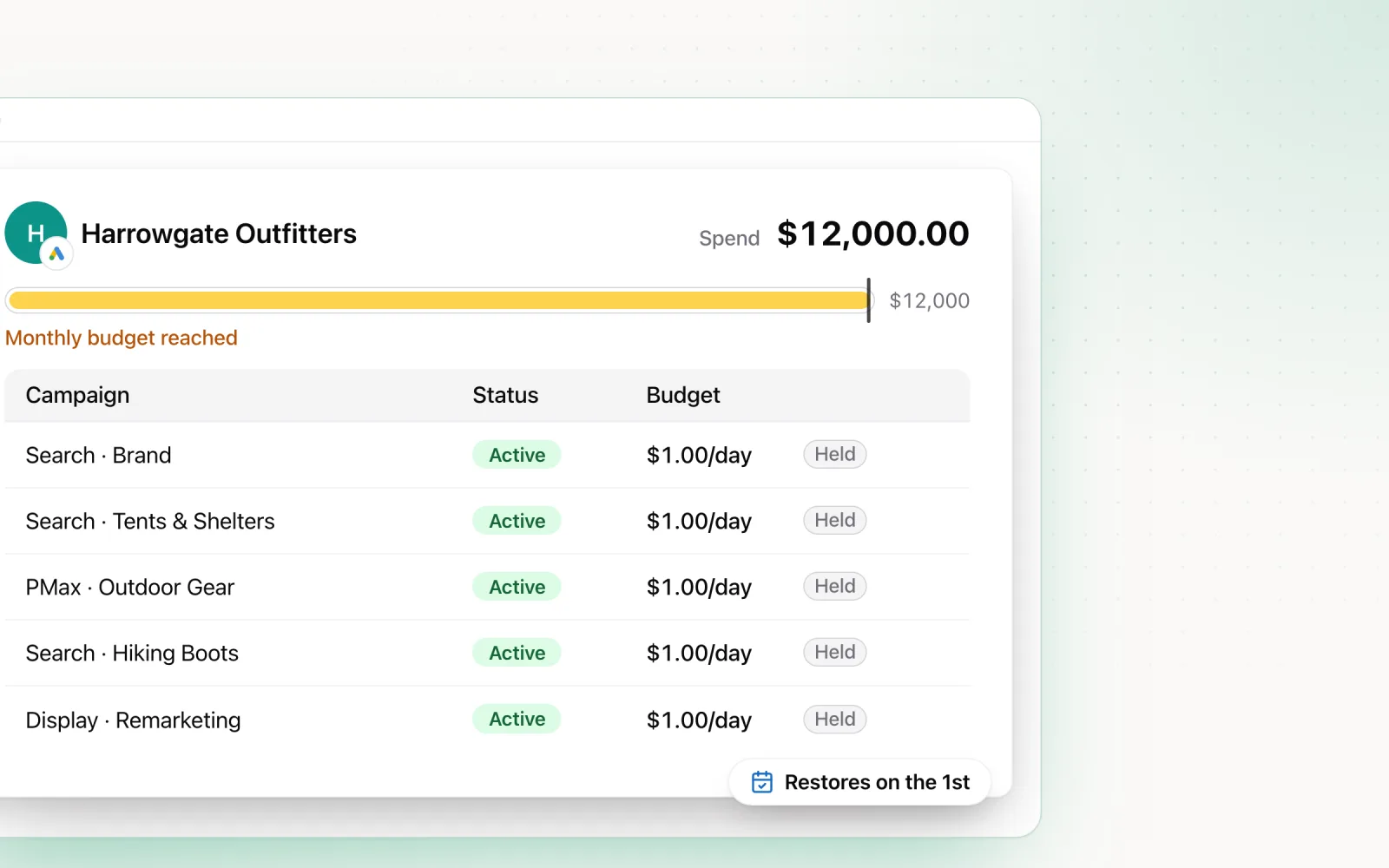
Budget tracking. Basic pacing visibility. You can see whether a campaign is on pace, underspending, or overspending. It's monitoring only. Opteo will not adjust daily budgets to correct course.
Reporting. A white-label report builder for client deliverables. Reports pull straight from the connected Google Ads accounts and accept your logo and colours. The templates are clean but basic next to dedicated reporting tools.
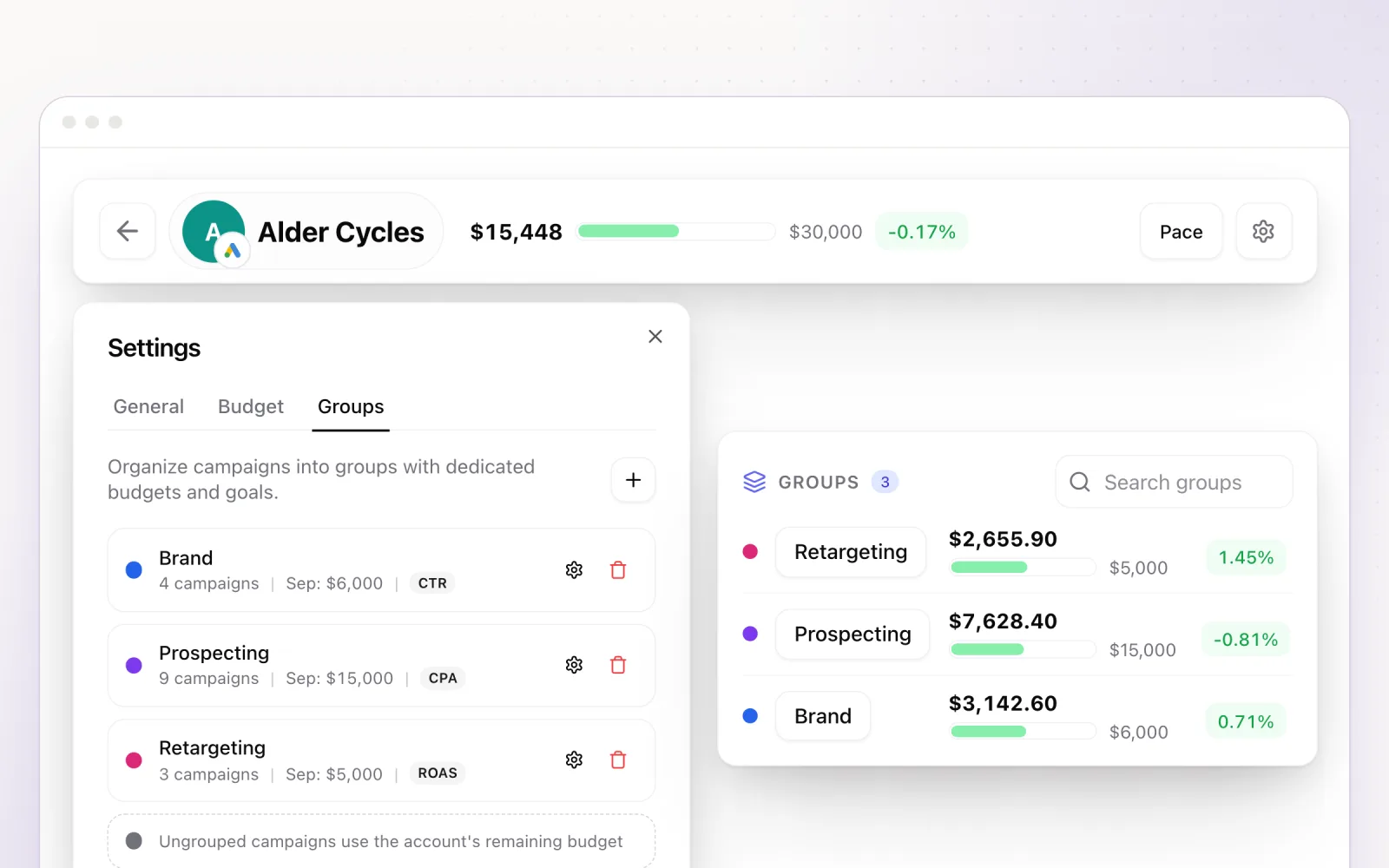
Segments and groups. Organise connected accounts by client, team, or whatever taxonomy you use. Useful when several team members are touching the same portfolio.
Opteo Pricing in 2026
Opteo prices on a sliding scale tied to the monthly Google Ads spend you have under management, rather than a flat per-seat number. As of mid-2026, the published tiers on Opteo's pricing page are:
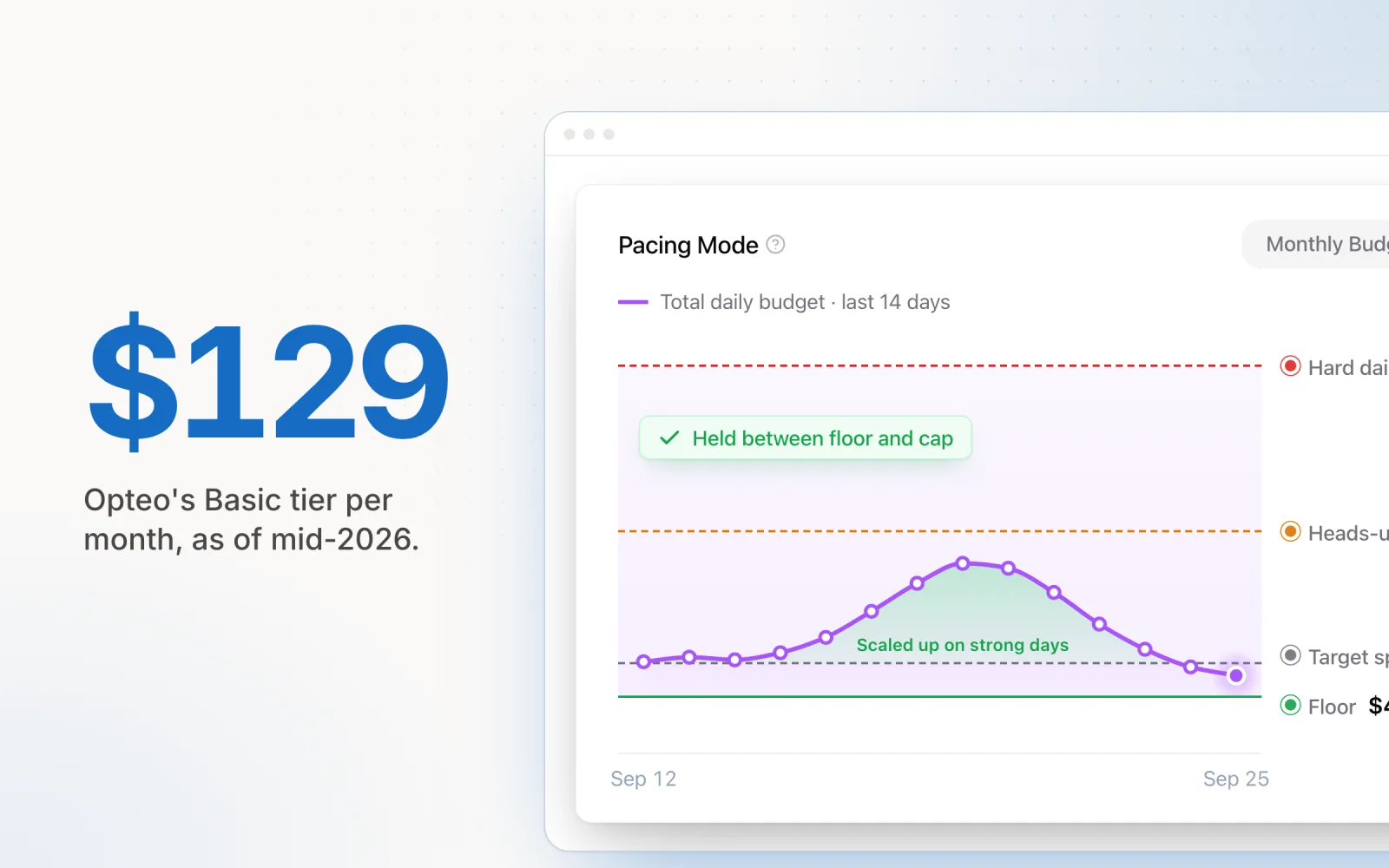
- Basic, $129/month. Up to $25,000 in monthly ad spend and 10 linked accounts. Data refreshes every 24 hours.
- Professional, $249/month. Up to $100,000 in spend and 25 linked accounts.
- Top published tier, $499/month. Up to $250,000 in spend and 75 linked accounts, with priority support.
- Enterprise, custom pricing. For spend past $250K a month, with custom limits and six-hour data refresh.
Every plan comes with a free trial, and annual billing effectively gives you two months free (you arrange it through Opteo's support rather than a checkout toggle). The dollar figures shift periodically, so check Opteo's site on the day you're evaluating, but the shape of the model stays consistent: pricing scales with managed spend, each tier unlocks more account connections rather than gating features, and custom pricing applies past the top tier.
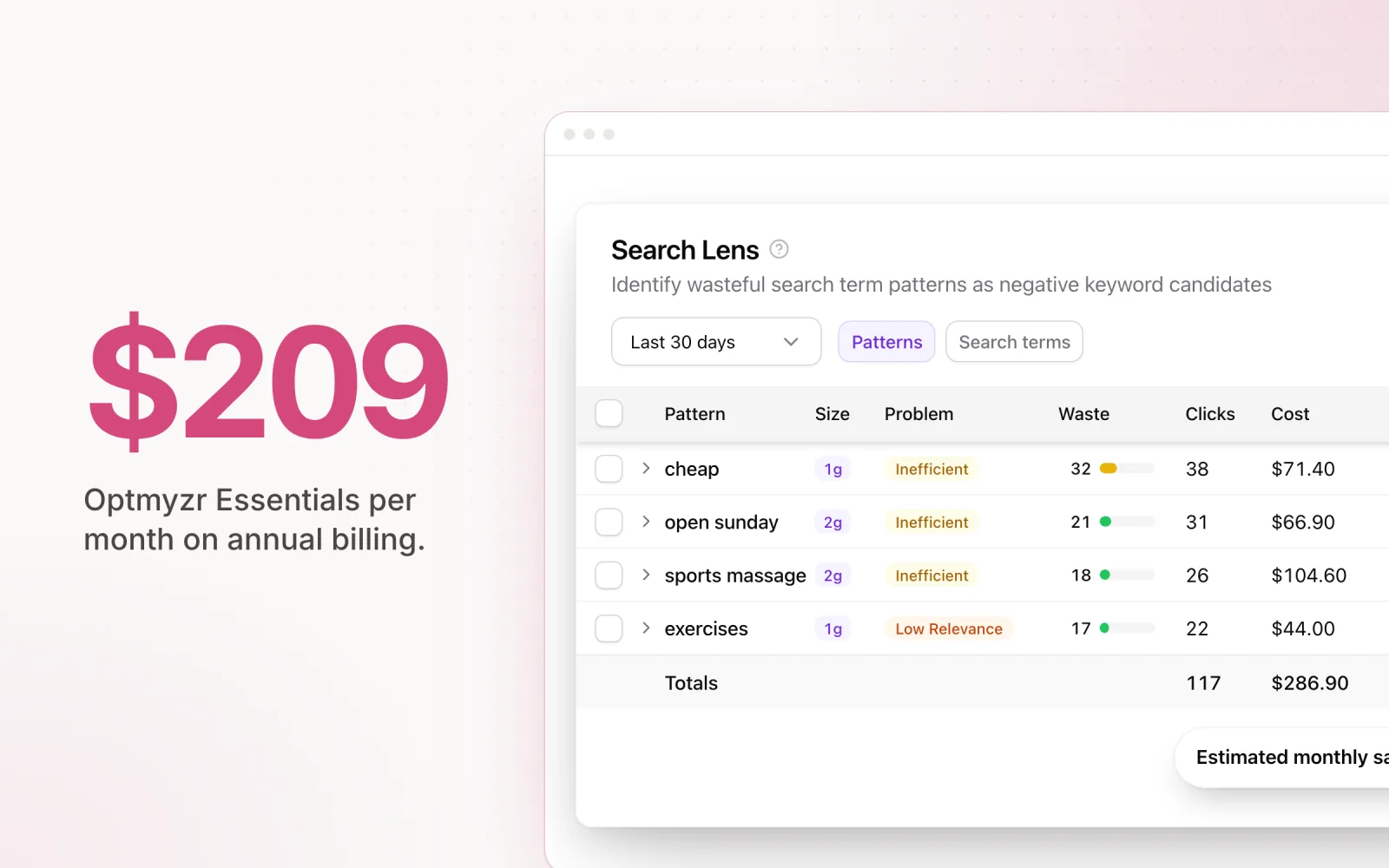
As a positioning point: Opteo's entry tier sits well below Optmyzr, whose lowest tier lists at $209/month on annual billing (about $299 month-to-month; our Optmyzr review breaks the full pricing model down), and it competes on price with Adalysis for similar account volumes. If you're a Google-only shop, the price-to-value ratio holds up at the lower tiers.
The calculation changes the moment you add platforms. Pay for Opteo, then bolt on another tool for Meta and LinkedIn pacing, and you've quietly spent more than a single cross-platform tool would have cost. For a wider price-and-feature comparison across the category, see our roundup of the best Google Ads management tools.
Opteo Pros and Cons
Pros:
- Clean, intuitive interface. The lowest learning curve of any PPC optimisation tool I've used. A new team member is reviewing and applying recommendations within minutes, not days. The card layout is easy to scan.
- Recommendations come with data. Every suggestion shows the numbers and the expected impact. You're never applying a change blind, and you can explain the reasoning to a client without scrambling for context.
- Affordable for small teams. $129/month at Basic is accessible for freelancers and agencies just starting to invest in tooling. Pricing scales sensibly as managed spend grows.
- A/B testing that actually picks winners. The statistical significance tracking is genuinely useful and stops the bad habit of calling tests early.
- Support replies quickly with real answers. Not a canned-script helpdesk. Specific, helpful, fast.
Cons:
- Google Ads only. The biggest limitation. No Meta, no LinkedIn, no Microsoft. If your clients run anywhere else, Opteo covers one piece of the puzzle.
- No auto-apply or rules engine. Opteo is a suggestions tool, not an automation tool. You review and apply each recommendation by hand. There's no way to auto-implement low-risk suggestions, so the time savings plateau as account volume grows.
- Limited budget pacing. You can see whether a campaign is on pace. The platform won't adjust daily budgets to correct course. For anyone managing pacing actively, that's a gap.
- No cross-platform portfolio views. Google-only means no unified view of a client's total ad spend. Client-level budget reporting still has to be aggregated by hand.
- Smaller feature set than Optmyzr for power users. If you want custom rules, scripting, or deep bulk management, Opteo will feel thin. The simplicity that makes it great for small teams becomes a constraint at scale.
Opteo Reviews: What Users Actually Say
Public Opteo reviews are thinner than you'd expect for a tool this established. There's a small footprint on G2 and Capterra, a handful of Reddit threads inside r/PPC, and occasional mentions in agency newsletters. That isn't a red flag so much as a reflection of who uses Opteo: freelancers and small agency teams who rarely sit down to write a long-form review.
Reading across what is out there, a few patterns repeat:
- The onboarding gets praise. Users consistently flag how quickly they got from signup to acting on the first recommendation. Connect the account, wait a beat, work through the cards.
- Support shows up in reviews. Specific replies from a real person, not a ticket queue. For a tool at this price point, that's noted as a meaningful differentiator.
- The recommendation quality is rated highly for Google search campaigns and weaker for the newer Google formats like Performance Max, where the data Google exposes is thinner and any tool is working with less.
- The cross-platform gap is the most common complaint. Reviewers like Opteo for what it does, then mention they had to add a separate tool the moment Meta or LinkedIn entered the mix.
- Mid-sized agencies tend to outgrow it. A recurring pattern in the longer reviews is "we used Opteo for two years and then moved to something with more depth."
If you want a wider sense of how PPC tools position against each other in 2026, our best Google Ads management tools roundup covers Opteo alongside its main alternatives, and the TrueClicks review covers a different audit-first tool worth comparing against if reporting depth matters more to you than apply-with-one-click.
Opteo vs. Optmyzr in 2026
This is the comparison most agencies are actually weighing. The two platforms solve the same problem in opposite ways. (For the other side of the matchup in full, see our Optmyzr review.)
Opteo is simpler, recommendation-focused, and Google-only. It scans your accounts and tells you what to do. You review the suggestions and apply them by hand. Clean interface, low learning curve, lower price. It suits agencies that want guided suggestions without having to build and maintain automation.
Optmyzr is the heavier toolkit. Rule-based automation, custom scripting, both Google and Microsoft Ads. You can build workflows that run on their own, push bulk changes across large accounts, and produce detailed custom reports. The trade-off is a steeper learning curve and a higher price. Optmyzr suits agencies that want to build automation themselves and need granular control over how optimisations actually fire.
The real distinction is passive versus active. Opteo watches and recommends. Optmyzr watches, recommends, and can act on its own from rules you define. Below ten accounts, Opteo's simplicity is the win. At larger scale with complex accounts, Optmyzr's depth earns its price tag.
A few points worth weighing in 2026 specifically:
- Performance Max coverage. Both tools have invested in PMax tooling, but Optmyzr's deeper asset-group reporting and script-level access generally pulls more useful data out of Google's black box than Opteo's recommendation cards do.
- AI-driven suggestions. Opteo's recommendations have always leaned on rules dressed up as insights; Optmyzr has been more explicit about layering LLM-generated explanations into its workflows. Both are still incremental on top of Google's native recommendations rather than wholesale replacements.
- Microsoft Ads. Optmyzr supports it natively. Opteo still doesn't. If Microsoft is a real share of your client spend, the comparison ends here.
- Reporting. Optmyzr's white-label reports are the more flexible product. Opteo's are cleaner but shallower; agencies that need granular client deliverables tend to land on Optmyzr or a dedicated reporting tool.
- Pricing efficiency. At a small portfolio, Opteo wins on cost per managed account. As account count climbs, the per-account economics tilt back toward Optmyzr because its tiering is less aggressive at scale.
Neither platform covers Meta or LinkedIn. If cross-platform is a requirement, both tools leave you with the same gap. For a deeper look at Optmyzr's capabilities and what to use instead, see our Optmyzr alternatives guide.
Opteo Alternatives for Agencies
If Opteo isn't enough, these are the tools that fill specific gaps: deeper automation, lower price, audit depth, or platforms beyond Google.
Optmyzr is the natural step up if you want real automation. Rule-based optimisations, a scripting layer, Google plus Microsoft Ads. More powerful if you're willing to invest time in configuration. Best when you need custom workflows but can stay inside Google and Microsoft. Our Optmyzr alternatives guide has the deeper breakdown.
Adalysis takes a similar audit-and-recommendation approach to Opteo but is often cheaper for the same account volume. Google-focused, with automated audits, quality score tracking, and ad testing analysis. Worth a look if price is the issue rather than platform coverage. Like Opteo, it doesn't solve cross-platform.
TrueClicks is the alternative to look at if your weakness is auditing rather than recommendations. It's built around continuous account audits, change history, and PPC quality scoring, and pairs well with a recommendation tool like Opteo rather than fully replacing it. Our TrueClicks review covers where it fits and where Opteo or Optmyzr still do more.
Pace Ads is the one I built, and I built it differently. Pace connects to Google, Meta, TikTok, LinkedIn, Microsoft, Reddit, X Ads, and Amazon Ads via OAuth and runs unified budget pacing with AI-driven optimisation across all eight. Every automated adjustment is logged with a timestamp, before/after values, and the reasoning behind it, so the audit trail is something you can hand to a client without flinching. Beyond pacing there's Findings for anomaly detection, Dot for conversational account analysis, and Search Lens for keyword and search term insights. If you're running across multiple platforms and want a single source of truth for budgets and performance, Pace fills the gap that Opteo and Optmyzr both leave open. For a wider view of the tooling landscape, see our Google Ads management tools comparison. Start a free Pace trial when you're ready.

Jordan Parrello
Founder of Pace. Ran an agency pacing sheet by hand for years before building the thing that checks it every 5 minutes. About Pace or LinkedIn