What is paid search management?
Paid search management is the ongoing discipline of running, optimising, and scaling pay-per-click campaigns on search engines. It covers everything that happens after an ad goes live: budget control, bids, keywords, negatives, ad copy testing, reporting, competitive intel. It is not setup-and-forget. It is the work that decides whether campaigns improve or slowly rot. If you want the foundational layer first — what paid search is, how the auction works, how to plan a campaign — start with our complete guide to paid search marketing.
Building campaigns and managing them are different jobs. Campaign creation is keyword research, ad copy, targeting, account structure. Paid search management is what happens every day, every week, every month after launch. Budgets landing on target. Bids staying competitive. Irrelevant traffic getting excluded. Data turning into decisions. Without active management, even well-built campaigns degrade as search behaviour shifts and competitors adjust.
For agencies, this is the core service delivery layer. Clients pay for the ongoing work, not the initial build. How fast problems get caught, how tightly budgets are paced, how thoroughly search terms get reviewed, all of it directly drives retention and performance. Scaling from 5 accounts to 50 then turns paid search management into a systems problem. The processes that worked at small scale break down without deliberate infrastructure.
Core components of paid search management
Five components, all connected. Skip any one and the gaps compound.
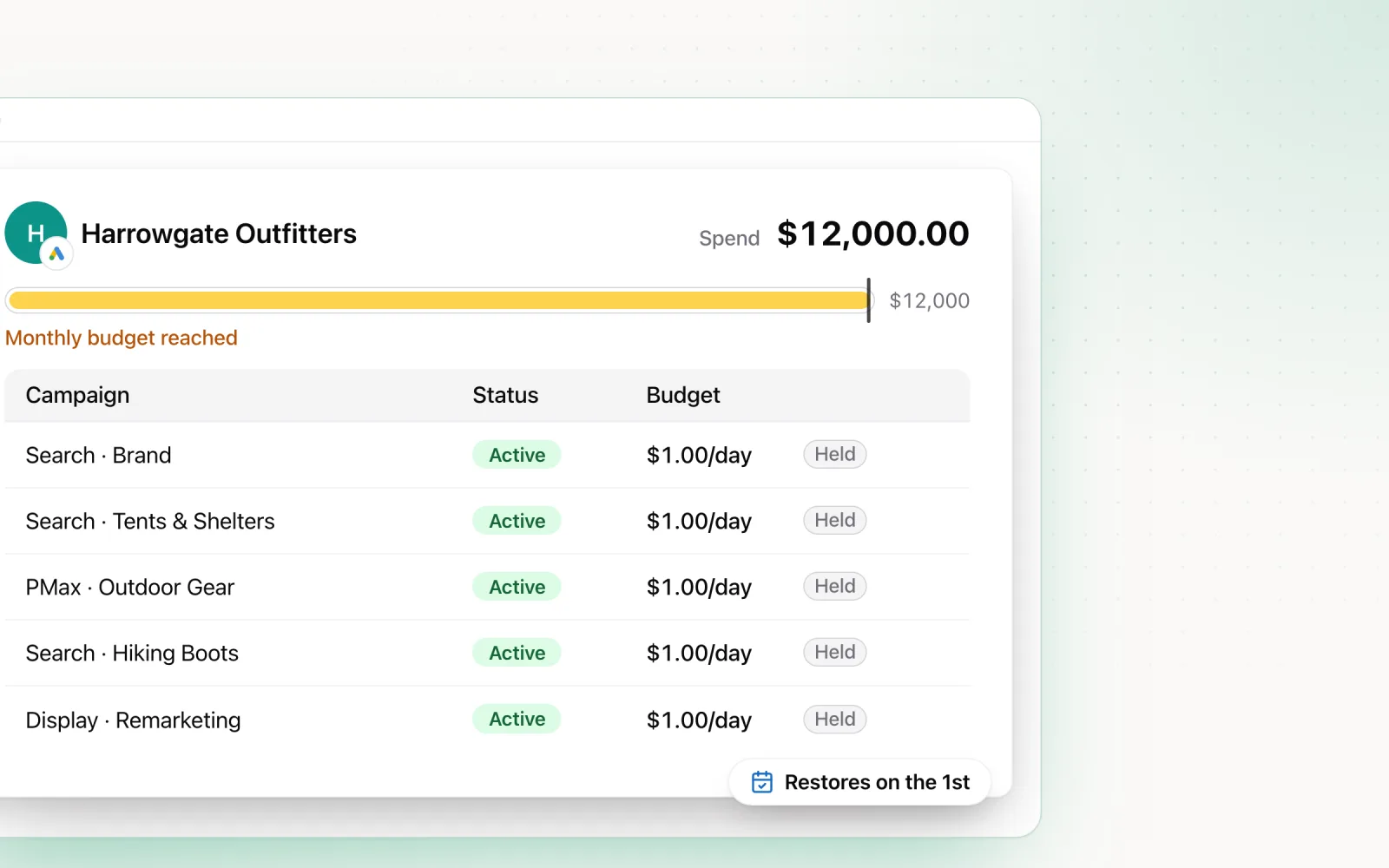
Budget pacing. Every account has a monthly target, and pacing is the job of landing actual spend close to it. Underspend means missed opportunity. Overspend means awkward client calls and financial exposure. Pacing needs daily attention, including the platform quirks (Google can overspend daily budgets by up to 100% while keeping a 30.4x monthly cap). For the mechanics, see our guide on how to land your ad spend exactly on target.
Bid management. Bids decide where ads appear, what each click costs, and your cost per acquisition. The job is choosing the right automated strategy per campaign type, setting realistic targets, and monitoring without over-adjusting. Pacing and bidding are coupled, Smart Bidding cannot optimise when daily budgets bounce around erratically or when campaigns sit "limited by budget" for weeks. Our PPC bid management guide goes deeper by campaign type.
Keyword management and negative keywords. Search queries shift constantly. New terms emerge, intent changes, and irrelevant queries burn budget. The work is finding profitable new terms, pausing underperformers, and (the part most accounts skip) keeping negative keyword lists current. Accounts without regular negative maintenance typically waste 15% to 30% of spend on irrelevant clicks. Our complete guide to negative keywords walks through the process.
Ad copy testing. Ads decay. Audiences get creative fatigue, competitors update messaging, and yesterday's winner stops winning. A structured test programme (one variable at a time, results evaluated with statistical significance) keeps CTR and conversion rate moving in the right direction. Responsive search ads pushed testing down to the headline and description level, which changes how you design tests and how long you wait before drawing conclusions.
Performance reporting. Reporting turns raw platform data into decisions. For agencies it also does client management work, demonstrating value and giving you the framing for strategic conversations. Real reporting goes past the metrics table. It includes commentary on what changed, why, and what is being done about it. Automation handles the data pull, but the analysis layer is still human.
Paid search management tools compared
Three categories, each doing a different job. Most agencies use tools from all three, and the mix depends on portfolio size, platform coverage, and how technical your team is.
Native tools: Google Ads Editor and Google Ads Scripts. Google Ads Editor is Google's free desktop app for bulk editing. Indispensable for account builds, restructures, and anything where you need to push hundreds of changes at once. Google Ads Scripts add JavaScript automation: budget pacing, anomaly detection, automated reports, competitive monitoring. Scripts are free and run on Google's infrastructure, which makes them the cheapest automation route for agencies with engineering capacity. The limit is scope. Both tools work only inside Google Ads. Nothing for Microsoft, Meta, or LinkedIn.
Third-party optimisers: Optmyzr, Opteo, Adalysis. These layer extra intelligence on top of the Google Ads UI. Optmyzr leads on rule-based automation, custom scripting, and budget monitoring depth. Opteo is recommendation-led, surfacing specific actions with estimated impact. Adalysis specialises in ad testing and account auditing, with strong negative keyword suggestions and quality score work. All three are Google Ads first, with Optmyzr offering some Microsoft Ads support. Great inside one platform, no help with the cross-platform problem. For a detailed breakdown, see our comparison of the best Google Ads management tools.
Cross-platform platforms: Pace and Marin Software. Most agencies run paid search across Google Ads and Microsoft Ads at minimum, and often manage Meta and LinkedIn alongside. Marin is the enterprise option for cross-channel bidding, budget allocation, and performance analysis on large portfolios. Pace handles AI-driven budget pacing, anomaly detection via Findings, and unified reporting across Google Ads, Microsoft Ads, Meta, TikTok, and LinkedIn from a single dashboard. The pacing engine adjusts daily budgets every day to land monthly targets, and Search Lens analyses keywords and search terms with waste scoring and one-click negatives. Cross-platform tools kill the multi-tab tax and give agencies one place to manage paid search alongside everything else.
Paid search platforms and software
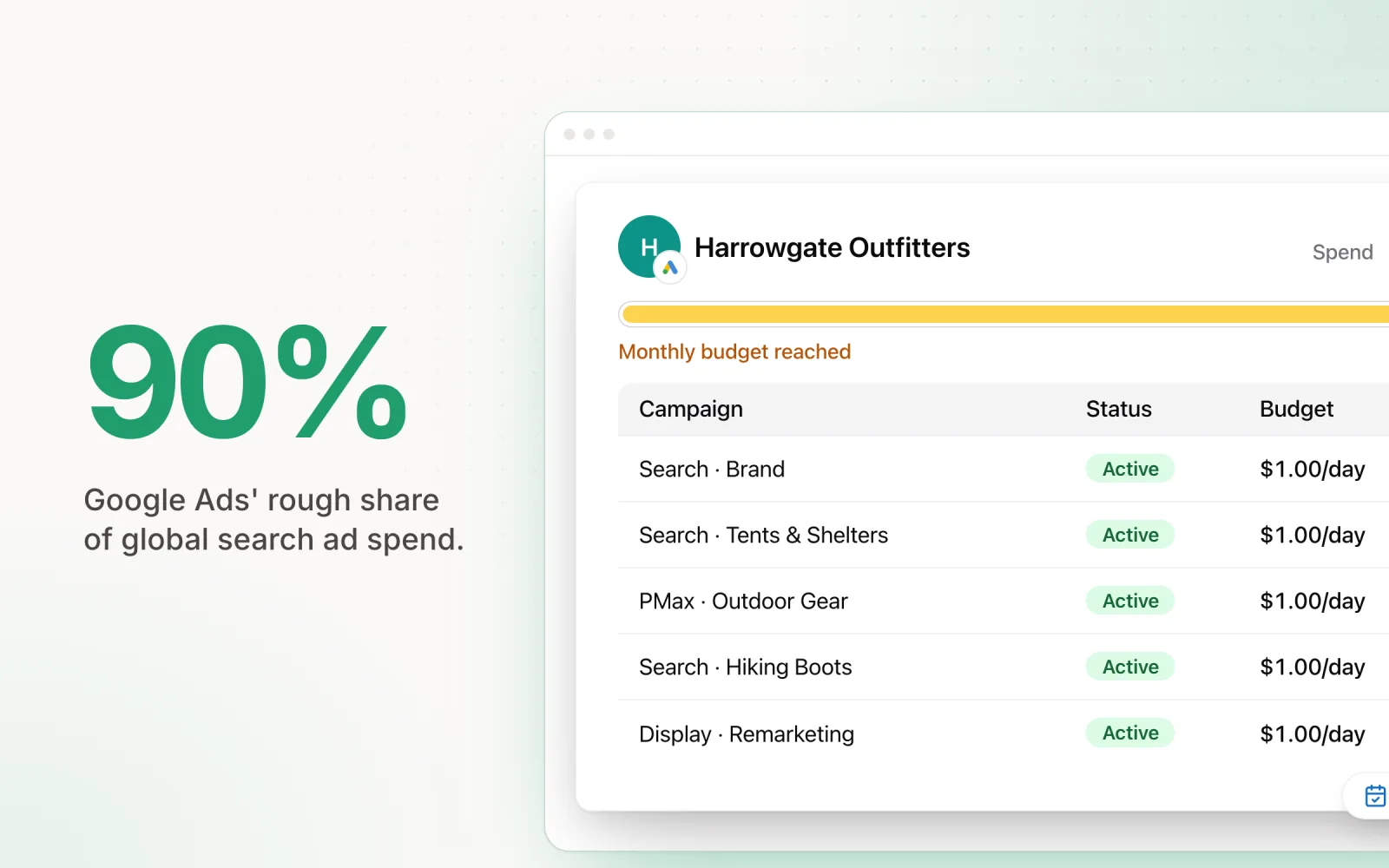
Google Ads dominates, taking roughly 90% of global search ad spend. The targeting is more sophisticated, the audience is bigger, and the automated bidding is further along than anywhere else. For most advertisers, this is where most paid search budget goes, and it is where the management playbook is most developed.
Microsoft Ads (formerly Bing Ads) takes the remaining share and gives you reach Google cannot. The audience skews older, higher income, and more desktop, which makes it useful for B2B and any vertical targeting professional demographics. Microsoft Ads also powers Yahoo and DuckDuckGo, so reach goes beyond Bing itself. The Google Ads import feature lets you replicate campaign structures directly, which cuts setup time. But Microsoft Ads needs its own management cadence. Bid levels, audience behaviour, and conversion rates all differ from Google, and mirroring Google settings without adjustment underperforms.
Platform choice drives management complexity. Google alone is a single-platform problem with well-established tooling. Adding Microsoft Ads doubles the surface area. Search term reviews, bid adjustments, budget pacing, all of it has to happen independently on each platform. Agencies running both for 20+ clients are looking at hundreds of individual checks per week. This is where software stops being optional. Tools that connect to both platforms and provide unified dashboards, cross-platform reporting, and coordinated pacing collapse the work from hours to minutes.
The software decision usually comes down to single-platform depth versus cross-platform breadth. Optmyzr and Adalysis are deep inside Google Ads. Pace and Marin handle the cross-platform coordination needed when Google and Microsoft Ads sit alongside social channels. Most agencies end up using both: a deep optimisation tool for Google specifically, and a cross-platform tool for unified pacing, reporting, and oversight.
When to keep paid search in-house
Before the tool question comes a more basic one: who does the work at all? An in-house hire, an agency, or a lean internal team with software carrying the operational load. The in-house vs agency PPC decision mostly comes down to spend, and the break-even maths takes about five minutes.
Take an illustrative scenario. Assume an agency fee of 15% of monthly spend (adjust to your market; the common range is 10% to 20%). At $50,000 a month in ad spend, that fee is $7,500 a month, or $90,000 a year. In most markets that buys a full-time paid search specialist. Every dollar of spend growth past that point makes the percentage fee more expensive against a salary that stays flat. At $100,000 a month, the same 15% costs $180,000 a year.
Spend is not the only signal. In-house wins when the product needs deep institutional knowledge: complex B2B sales cycles, regulated industries, technical products where a generalist account manager will write weaker ads than someone who sits near the product team. Iteration speed points the same way, since an internal specialist ships new copy the same afternoon instead of filing a request into next week's agency queue. So does sensitive first-party data that legal would rather not route through a third party.
Count the full cost before committing. Salary is the visible line. Recruitment, training, leave cover, and the software stack are the invisible ones. A one-person paid search team is also a key-person dependency by definition, so plan for documentation from day one.
When an agency wins
Reverse the same maths. At $10,000 a month in spend, a 15% fee is $1,500 a month. No hire competes with that number, and no experienced specialist works for it. Below roughly $25,000 a month, an agency or freelancer is usually the only structure where the management cost stays proportionate to the media budget.
Agencies also see more accounts. A specialist you hire brings one career of experience; an agency team has usually watched your exact problem play out in someone else's account last quarter. Then there is redundancy. When your agency account manager leaves, the agency replaces them. When your only in-house specialist leaves, you restart recruitment mid-quarter while the account drifts.
The practical signals that it is time to hire a PPC agency:
- Spend has grown past what a founder or marketing manager can watch weekly
- Performance has plateaued and nobody internally can say why
- The weekly cadence (search terms, pacing checks, bid reviews) keeps getting skipped
- You are adding a second platform with no in-house experience on it
- You need results faster than a new hire can ramp
Agency pricing is not arbitrary either. Percentage-of-spend fees track the workload, since bigger budgets carry more campaigns and more reporting surface. For the view from the other side of the table, including how retainers get structured, see our guide on starting a PPC agency.
Where software fits
Software is not a third option so much as a multiplier on whichever structure you choose. An in-house specialist who automates pacing and reporting covers a workload that would otherwise justify a second hire. An agency uses the same automation to lift the number of accounts each manager can run without quality dropping. How agencies set that up across a full client roster is covered in our agencies use case.
On PPC management cost, software is the cheapest line item of the three. Paid platforms run from free (Google Ads Editor and Scripts) to somewhere between $250 and $2,000+ a month depending on account count and spend under management. Even the top of that range is a fraction of a specialist salary or a percentage fee on meaningful spend. What software does not replace is judgement. The operational layer automates well; the strategic decisions in the process section below stay human.
| Monthly ad spend | Structure that usually fits | Illustrative management cost |
|---|---|---|
| Under $15,000 | Agency or freelancer, software for oversight | Up to roughly $2,250/month at a 15% fee |
| $15,000 to $50,000 | Either, decided by product complexity and iteration speed | $2,250 to $7,500/month agency fee, approaching salary territory |
| Over $50,000 | In-house specialist plus software | Salary plus $250 to $2,000/month in tooling |
Figures are illustrative. The 15% fee is a placeholder assumption; agency rates, salaries, and software pricing all vary by market, so run the break-even on your own numbers before deciding.
Building a paid search management process
A structured process prevents the two ways accounts fail. Neglect, where the account drifts without attention. And over-management, where constant tweaking disrupts the algorithm's learning. The right cadence balances active optimisation with the patience automated bidding needs.
Weekly cadence. Three tasks, every week, no exceptions. Search term review: pull the past 7 days, find the irrelevant queries eating budget, add them as negatives. This one task prevents more wasted spend than anything else you do. Bid and target review: check whether campaigns are hitting CPA or ROAS targets, flag any that have drifted significantly for two or more consecutive weeks. Do not adjust targets after a single bad week. Smart Bidding needs time to correct, and reactive changes reset the learning period. Budget pacing check: verify each account is on track. If something is more than 10% ahead or behind pace at the midpoint, adjust daily budgets or investigate the cause.
Monthly cadence. Four tasks at month end. Performance reporting: pull results, write commentary, ship client-facing reports that explain what happened and what is next. Strategy review: check that account structure, targeting, and bid strategies still match client goals. Goals shift, seasonality changes, products launch, budgets move, and the management approach has to follow. Keyword expansion: mine search terms, competitor data, and industry trends for new opportunities. Ad copy review: look at RSA performance, identify weak headlines and descriptions, plan new creative tests.
Quarterly cadence. Quarterly is for the strategic layer. Account restructuring: ask whether the campaign structure still reflects the business, and restructure where it does not. Competitive analysis: read auction insights data to see how competitor positioning has moved. Tool and process review: check whether your software and workflows are still working, or whether changes would lift output quality or save time.
Paid search management for agencies
Managing one account is a different job from managing 20, 30, or 50. The practices that work at small scale (manually checking each account, remembering campaign nuances, running reports by hand) do not scale. Agencies that grow without building management infrastructure hit a ceiling where quality drops, mistakes climb, and people burn out.
First requirement: SOPs. Every recurring task (weekly search term reviews, monthly reporting, pacing checks, negative keyword updates) needs a documented process any trained team member can execute consistently. SOPs prevent the two big agency failure modes. Inconsistency, where some accounts get thorough management and others get glance-and-go. And key-person dependency, where institutional knowledge lives in one person's head. When an account manager leaves, the replacement should take over in days, not weeks.
Second requirement: tiered management. Not every account deserves the same level of attention. High-spend, high-complexity accounts need closer monitoring, more frequent optimisation, and deeper strategic involvement. Mid-tier accounts need consistent weekly management with monthly strategic reviews. Lower-spend accounts can be managed with lighter-touch cadences plus automated alerts that flag big deviations. Without explicit tiering, agencies default to equal attention everywhere, which means high-value accounts get under-served while low-value accounts soak up disproportionate time. For more on scaling without burnout, see our guide on managing ad budgets for 20+ clients.
Third requirement: knowing what to automate and what to leave manual. Budget pacing is a great automation candidate. It is mathematical, high-frequency, and low-risk with the right guardrails. Search term reviews benefit from AI recommendations but still need human judgement on borderline cases. Strategic decisions (account restructures, bid strategy changes, budget reallocation) should stay manual because they need context automation cannot capture. The agencies scaling fastest automate the operational layer completely and pour the time savings into the strategic layer, where human expertise creates the most value.
Paid search best practices
Ten practices that separate high-performing accounts from mediocre ones. Specific, actionable, grounded in what actually moves results.
1. Start every new account with negative keywords. Before spending a dollar, build a baseline negative list. Competitor names you do not want to bid on. "Free" and "jobs" modifiers. Informational queries that signal research intent rather than purchase intent. The baseline list prevents the most common source of wasted spend in the first weeks of a campaign.
2. Review search terms weekly, not monthly. A month of irrelevant clicks at $5 each adds up fast. Weekly reviews catch wasteful queries before they accumulate real spend. Sort by cost descending and focus on the top 20 terms first. That is where the highest-impact negatives live.
3. Use shared budgets carefully. Shared budgets in Google Ads let one high-spend campaign drink the entire daily budget, starving the others in the group. Use shared budgets only when campaigns have similar spend levels and priorities. For campaigns with very different budgets or strategic importance, keep budgets separate.
4. Test one variable at a time. When testing ad copy, change one headline or one description per test. Multiple variables at once makes attribution impossible. Pin one headline to position 1 as your control and test variations in position 2 to isolate the impact of each change.
5. Automate reporting, not analysis. Automated reports save hours of manual data pulling, but the analysis and commentary layer is human. "CPA increased 25%" is data. "CPA increased 25% because a competitor entered the auction on three high-volume keywords, and the recommendation is to either lift bids or shift budget to less competitive terms" is analysis. Clients pay for the second one.
6. Track every change. Keep a change log for every account: what changed, when, and why. When performance moves, positive or negative, the change log is the first place to look. Without it, diagnosing performance changes becomes guesswork. Pace logs every automated change with full reasoning and timestamps, which doubles as a client communication tool.
7. Set bid targets based on historical data, not aspirations. If an account's historical CPA is $40, setting a Target CPA of $15 will suppress volume dramatically as the algorithm bids only on the cheapest traffic. Start at or slightly below historical performance, then tighten by 10% to 15% increments once the strategy stabilises.
8. Separate brand and generic campaigns. Brand and generic convert at very different rates. Mixing them in the same campaign (or worse, the same portfolio bid strategy) distorts the data and prevents accurate optimisation of either. Brand campaigns get their own budget, their own targets, their own reporting.
9. Monitor impression share, not just conversions. Conversion data tells you how well campaigns are performing. Impression share tells you how much opportunity you are missing. A campaign with strong CPA but 40% impression share has serious room to grow. A campaign at 95% impression share is already capturing nearly all available demand. Two completely different management situations, and you cannot tell them apart without the impression share view.
10. Pace budgets daily, not weekly. Once-a-week pacing leaves five days for problems to compound. Daily checks (or better, automated daily pacing) catch deviations when they are small and correctable, not after a week of budget has burned. Tools like Pace automate this entirely, adjusting daily budgets every day to keep monthly spend on target.
Frequently asked questions about paid search management
What is paid search management?
Paid search management is the ongoing discipline of running, optimising, and scaling paid search campaigns across platforms like Google Ads and Microsoft Ads. It encompasses budget pacing, bid strategy, keyword management, negative keyword maintenance, ad copy testing, and performance reporting. Effective paid search management ensures campaigns hit their spend targets while maximising return on ad spend.
What tools do agencies use for paid search management?
Agencies use a combination of native tools (Google Ads Editor, Google Ads Scripts), third-party optimisers (Optmyzr, Opteo, Adalysis), and cross-platform management platforms (Pace, Marin Software). Native tools handle bulk editing and custom automation. Third-party optimisers provide recommendation engines, auditing, and rule-based automation. Cross-platform tools unify budget pacing, reporting, and optimisation across Google Ads, Microsoft Ads, Meta, TikTok, and LinkedIn from a single dashboard.
How much does paid search management cost?
The cost of paid search management depends on whether you manage in-house, use an agency, or rely on software. In-house management costs the salary of one or more PPC specialists. Agencies typically charge 10% to 20% of monthly ad spend, or a flat retainer ranging from $1,000 to $10,000+ per month. Paid search software ranges from free (Google Ads Editor, Scripts) to $250 to $2,000+ per month for platforms like Optmyzr, Marin, or Pace, depending on the number of accounts and spend under management.
What is the difference between paid search and SEM?
Paid search refers specifically to pay-per-click advertising on search engines like Google and Bing, where advertisers bid on keywords to show ads in search results. SEM (Search Engine Marketing) is a broader term that historically included both paid search and organic search (SEO). In current usage, SEM and paid search are often used interchangeably, but SEM can also encompass Shopping ads, Display ads served through search platforms, and other paid placements within search engine ecosystems.
Automate your paid search management
Paid search management at scale comes down to two things: the right tools and a process your team follows every week. Pace automates the operational layer (budget pacing, anomaly detection, cross-platform reporting) so your team spends time on strategy, testing, and client relationships instead. Connect Google Ads and Microsoft Ads alongside Meta, TikTok, LinkedIn, Reddit, X Ads, and Amazon Ads in a single dashboard, with AI-driven pacing that lands monthly targets and Search Lens that surfaces wasted spend before it accumulates. Start a free trial to get started.

Jordan Parrello
Founder of Pace. Ran an agency pacing sheet by hand for years before building the thing that checks it every 5 minutes. About Pace or LinkedIn