Open the change history on a struggling ad account and you will usually find the same shape: fourteen changes in one afternoon, then nothing for three weeks, then another burst. That is PPC optimisation done in panic bursts, and it is how most accounts are run. Not because the manager is lazy, but because nothing in the platforms tells you when to do what.
Optimisation is not one job. It is three jobs on three clocks. The daily check catches money bleeding out right now. The weekly session does the work that compounds: search terms, bids, budget shifts, creative rotation. The monthly review stops structural rot. Collapse them into a single activity and you end up doing the two-hour job in a panic and skipping the two-minute job for weeks.
This is the checklist worth pinning above the desk of anyone managing paid accounts. The time estimates assume one account; multiply them for your roster.
The daily check: five minutes to catch a bad day early
The daily layer exists for one reason: some problems cost almost nothing on the day they happen and a fortune by Friday. Five checks, roughly five minutes:
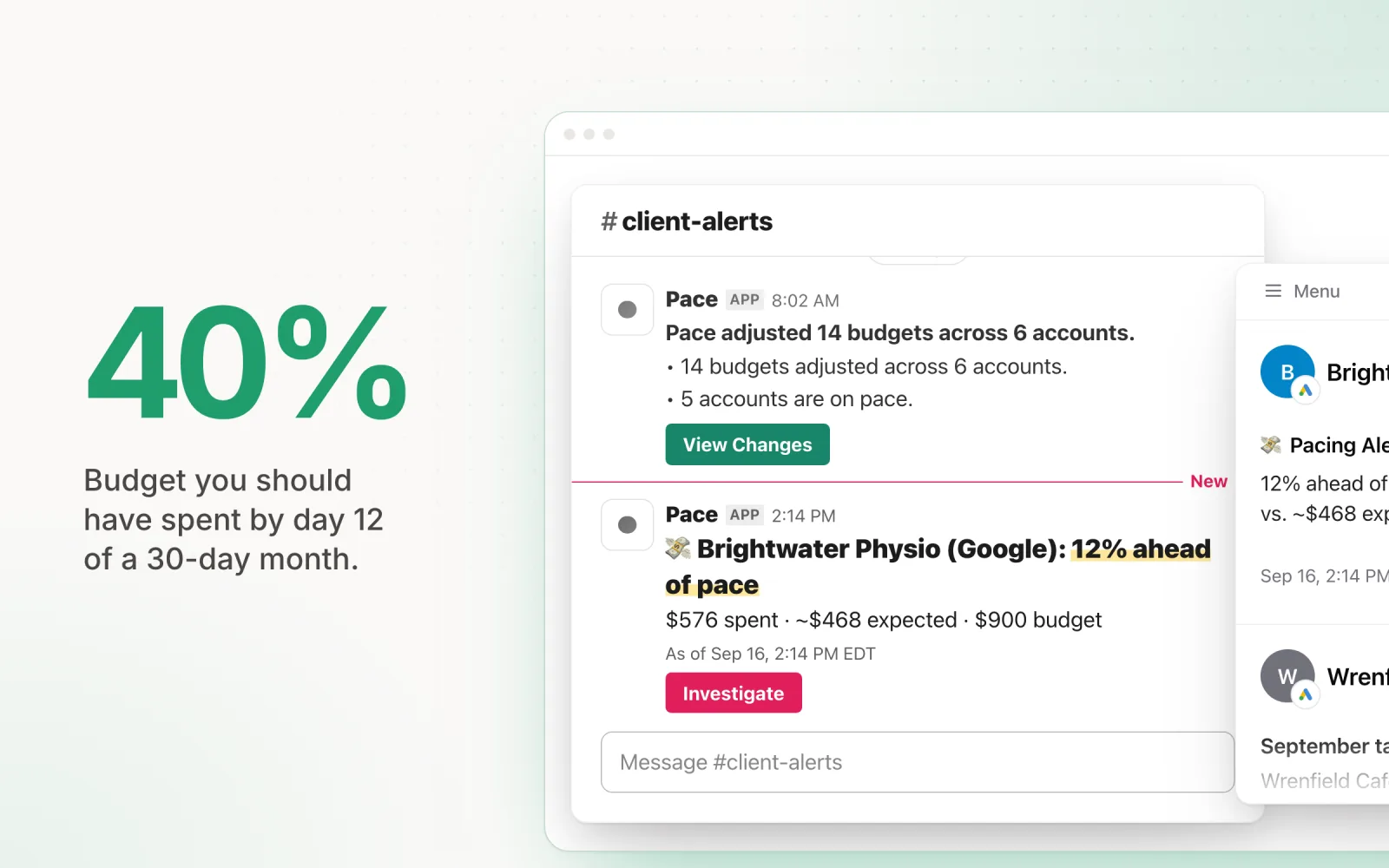
- Spend against pace. Is month-to-date spend where it should be? On day 12 of a 30-day month you should have spent roughly 40% of budget. More than about 10% off, find the campaign responsible. Google can spend up to double a daily budget on any single day, so one hot day is normal; three in a row is a trend.
- Yesterday's outliers. Compare yesterday to the trailing seven-day average. A campaign that doubled its spend, a CPA that tripled, or meaningful spend with zero conversions all earn a closer look before lunch.
- Disapprovals and policy flags. An ad disapproved overnight can quietly zero out a campaign. Account-level policy issues are worse and move faster than you expect.
- Zero-delivery campaigns. Enabled but serving no impressions usually means a billing failure, an ended schedule, or a pause someone forgot to undo.
- Tracking sanity. Conversions at zero across every campaign at once is almost never real. A broken tag or pixel gets more expensive every day it stays broken, because it also starves automated bidding of data.
Just as important is what does not belong in the daily check: bid changes, structure changes, and creative verdicts. One day of data supports none of them. The daily layer is surveillance, not surgery.
The weekly session: the work that compounds
Book 30 to 45 minutes per account, same day every week, and work through the same five jobs:
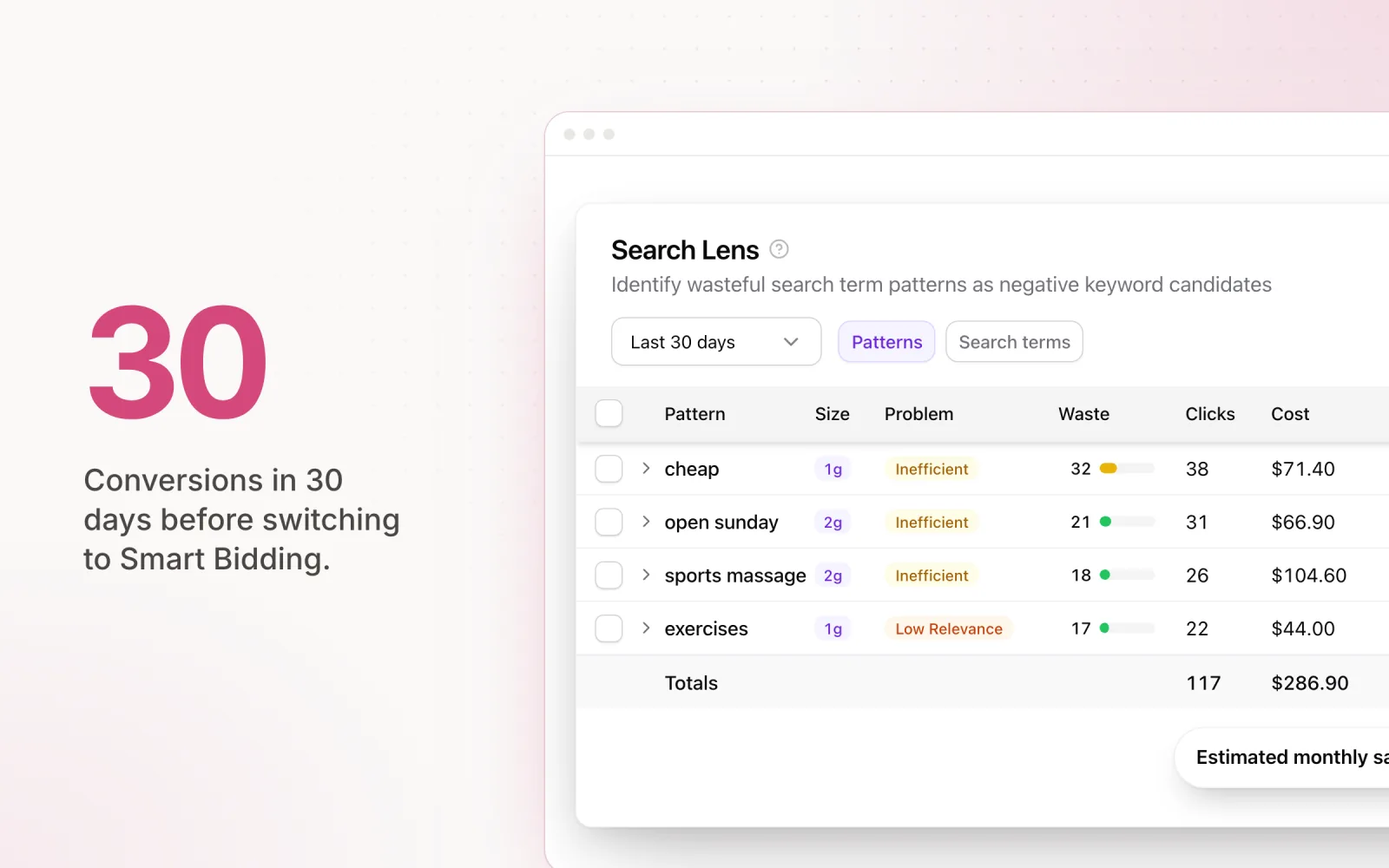
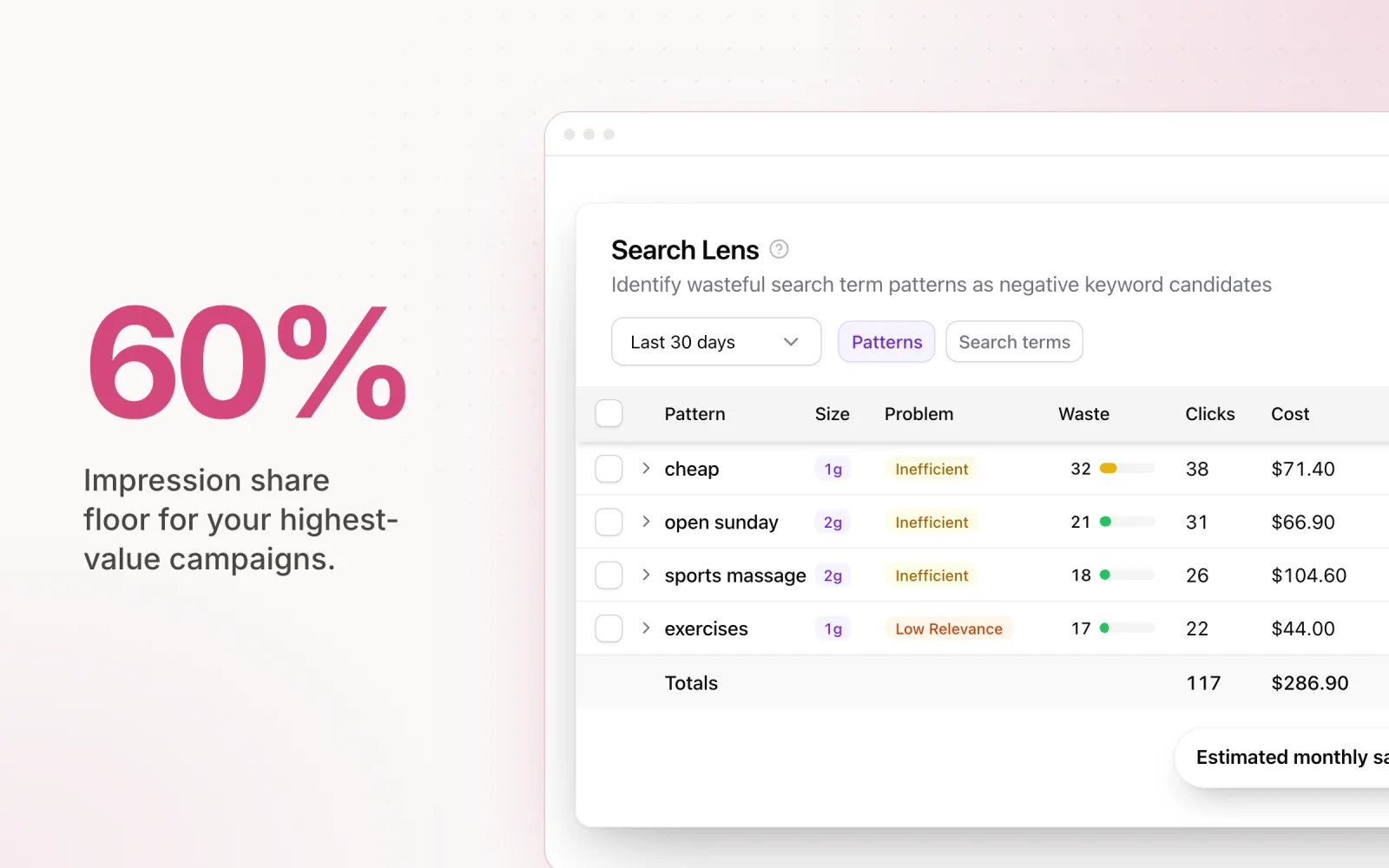
- Search terms and negatives. Sort the search terms report by spend and scan for queries you would never pay for on purpose. Adding negative keywords weekly is the highest-return habit in paid search; skipping it for a month is how budgets spring slow leaks you only find in the quarterly audit.
- Bids and bid strategies. Check whether last week's actual CPA or ROAS still supports your targets. A tCPA set in March and never revisited is a common finding in audits. The bid optimisation guide covers when to move targets and by how much.
- Budget reallocation. Find campaigns flagged limited by budget that are hitting their goal, and campaigns coasting with headroom that aren't. Move money from the second group to the first.
- Creative and asset trends. CTR direction per ad, and frequency on social placements. You're flagging fatigue this week; deciding what replaces a tired ad is monthly work.
- Last week's changes. Look at what you changed seven days ago and what happened since. If you never close that loop, your optimisation program is guessing with extra steps.
The monthly review: structure, creative and the client conversation
Done properly this is half a day per account, and it's the layer that panic-managed accounts never receive:
- Structure review. Look for ad groups that have fragmented into near-duplicate intent, keywords stuck with low search volume flags, and campaigns that exist for historical reasons rather than strategic ones.
- Creative refresh planning. List every ad that has run 60 days or more and decide what replaces it. Briefing creative now beats scrambling after performance has already sagged.
- Recommendations triage. Work through Google's Recommendations tab deliberately, applying what fits and dismissing the rest with a reason. Your optimisation score is a sales metric as much as a health metric; triage it on your terms.
- Measurement review. Does the platform's reported performance survive contact with the client's CRM and revenue numbers? The paid search analysis guide covers how to run this check without drowning in attribution debates.
- Next month's targets. Seasonality, budget changes, client expectations. Reset targets before the month starts; by the 5th, pacing is already off.
The whole system on one screen:
| Cadence | Time per account | The checks | What it protects |
|---|---|---|---|
| Daily | ~5 minutes | Pacing, outliers, disapprovals, zero delivery, tracking | Today's budget |
| Weekly | 30–45 minutes | Search terms, bids, budget shifts, creative trends, change review | This month's performance |
| Monthly | ~Half a day | Structure, creative refresh, recommendations, measurement, targets | The account's long-term health |
Which of these jobs belong to software?
The three layers automate very differently. The daily layer is mechanical: compare a number to a threshold, raise a flag. It is the first thing you should hand to software and the thing tools do best. The weekly layer is partially automatable; scripts and platforms can propose negatives and bid changes, but a human should approve them. The monthly layer is judgement, and no tool restructures an account or briefs creative for you.
If you're deciding where to draw that line in your own operation, what to automate and what to keep manual makes the case job by job, and the scripts vs SaaS vs AI platforms comparison covers what each option costs and where each one breaks.
The maths changes at twenty accounts
Five minutes a day is nothing on one account. Across twenty accounts it is more than an hour and a half every morning before any billable work starts. That is why the daily layer is the first thing agencies skip, and it is the most expensive layer to skip, because everything it catches gets dearer by the day. The weekly and monthly layers degrade more gracefully; a search terms review done every ten days instead of seven costs you little. A pacing check skipped for ten days can cost a client their month.
Running the cadence across a full roster is a systems problem more than a discipline problem, and ad optimisation strategies that scale covers the operational side: templates, priority tiers, and deciding which accounts get the half-day treatment.
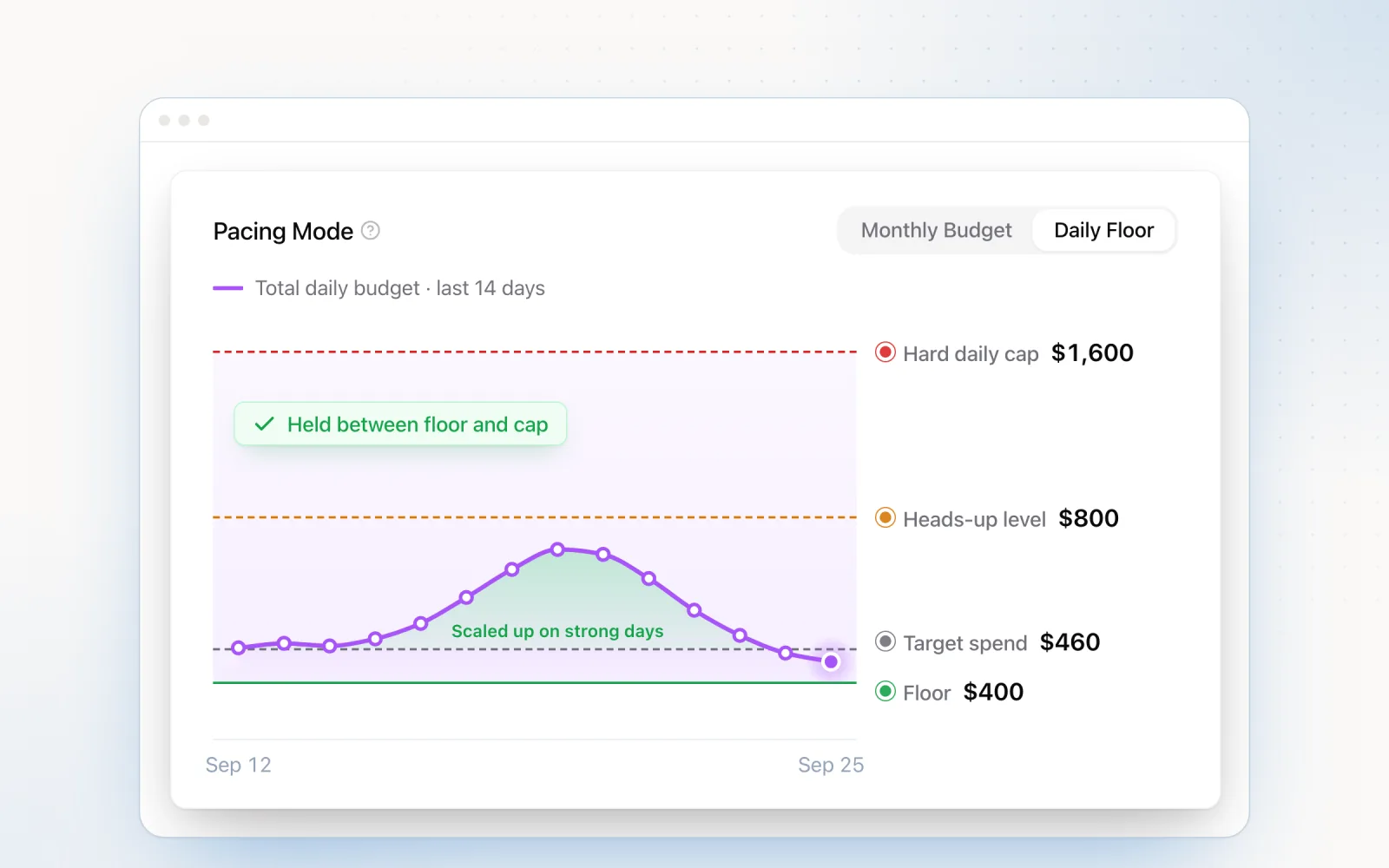
Pace was built to run the daily layer for you across Google, Meta, TikTok, LinkedIn, Microsoft, Reddit, X Ads and Amazon Ads. AI pacing adjusts daily budgets against monthly targets, and overspend guardrails check spend every five minutes. Findings surface anomalies only when something genuinely moved, so the flag you get is worth reading. The weekly and monthly layers stay yours. Start a free trial and see what the checklist feels like when the daily third runs itself.

Jordan Parrello
Founder of Pace. Ran an agency pacing sheet by hand for years before building the thing that checks it every 5 minutes. About Pace or LinkedIn