What Is WordStream?
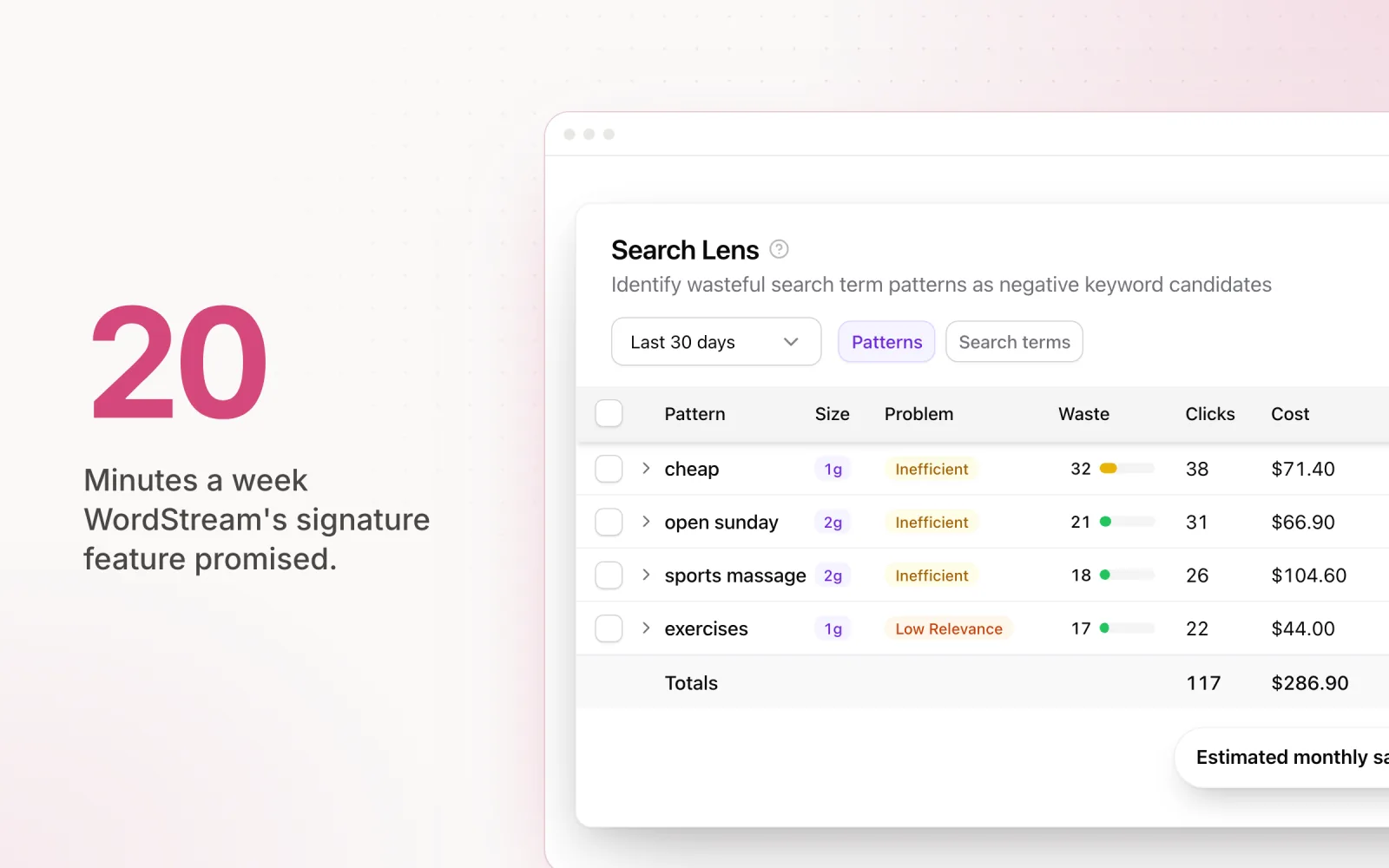
WordStream is a PPC management platform built for small businesses and freelancers who wanted a simpler way to manage Google Ads. Larry Kim founded it in 2007. The pitch was guided workflows for advertisers who did not want to live inside the Google Ads UI, and the signature feature, the "20 Minute Work Week," promised to keep an account optimised with twenty minutes of weekly attention.
Most agencies first met WordStream through its free Google Ads Performance Grader. You connect an account, the Grader analyses wasted spend, quality score distribution, and click-through rate benchmarks, and you get a letter-grade scorecard. Treat that grade the way you would treat Google's own optimisation score: a quick signal, not a to-do list. The Grader alone drove millions of leads and made WordStream a household name in PPC.
Then Gannett bought it in 2018 and folded it into the LocaliQ digital marketing division. That changed the product. WordStream stopped being a standalone PPC tool and became one piece inside a bigger LocaliQ local-marketing bundle that also covers social, display, and listing management. The platform still exists, but the identity is blurry. Roadmap decisions are made by a local media business, not a PPC software business.
This matters if you are evaluating WordStream in 2026. You are not buying the independent tool that built the brand in 2012. You are buying a product whose direction is set by Gannett's local-media strategy, and that is a different product with the same name.
Is WordStream Legit?
Yes. WordStream is a legitimate company, not a scam. It has operated since 2007, it is owned by Gannett, a publicly listed US media company, through the LocaliQ division, and the free Google Ads Grader uses standard read-only OAuth access that you can revoke from your Google account settings at any time. Your account data is safe, and the numbers in the Grader report are pulled straight from the Google Ads API, not invented.
The honest caveat sits one level down from legitimacy. Running the free Grader means handing over your email and becoming a sales lead for LocaliQ's managed services, and the follow-up calls are persistent. And reviews of the paid LocaliQ experience are more mixed than reviews of the old standalone WordStream software ever were, mostly around contract terms and the fit of bundled services. So: legit company, safe free tool, but go in knowing the Grader is the top of a sales funnel, and evaluate any paid proposal against the alternatives below before signing.
WordStream Pricing in 2026
This is where WordStream reviews get awkward. After the LocaliQ acquisition, the standalone pricing went opaque. The self-serve product small businesses used to sign up for directly is mostly gone, absorbed into LocaliQ's managed-services model. For a fuller breakdown, see our dedicated post on WordStream pricing in 2026 and the cheaper paths most agencies take.
Visit the WordStream site today and you will not find a pricing page with tiers and monthly costs. You will find a sales consultation. The platform is bundled with LocaliQ's wider marketing services, which means custom pricing, discovery calls, and enterprise-style contracts. If you are an agency that just wants a PPC tool, that is friction you did not have when WordStream was independent.
It also means you may end up paying for things you do not need. LocaliQ packages routinely bundle listing management, social posting, and display, which most agencies already handle through their own stack. Paying a premium for features you will never touch destroys the cost-per-feature math that used to make WordStream attractive.
For context, here is what the rest of the category charges with published pricing:
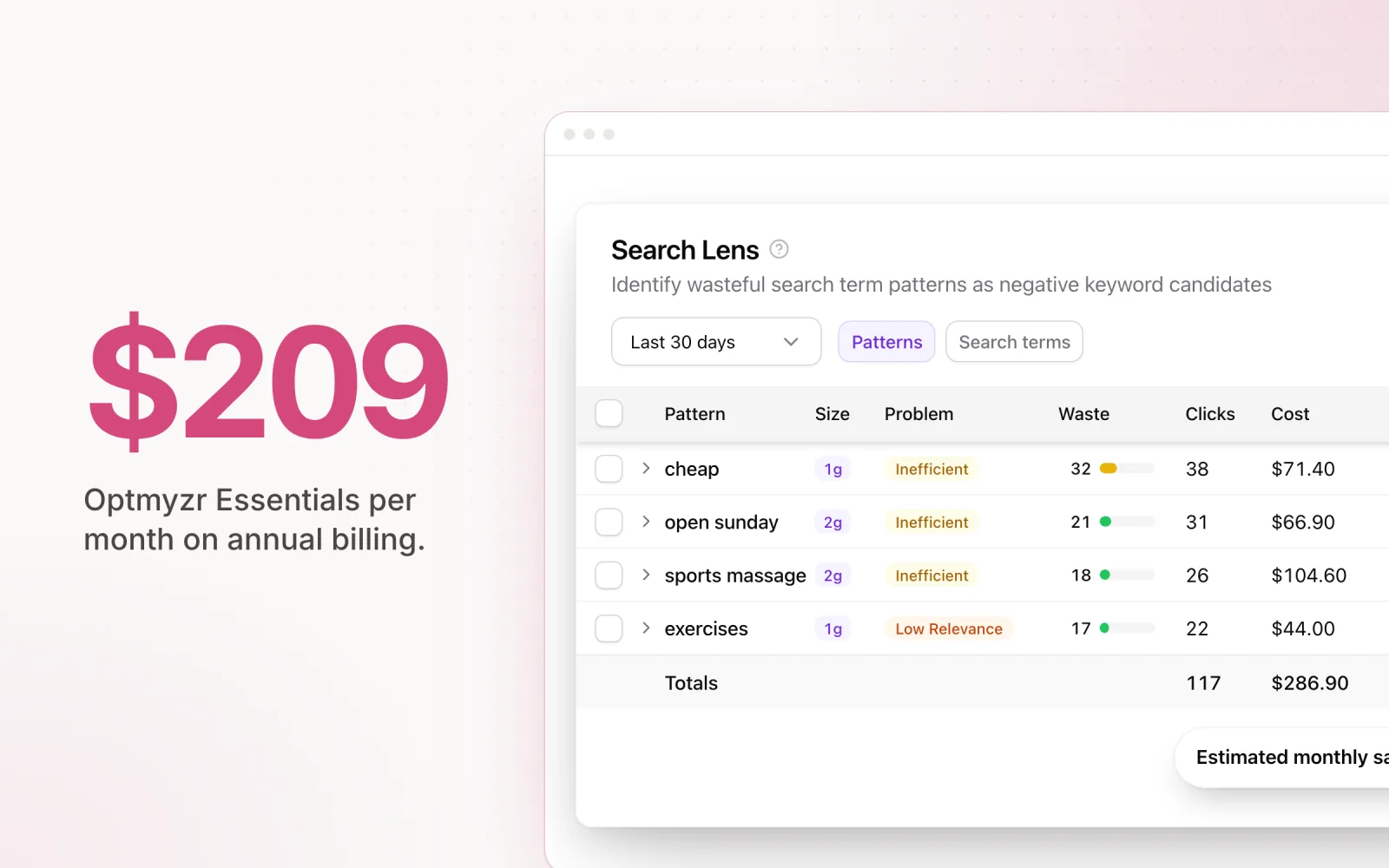
- Optmyzr: From $209/month on annual billing ($299 month to month) for agencies managing up to $25K in monthly spend. Google and Microsoft Ads focus with deep automation.
- Opteo: From approximately $129/month. Google Ads only, recommendation-based interface, clean and affordable.
- Adalysis: From approximately $99/month. Google Ads auditing, quality score tracking, and ad testing. The most affordable dedicated tool.
- Pace Ads: From $49/month. Cross-platform budget pacing across Google, Meta, TikTok, LinkedIn, Microsoft, Reddit, X Ads, and Amazon Ads with AI-driven optimisation.
For agencies that only need PPC management, WordStream's cost-per-feature has slid a long way down. Add the sales cycle and the contract commitments and the total cost of ownership is higher than tools that let you sign up, connect your accounts, and run campaigns the same afternoon.
The WordStream Google Ads Grader: Is It Worth It?
The Google Ads Performance Grader is still WordStream's best-known product, and it is still free. Connect a Google Ads account, wait about sixty seconds, and you get a letter-graded report across several categories.
The Grader checks:
- Wasted spend estimate: Flags keywords and placements that burn budget without producing results, plus a rough monthly dollar figure for the waste.
- Quality Score distribution: Shows how your keywords sit on Google's 1–10 quality score range, with a benchmark against industry averages.
- Click-through rate benchmarks: Compares your account CTR to industry norms and points out the weak ad groups.
- Impression share: Estimates how much search demand you are capturing versus what you are missing on budget or rank.
- Account activity: Flags accounts that have gone quiet, based on the frequency of changes and optimisations.
Strengths of the Grader: It is free, it is fast, and it is genuinely useful as a first-pass read on an account. For agencies, it is also a useful prospecting tool. Run it on a prospect's account in a pitch meeting and you have specific, data-backed talking points within a minute. That kind of immediate feedback shortens sales cycles. The WordStream Grader is one of several free Google Ads grader tools worth keeping in the prospecting toolkit, and the comparison breaks down where each one beats the others.
Limitations of the Grader: It is surface-level by design. The Grader does not check conversion tracking, campaign-level pacing accuracy, search-term waste at the query level, cross-platform spend allocation, or audience targeting. It does not look at account structure or ask whether your bidding strategy actually fits your campaign objectives.
It is also, more than anything else, a lead-generation funnel for WordStream and LocaliQ. The report is built to surface problems, not solve them. Every section nudges you toward a paid upgrade or a LocaliQ managed-services call. The data itself is fine. The recommendations are pointed at WordStream's commercial outcome, not necessarily the right fix for your account.
If you want a real audit, use a structured framework instead. Our 30-minute PPC audit guide covers conversion tracking, pacing accuracy, search term analysis, and cross-platform budget alignment, which is exactly the territory the Grader skips.
WordStream Grader: What It Catches (and What It Misses)
Here is a tighter list of what the Grader actually flags, since most reviews gloss over the specifics. Run it on an account today and these are the things it will catch:
- Long-tail wasted spend: Keywords with high spend and zero conversions over the lookback window. Useful for a quick negatives pass.
- Low Quality Score keywords: Anything sitting at 1–4, with a bucketed distribution chart against industry averages.
- Ad text mismatches: Ad groups where the headlines do not match the keywords closely enough to support strong relevance.
- Lost impression share to budget: Campaigns where the budget cap is the bottleneck, not the bid or rank.
- Account dormancy: Time since the last meaningful change. The Grader treats long stretches without optimisation as a red flag, which is fair.
- Mobile bid adjustments: Whether you are differentiating mobile and desktop bids when the data suggests you should.
What it does not catch is just as important. The Grader has nothing on conversion tracking accuracy, no view of offline conversion imports, no read on pacing across the month, no search term-level waste analysis, and no cross-platform context. It will not tell you that your Performance Max campaign is eating your branded search budget, and it will not flag a broken UTM tagging structure.
Treat the Grader as a triage tool. It tells you where to look. The actual diagnosis still happens inside Google Ads, your analytics stack, and a proper pacing tool.
WordStream Pros and Cons
The honest version of this section separates what the platform actually does well from where it falls down once you start managing more than one client and one platform.
Pros:
- Beginner-friendly interface: The guided workflows and the "20 Minute Work Week" format are easy to pick up if PPC is not your day job. For small businesses running their own ads, that simplicity is real value.
- The free Grader is useful: As covered above, it gives you a fast, data-driven snapshot of account health. Even experienced agencies use it for prospecting and onboarding.
- Strong educational content: WordStream's blog and benchmark reports are still excellent. Years of PPC posts, industry data, and tactical breakdowns. Even if you never touch the product, the resources are worth a bookmark.
- Fine for small businesses with simple needs: If you are one advertiser running one Google Ads account on a modest budget, the simplified approach may be all you need.
Cons:
- Not built for agencies: There is no real multi-account model. No unified dashboard for pacing across dozens of clients, no bulk operations, no client-level budget grouping.
- Pricing opacity post-acquisition: The bundled LocaliQ pricing means you cannot evaluate cost-per-feature without booking a sales call. If you are comparing tools, that alone is enough to skip it.
- Feature stagnation: The core PPC tools have barely moved since the acquisition. Competitors have added AI-driven automation, cross-platform pacing, and scripting. WordStream has not.
- No Meta or LinkedIn integration: Most agency clients run campaigns on at least two platforms in 2026. WordStream covers Google. If you have to run a second tool anyway, you have lost the point of a centralised platform.
- Weak automation: Optmyzr's rule engine, Pace's AI-driven pacing, even Adalysis's audit alerts all go further than WordStream. Most of WordStream's "automation" is suggestions waiting for a human to approve them.
- Bundled with stuff agencies already cover: The LocaliQ integration means you may be paying for listing management, social posting, and display features that your agency handles elsewhere.
Optmyzr vs. WordStream
This is the comparison agencies ask about most, so it deserves a direct answer. For agencies, Optmyzr is the better tool. Our full Optmyzr review covers its 2026 pricing and limitations in depth; here is the head-to-head.
Where Optmyzr wins:
- Automation depth: The Optmyzr rules engine lets you build layered, conditional workflows. Triggers off performance thresholds, time of day, day of week, custom metrics. WordStream's automation tops out at suggestions you have to manually approve.
- Multi-account management: Optmyzr is built for agencies running dozens or hundreds of accounts. The dashboard, bulk operations, and account-level reporting actually scale. WordStream was never designed for that.
- Google and Microsoft Ads support: Optmyzr covers both with close feature parity. WordStream has always been Google-first and basically Google-only.
- PPC-focused roadmap: Every quarter of Optmyzr's roadmap is PPC. WordStream's roadmap belongs to Gannett's local-media strategy, which means PPC features get whatever attention is left over.
- Scripting layer: If you want custom automation beyond the pre-built rules, Optmyzr lets you script it. WordStream has nothing equivalent.
Where WordStream wins:
- Simplicity: WordStream is easier to learn for beginners. If PPC is not your core competency, the guided workflow earns its keep.
- Educational resources: The content library, benchmark reports, and free tools (especially the Grader) are better than anything Optmyzr publishes.
- Free Grader tool: Nothing in Optmyzr's lineup matches the accessibility or lead-gen value of a free, instant audit.
Verdict: Agencies should default to Optmyzr. Better automation, real multi-account management, a PPC-only roadmap. WordStream's strengths (simplicity, educational content) matter less for teams that already know how to run accounts.
The catch: neither tool covers Meta or LinkedIn. If a meaningful share of your spend lives outside Google, both leave a gap. That is what the alternatives below are for. For the long list of Optmyzr replacements, including cross-platform options, see our Optmyzr alternatives guide.
Opteo vs WordStream
Opteo deserves credit before the comparison (our full Opteo review goes deeper on features and pricing). It does one thing well: surface prioritised Google Ads recommendations with clean, click-to-approve workflows. If you want a tool that walks you through optimisations one by one without drowning you in dashboards, Opteo is hard to beat. The interface is calmer than WordStream's, and the recommendations are specific.
Where Opteo wins over WordStream:
- Published pricing: From approximately $129/month, with tiers that scale by ad spend. You can evaluate cost-per-feature without a sales call.
- Recommendation quality: Opteo's suggestions are more specific and better prioritised than WordStream's, with fewer generic prompts to review.
- Faster onboarding: OAuth connection, account import, and you are in the recommendation feed within minutes.
- PPC-only focus: The roadmap belongs to Google Ads management. No local-media bundle bolted on the side.
- Cleaner interface: Opteo's design has aged well. WordStream's interface still carries layers of legacy UI that show their age.
Where WordStream wins over Opteo:
- The free Grader: Opteo has no equivalent prospecting tool that you can run on a cold account in sixty seconds.
- Educational content depth: WordStream's blog and benchmark library is wider than anything Opteo publishes.
- LocaliQ bundle: If you actually want listing management, social posting, and managed services in one contract, WordStream's bundle has a use case Opteo cannot match.
- Brand recognition with stakeholders: Pitch a non-marketer on switching to "WordStream" and they have heard of it. "Opteo" still needs context.
- Account onboarding workflows: WordStream's guided setup steps are gentler for a team member who has never run a Google Ads audit before.
Verdict: For a Google-only agency or freelancer choosing between the two on day-to-day campaign work, Opteo is the better pick. The product is sharper, the price is clearer, and the focus has not drifted. WordStream's main argument is the Grader, which you can keep using for free regardless of which tool you pay for.
WordStream Alternatives for Agencies
If you have decided WordStream is not the right fit, here are five alternatives worth a look. Each one fits a different slice of the agency market.
1. Optmyzr, best for Google/Microsoft automation power users
Optmyzr is the natural step up from WordStream for agencies that need deeper automation on Google and Microsoft Ads. The rules engine handles conditional logic, scheduling, and multi-step workflows. Budget monitoring with pacing projections, quality score tracking, and custom scripts give you the kind of granular control WordStream never offered. From $209/month on annual billing ($299 month to month). Best for agencies running $50K+ in monthly Google/Microsoft spend who want repetitive optimisation off their plate.
2. Opteo, best for agencies that want simplicity
Opteo is the recommendation-based take on Google Ads management. You review prioritised suggestions and approve them with a click. Clean interface, fast onboarding, accessible price. Google Ads only, so multi-platform agencies will outgrow it, but the analysis inside Google is strong. From approximately $129/month. Best for smaller agencies or freelancers who care more about speed than rule-engine depth.
3. Adalysis, best for Google Ads auditing
Adalysis is the audit and monitoring tool. Quality score tracking over time, ad copy testing analysis, budget pacing alerts, account health scorecards. It does not auto-adjust budgets or bids, but it surfaces the issues that need attention faster than any manual review process. From approximately $99/month. The cheapest dedicated PPC tool on this list, and the right pick if you want monitoring without automation.
4. Pace Ads, best for cross-platform agencies
Pace is built for the gap WordStream, Optmyzr, and Opteo all share: none of them manage budgets across Google, Meta, TikTok, LinkedIn, Microsoft, Reddit, X Ads, and Amazon Ads from one place. Pace connects to all eight via OAuth, pulls spend data continuously, and uses AI-driven pacing to nudge daily budgets so monthly targets land on target. Every automated change is logged with the reasoning behind it, which you can share with clients as a change report. Beyond pacing, Pace includes Findings for anomaly detection, Search Lens for keyword analysis, and hard spending limits as overspend protection. From $49/month. Best for agencies running ten or more accounts across multiple ad platforms. Start a free trial to get started.
5. Marin Software, best for enterprise
Marin is the enterprise option for agencies and brands running large-scale, cross-channel advertising. The platform connects to Google, Meta, Amazon, Apple Search Ads, and more, with portfolio-level bidding and attribution modelling. Budget allocation lets you set targets that span platforms and shift spend toward whatever is performing. The trade-off is price and complexity. Marin needs serious setup, dedicated training, and a budget to match. Best for agencies with $500K+ in monthly managed spend that need cross-channel bidding and attribution at scale.
For a wider comparison set that includes tools we did not cover above, our best Google Ads management tools roundup goes deeper on feature-by-feature trade-offs.
The Best Single Alternative to WordStream by Agency Type
Five options is useful for a market scan, but most agencies want a single recommendation. Here is the short answer, sorted by the agency you actually run:
- Solo freelancer or one-person shop on Google only: Opteo. The price is approachable, the setup is quick, and the recommendations carry real weight without needing to learn a rule engine.
- Small agency, 5–15 Google/Microsoft accounts: Optmyzr. Worth the price jump for the rule engine and multi-account dashboard.
- Agency running cross-platform (Google + Meta + LinkedIn + Microsoft): Pace Ads. The only tool on this list that paces all four from one budget.
- In-house team auditing accounts without auto-changes: Adalysis. Strong monitoring, no automation surprises, the cheapest entry point.
- Enterprise with $500K+ monthly spend across five-plus channels: Marin. The complexity is the price of the breadth.
If you cannot decide, default to Pace for cross-platform agencies, Optmyzr for Google-heavy ones, and Opteo for solo operators. Those three cover 80% of the agencies we hear from.
When to Stay with WordStream vs. When to Switch
Not every advertiser needs to leave WordStream. The platform still works for a specific kind of customer, and changing tools always has a transition cost. A simple way to decide:
Stay with WordStream if:
- You are a small business (not an agency) running your own advertising.
- You manage fewer than five Google Ads accounts with simple campaign structures.
- You prefer guided simplicity over automation depth and you are happy doing the work manually.
- All of your spend is on Google with no plans to expand to Meta, LinkedIn, or Microsoft Ads.
- You are already plugged into LocaliQ's broader marketing services and value the bundle.
Switch if:
- You are an agency managing campaigns for multiple clients.
- You manage ten or more ad accounts and need a unified dashboard.
- You need coverage across Google, Meta, LinkedIn, or Microsoft Ads.
- You need automation that actually executes (rules, scripts, AI-driven pacing) instead of suggestions waiting for approval.
- You want published pricing, not a sales call.
- Your clients expect detailed change logs and audit trails for every optimisation.
Switching from WordStream is not hard. Connect your ad accounts via OAuth, set up your budget targets, and run the new platform alongside WordStream for one billing cycle to validate pacing accuracy. Once you trust the new tool, disable WordStream's automations and cut over fully.
PPC management has moved on from where WordStream sat as an independent product. Agencies that pick up cross-platform tooling now spend less time reconciling data between platforms and more time on the strategy that actually moves the numbers. Start a free Pace trial to see how cross-platform ad management works in practice.

Jordan Parrello
Founder of Pace. Ran an agency pacing sheet by hand for years before building the thing that checks it every 5 minutes. About Pace or LinkedIn